Compare the package with the agreed delivery
Start with what was promised. Which finished files, editable sources and supporting instructions belong in the delivery? A print-ready PDF and the file used to produce it serve different purposes. Explain those purposes instead of placing both in a folder without comment.
Check for missing components needed for continued work. These might include linked images, a data description or a template. Supply only components included in the delivery that you are entitled to pass on. An entire working folder may also contain internal notes and unapproved intermediate versions.
Provide an understandable starting point
Include a short start file explaining the contents, current version, essential opening steps and known requirements. Use ordinary language. “Open index.html through a local web server” is more precise for a technical website handover than “start the project”, but less experienced recipients will need additional concrete steps.
Instructions should match the format actually delivered. If an HTML package can be uploaded without rebuilding, the instructions should not simultaneously demand installation of development tools. Conversely, a source file should not be described as a ready-to-use final version if it requires processing first.
A short package overview can be useful in the start file: finished outputs, sources, images and notes. This is not an exhaustive inventory of temporary files. The recipient needs orientation around the components they can use.
Check outside your working environment
Copy or extract the delivery into a new, empty folder and open it there. This helps reveal absolute paths, missing images and dependencies on your original working directory. A file that happens to work only on your own computer is not yet a dependable handover.
Test the recipient’s main actions. For a spreadsheet this might mean filtering and editing an input; for a presentation, opening it with visible fonts; for a website, loading representative pages. Record what was actually checked and which environment was used.
If a particular target application is unavailable to you, say so. A successful test in another program does not verify identical rendering everywhere. Include these limits in the handover information so the recipient knows what to inspect when first opening the files.
Test access from the recipient’s perspective
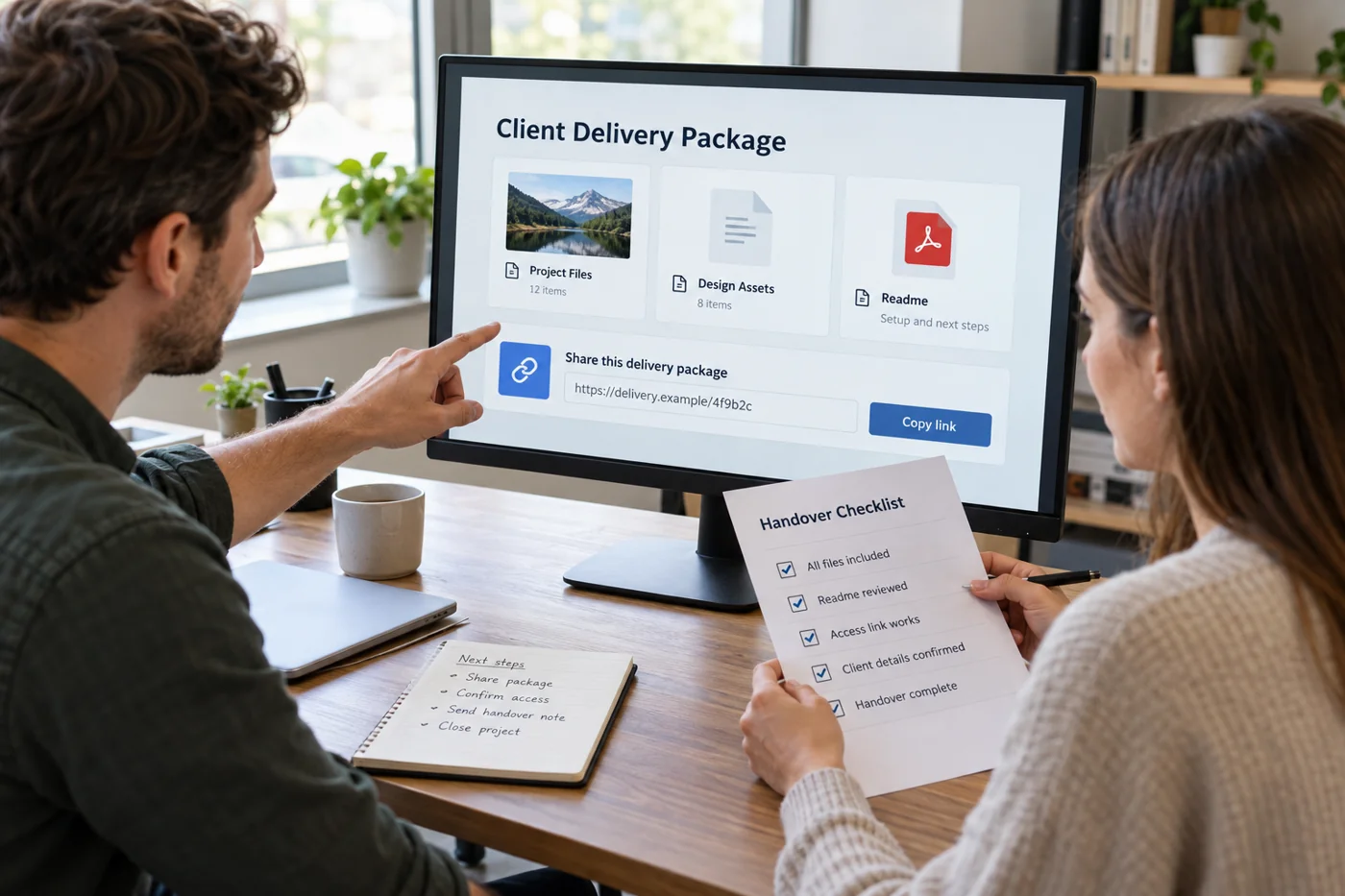
A share link may work for you because you own the file. Check the intended permissions and, where possible, an appropriate recipient view. Does the person need to read, download or edit? The permission should match the agreed purpose.
If access expires, state the date and a contact route for problems. Do not casually include credentials in the same openly shared document. Use the agreed delivery route for them. For large packages, a size indication also makes a failed download easier to recognize.
A package with two purposes
For a presentation, the PDF might be intended for reading while the editable file supports later changes. Label both accordingly. If the editable version needs particular fonts or media, explain that requirement and check which components are actually supplied.
The handover message can state this distinction directly. The recipient then does not have to guess which file belongs in the next meeting and which is intended for later editing.
Write a concrete handover message
The message identifies the delivered version, link or attachment and first useful step. For example: “The package contains the approved pages and editable sources. Please open Start-here first, then check the contact page.” Include only details that are actually true.
Distinguish acknowledgement of receipt from approval of the content. A successful download does not mean everything has been reviewed. Agree which response is expected next and when outstanding points should be collected.
Keep the sent version clearly identified. If a correction follows, give it a new identifier and a short description of the change. This preserves the connection between each package and its message without making the client compare several similarly named archives.