Skip to content
LRML
Digital
Subjects
01
Office workflows
02
Files & collaboration
03
Website operations
04
Email & domains
05
Customer communication
06
Software & migration
Home
DE
EN
NOTES ON DIGITAL WORK
All articles ↗
All articles
Subject or keyword
Work area
Every area
Office workflows
Files & collaboration
Website operations
Email & domains
Customer communication
Software & migration
Reset
128 articles
Office workflows
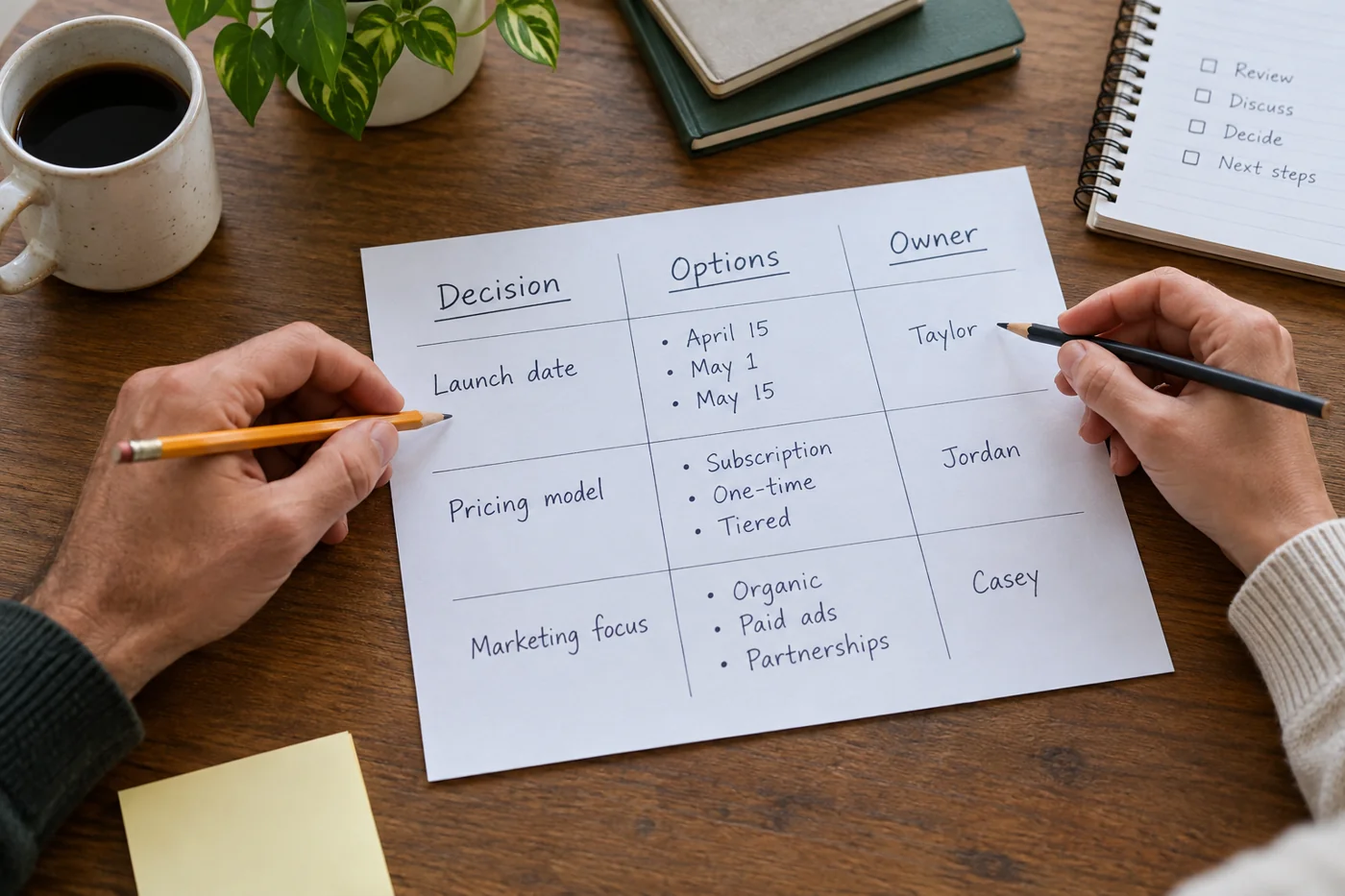
Record decisions and actions after a meeting
Read article →
Office workflows
Build a meeting agenda around decisions
Read article →
Office workflows
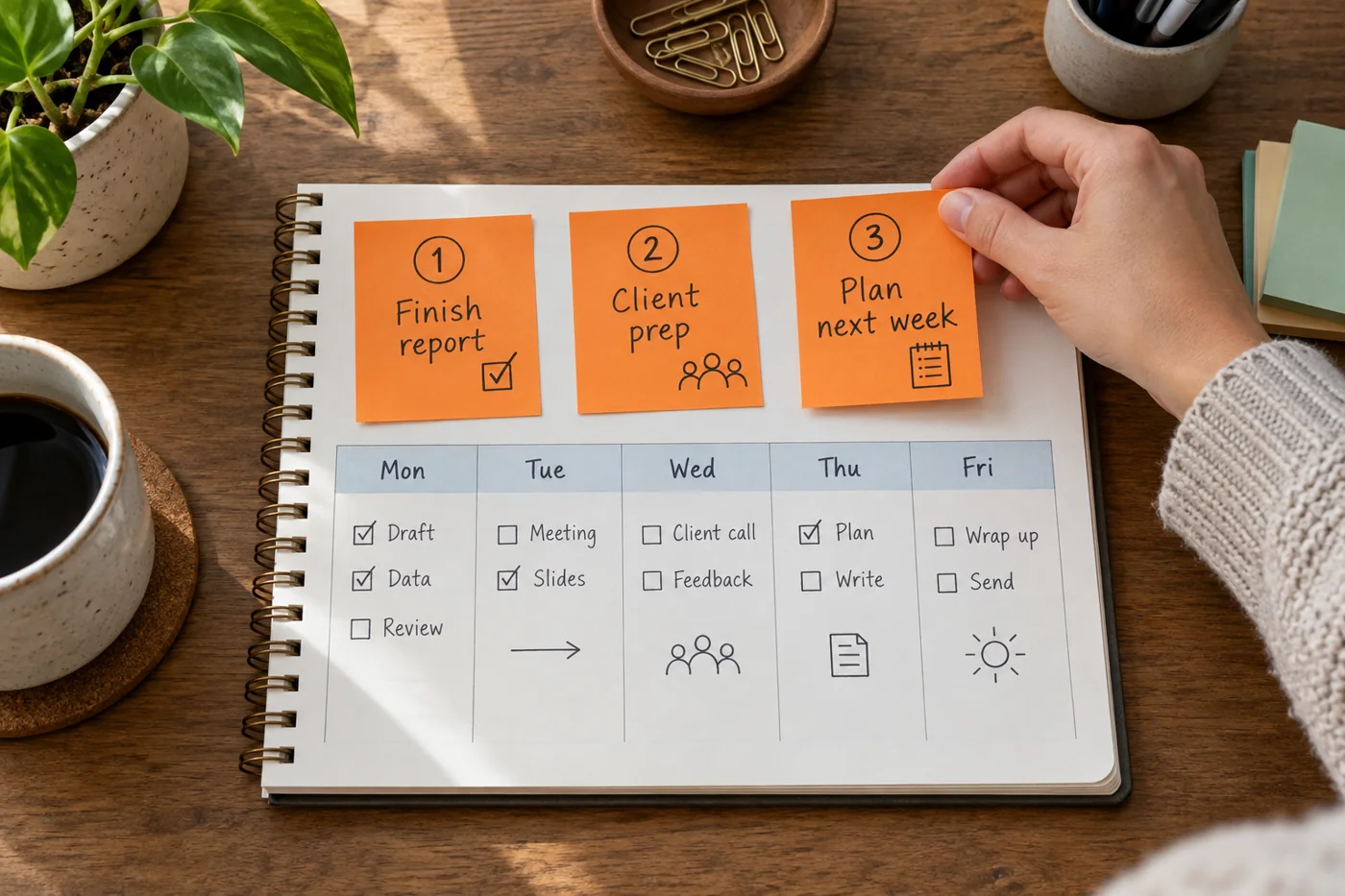
Build a weekly plan around three clear priorities
Read article →
Office workflows
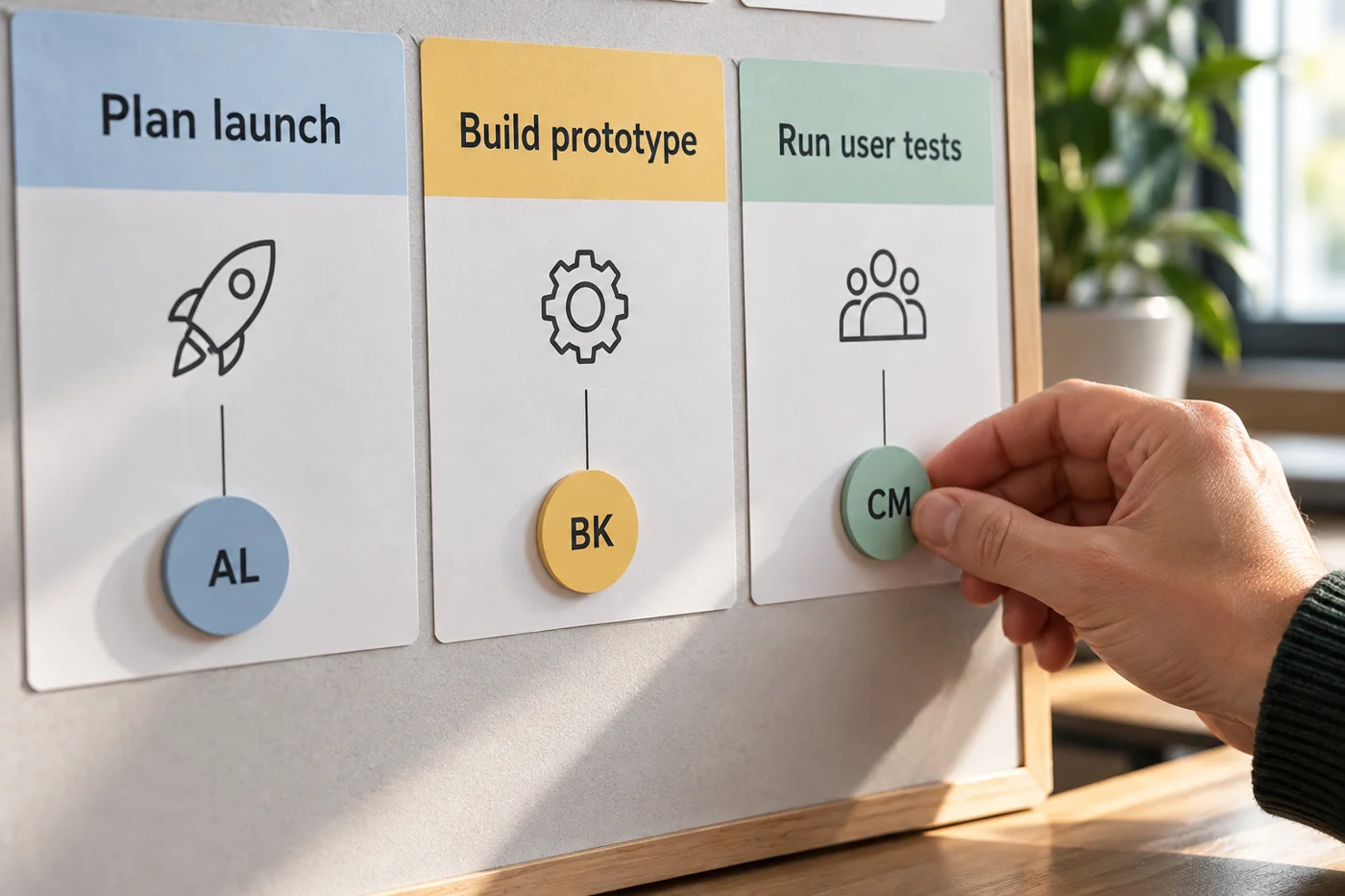
Assign one accountable owner to each task
Read article →
Office workflows
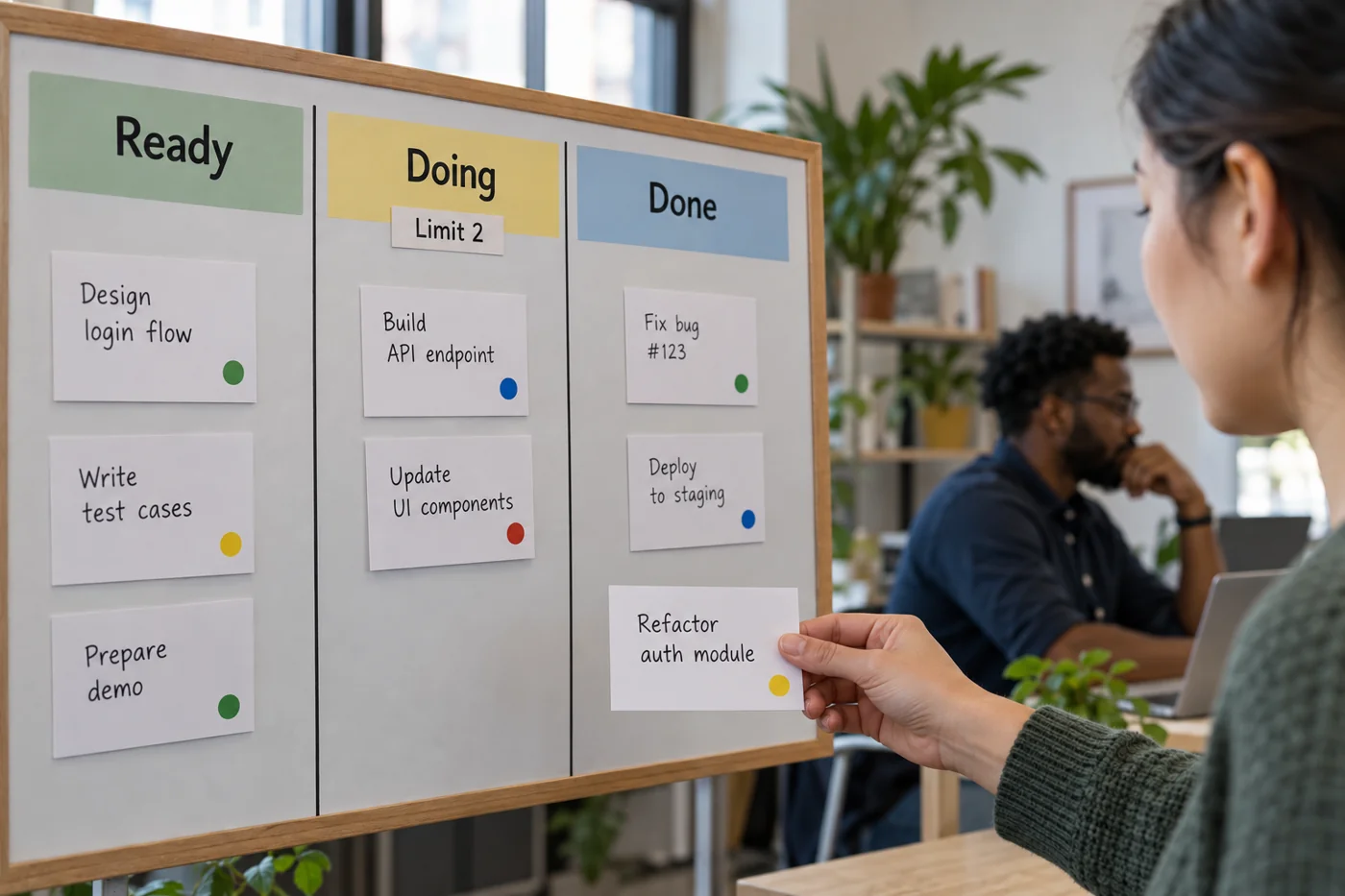
Define task statuses the whole team understands
Read article →
Office workflows
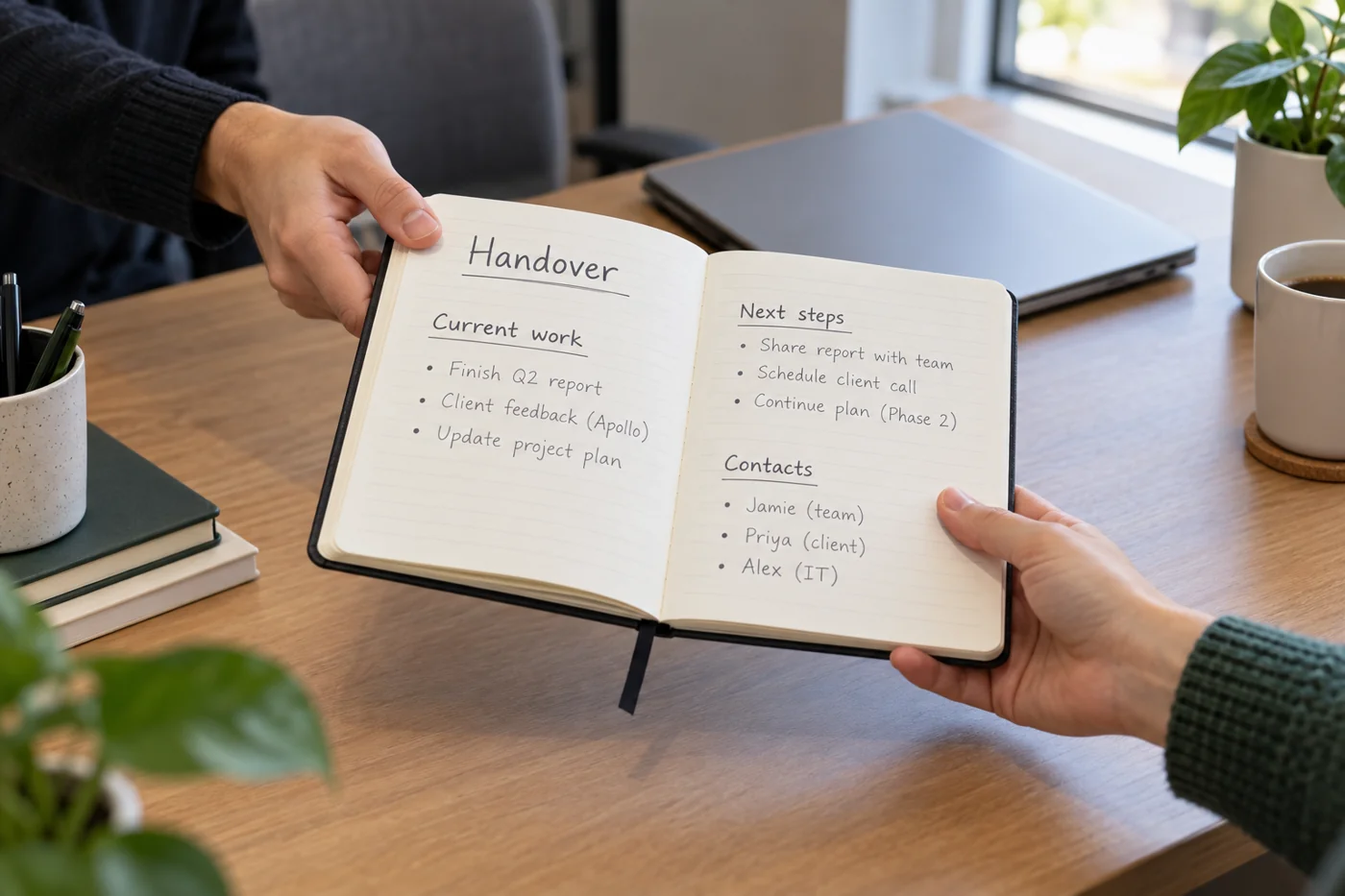
Prepare cover with concise handover notes
Read article →
Office workflows
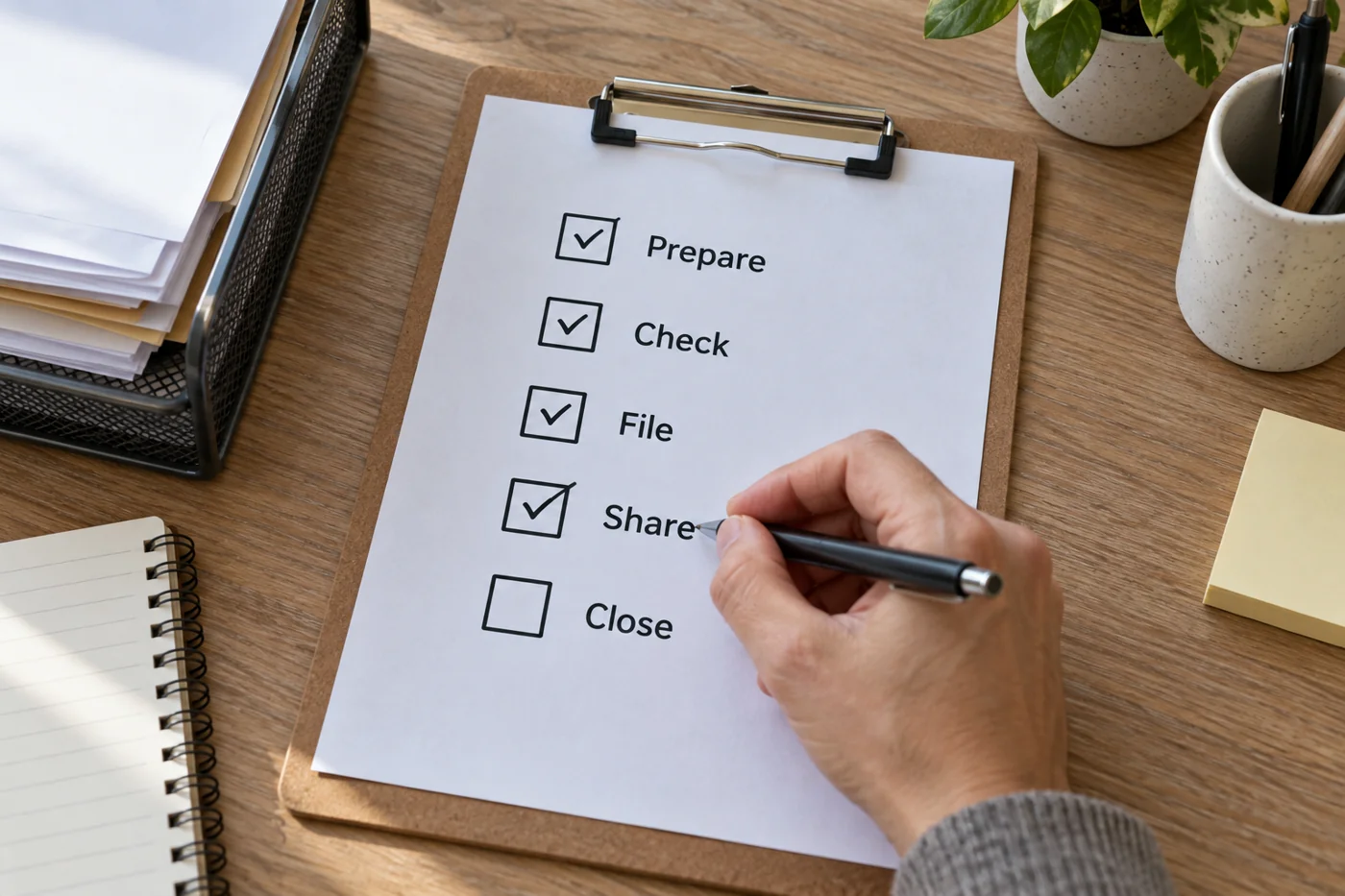
Document recurring office work as a checklist
Read article →
Office workflows
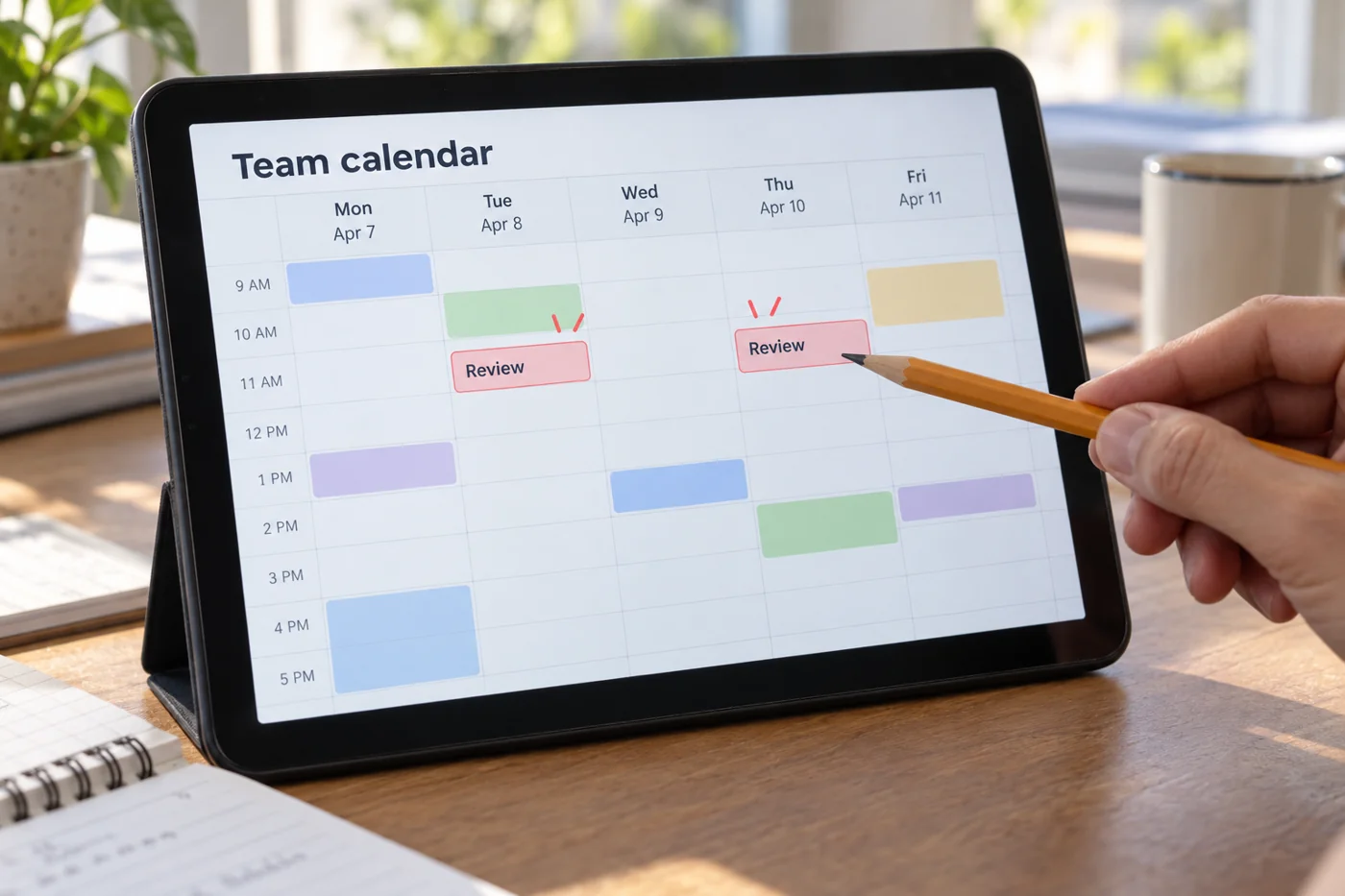
Maintain a shared calendar without duplicate events
Read article →
Office workflows
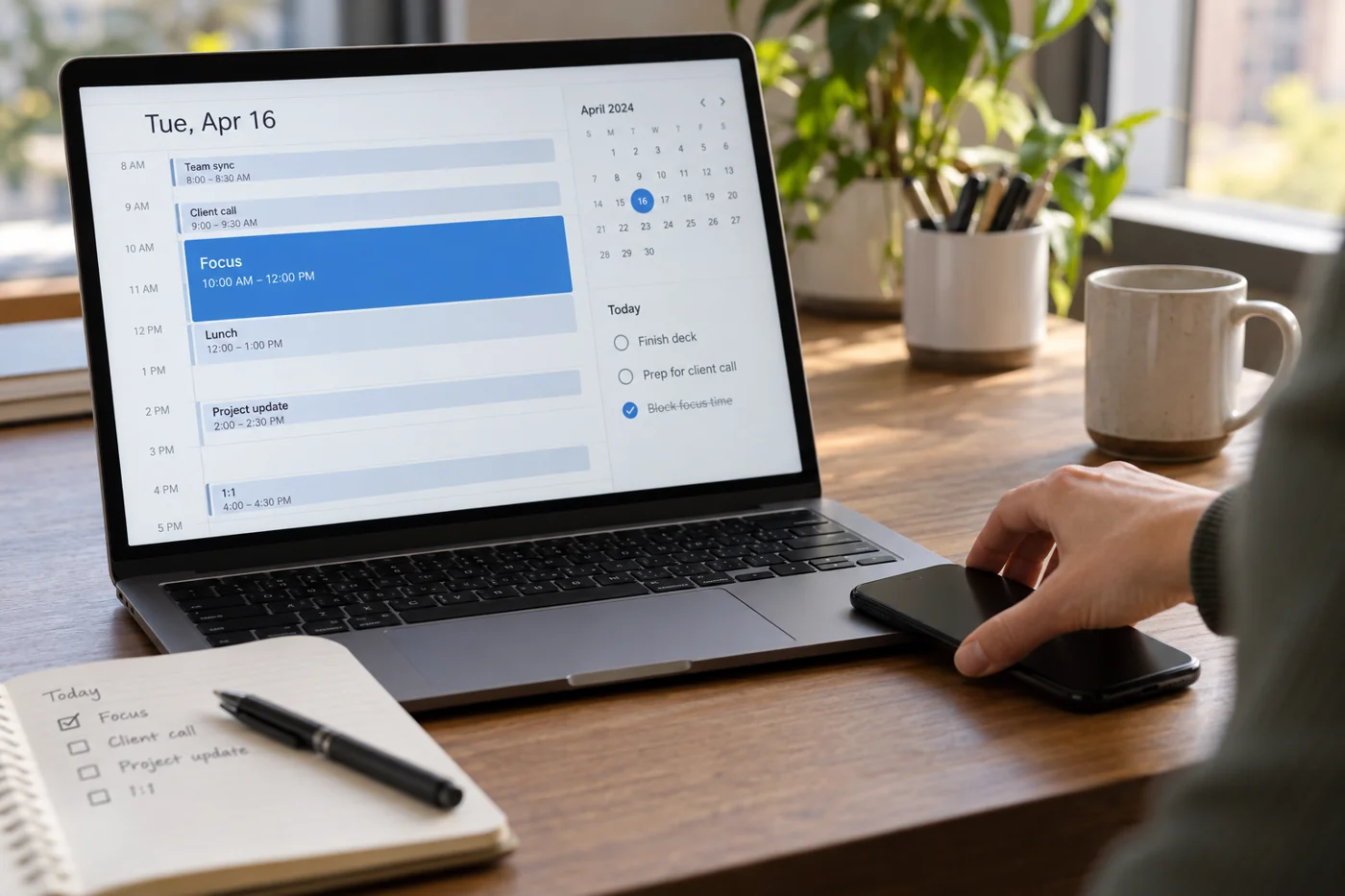
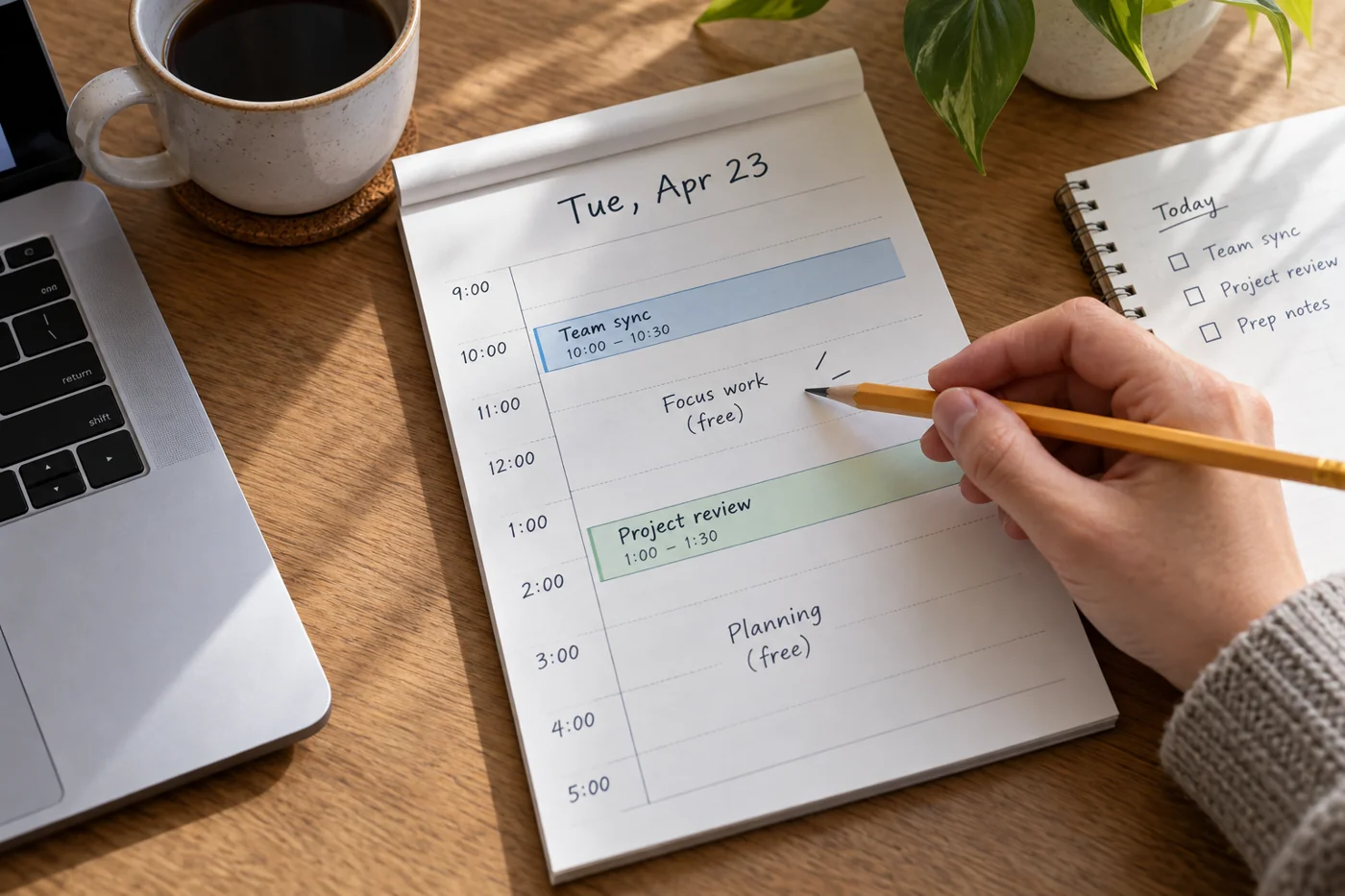
Plan focused working time in the calendar
Read article →
Office workflows
Leave realistic buffers between appointments
Read article →
Office workflows
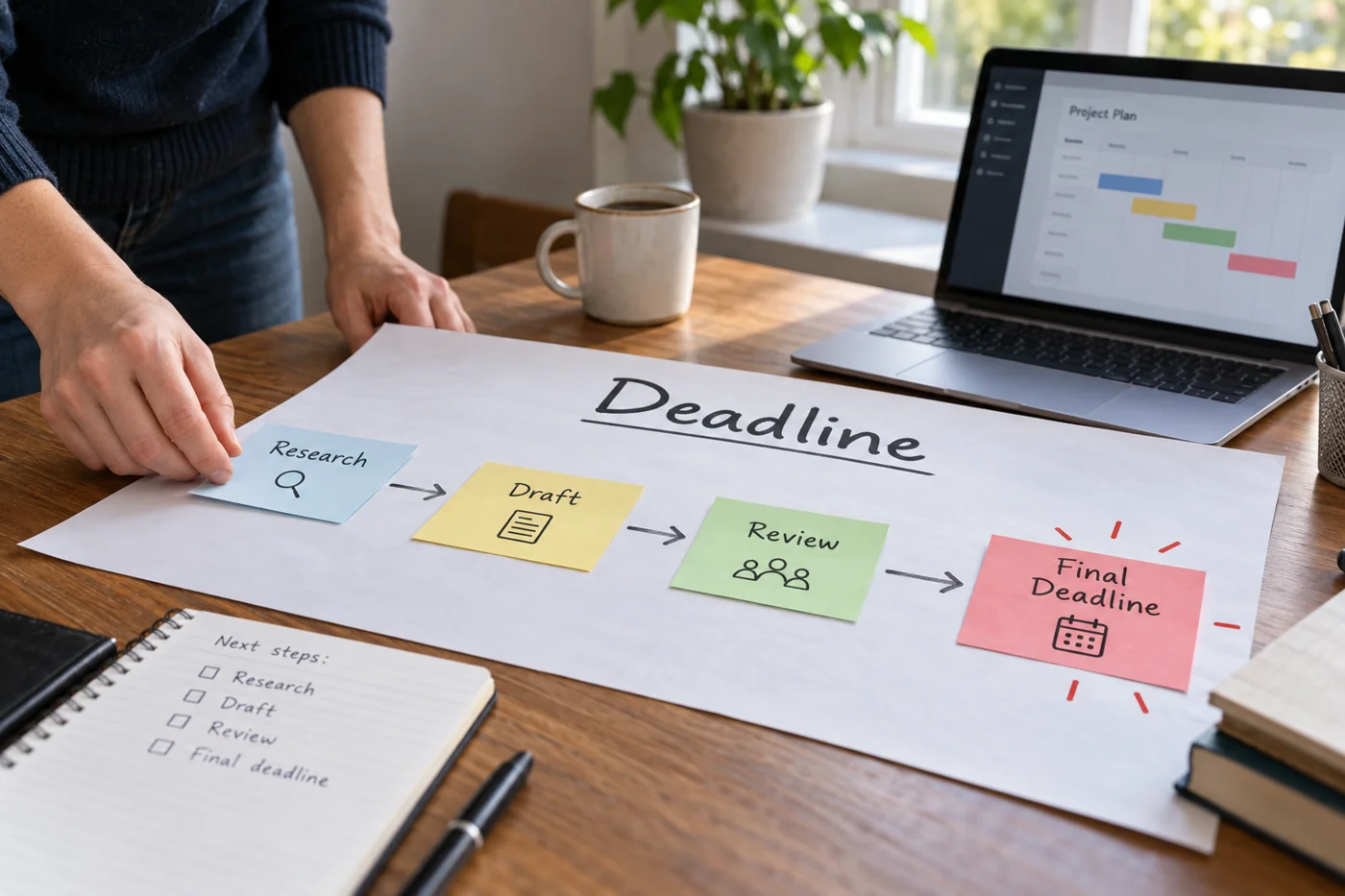
Work backwards from a deadline to plan steps
Read article →
Office workflows
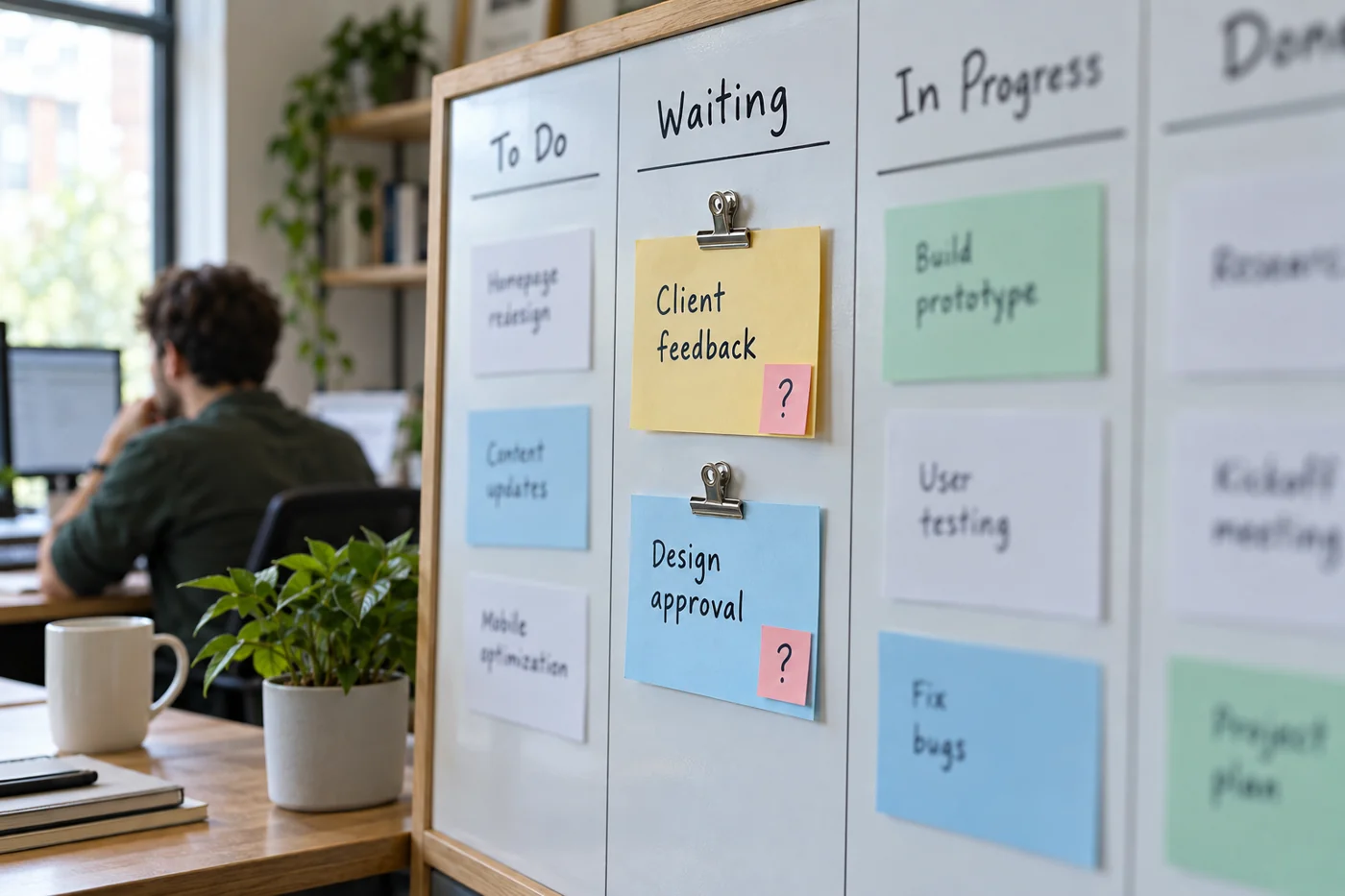
Keep tasks waiting for input visible
Read article →
Office workflows
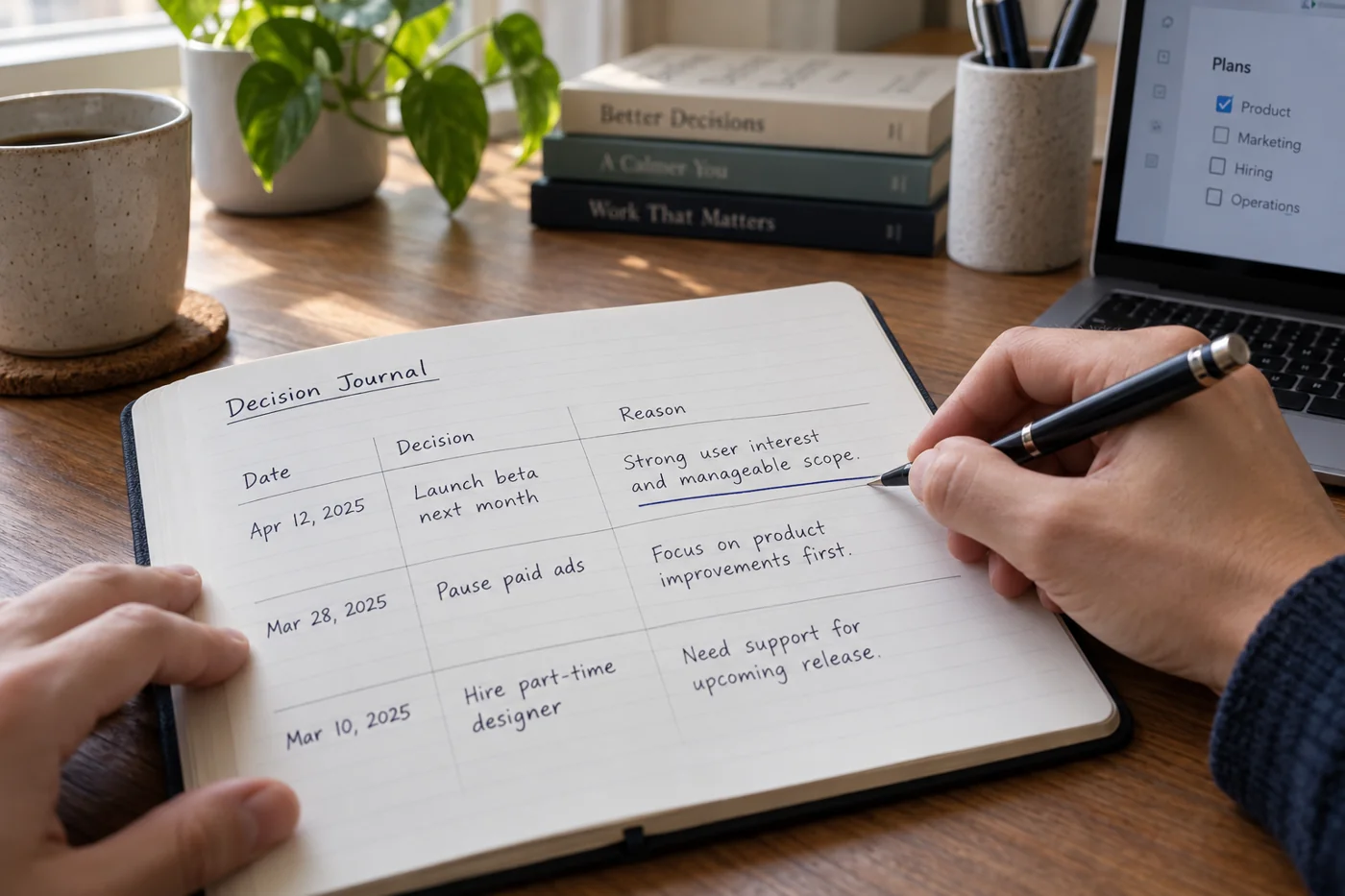
Keep a decision record with its reasoning
Read article →
Office workflows
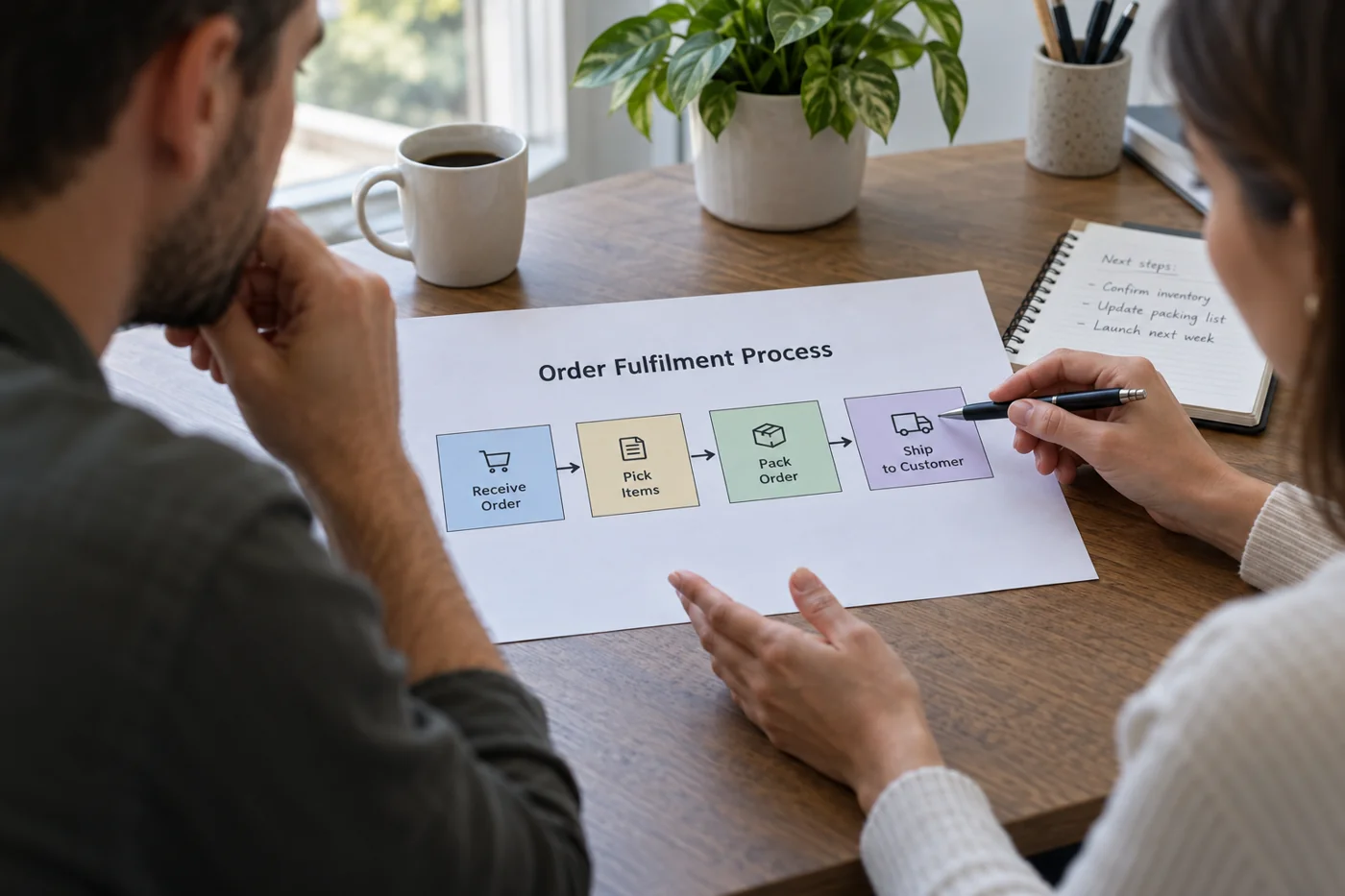
Describe an office process clearly on one page
Read article →
Office workflows
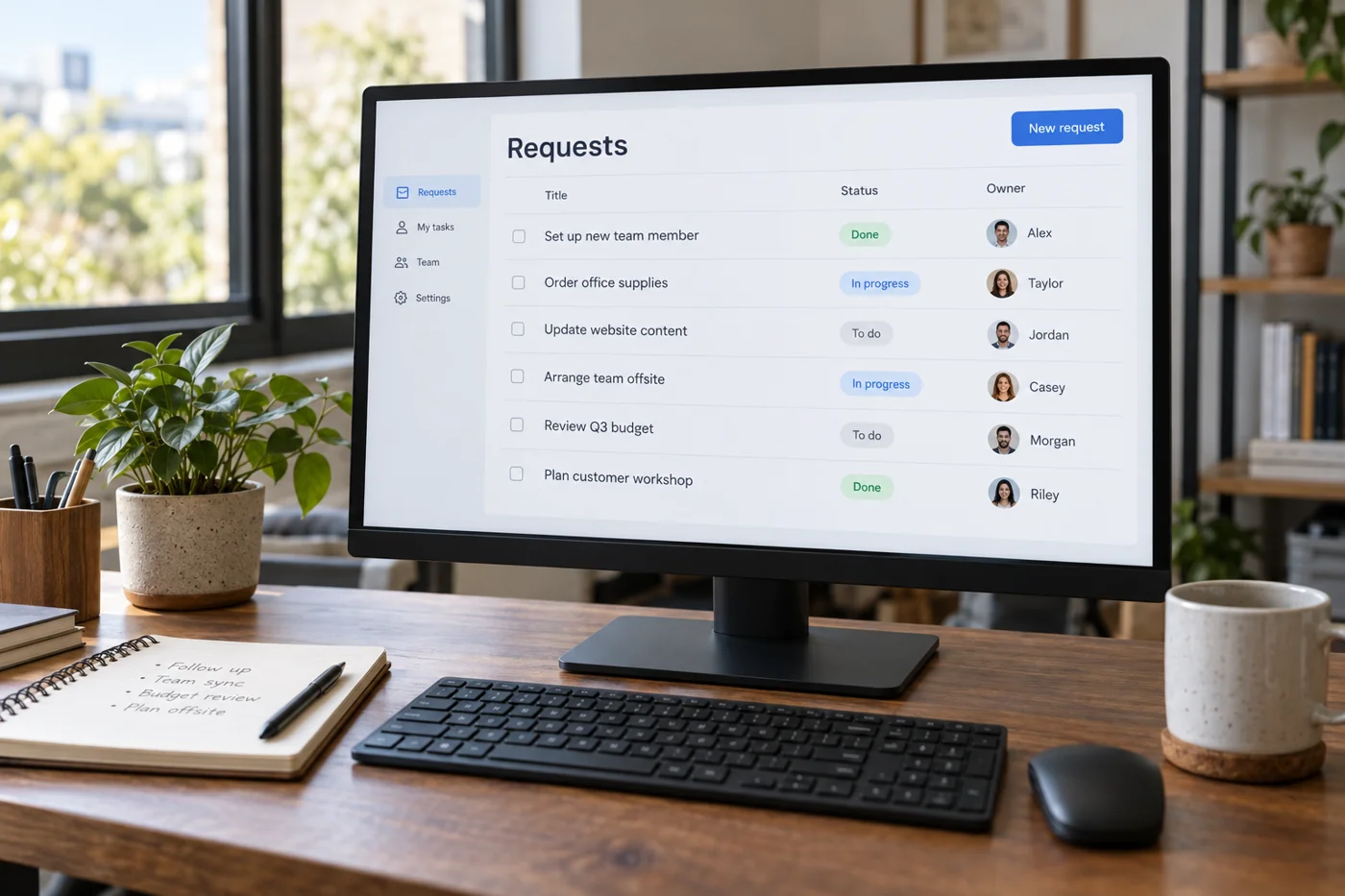
Collect internal work requests in one place
Read article →
Office workflows
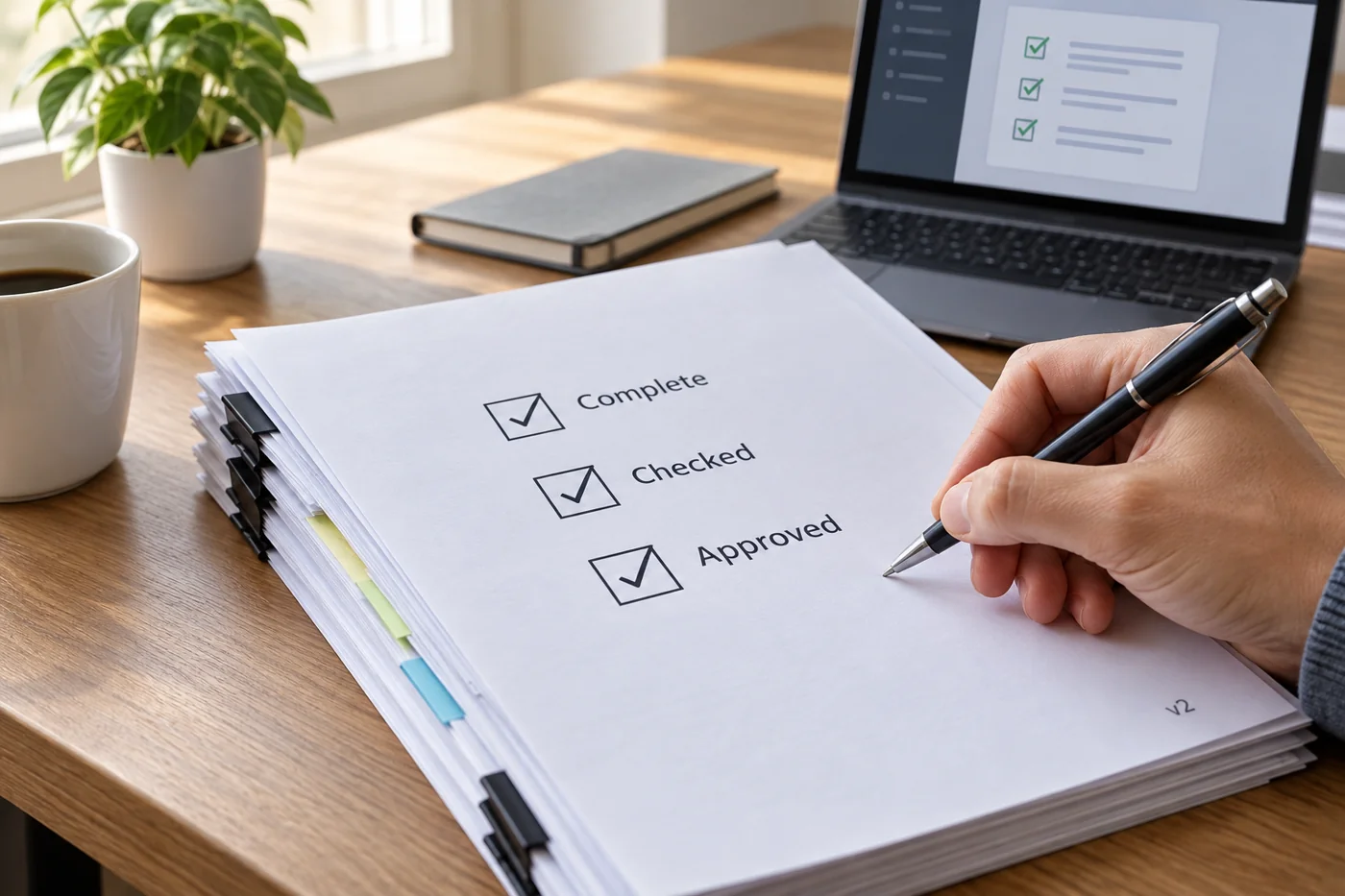
Organize an internal approval around clear checks
Read article →
Office workflows
Decide whether a short note can replace a meeting
Read article →
Office workflows
Make a small team's workload visible
Read article →
Office workflows
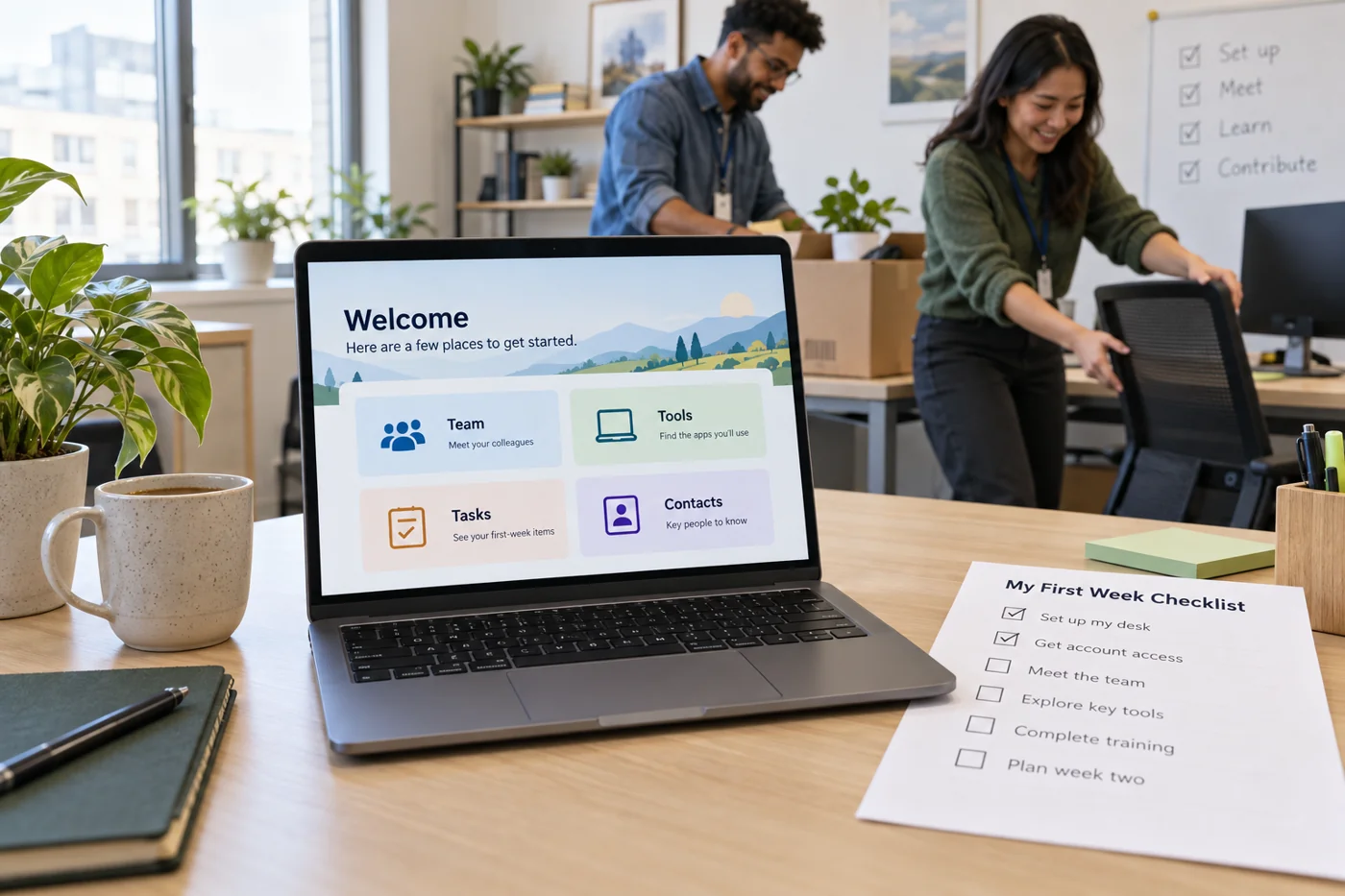
Prepare a new colleague's first week with digital materials
Read article →
Office workflows
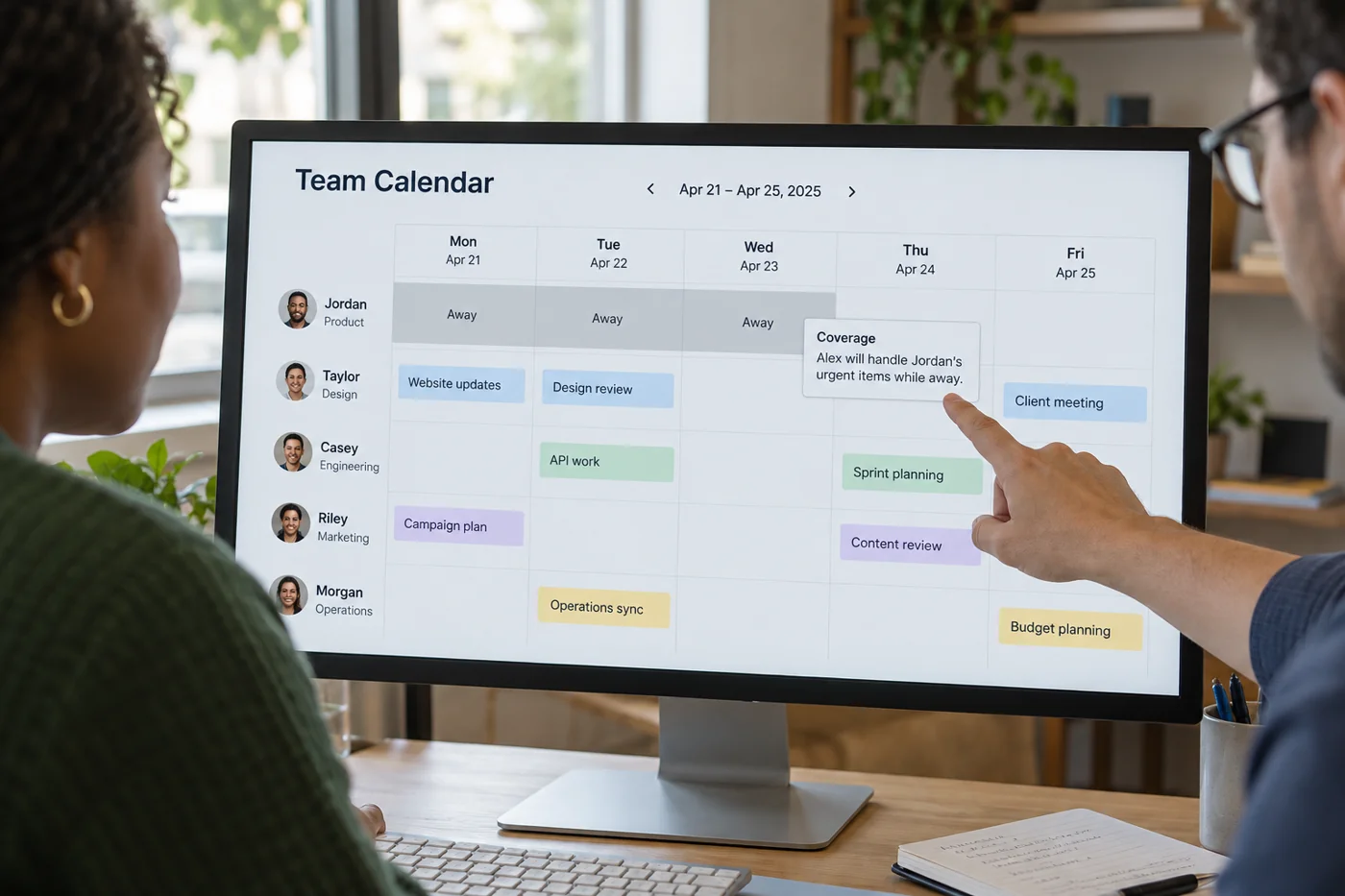
Mark absences clearly in the team calendar
Read article →
Office workflows
Limit the number of tasks started at once
Read article →
Office workflows
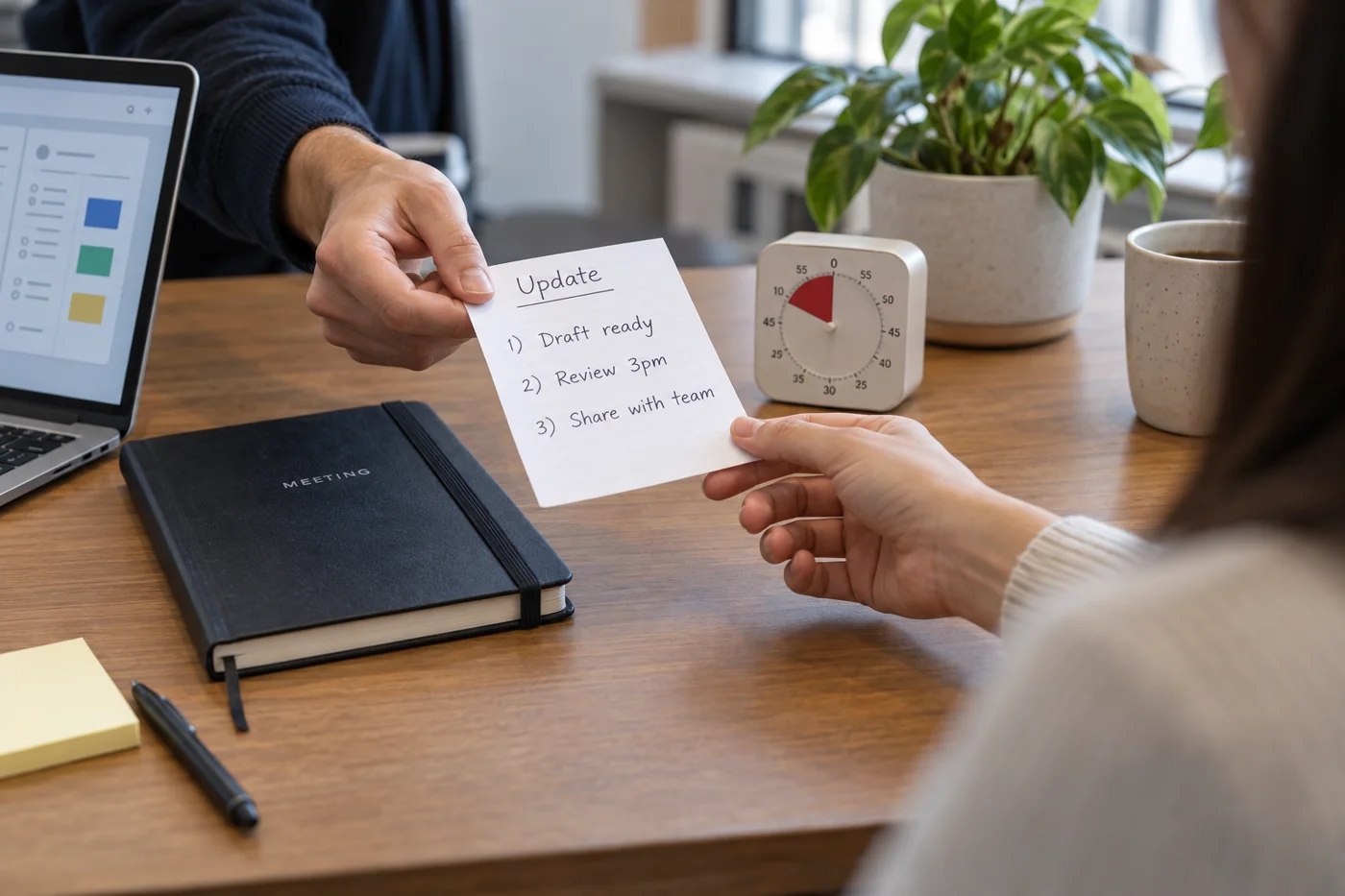
Close the working day with a short handover to tomorrow
Read article →
Office workflows
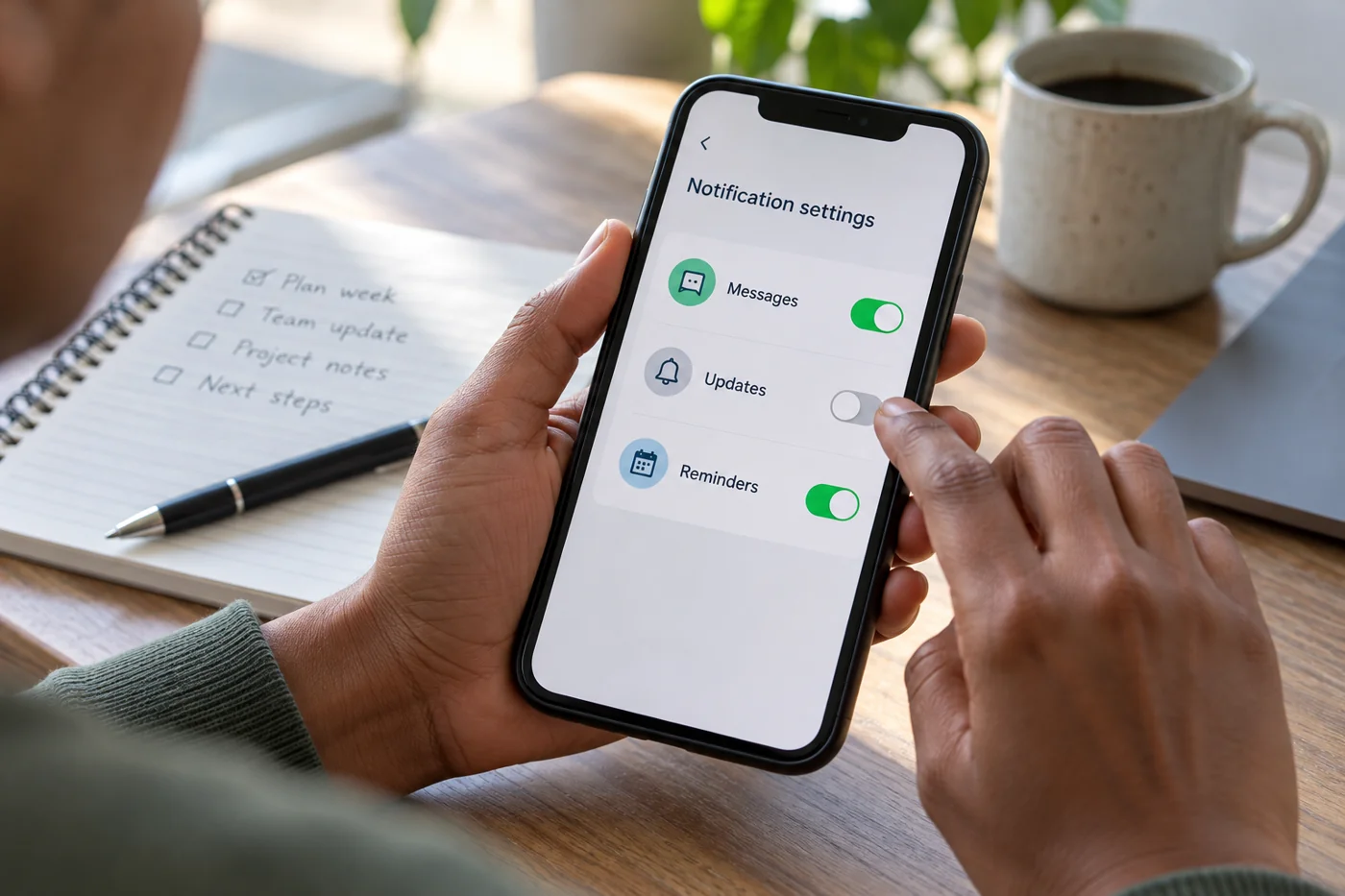
Organize notifications around working needs
Read article →
Office workflows
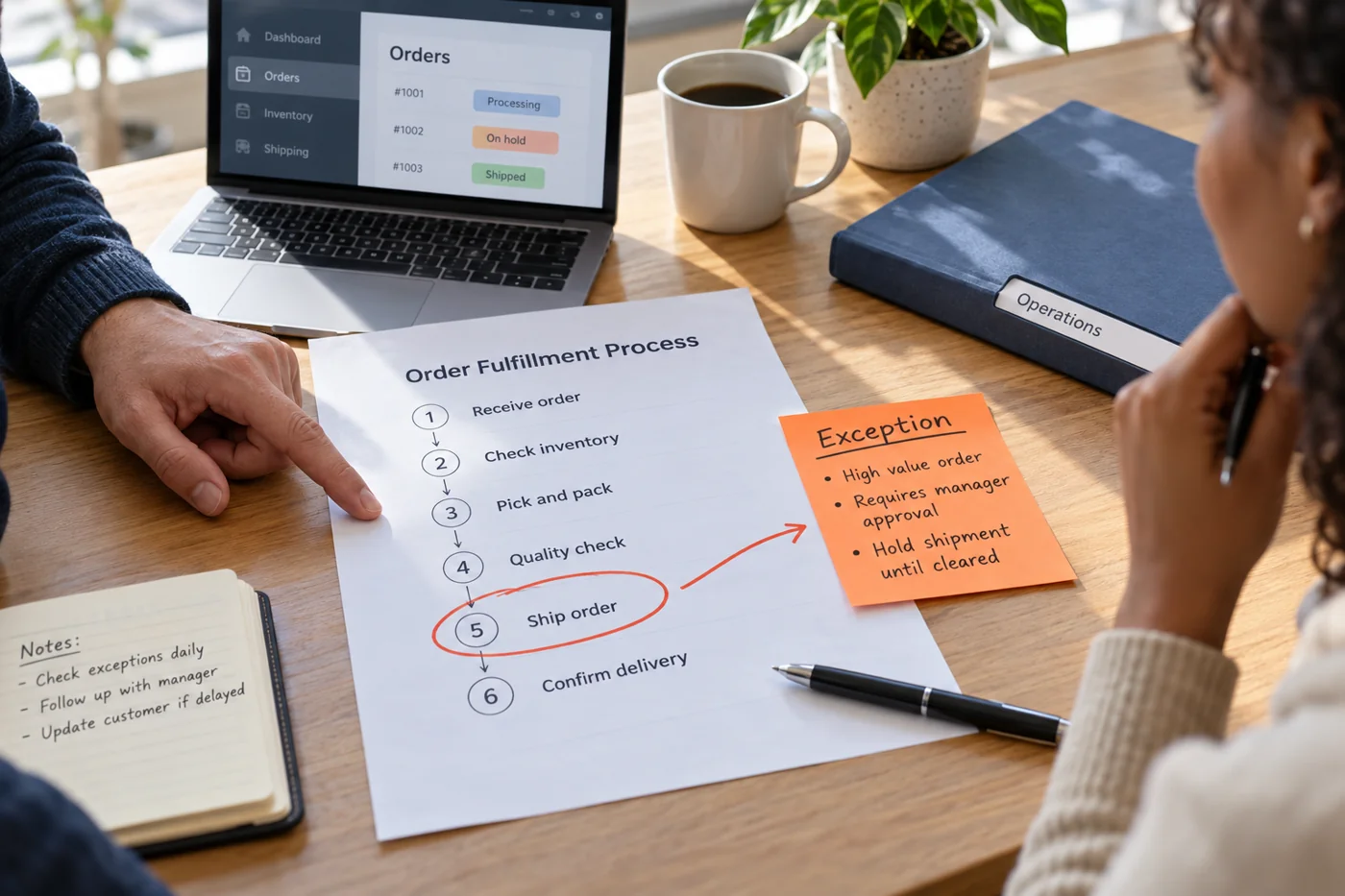
Record exceptions to a standard process
Read article →
Office workflows
Turn a retrospective into a few actionable changes
Read article →
Office workflows
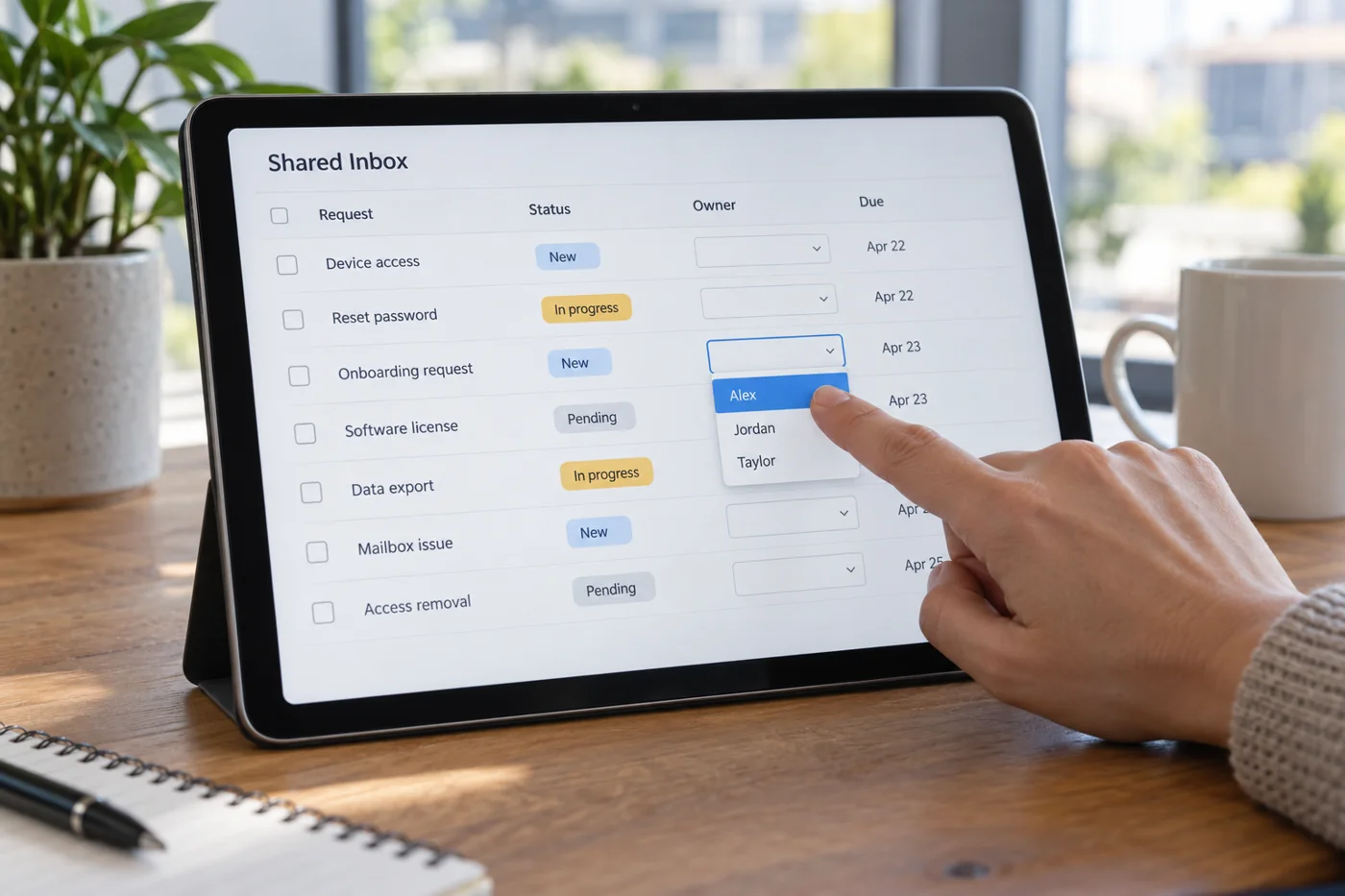
Allocate tasks from a shared internal inbox
Read article →
Files & collaboration
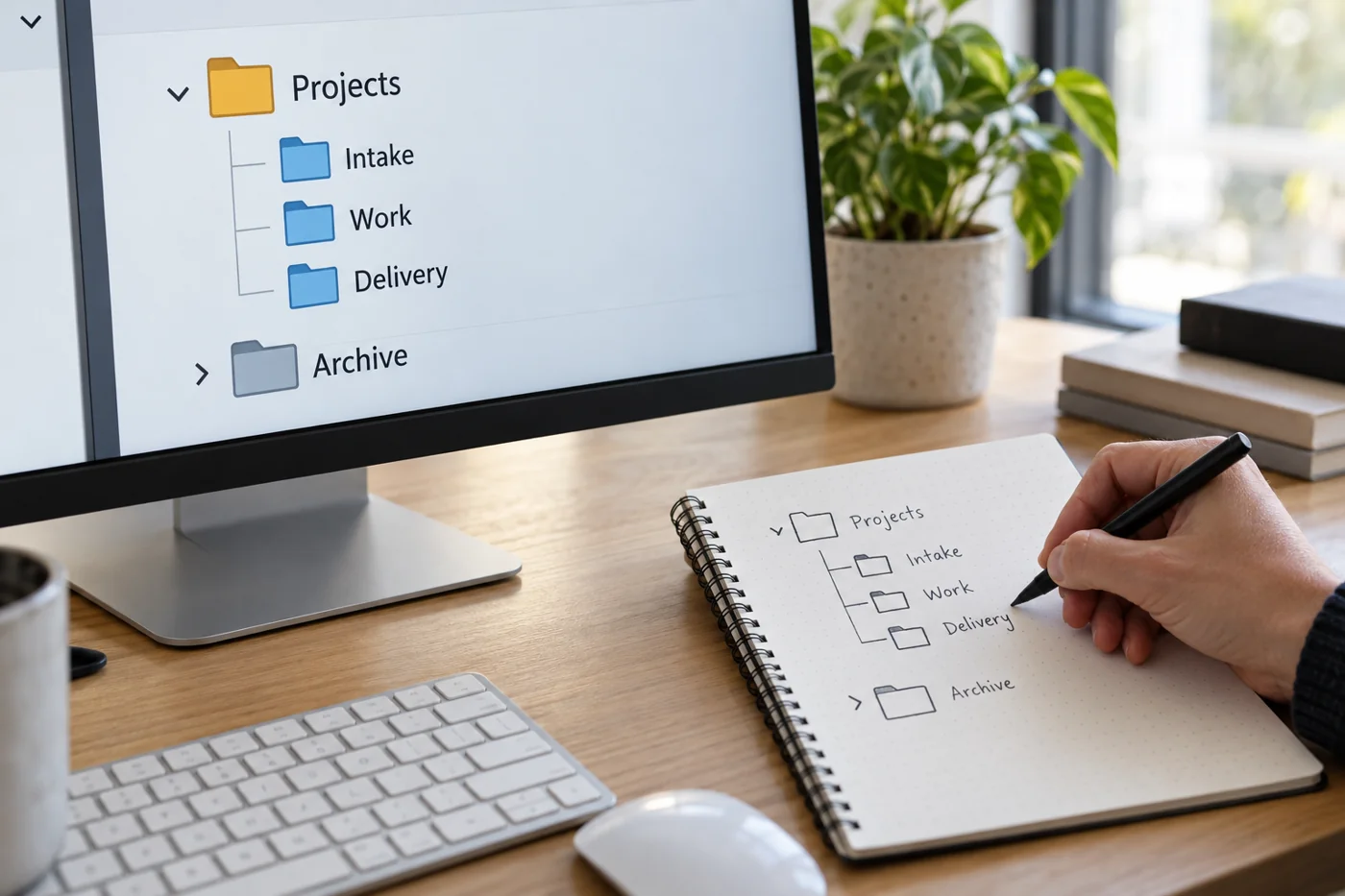
Build a folder structure around working processes
Read article →
Files & collaboration
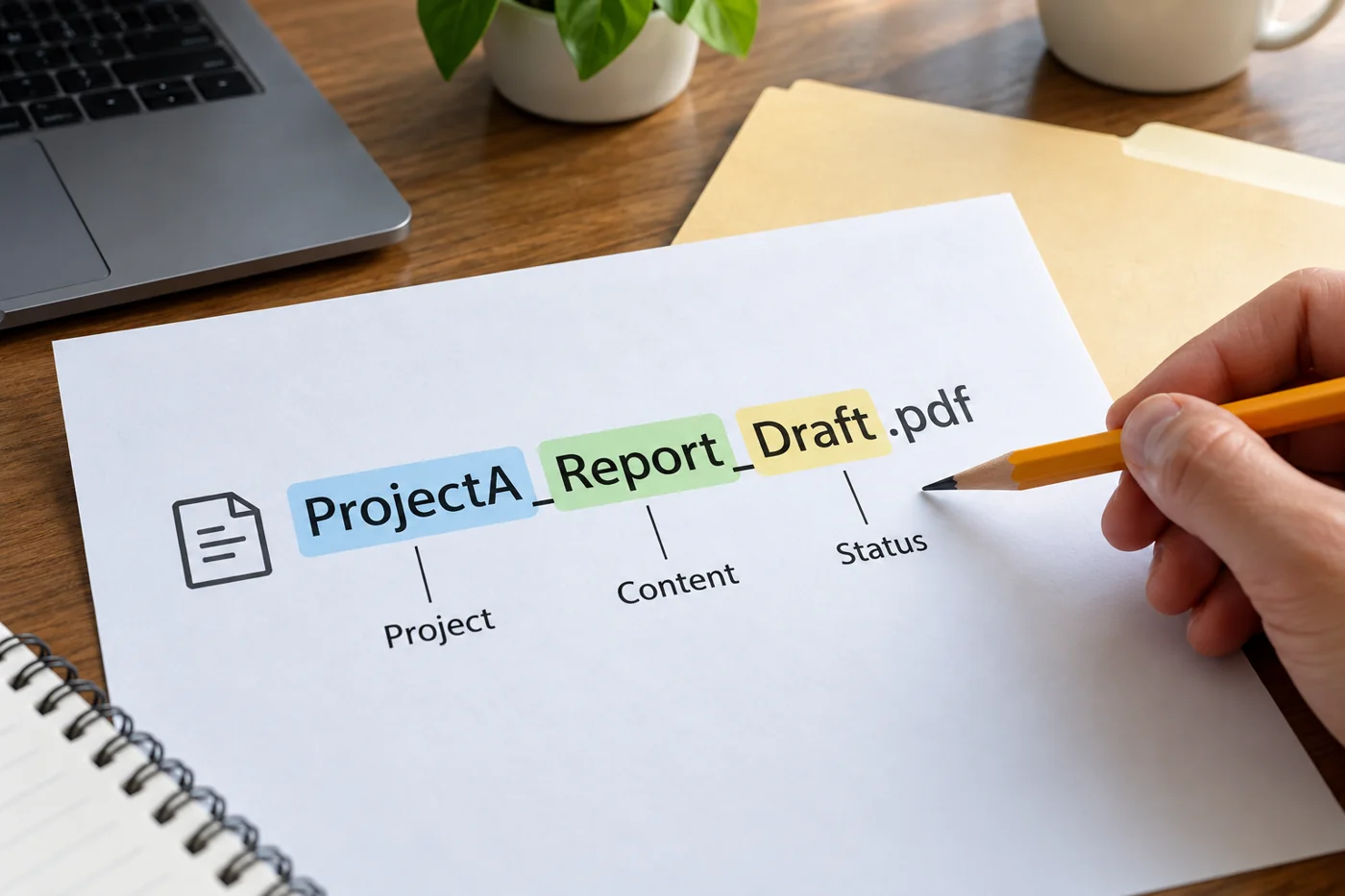
Agree file names using project, content and status
Read article →
Files & collaboration
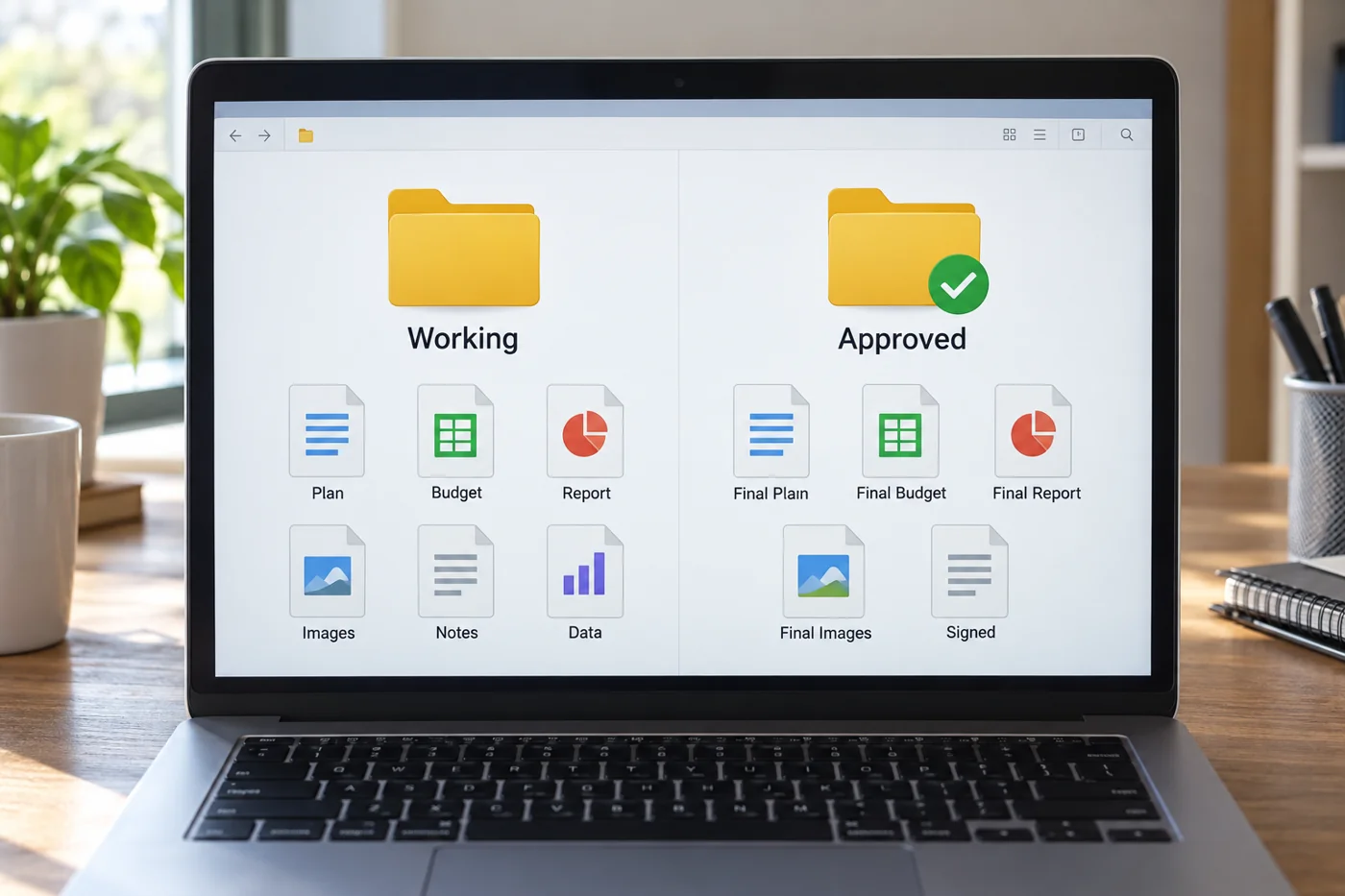
Distinguish working files from approved versions
Read article →
Files & collaboration
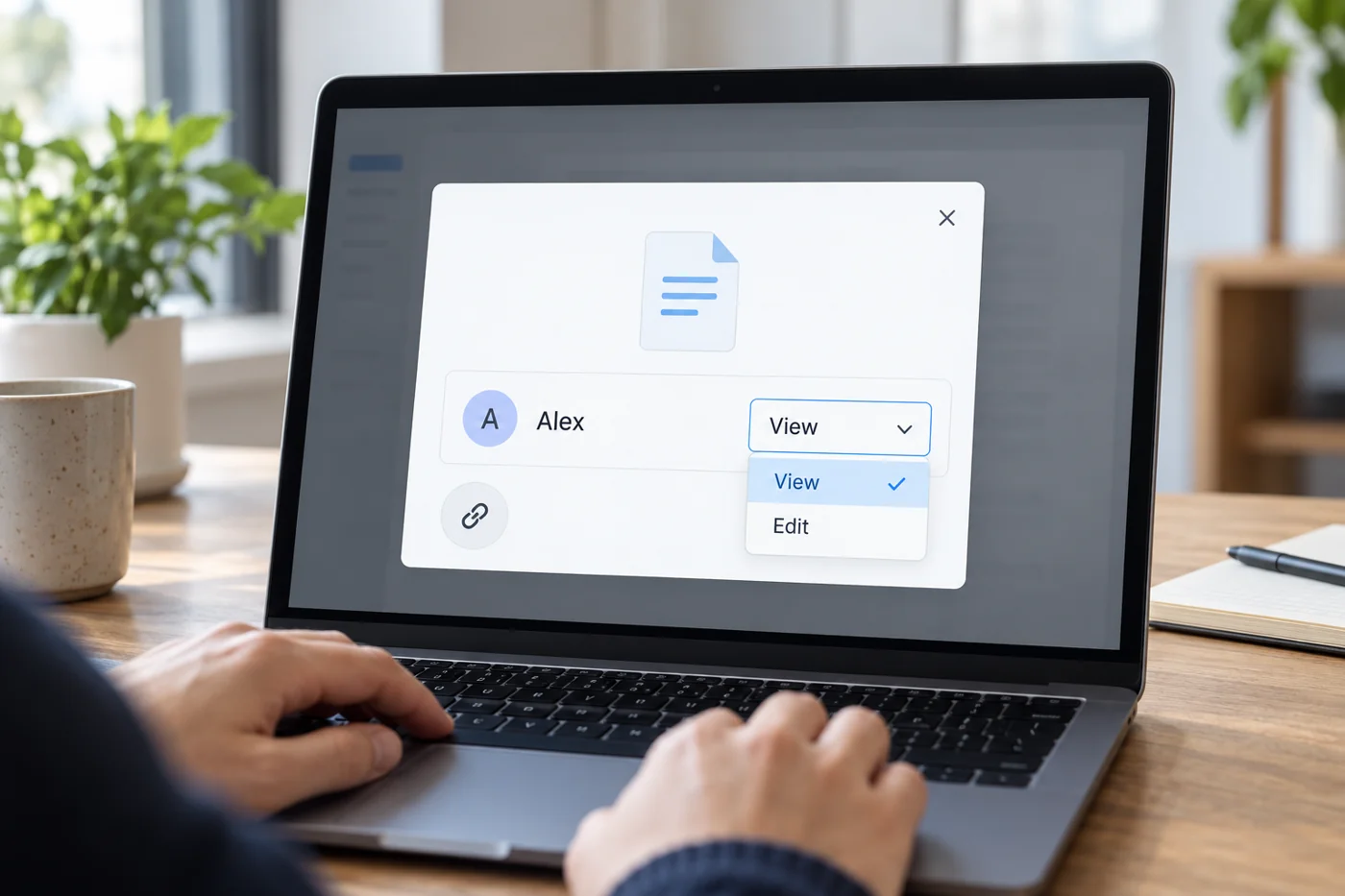
Share a file link with suitable access
Read article →
Files & collaboration
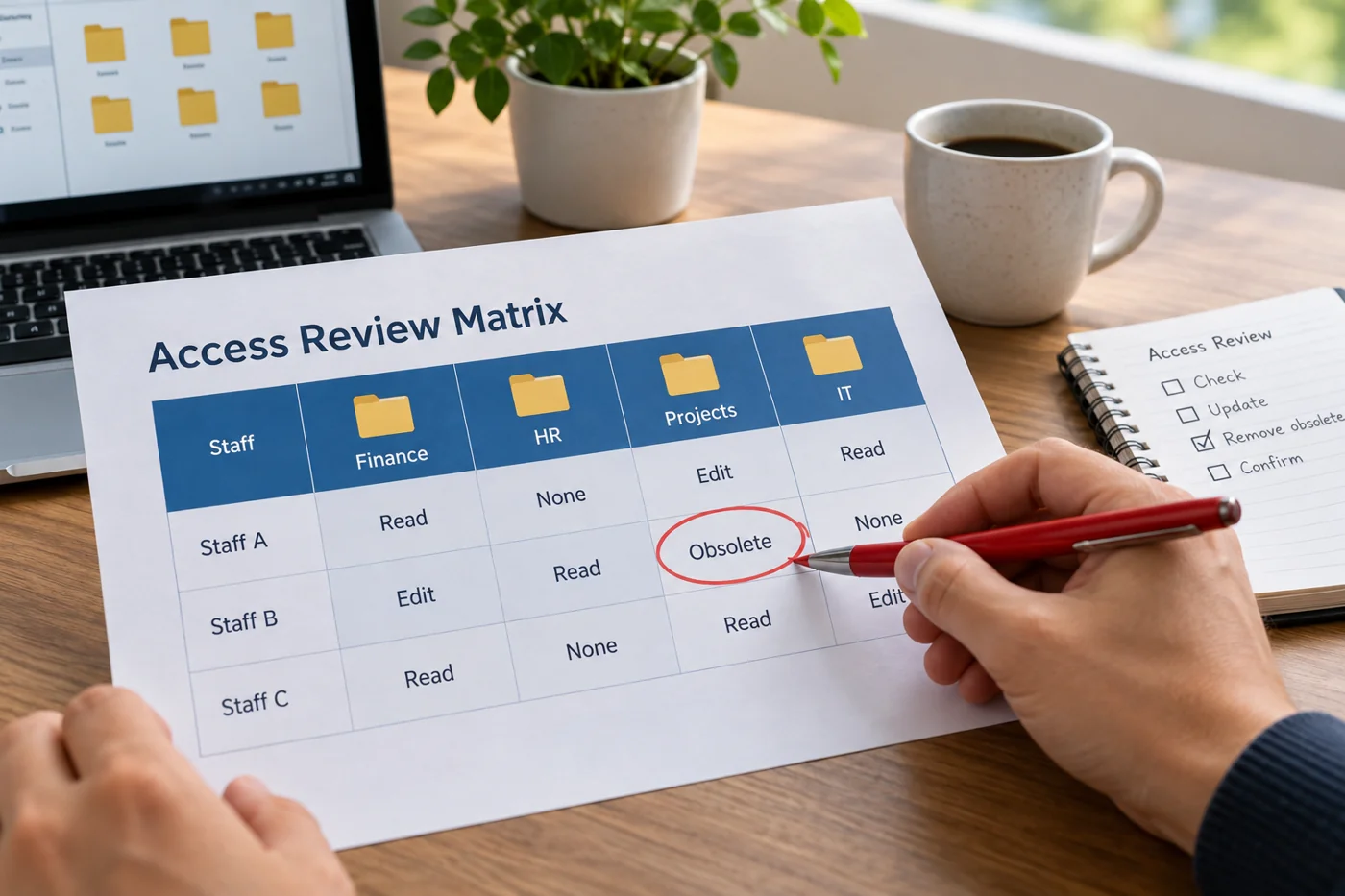
Review who still needs access to shared folders
Read article →
Files & collaboration
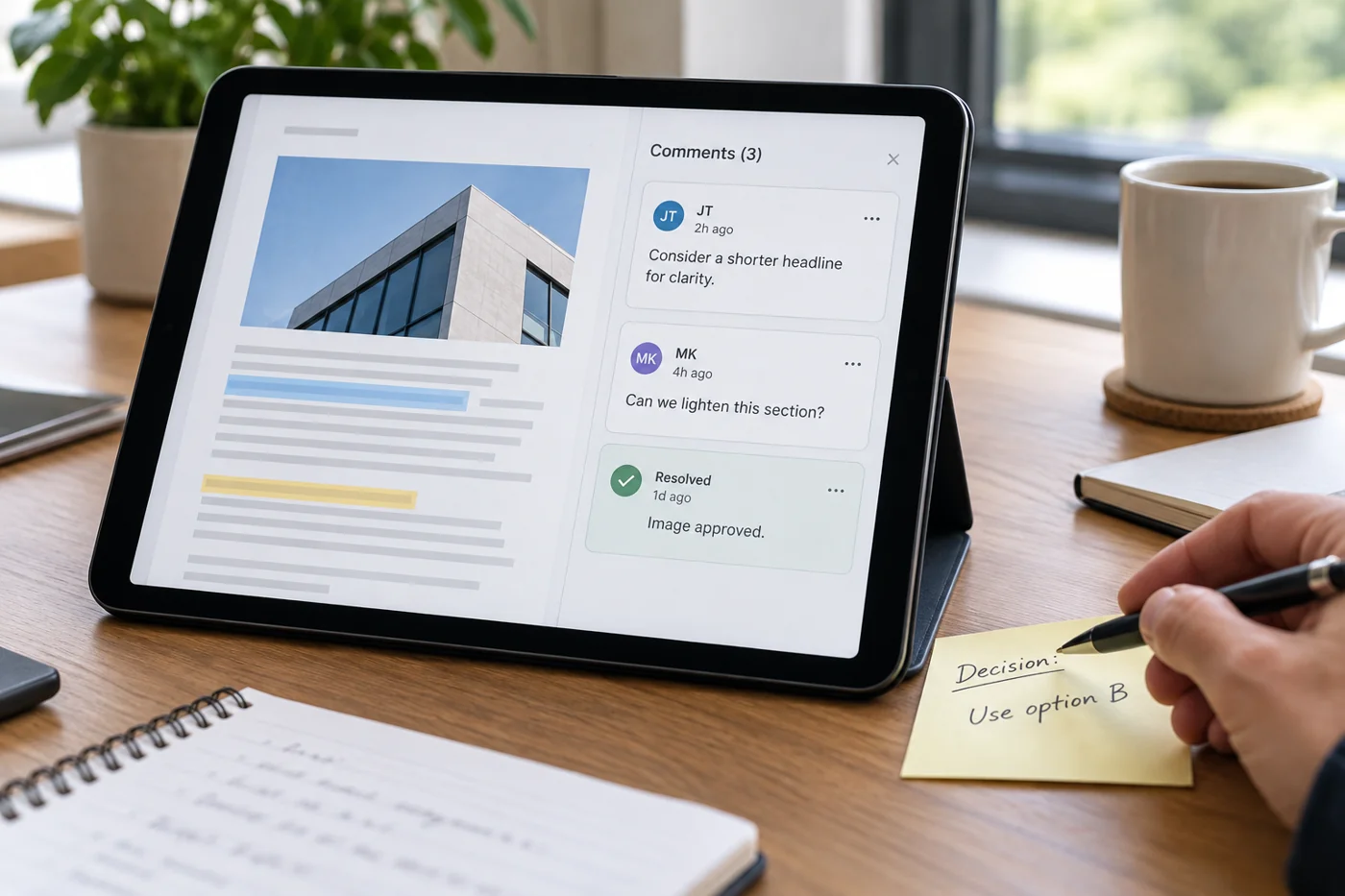
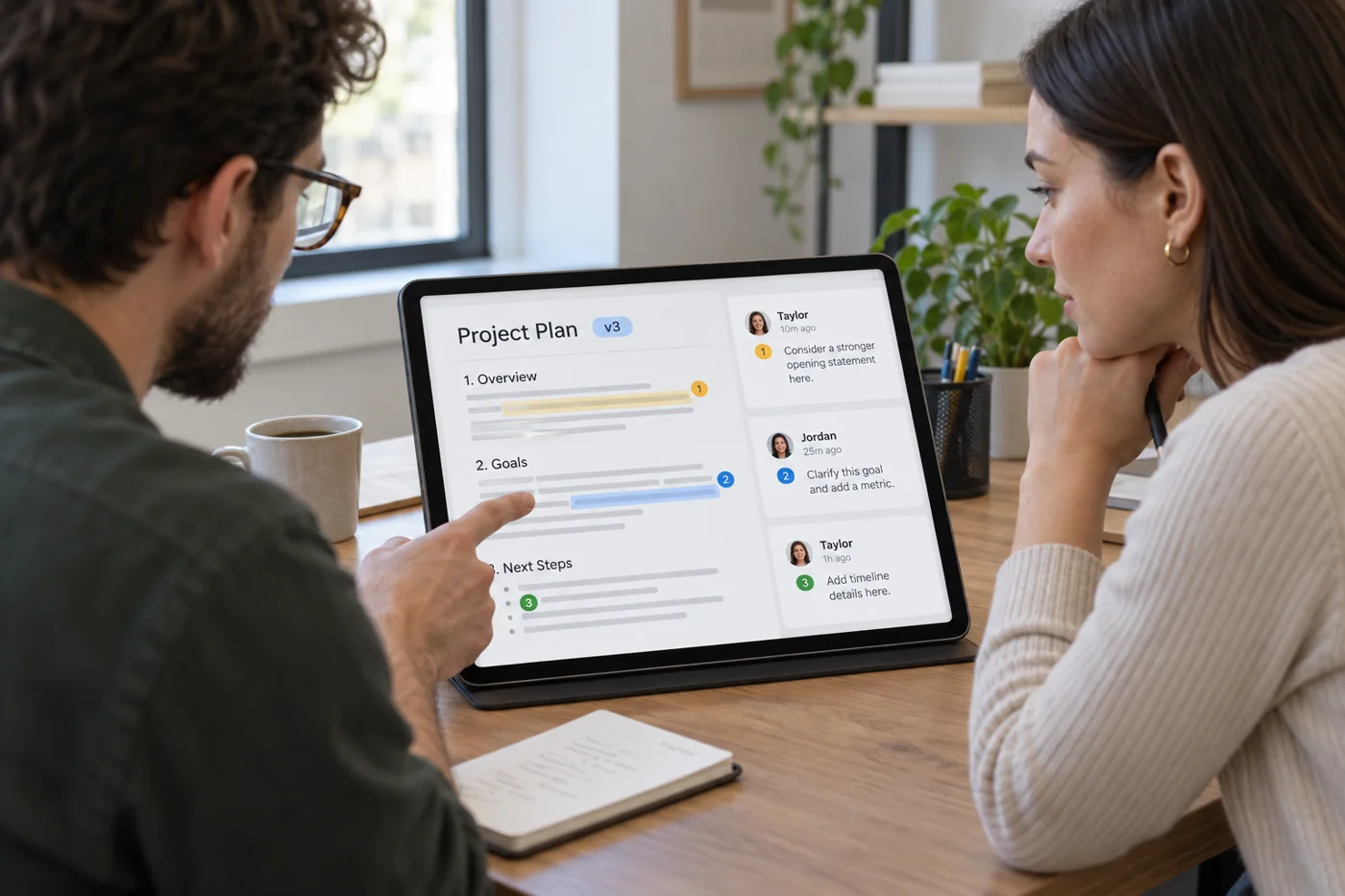
Turn document comments into decisions
Read article →
Files & collaboration
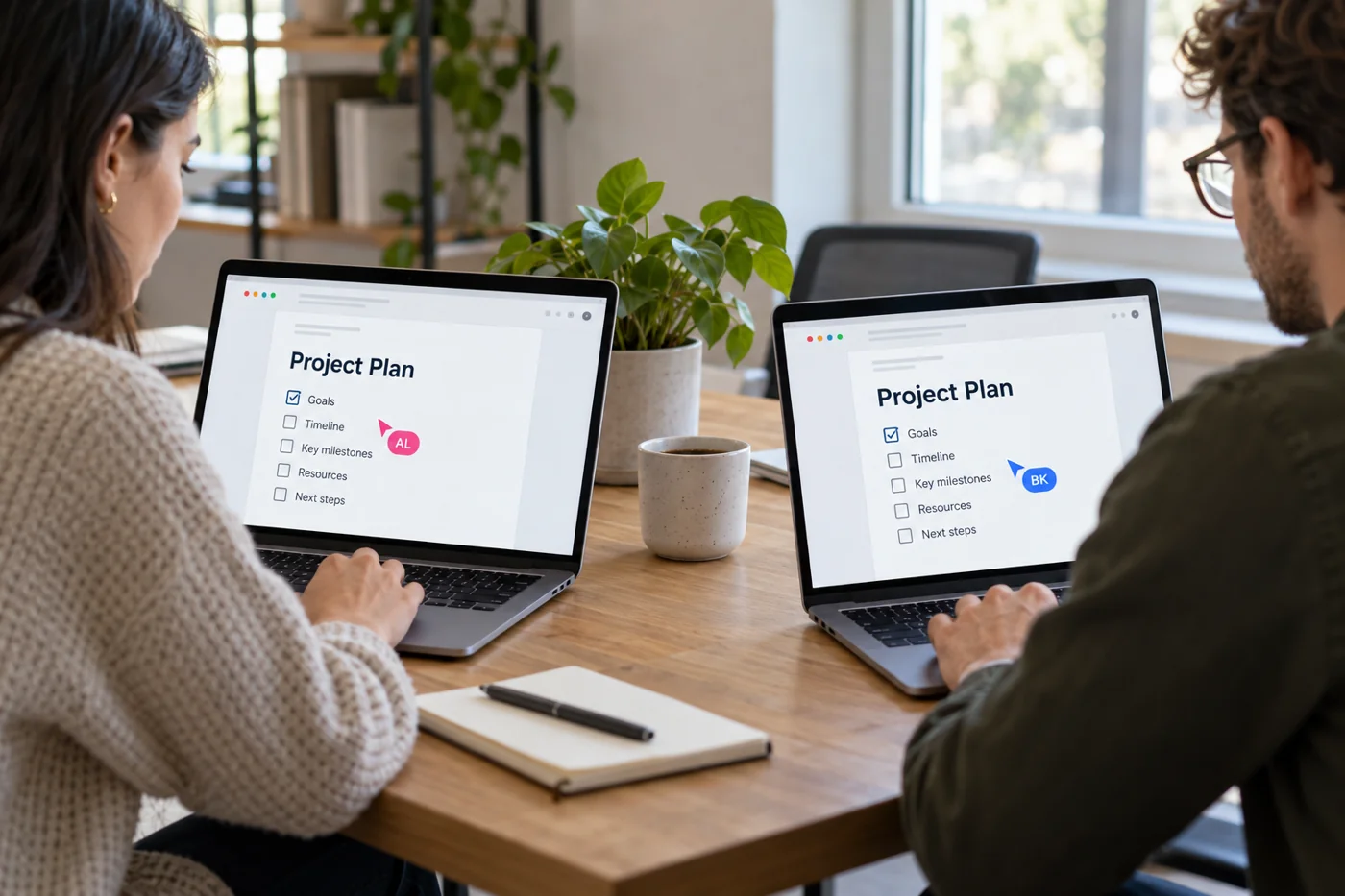
Coordinate simultaneous document editing
Read article →
Files & collaboration
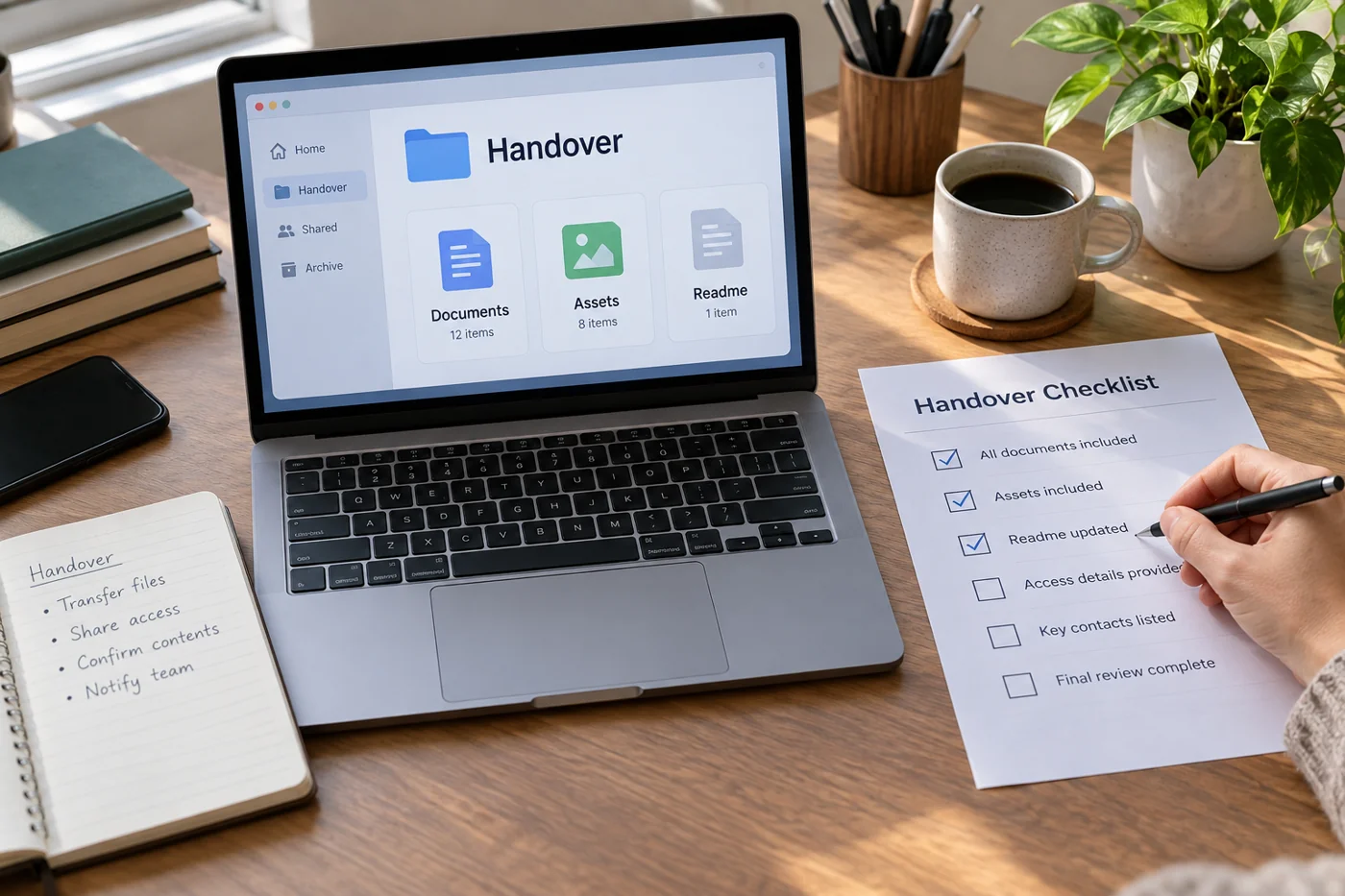
Prepare a file package for an internal handover
Read article →
Files & collaboration
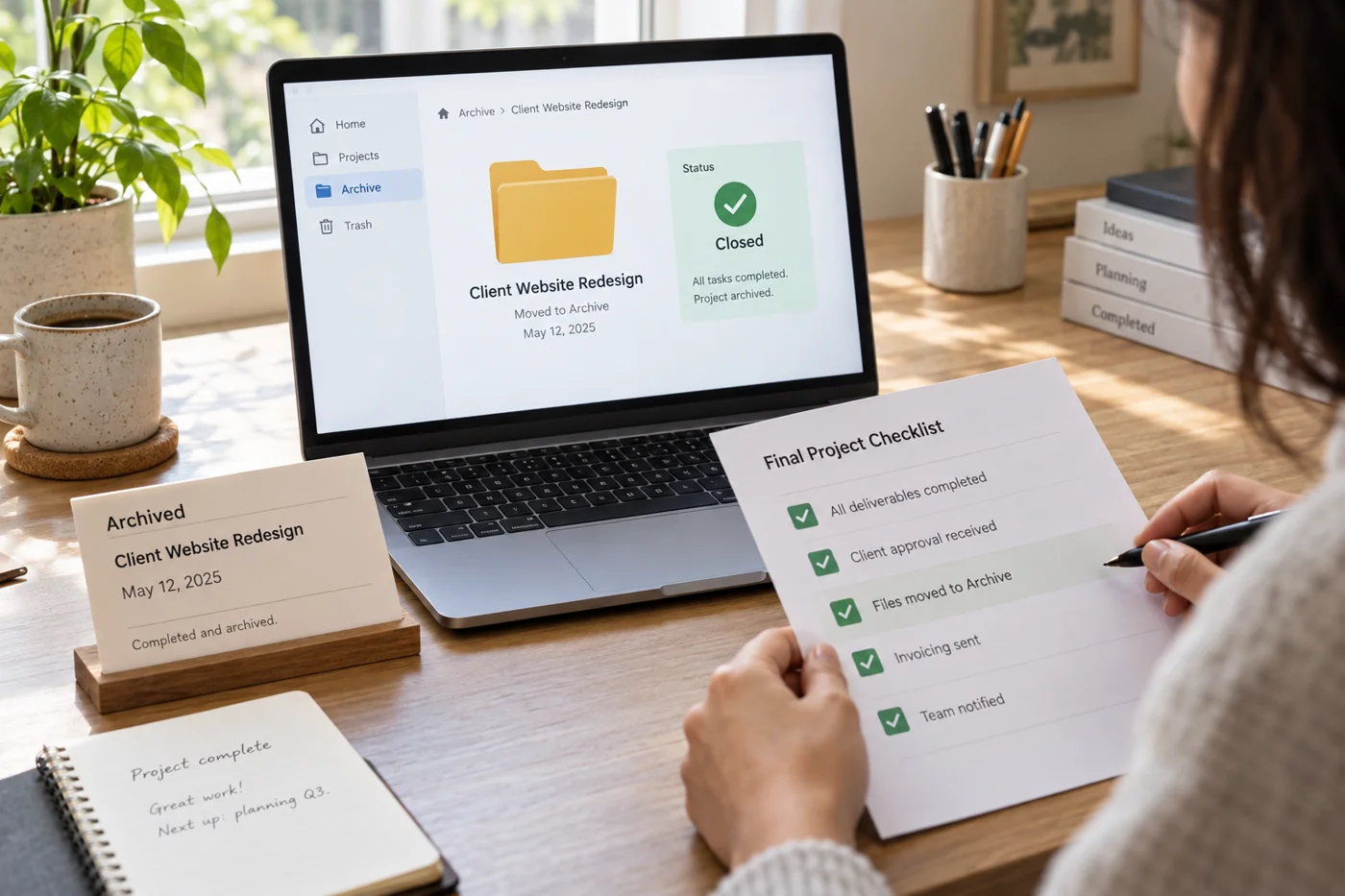
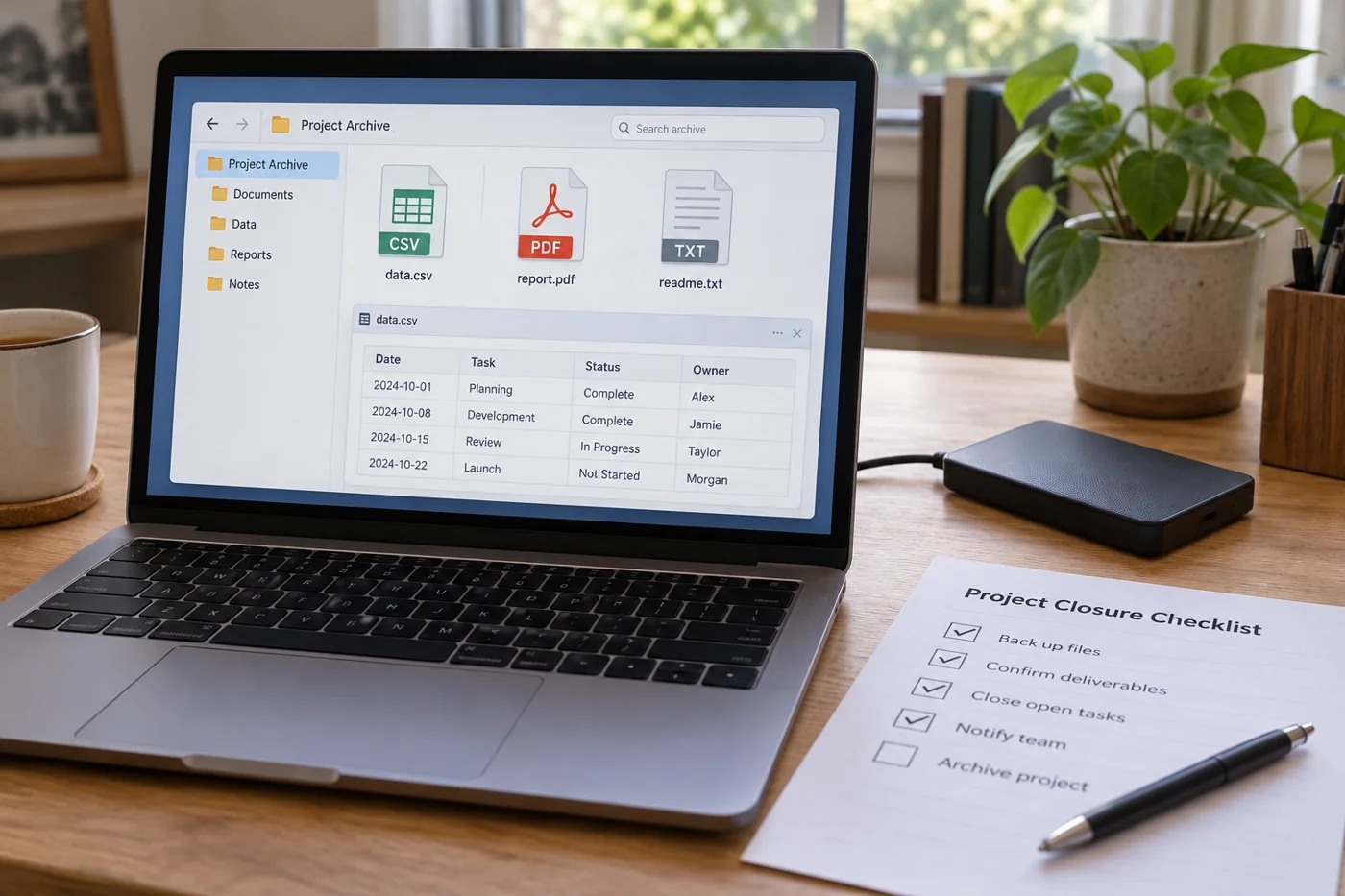
Archive a completed project in an orderly way
Read article →
Files & collaboration
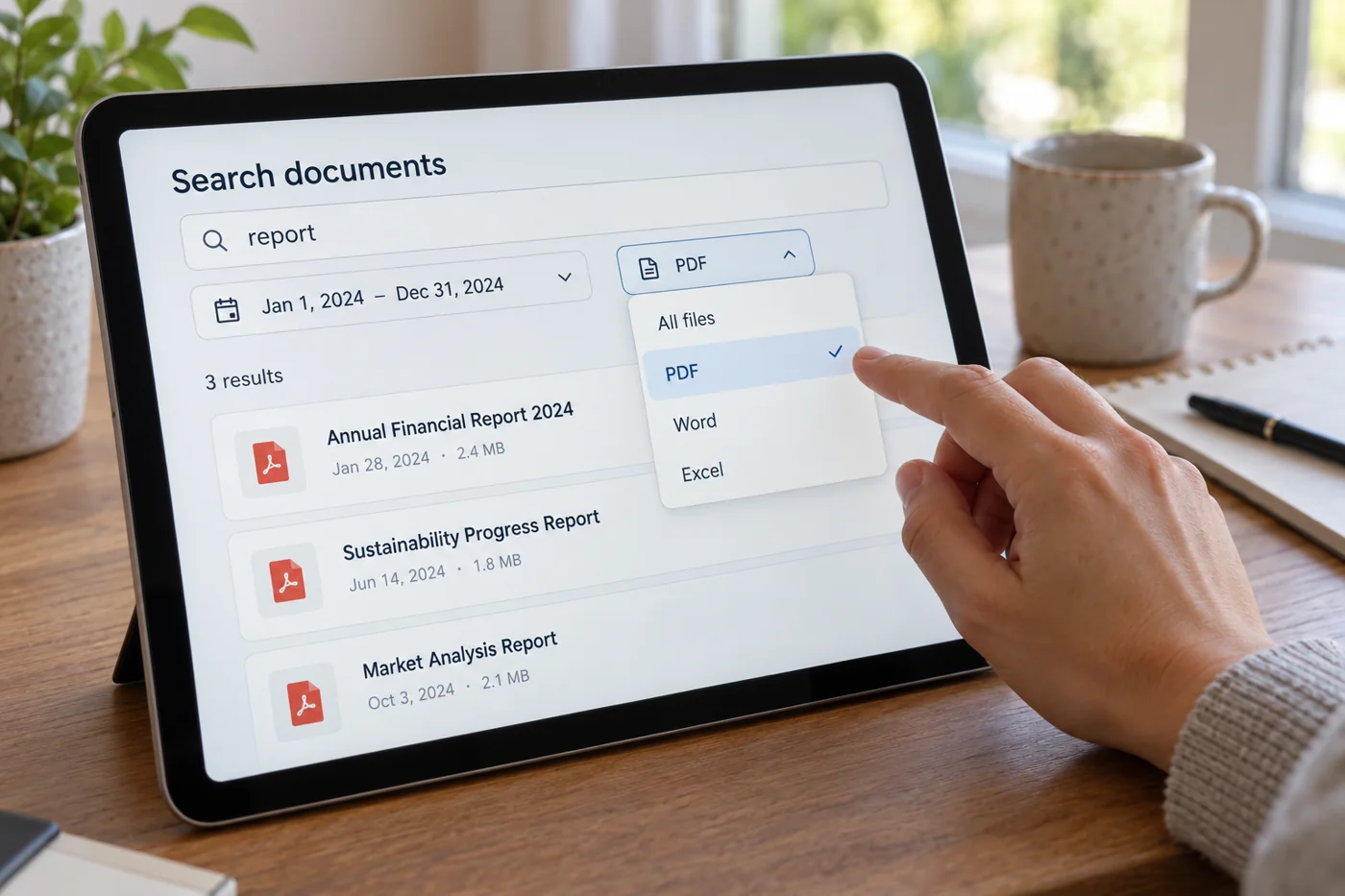
Find a document using a few search clues
Read article →
Files & collaboration
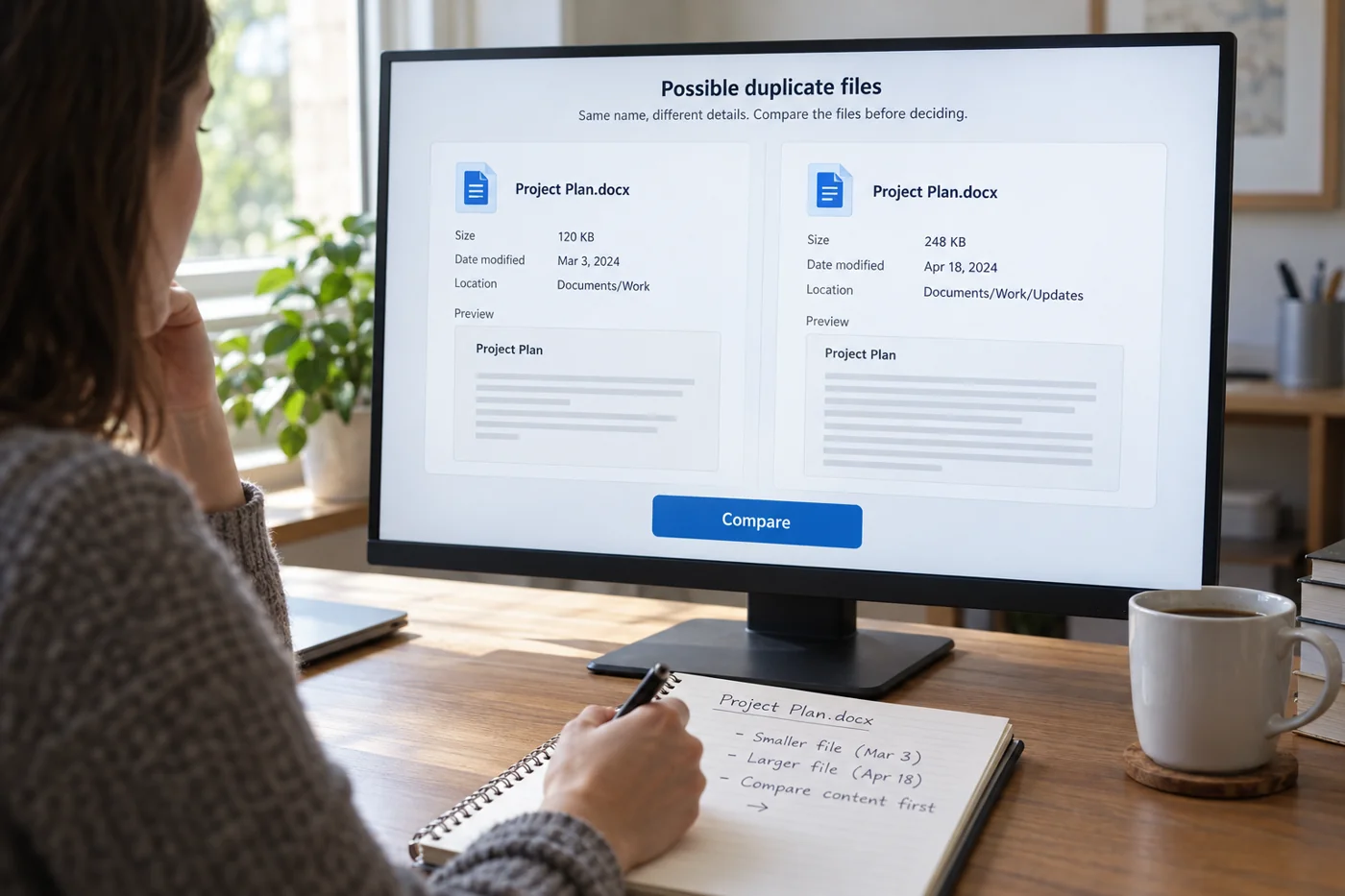
Compare duplicate files carefully before deleting
Read article →
Files & collaboration
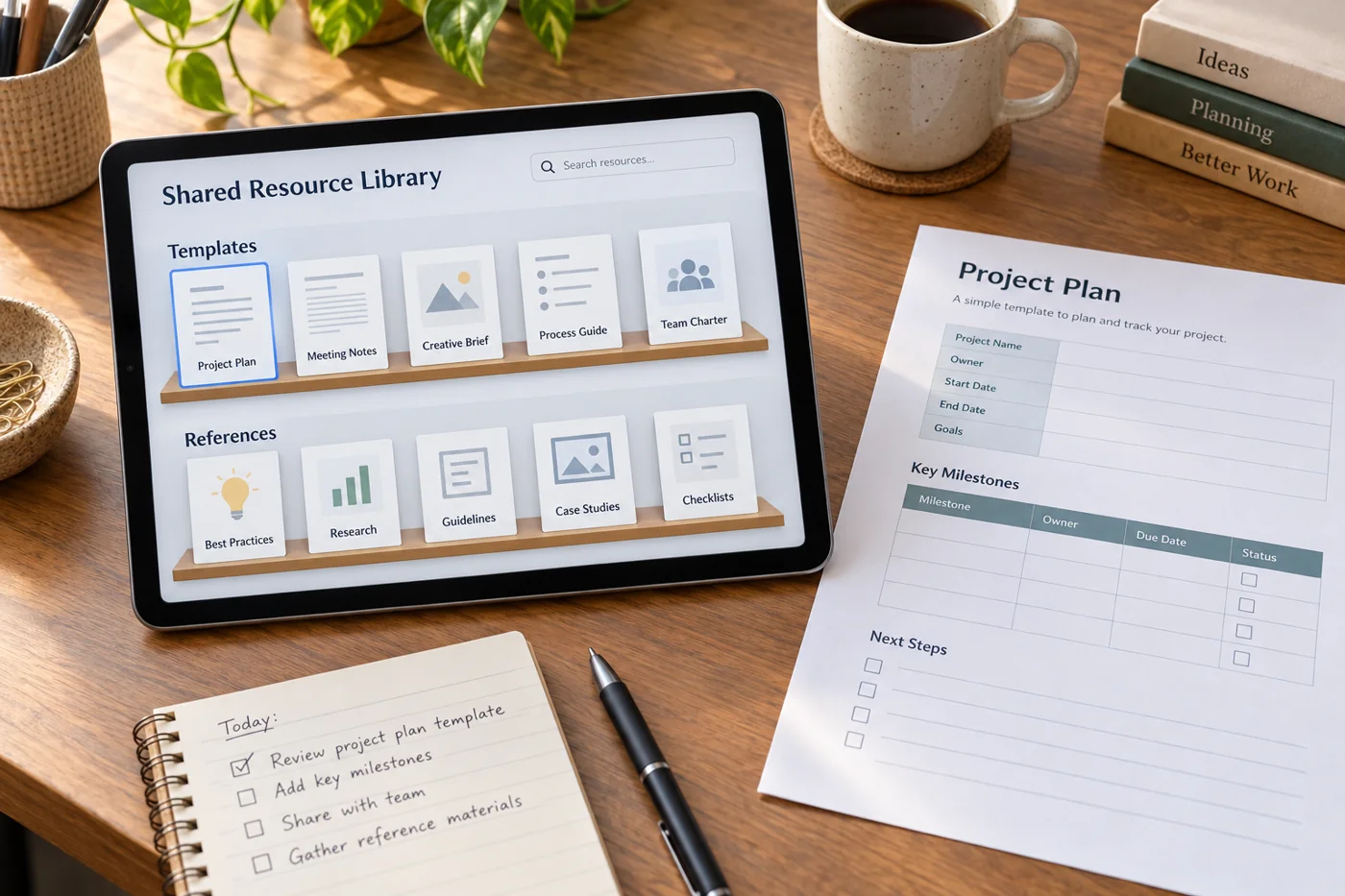
Maintain a shared library of templates and references
Read article →
Files & collaboration
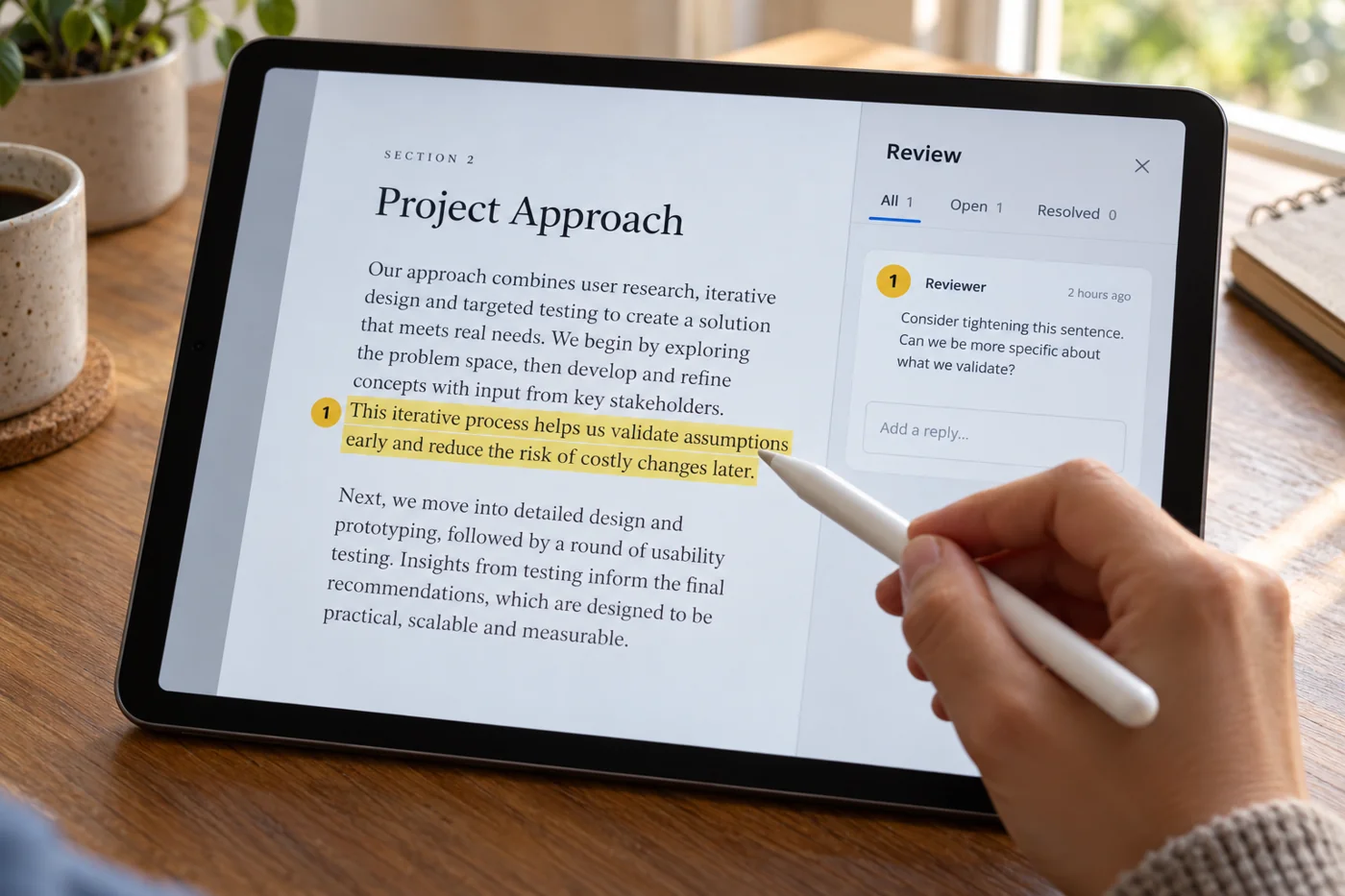
Give unambiguous feedback on a PDF
Read article →
Files & collaboration
Name and file scanned documents immediately
Read article →
Files & collaboration
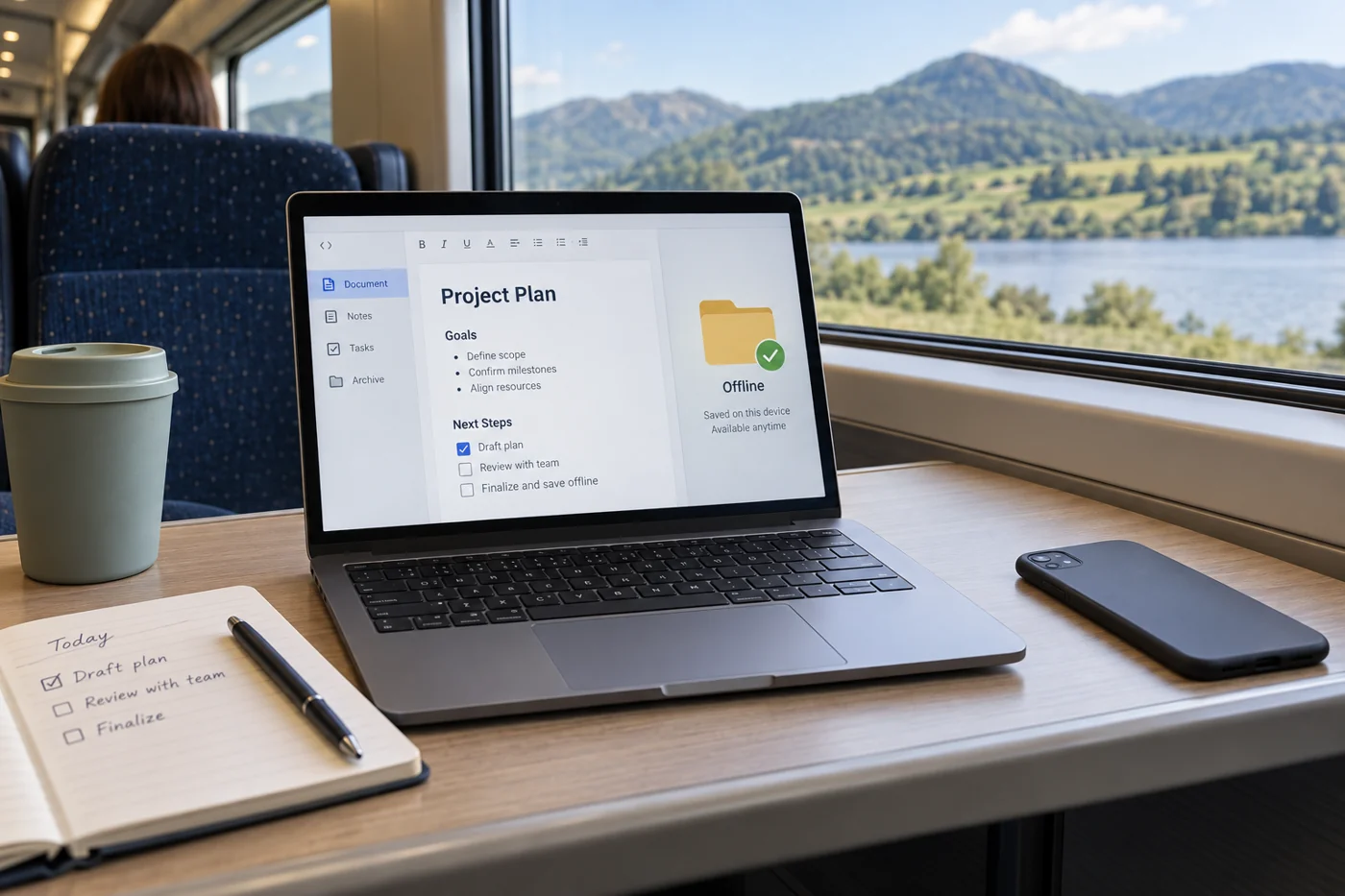
Prepare an available offline copy for an appointment
Read article →
Files & collaboration
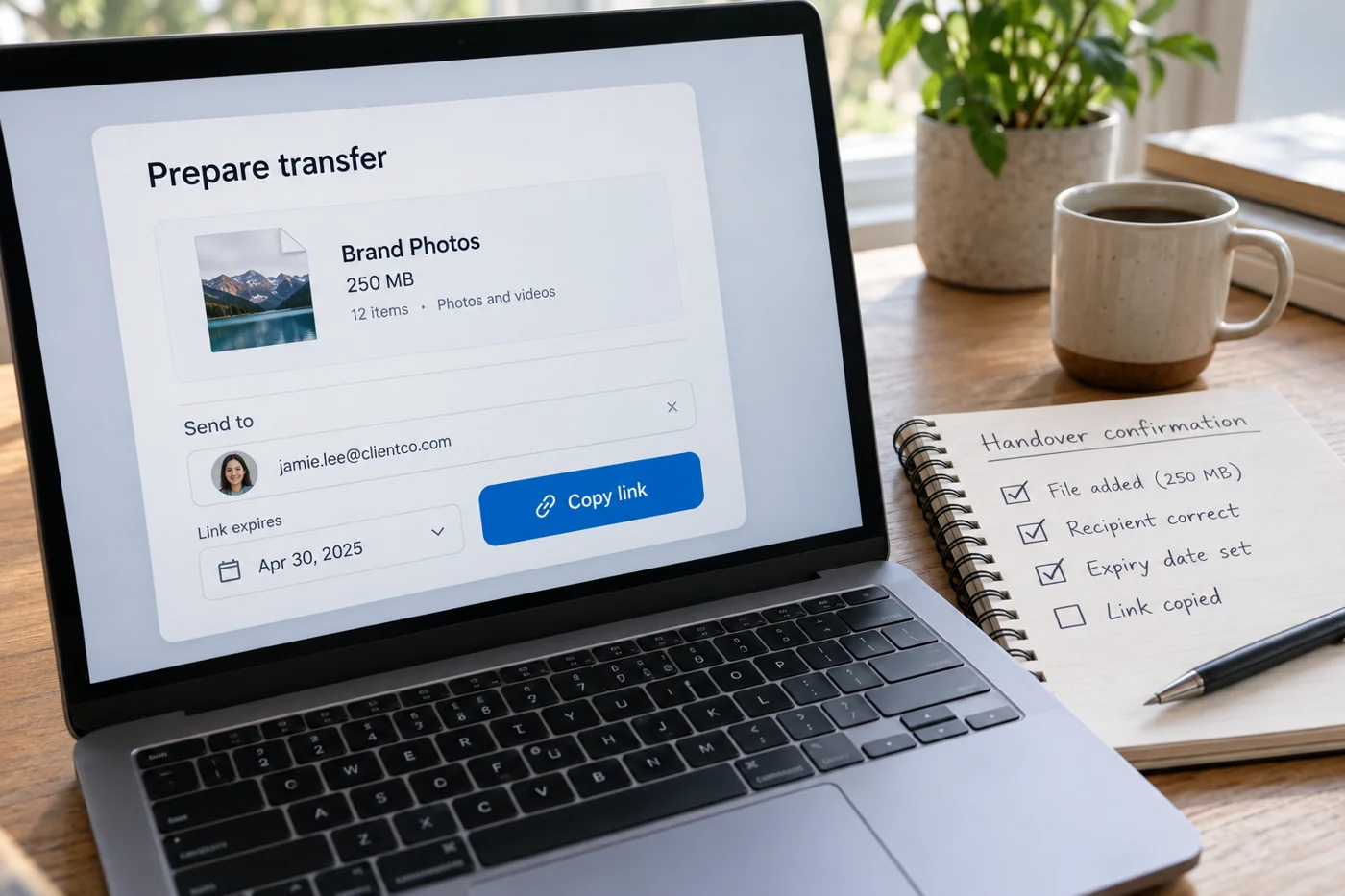
Share large files through a clear handover process
Read article →
Files & collaboration
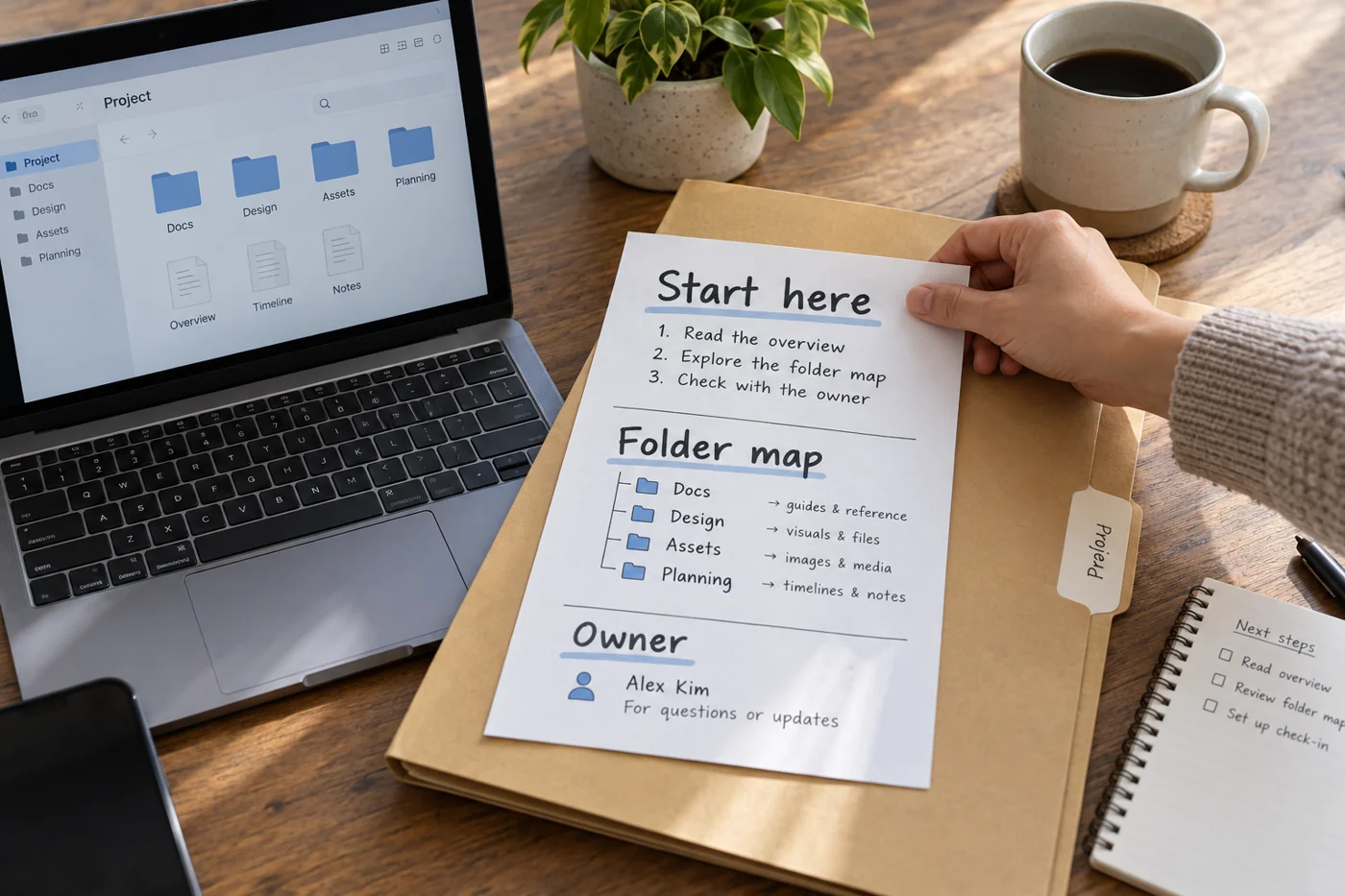
Write a short orientation note for a shared project folder
Read article →
Files & collaboration
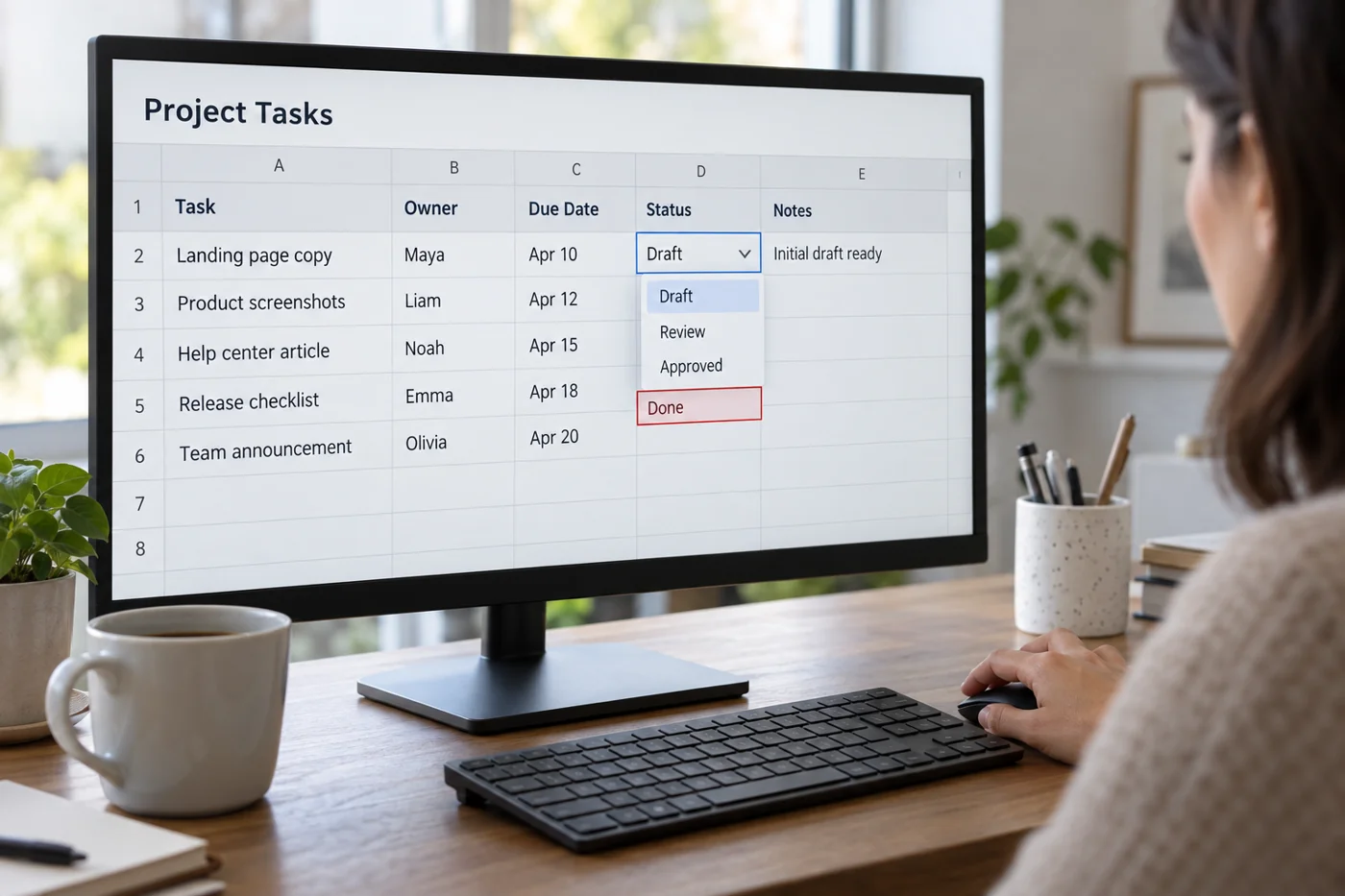
Set clear input rules for a shared spreadsheet
Read article →
Website operations
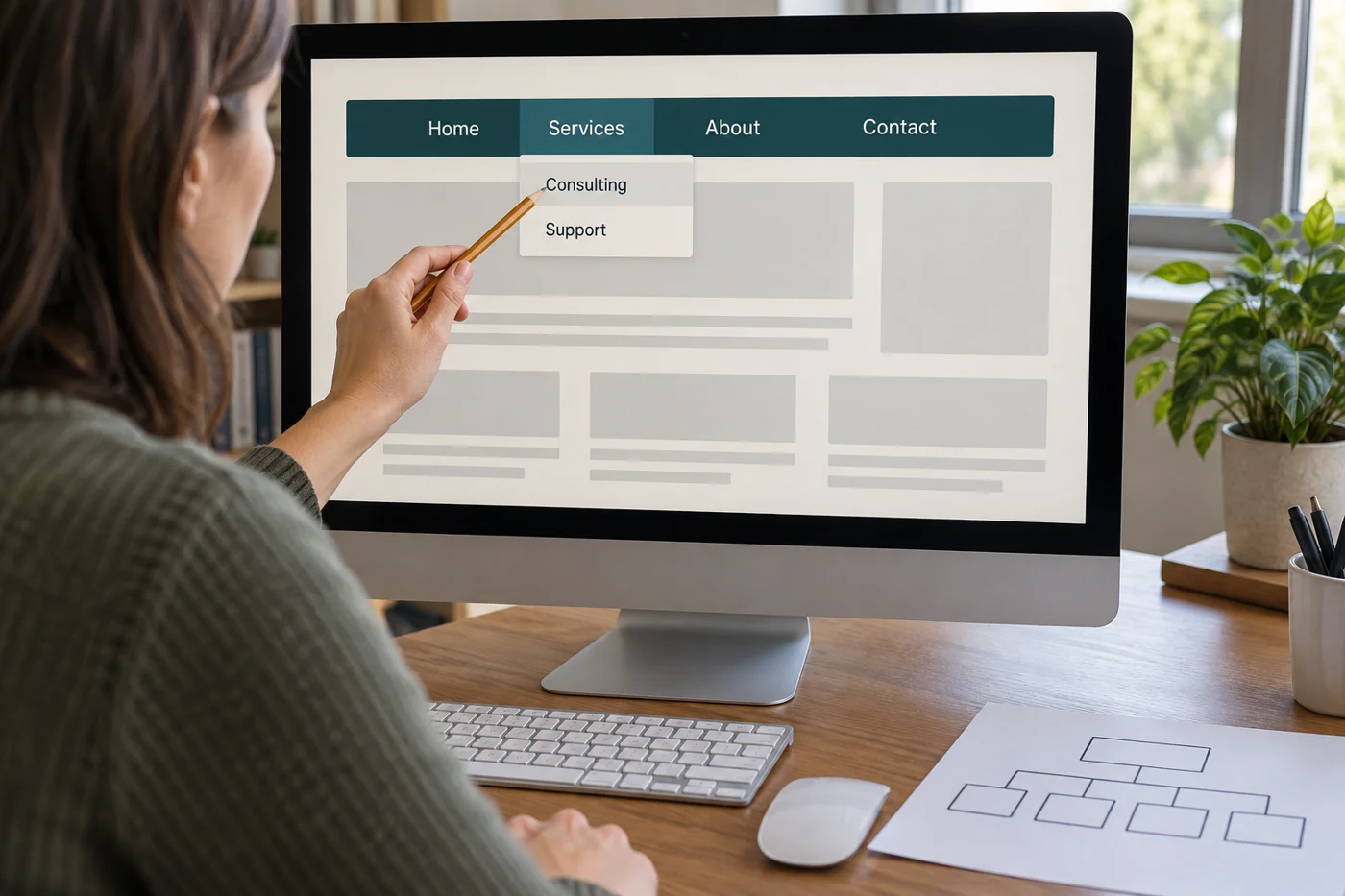
Review a small website navigation through concrete tasks
Read article →
Website operations
Revise the first visible area of a homepage
Read article →
Website operations
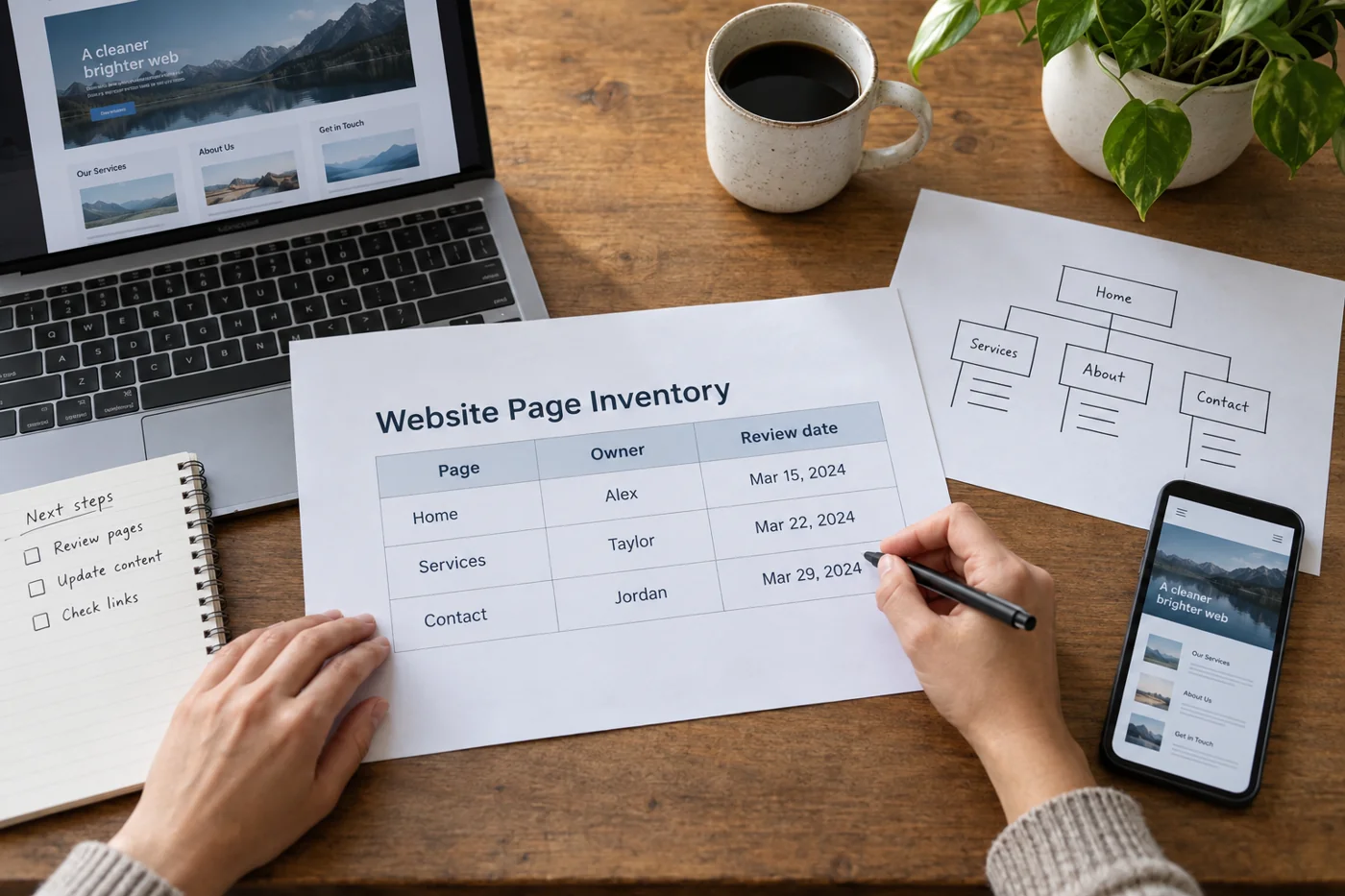
Create a page inventory before the next website change
Read article →
Website operations
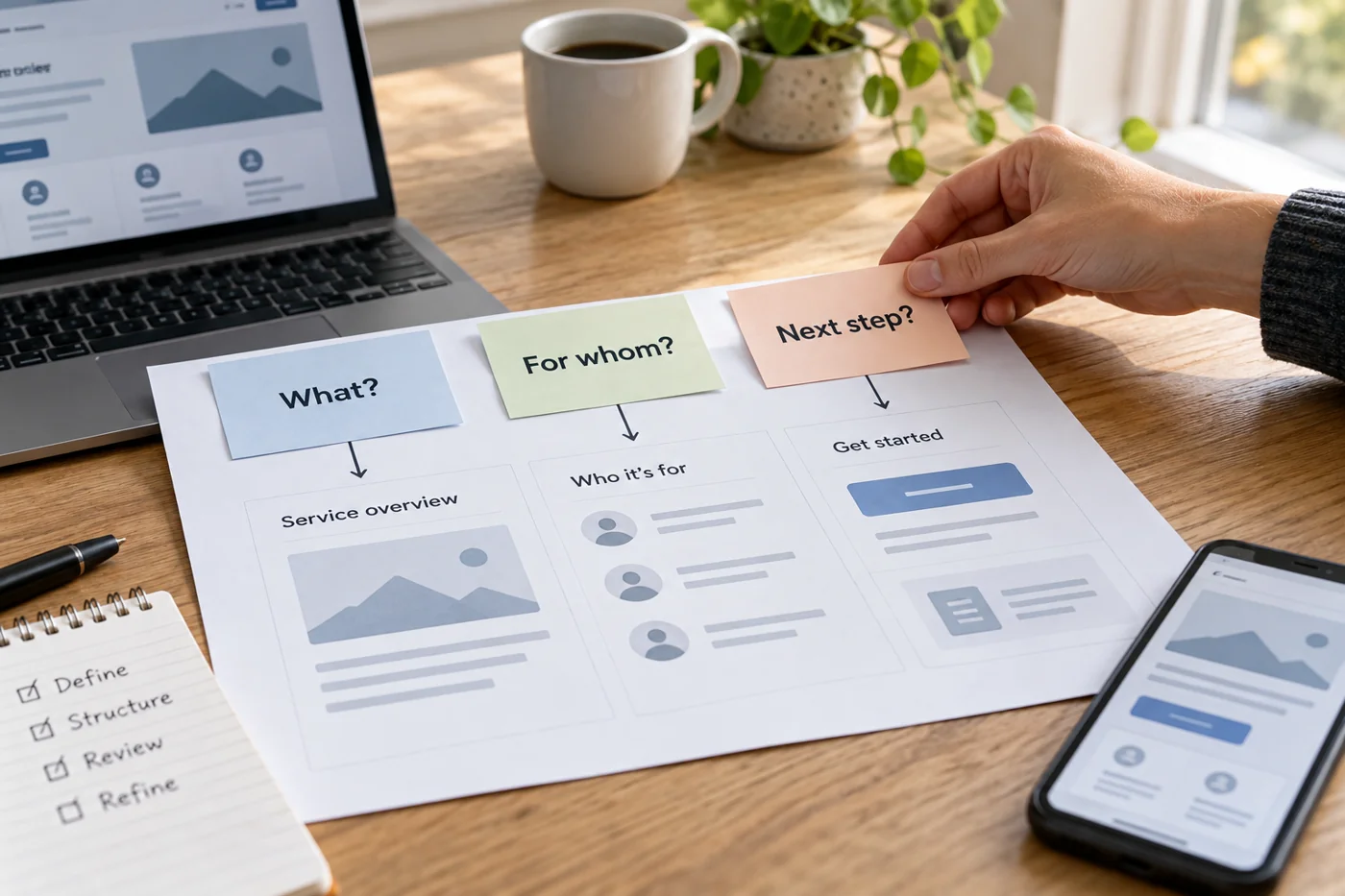
Structure a service page around customer questions
Read article →
Website operations
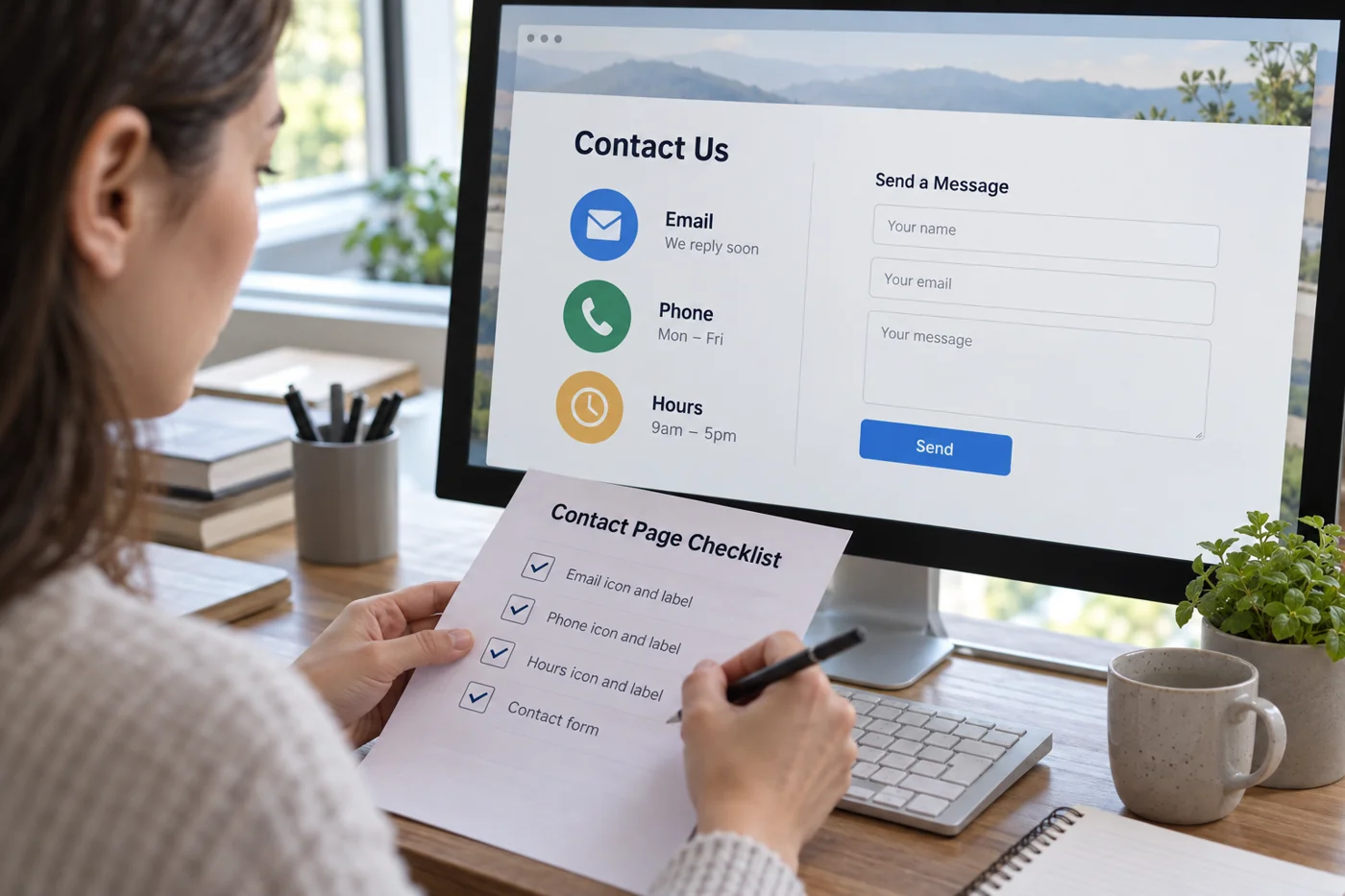
Check a contact page for missing details and usable routes
Read article →
Website operations
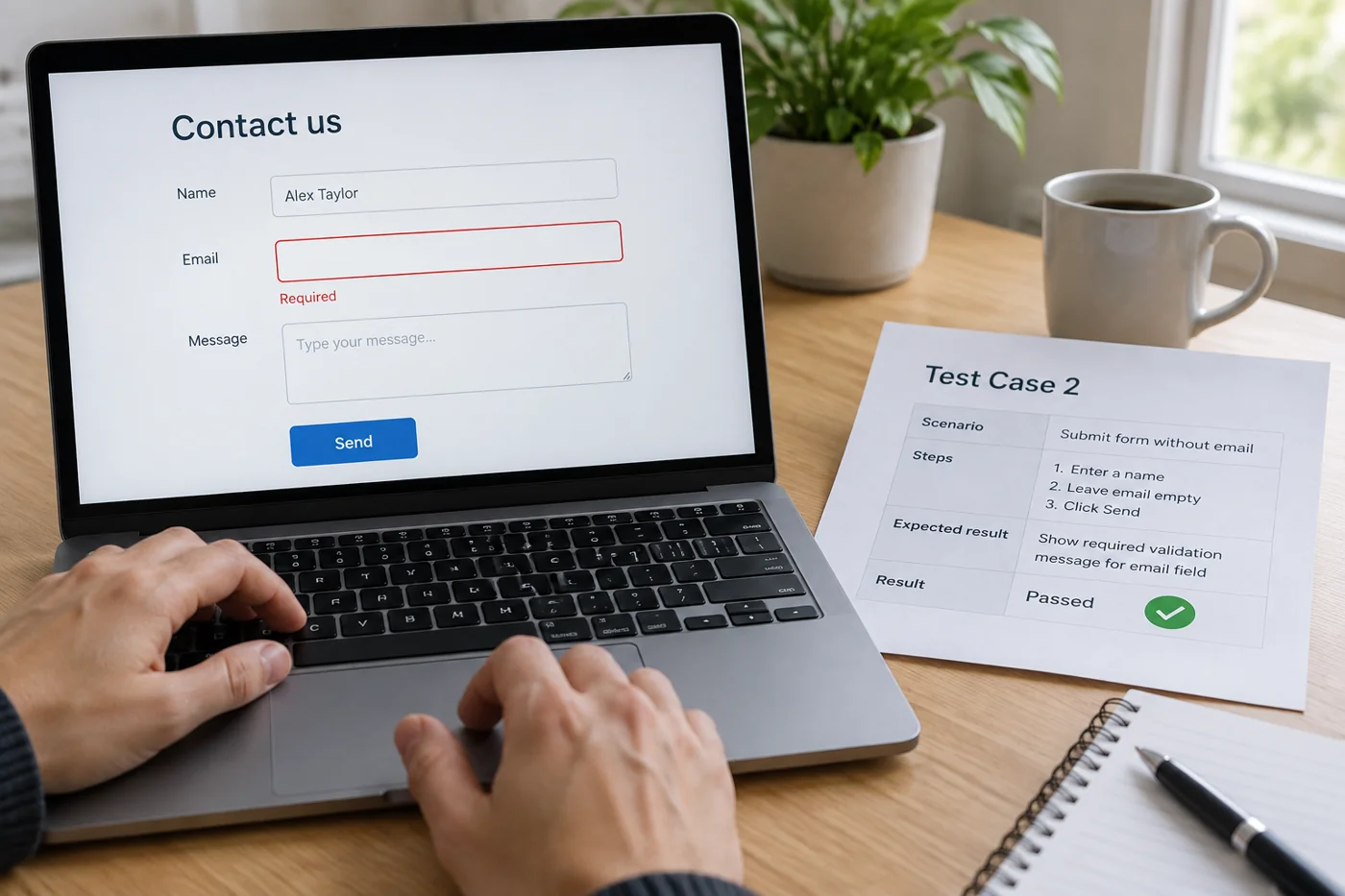
Test a contact form with successful and invalid submissions
Read article →
Website operations
Review a website systematically on a small screen
Read article →
Website operations
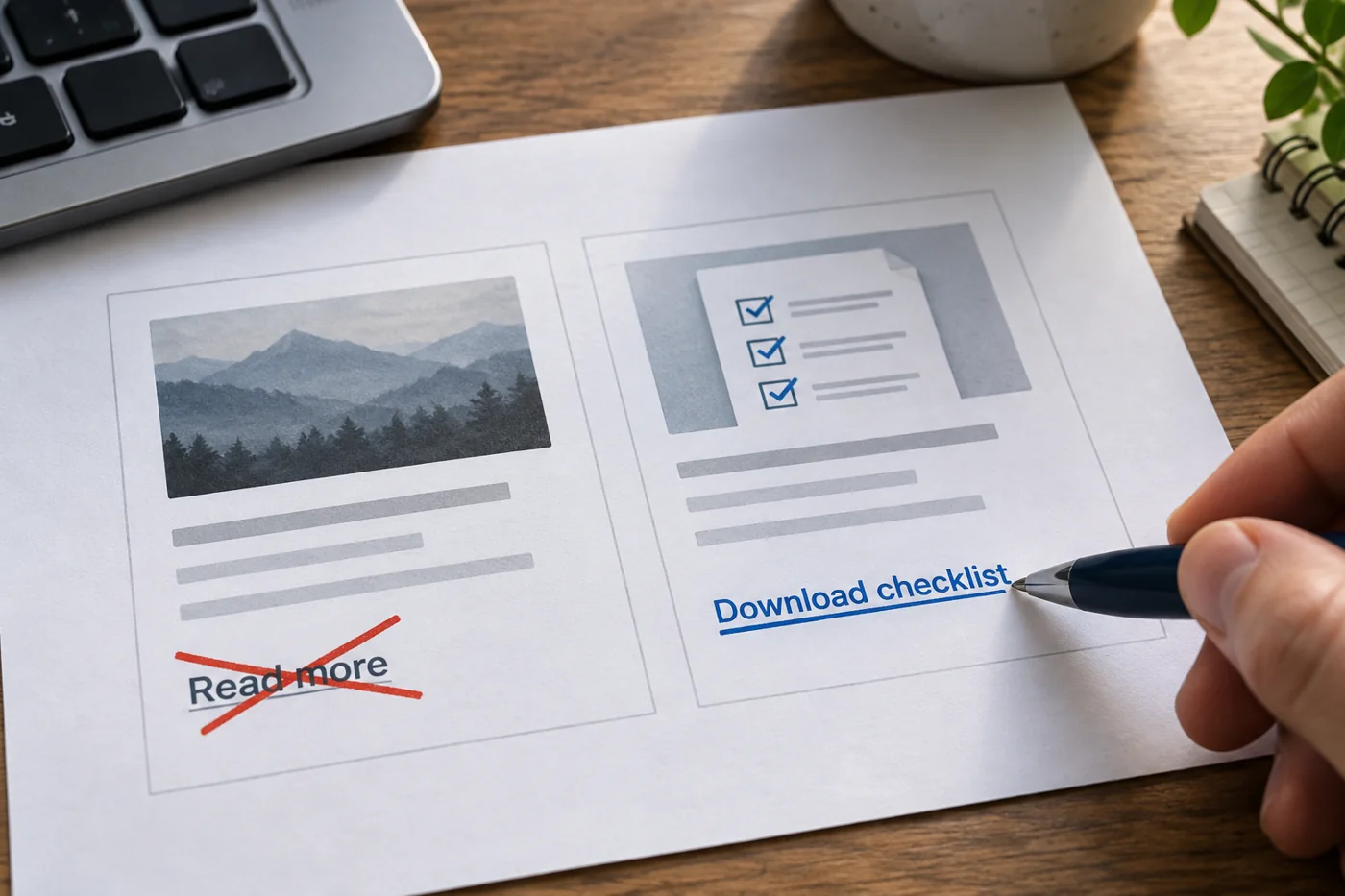
Revise link text so its destination is clear
Read article →
Website operations
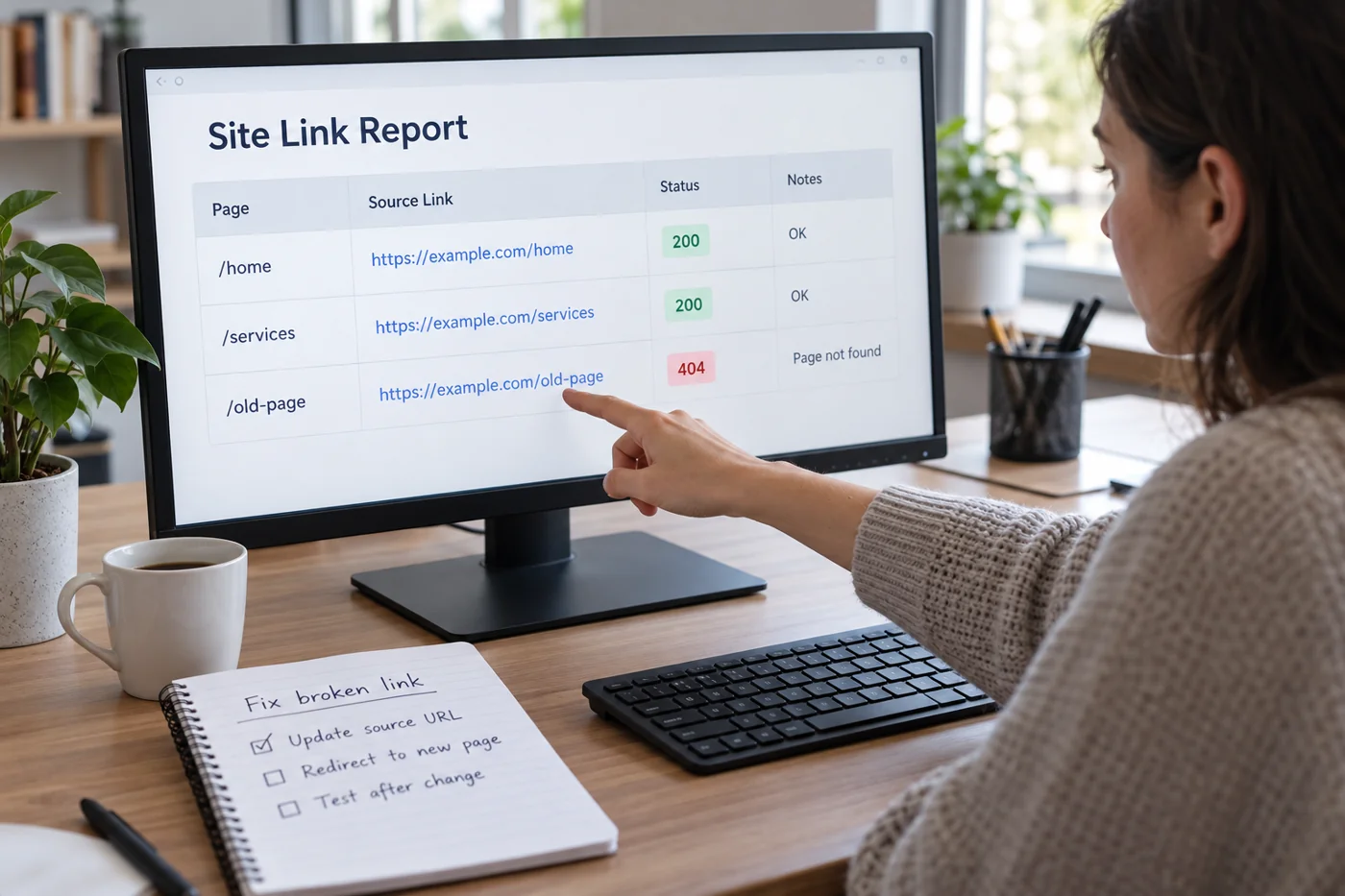
Find broken internal links and correct them systematically
Read article →
Website operations
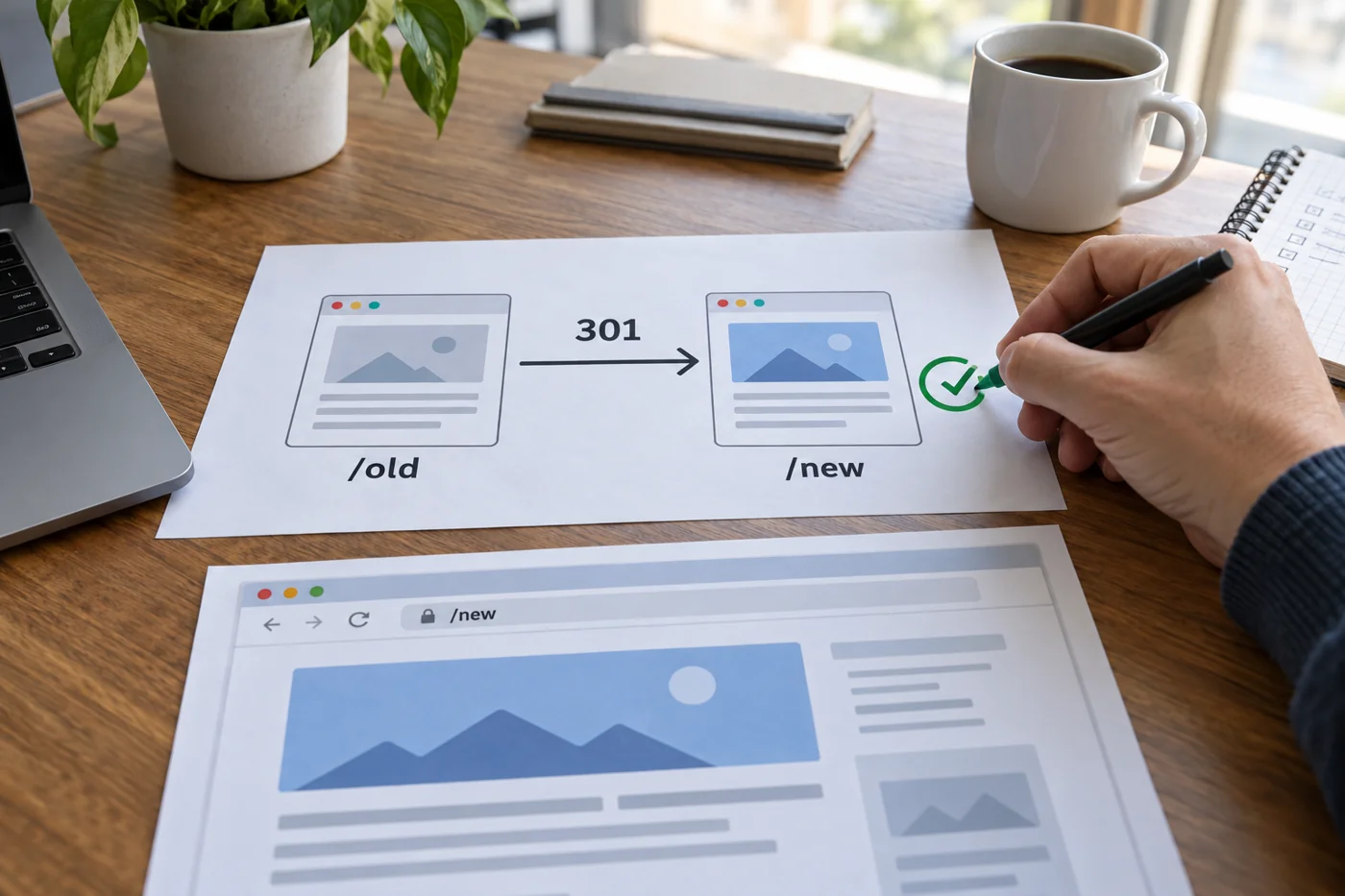
Connect a moved page with an appropriate redirect
Read article →
Website operations
Plan a useful error page for missing addresses
Read article →
Website operations
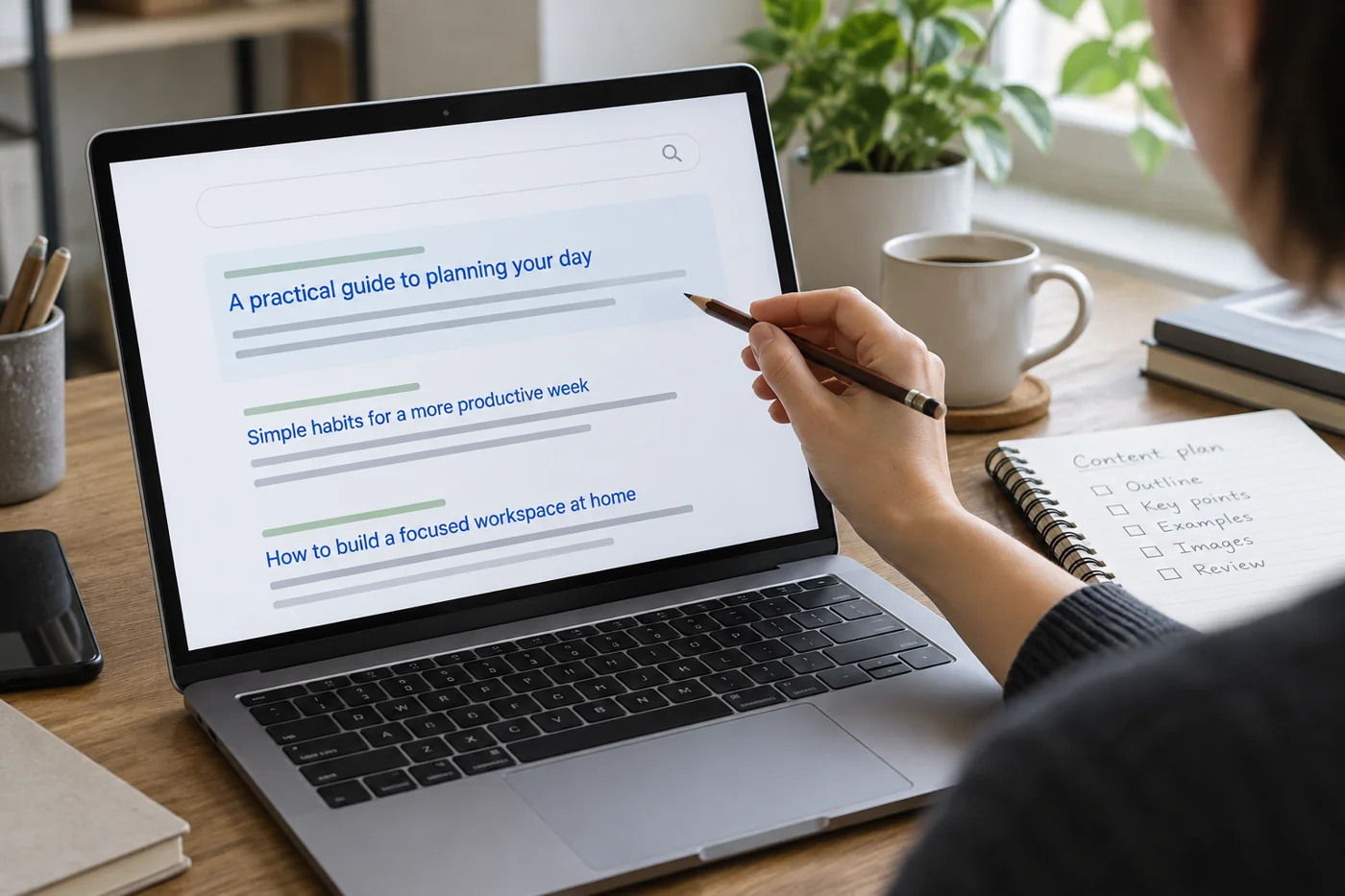
Write page titles and search descriptions for individual pages
Read article →
Website operations
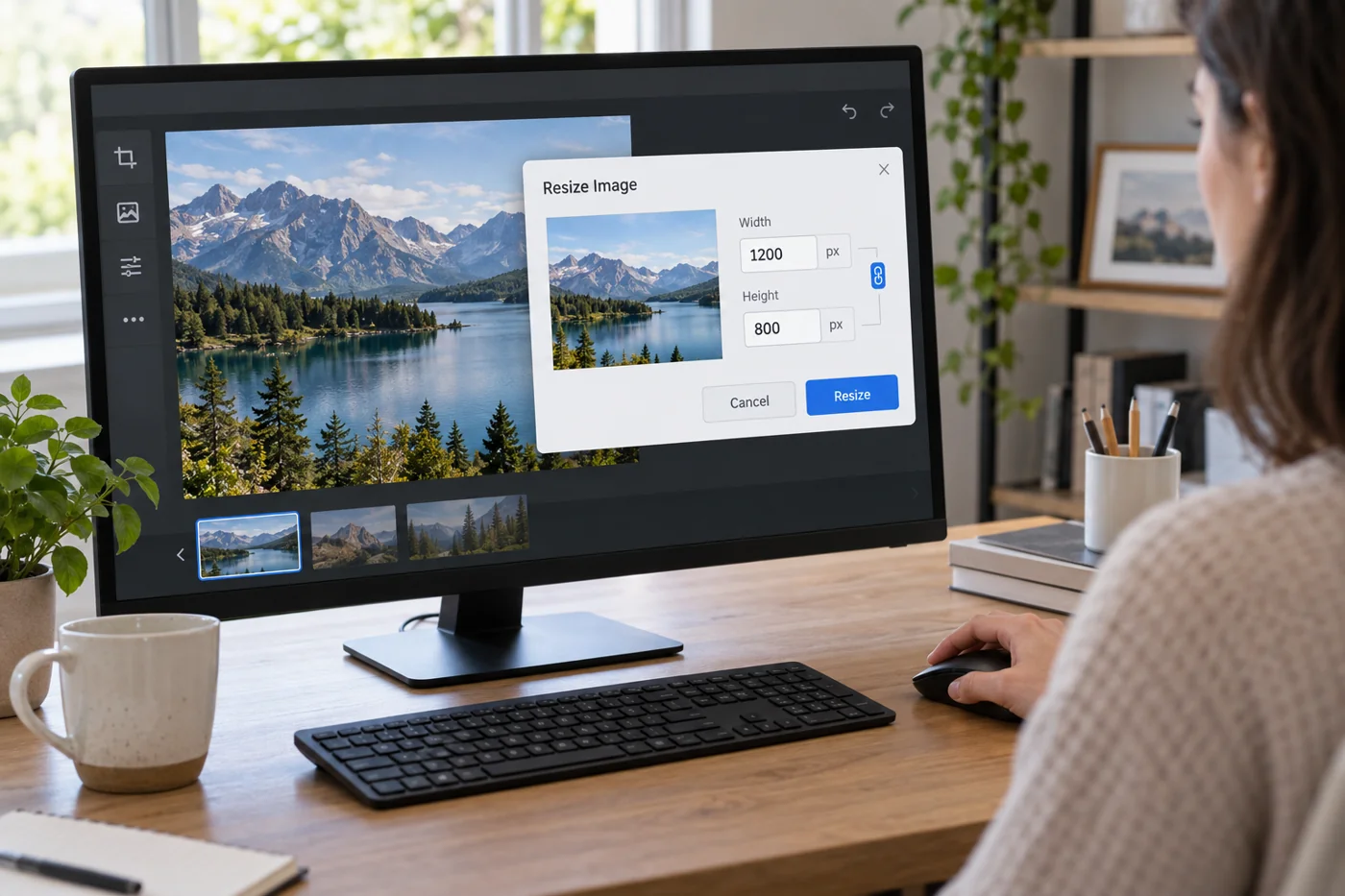
Resize website images appropriately before uploading
Read article →
Website operations
Write alternative text around the purpose of an image
Read article →
Website operations
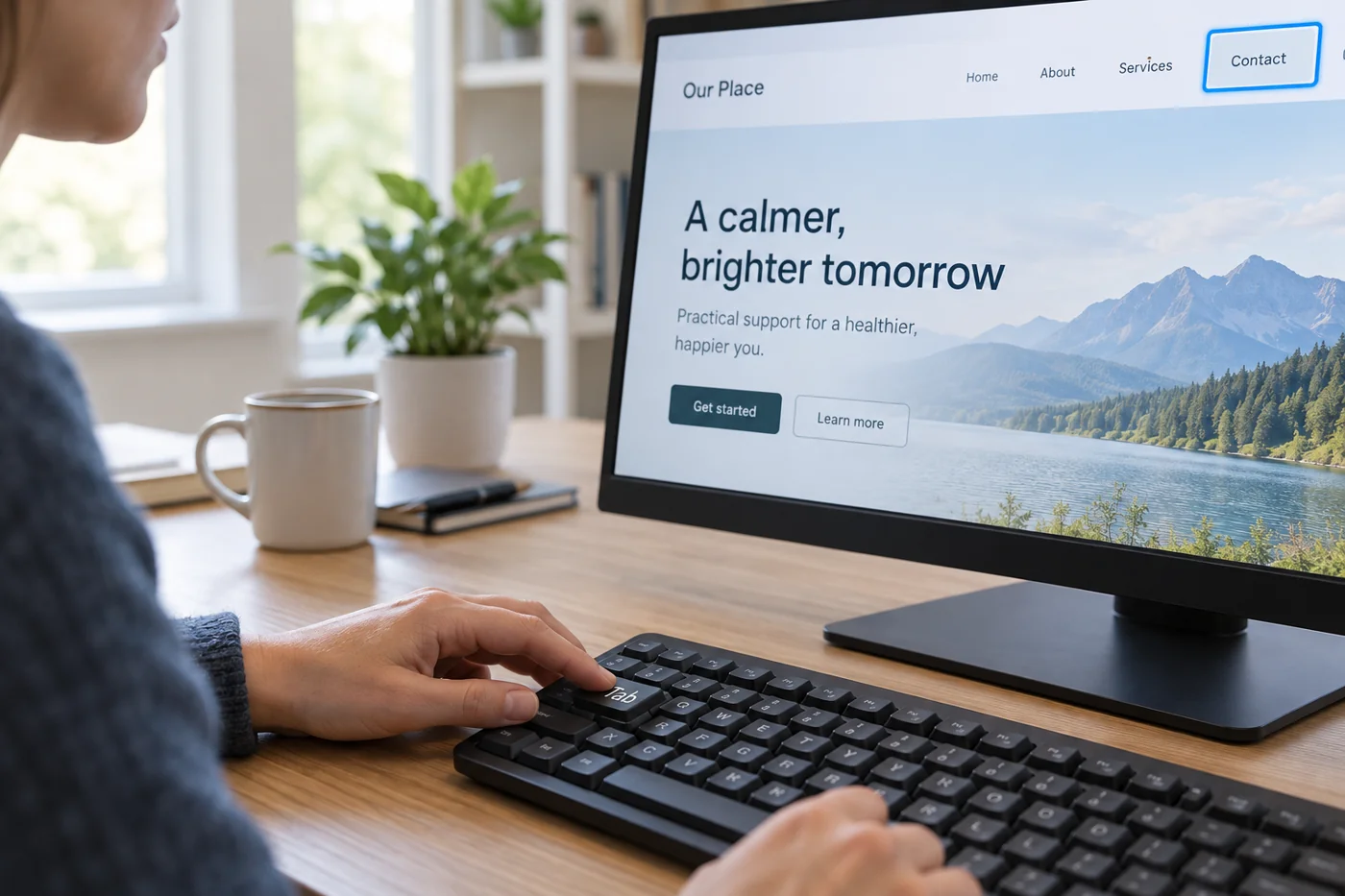
Check the main website journeys using only a keyboard
Read article →
Website operations
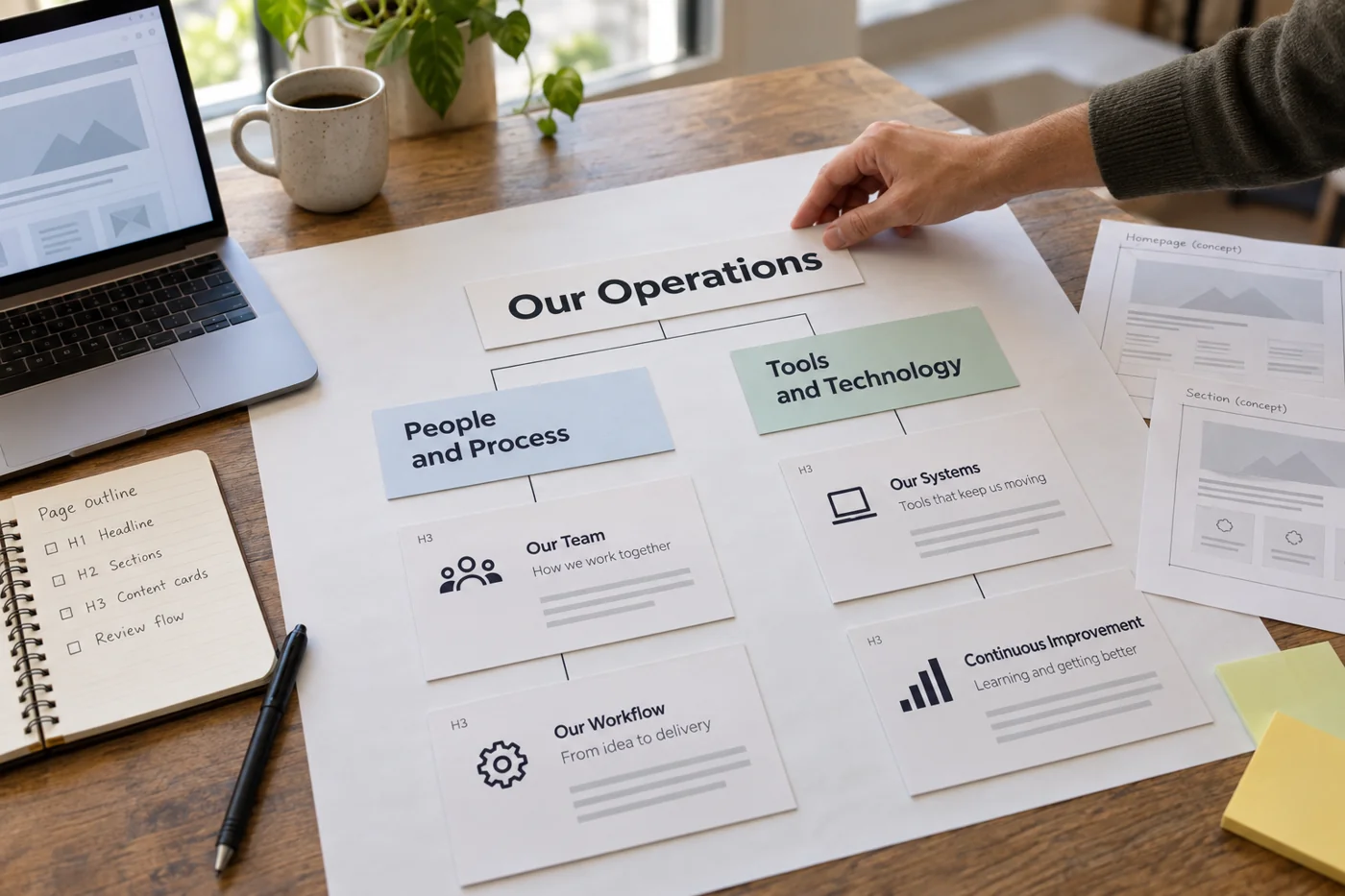
Organize the headings on a long page
Read article →
Website operations
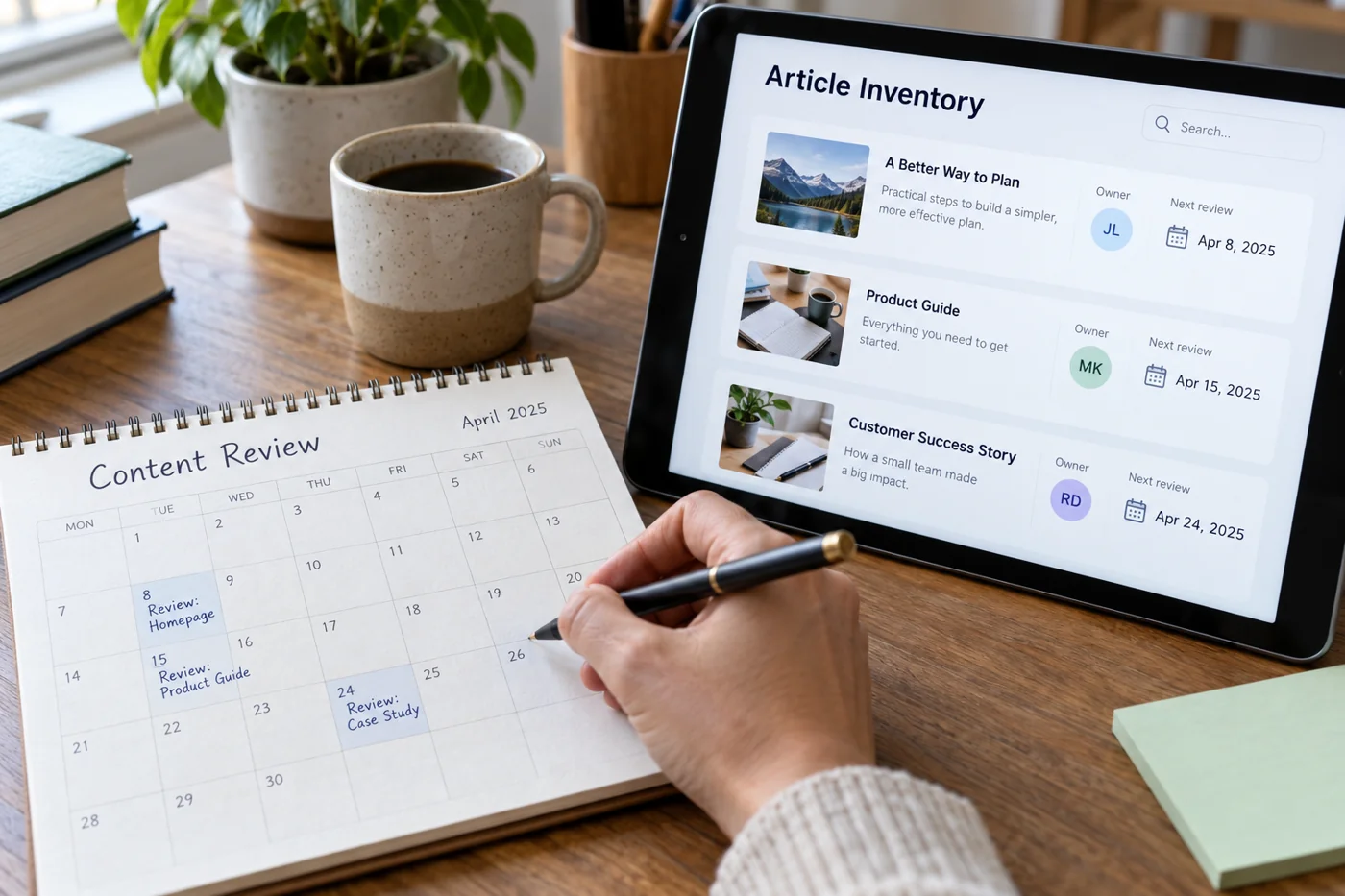
Set up recurring content reviews with clear ownership
Read article →
Website operations
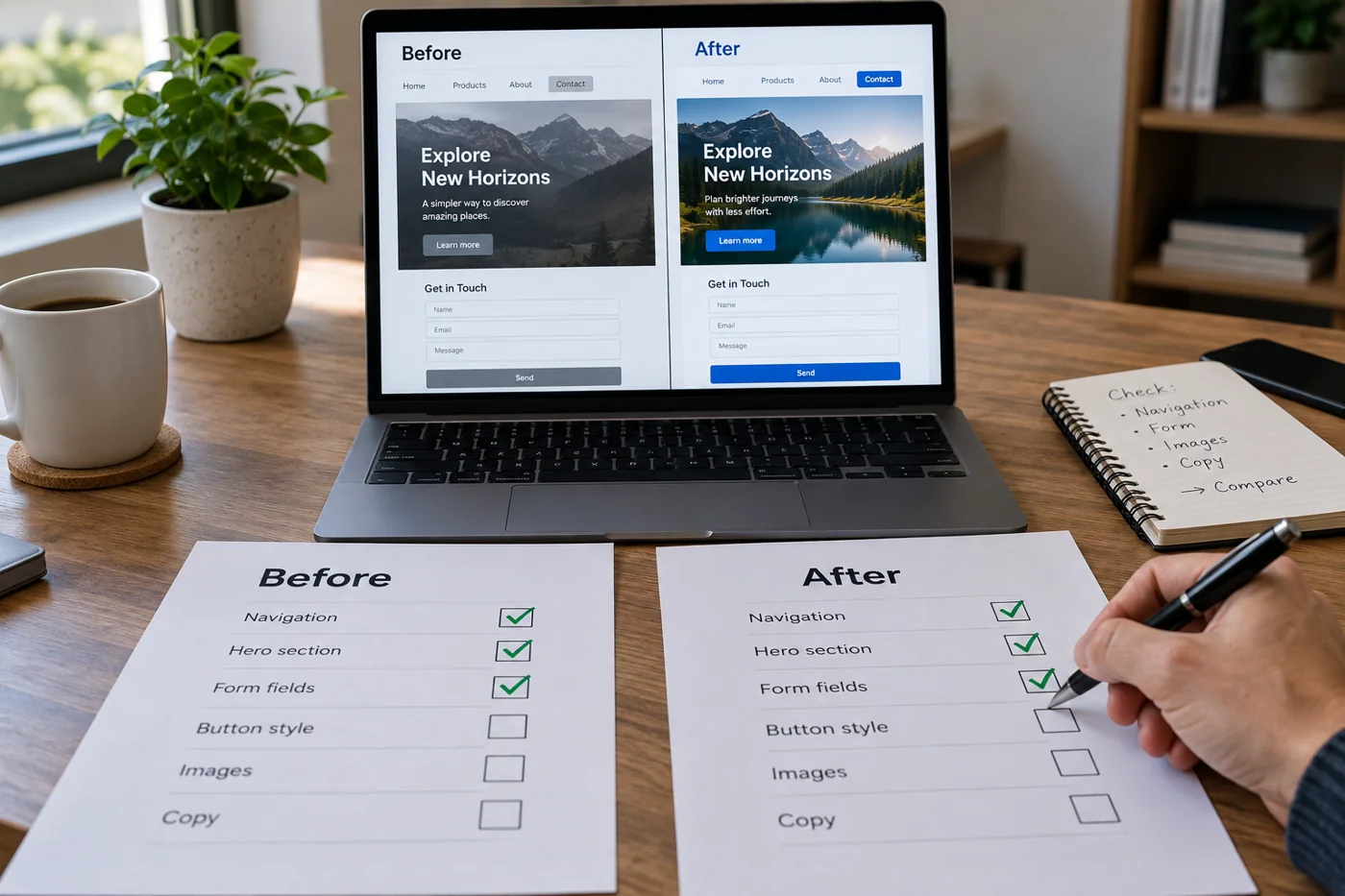
Review a website change before and after publication
Read article →
Website operations
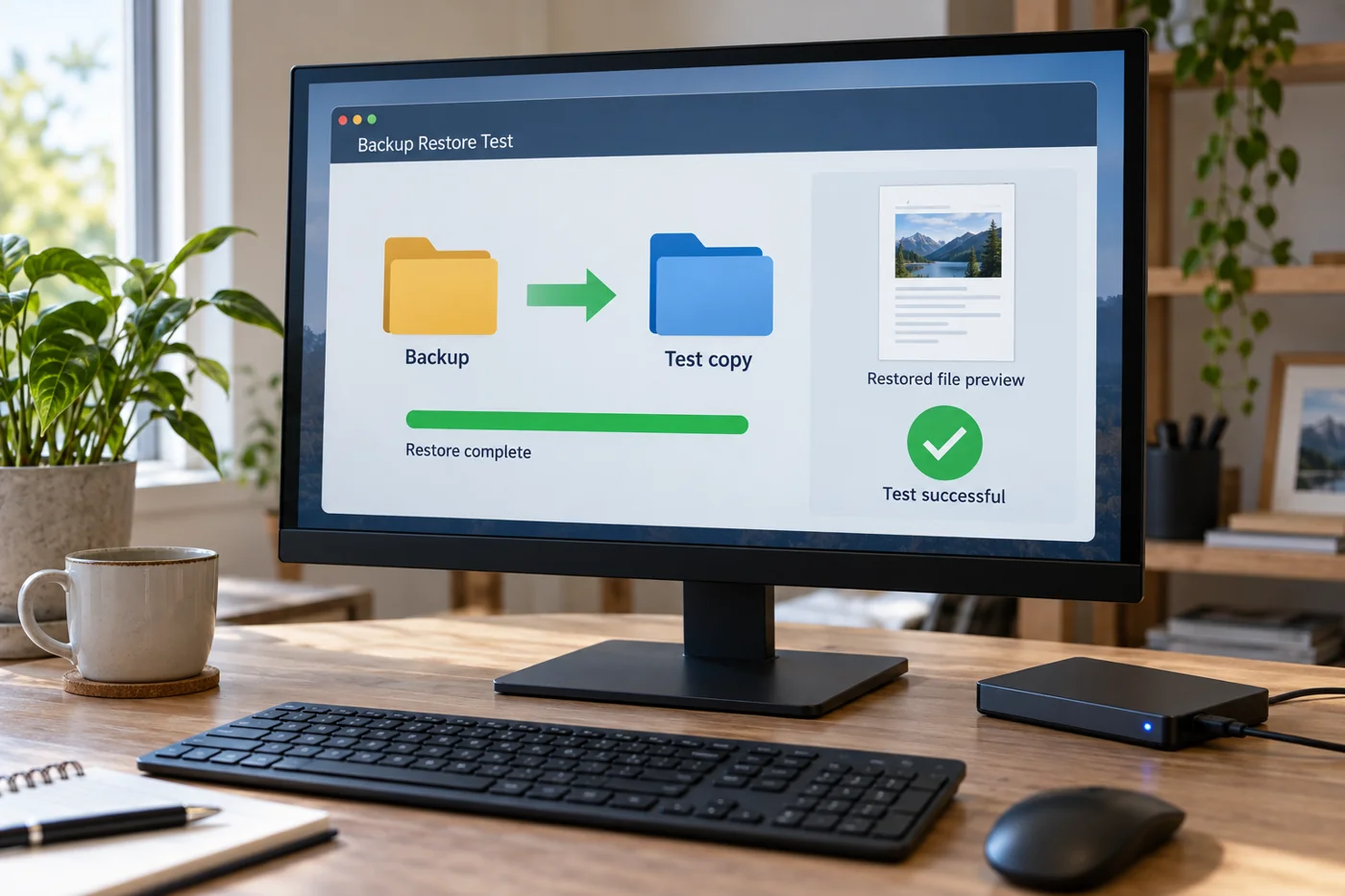
Assess website backups through a restore test
Read article →
Website operations
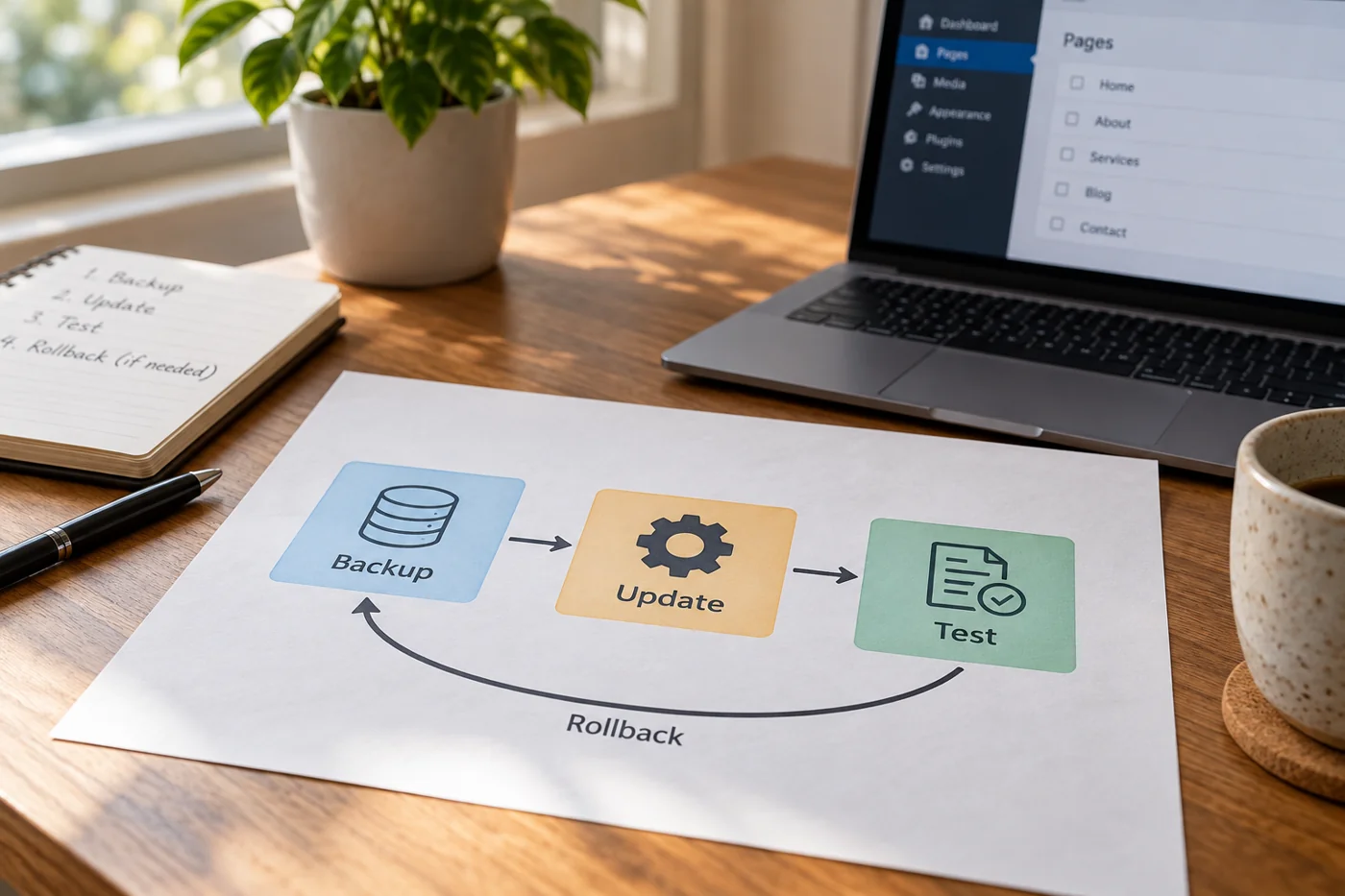
Prepare a CMS update with a rollback and functional test
Read article →
Website operations
Hand over website access when responsibility changes
Read article →
Website operations
Investigate a slow page before optimizing individual scores
Read article →
Website operations
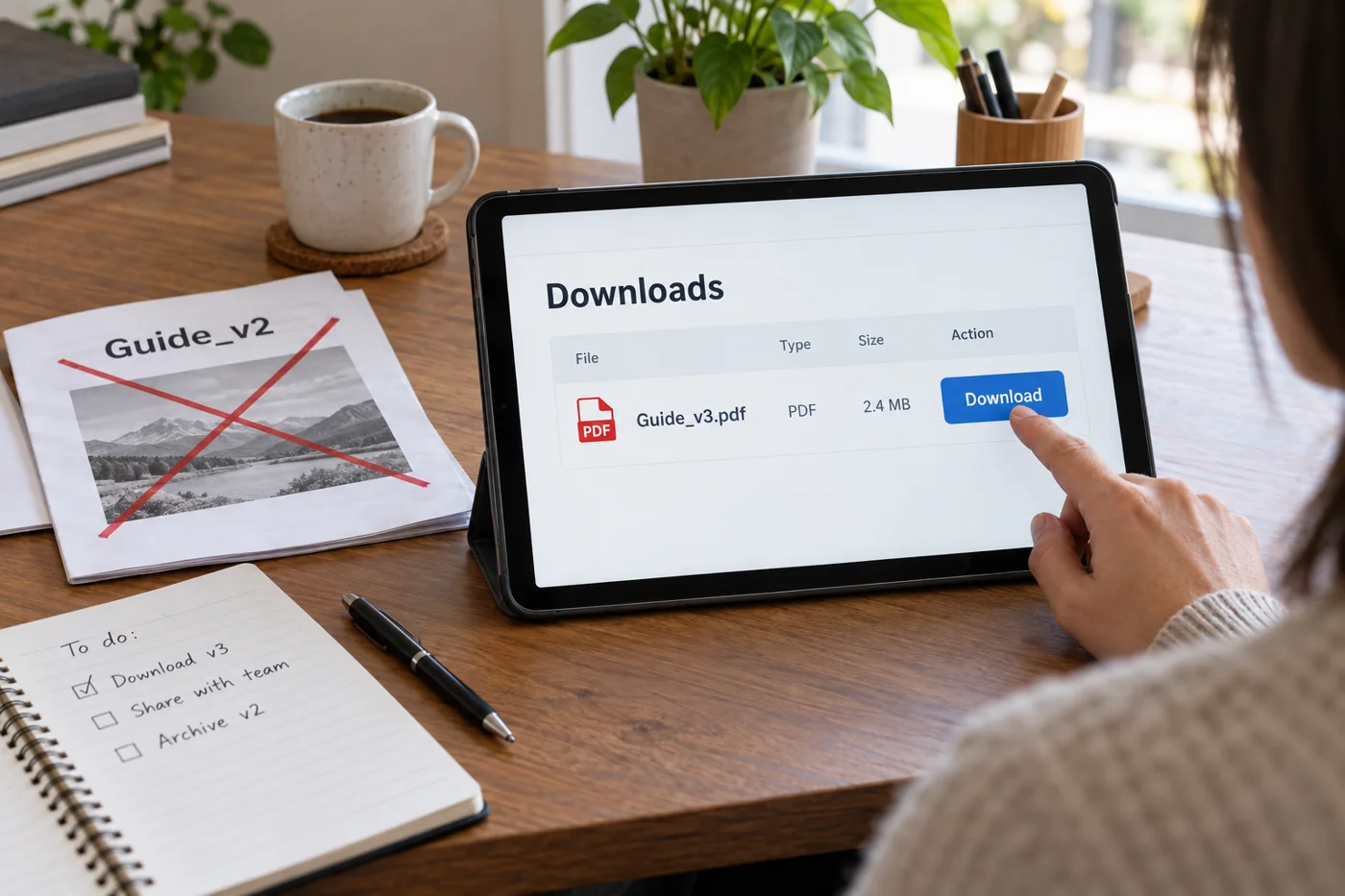
Publish downloadable files with clear names and current versions
Read article →
Website operations
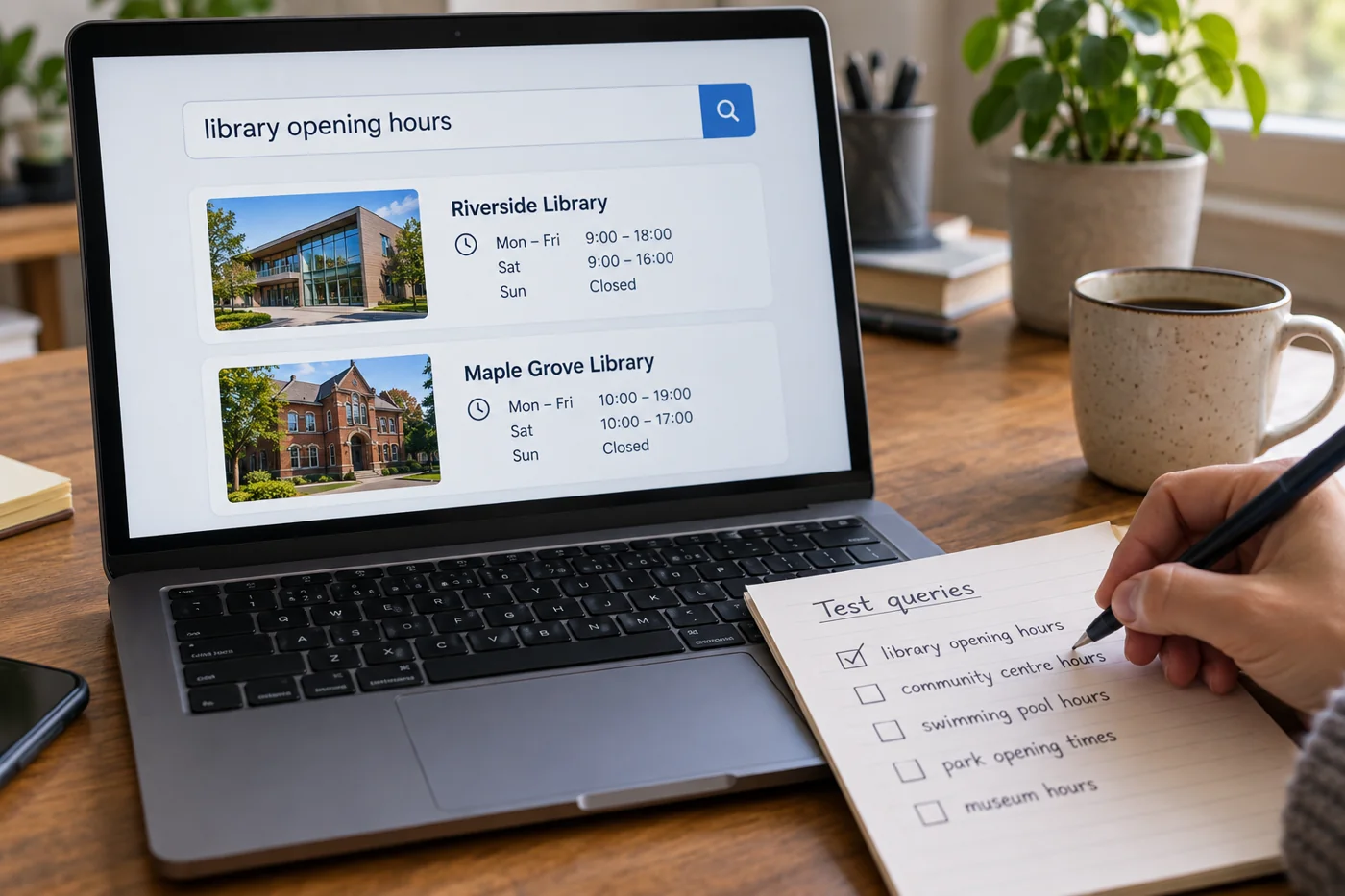
Test an existing site search with typical queries
Read article →
Website operations
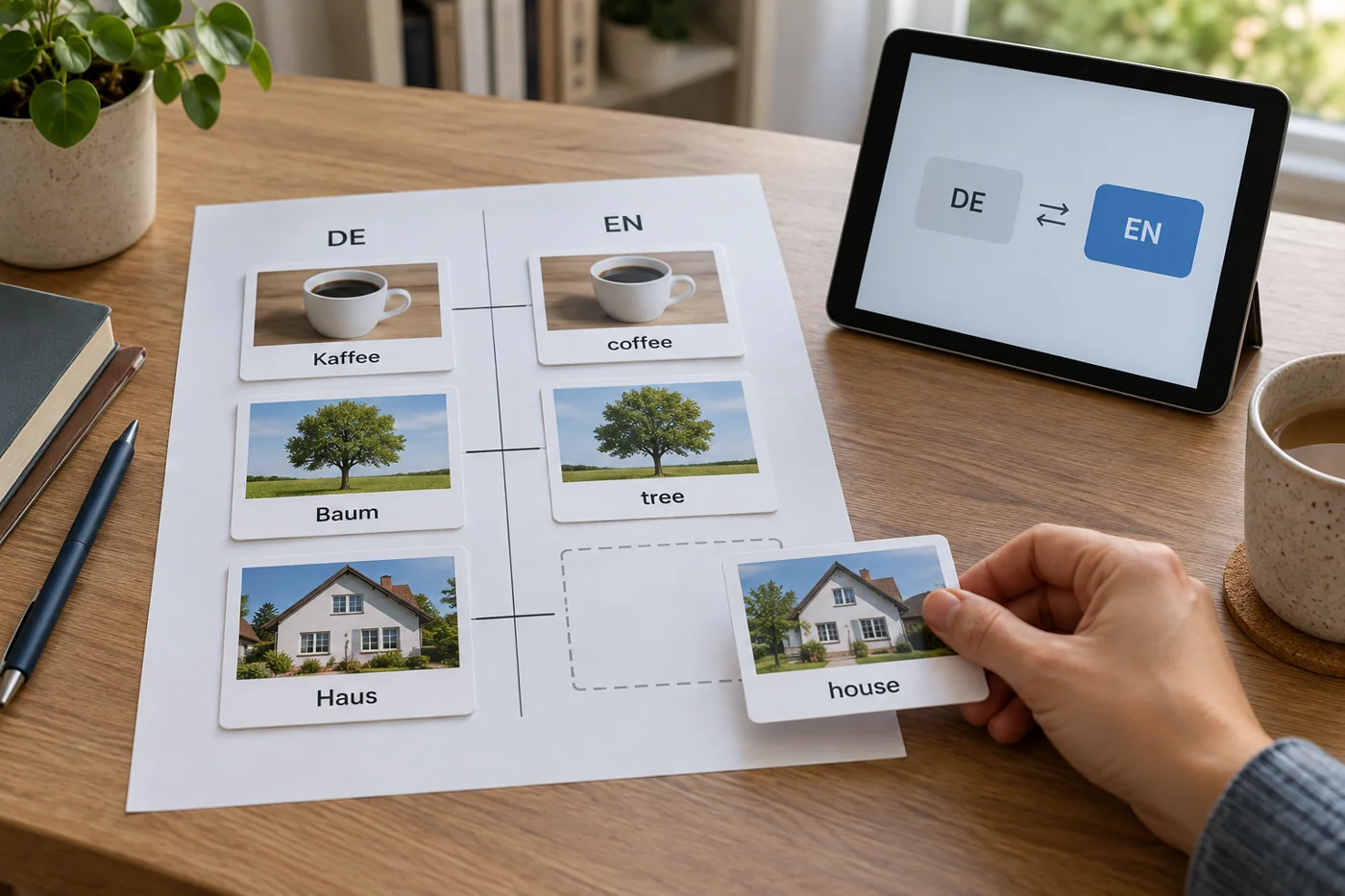
Check that two language versions have matching pages
Read article →
Website operations
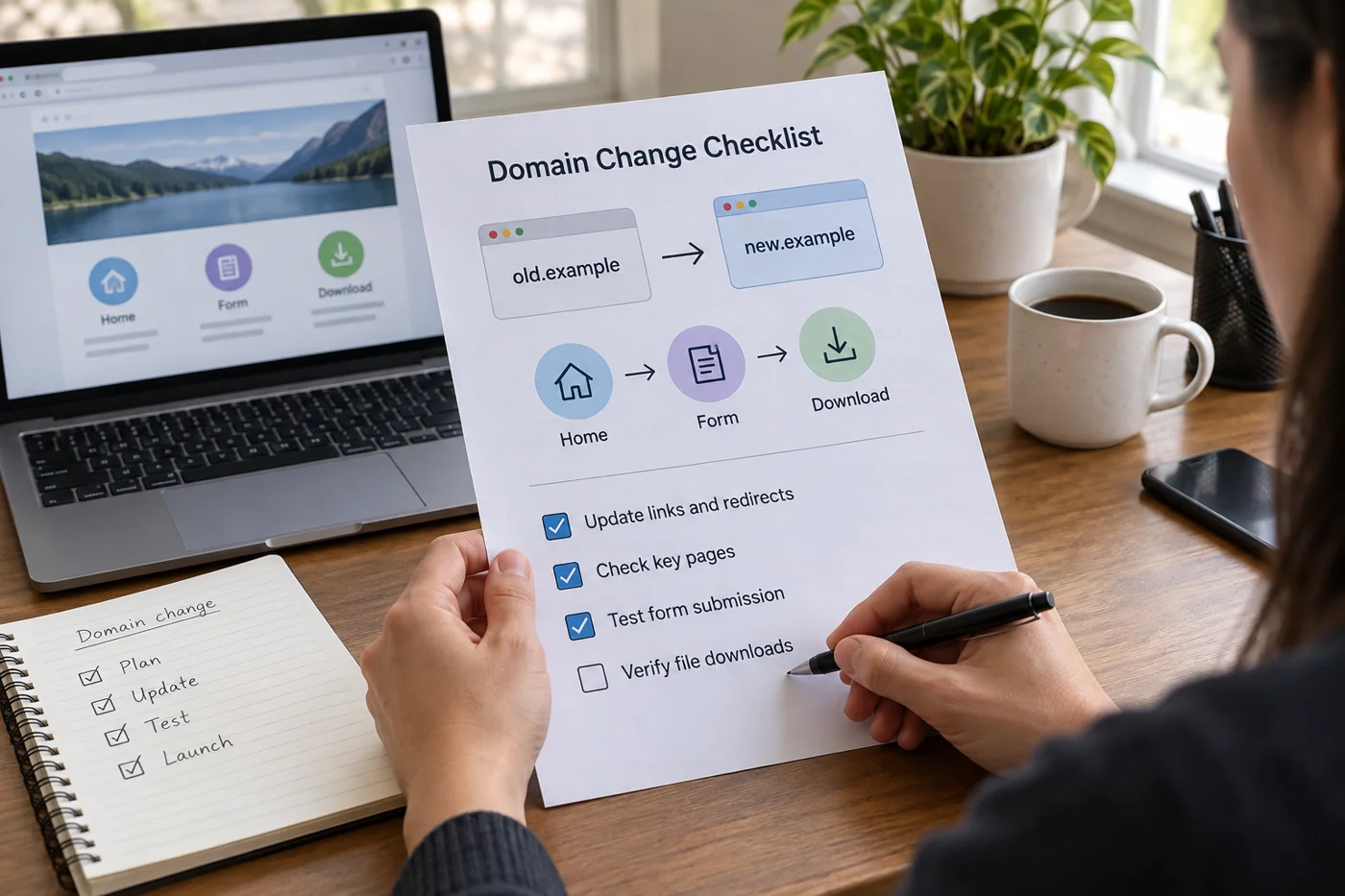
Check the main journeys after a website domain change
Read article →
Website operations
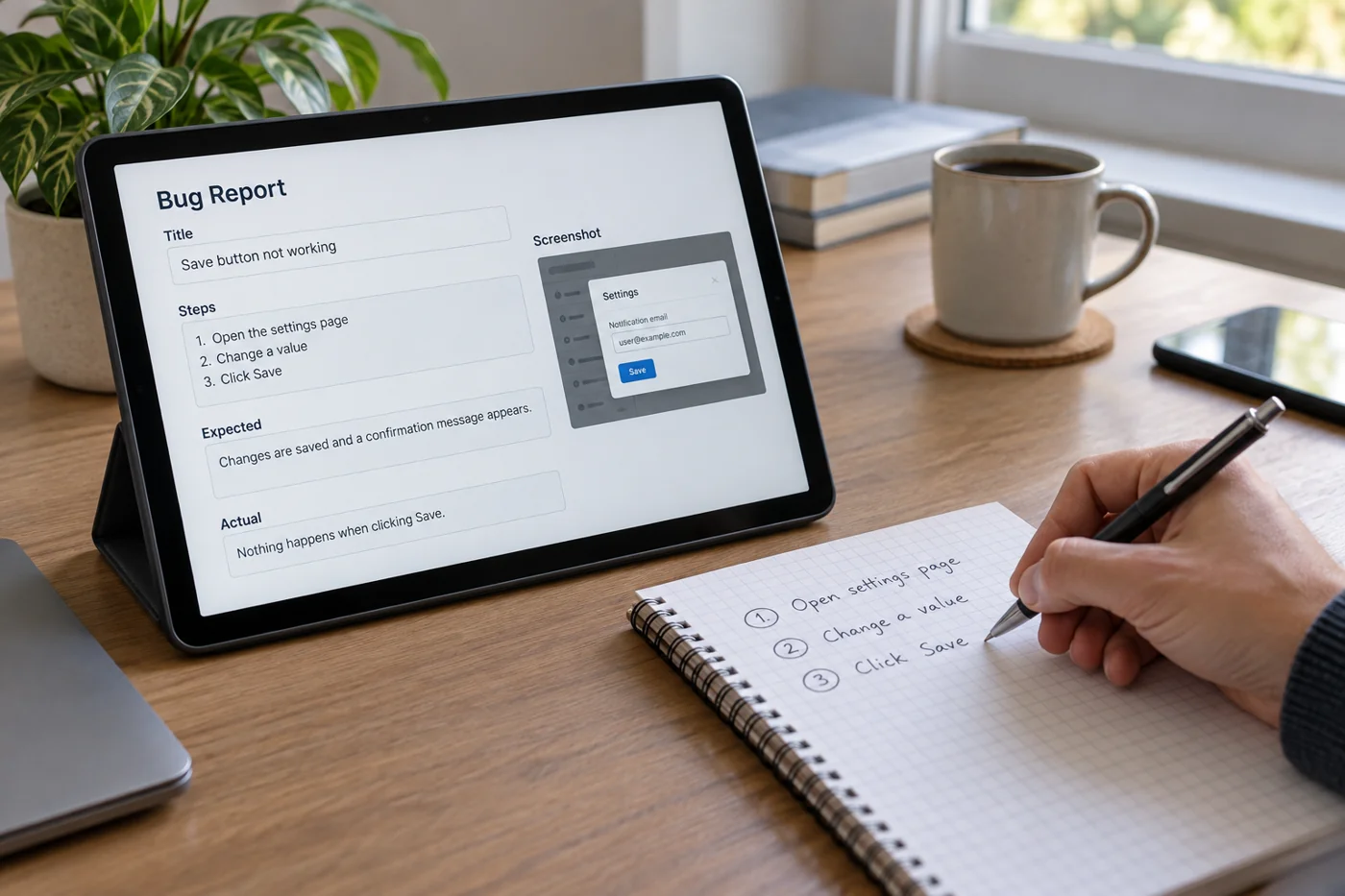
Report a website problem with reproducible steps
Read article →
Website operations
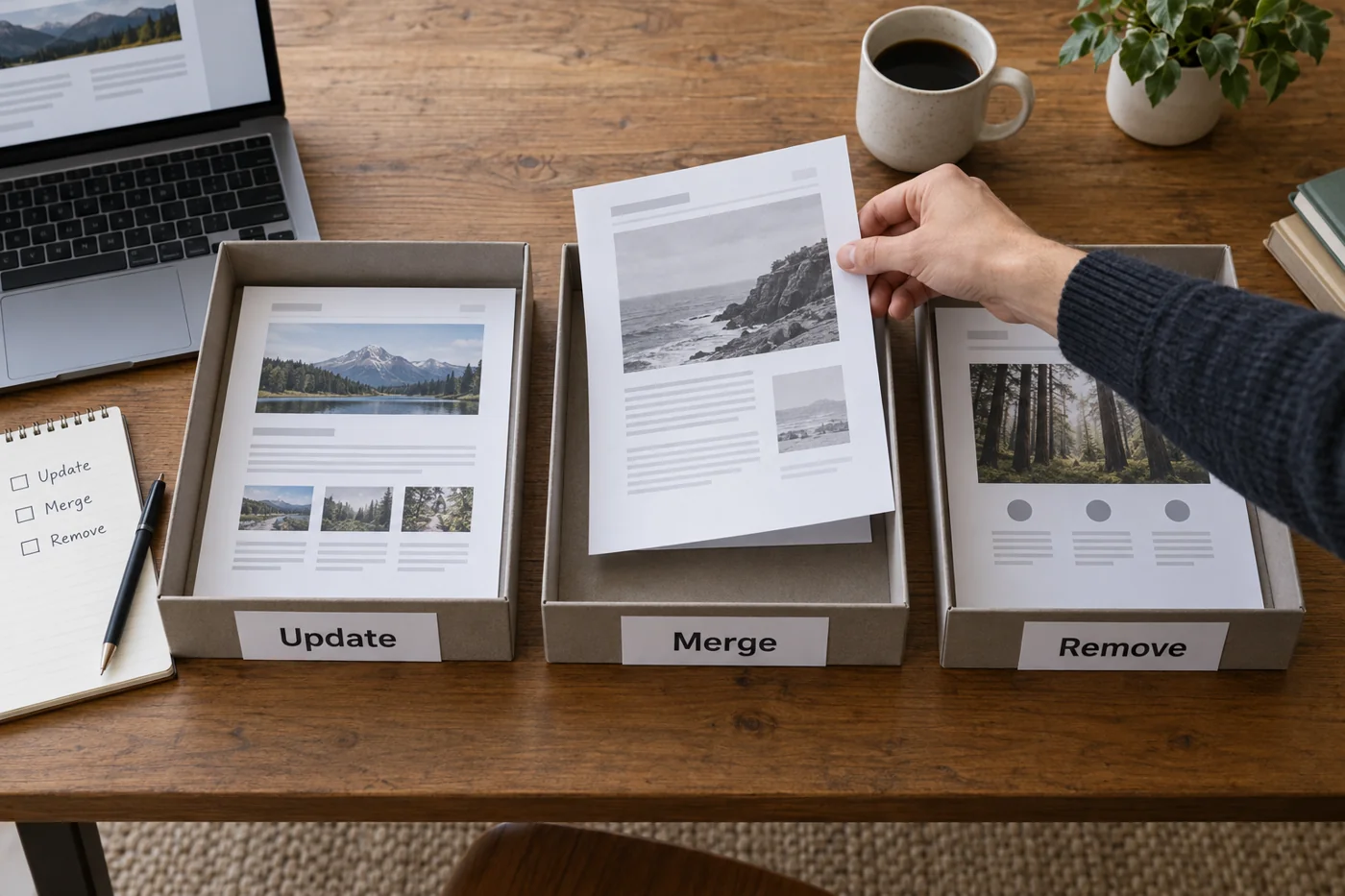
Decide whether to update, merge or remove an outdated page
Read article →
Email & domains
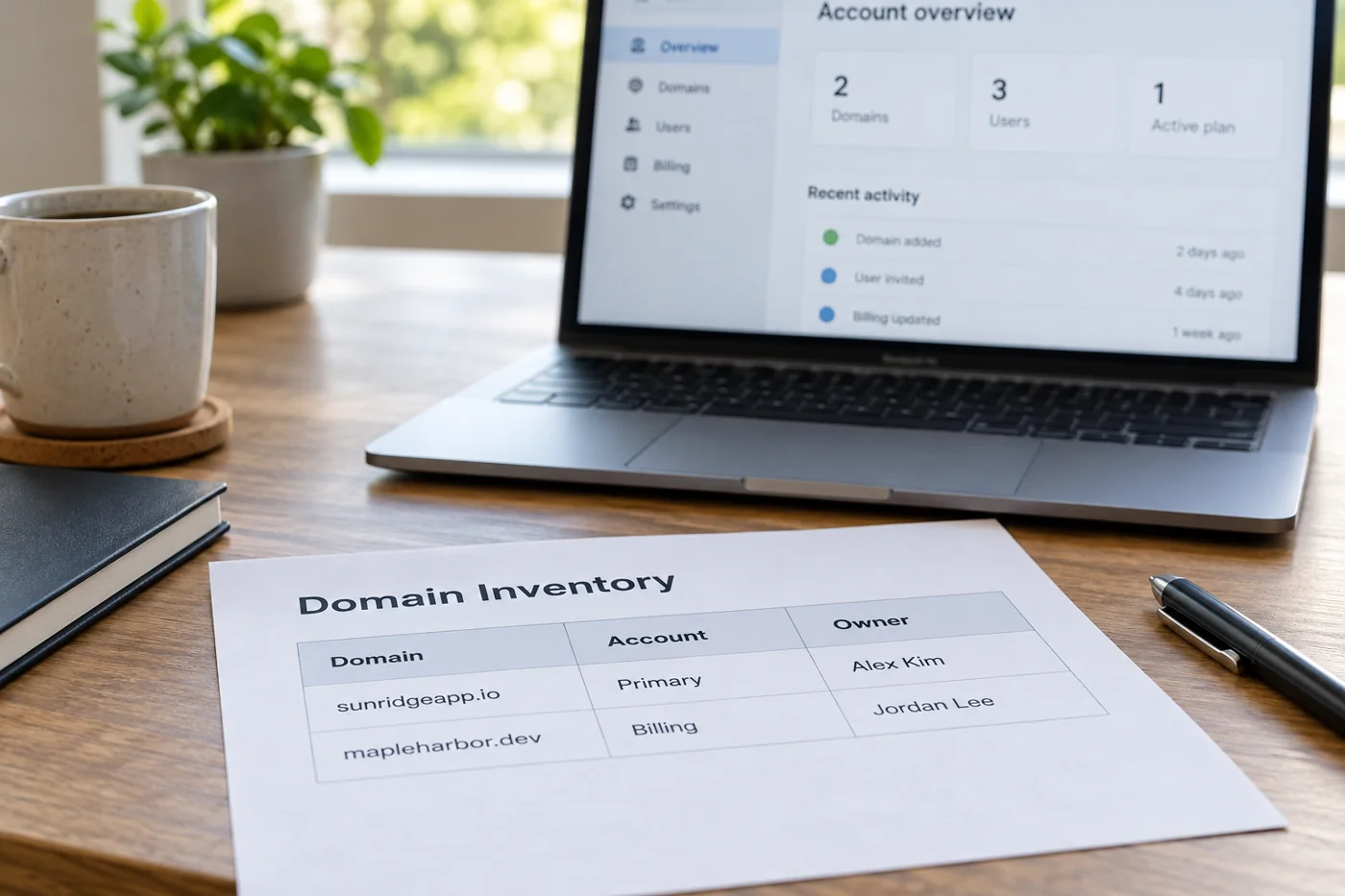
Inventory domains and the accounts responsible for them
Read article →
Email & domains
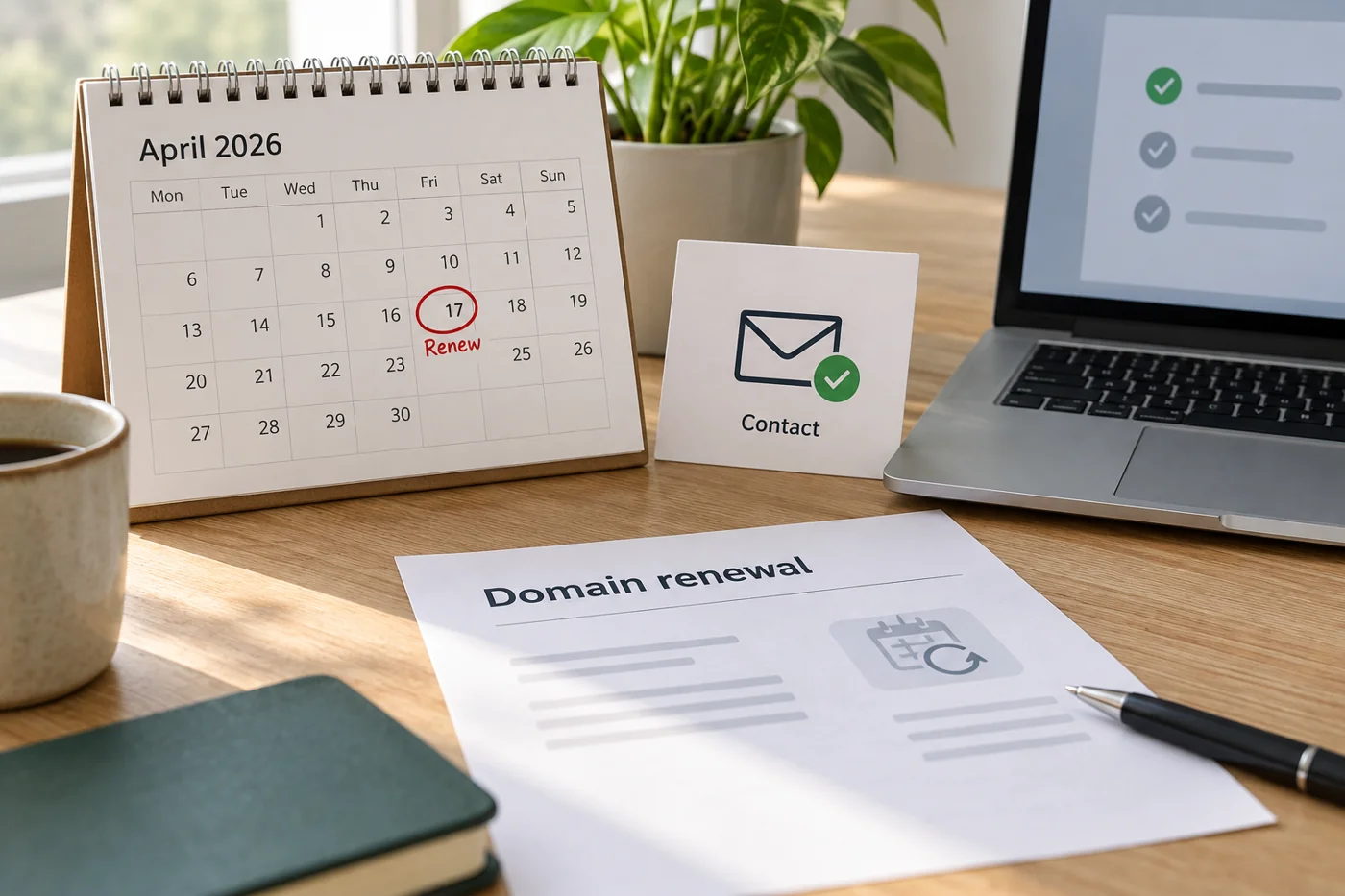
Review domain renewals and reachable contact details
Read article →
Email & domains
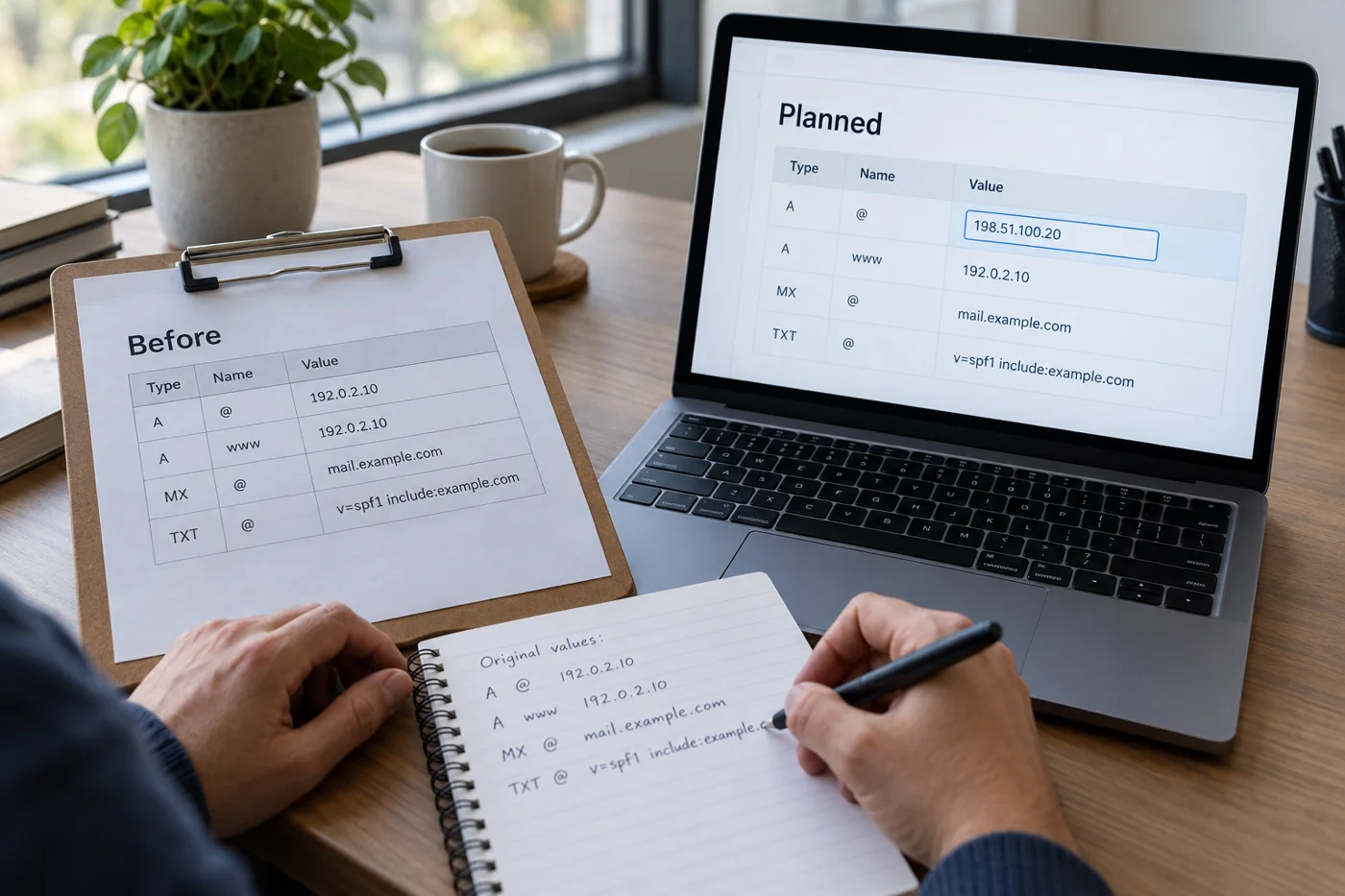
Prepare a DNS change with a recorded starting state
Read article →
Email & domains
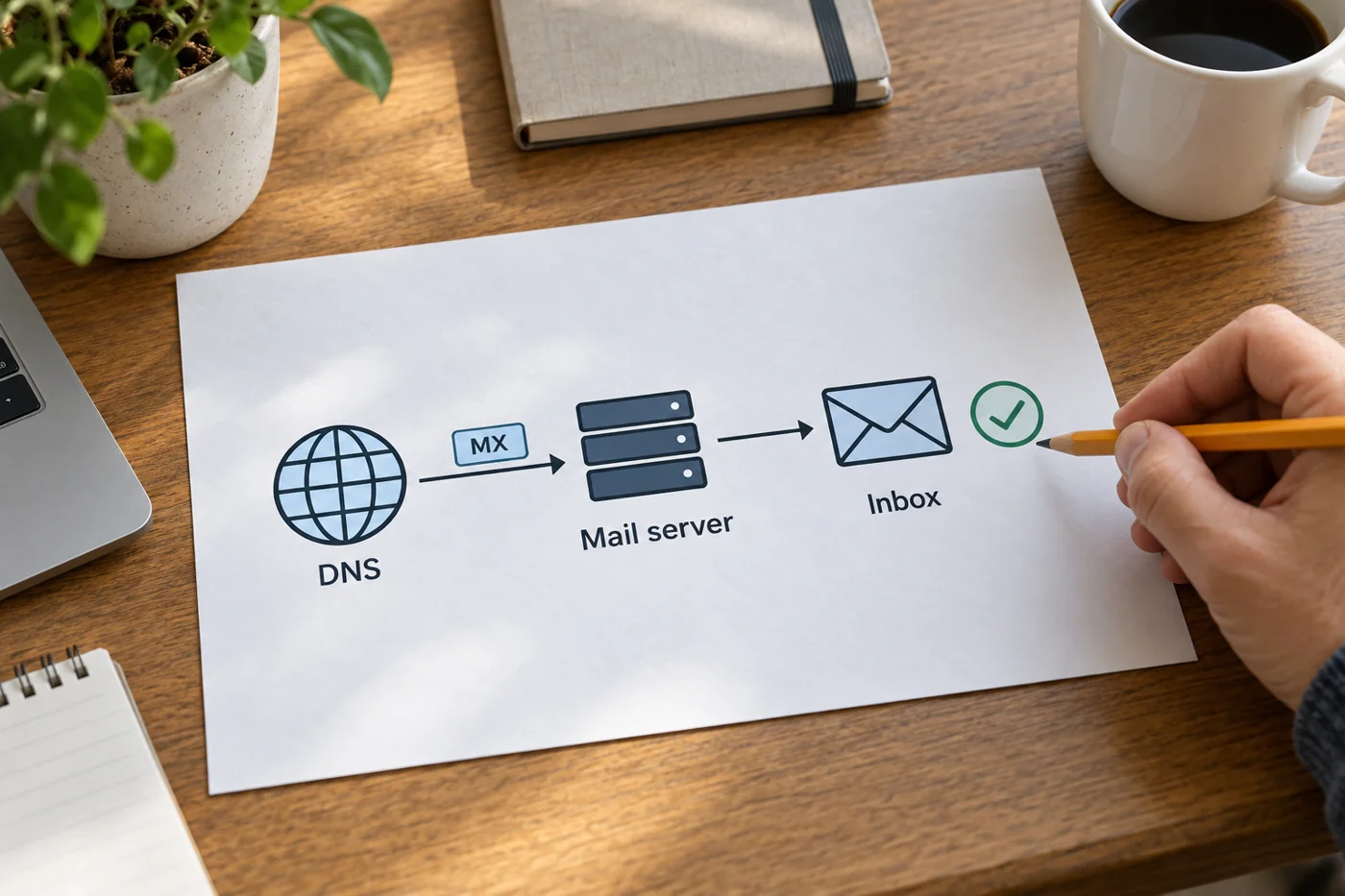
Distinguish MX records from actual email delivery
Read article →
Email & domains
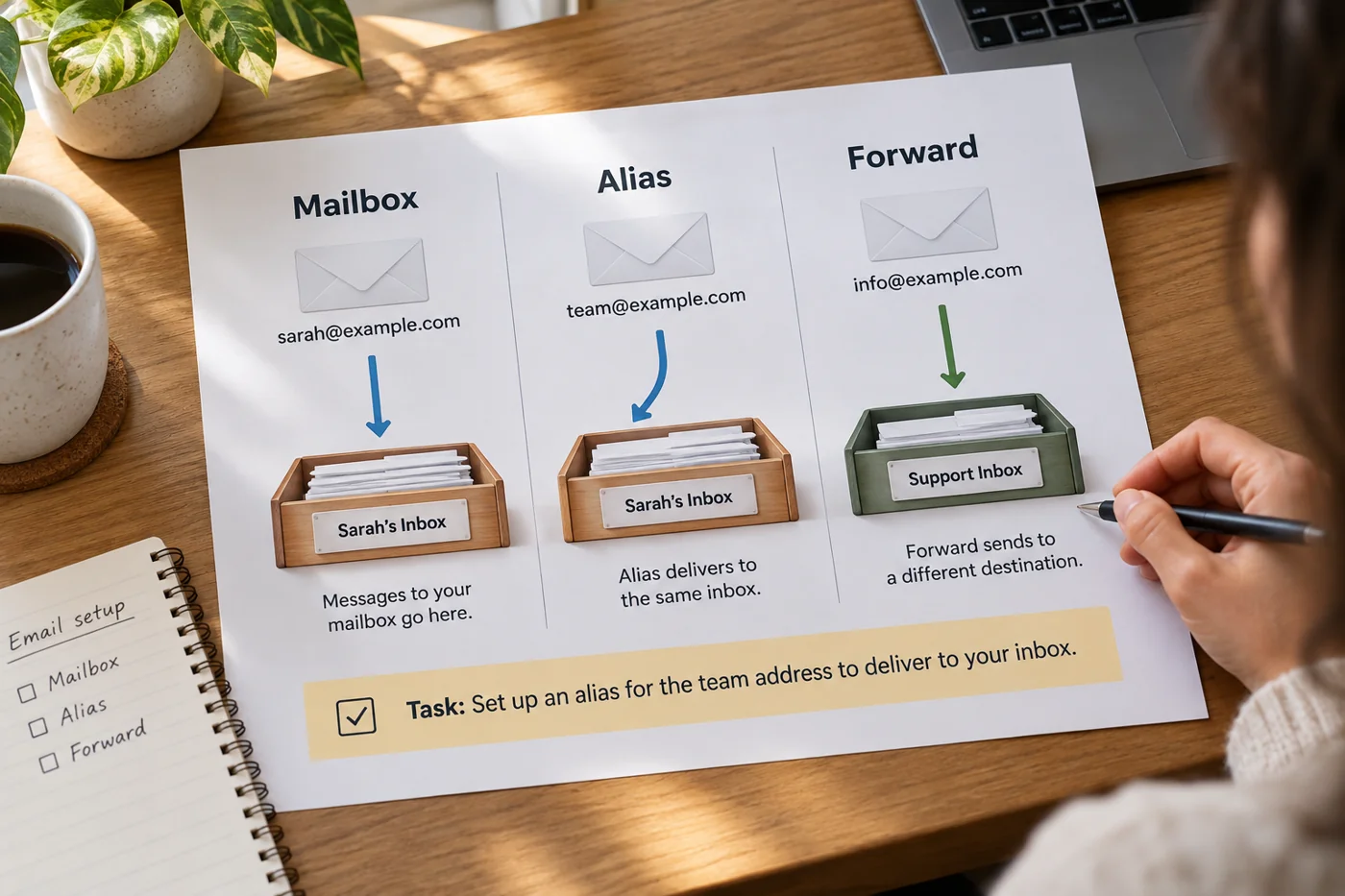
Distinguish a mailbox, an alias and forwarding
Read article →
Email & domains
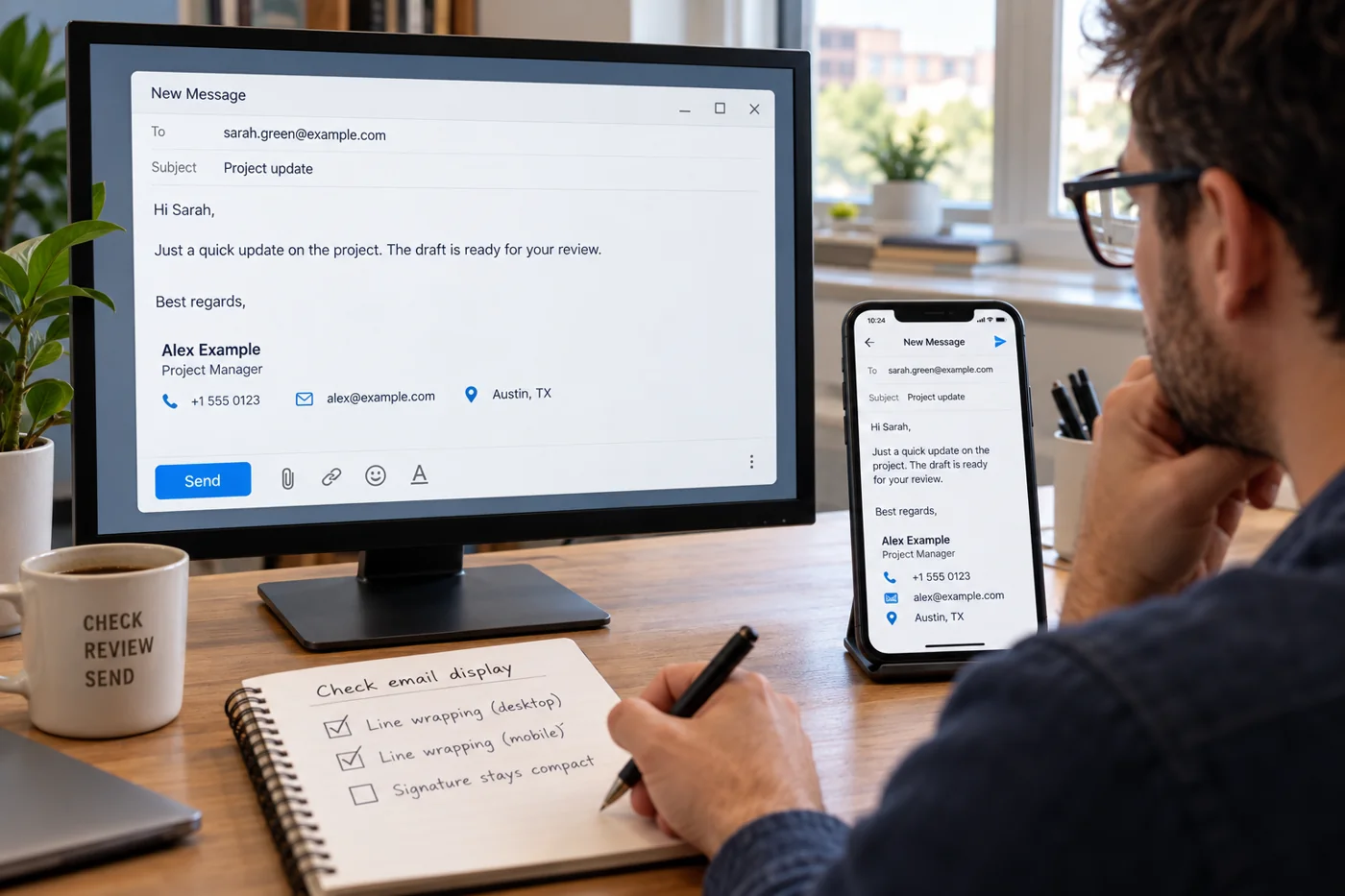
Check the content and rendering of an email signature
Read article →
Email & domains
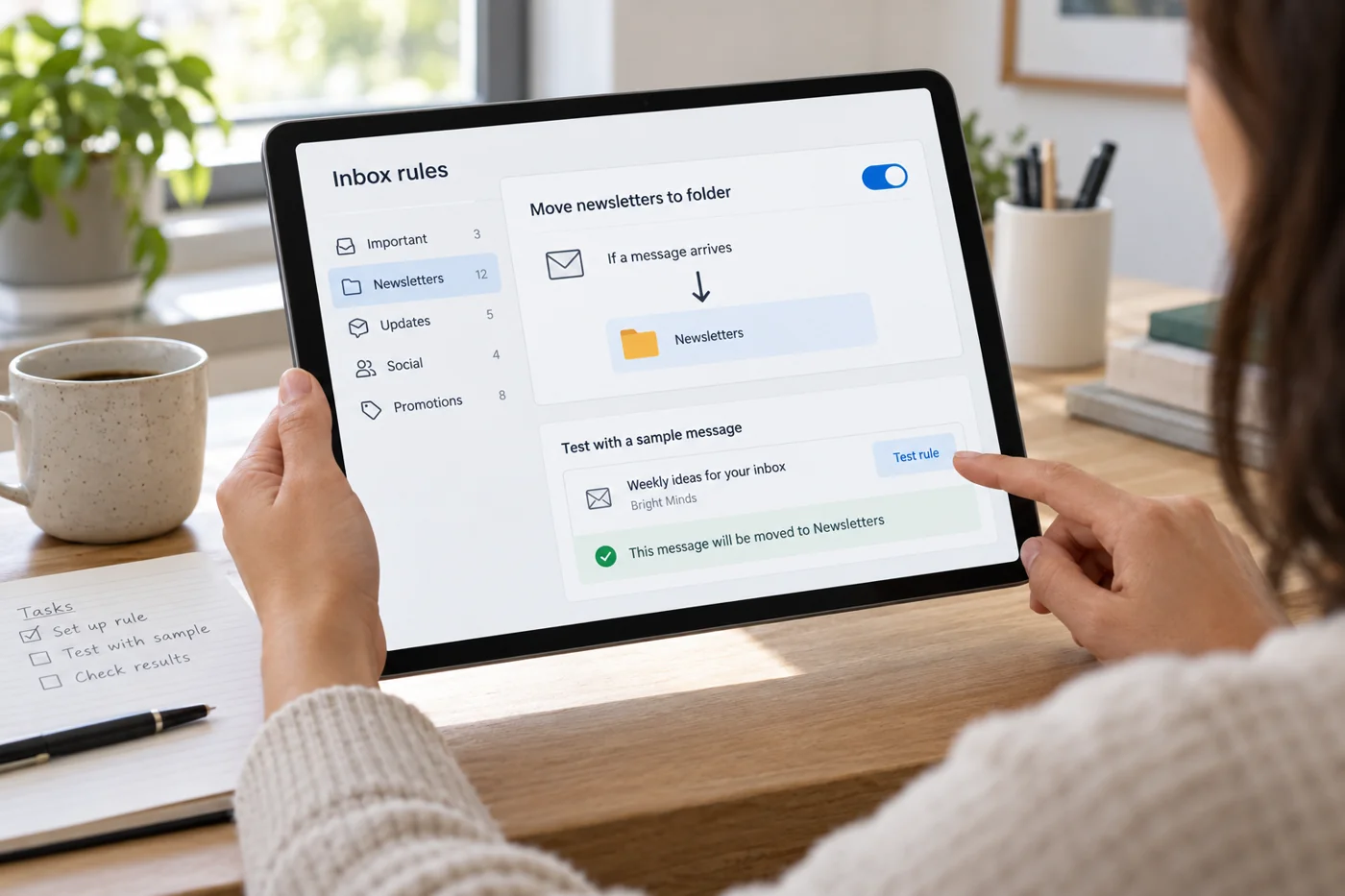
Set up inbox rules without hiding important messages
Read article →
Email & domains
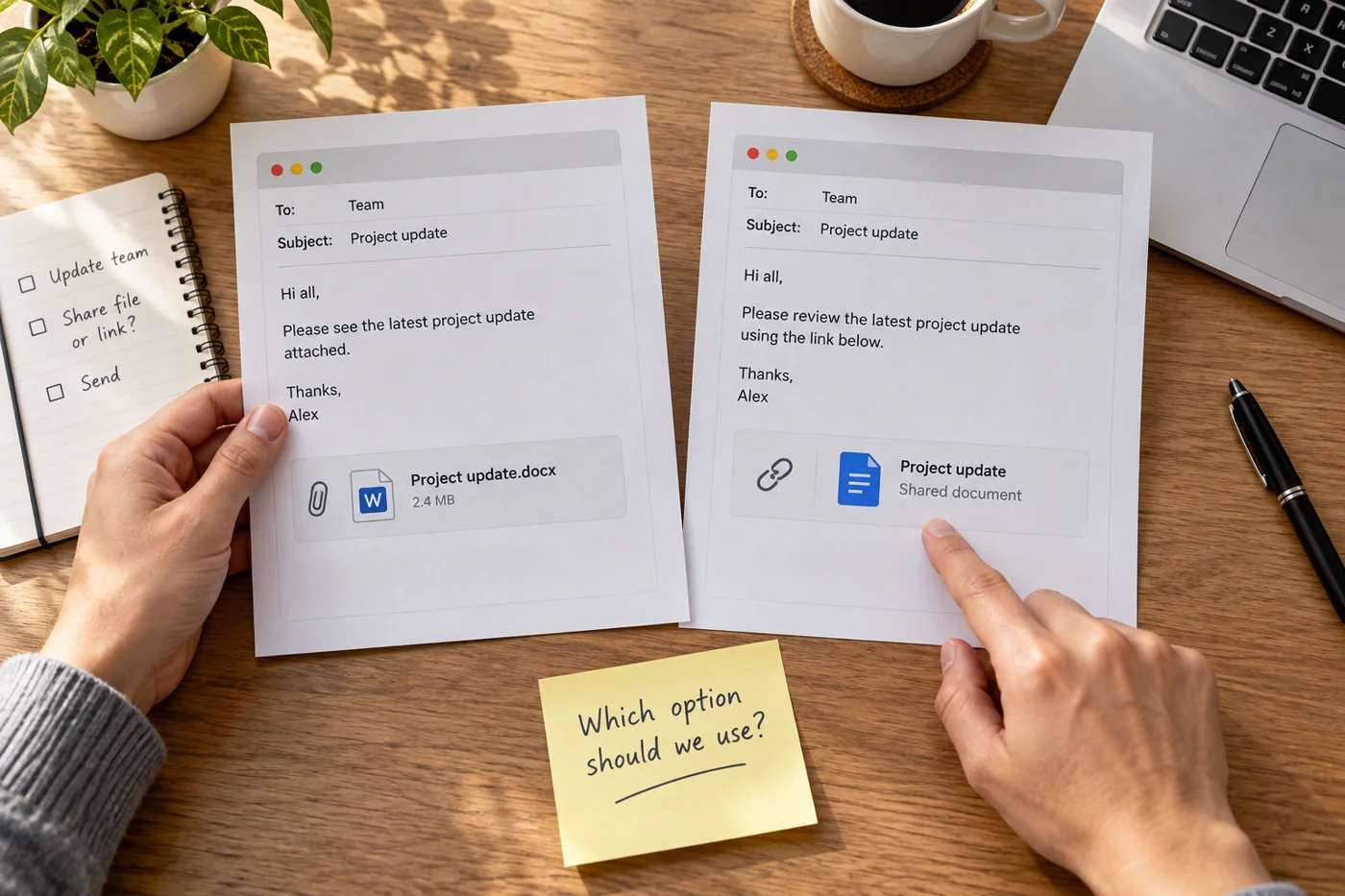
Choose between an email attachment and a file link
Read article →
Email & domains
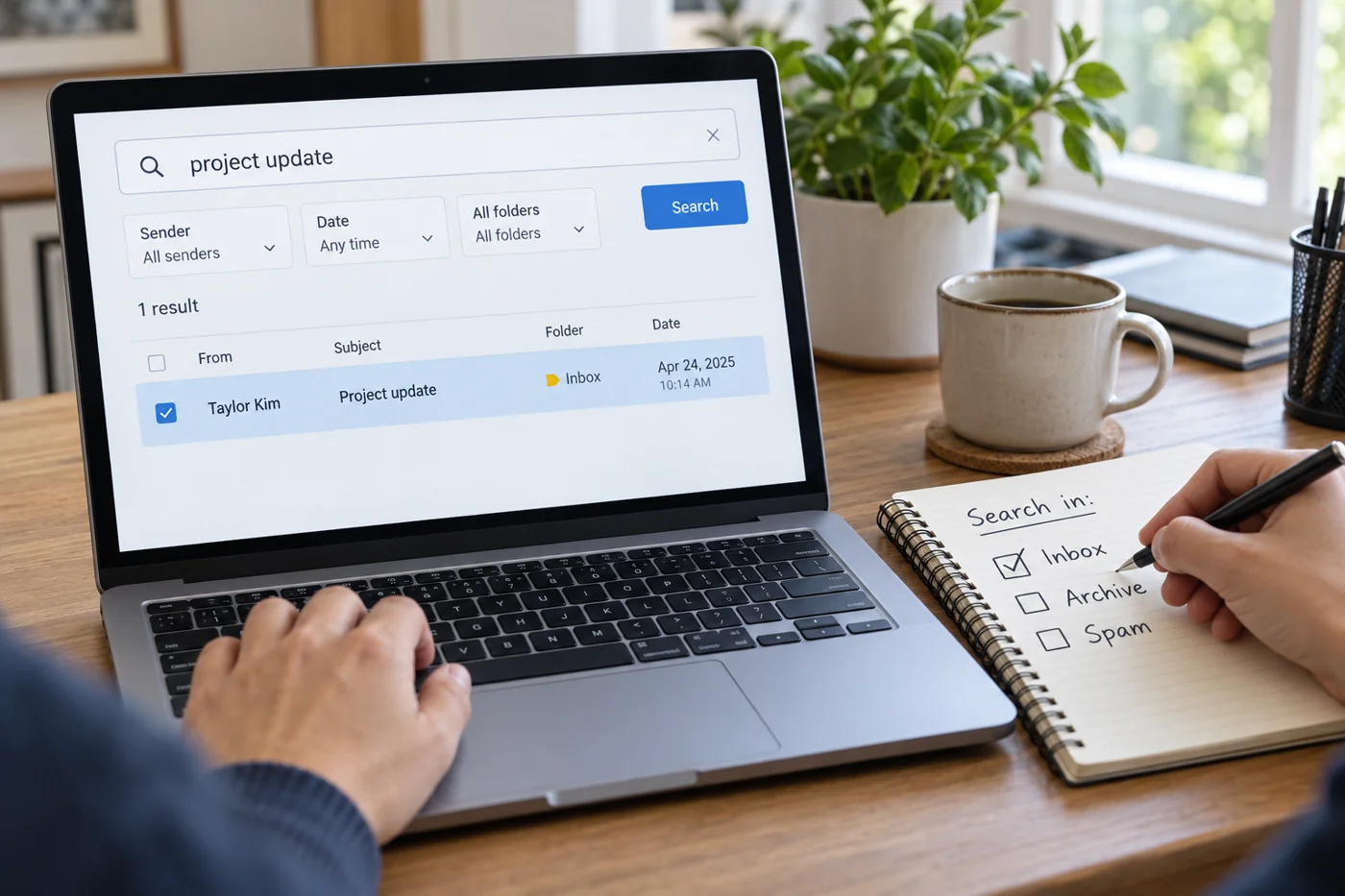
Find a missing email through a systematic search
Read article →
Email & domains
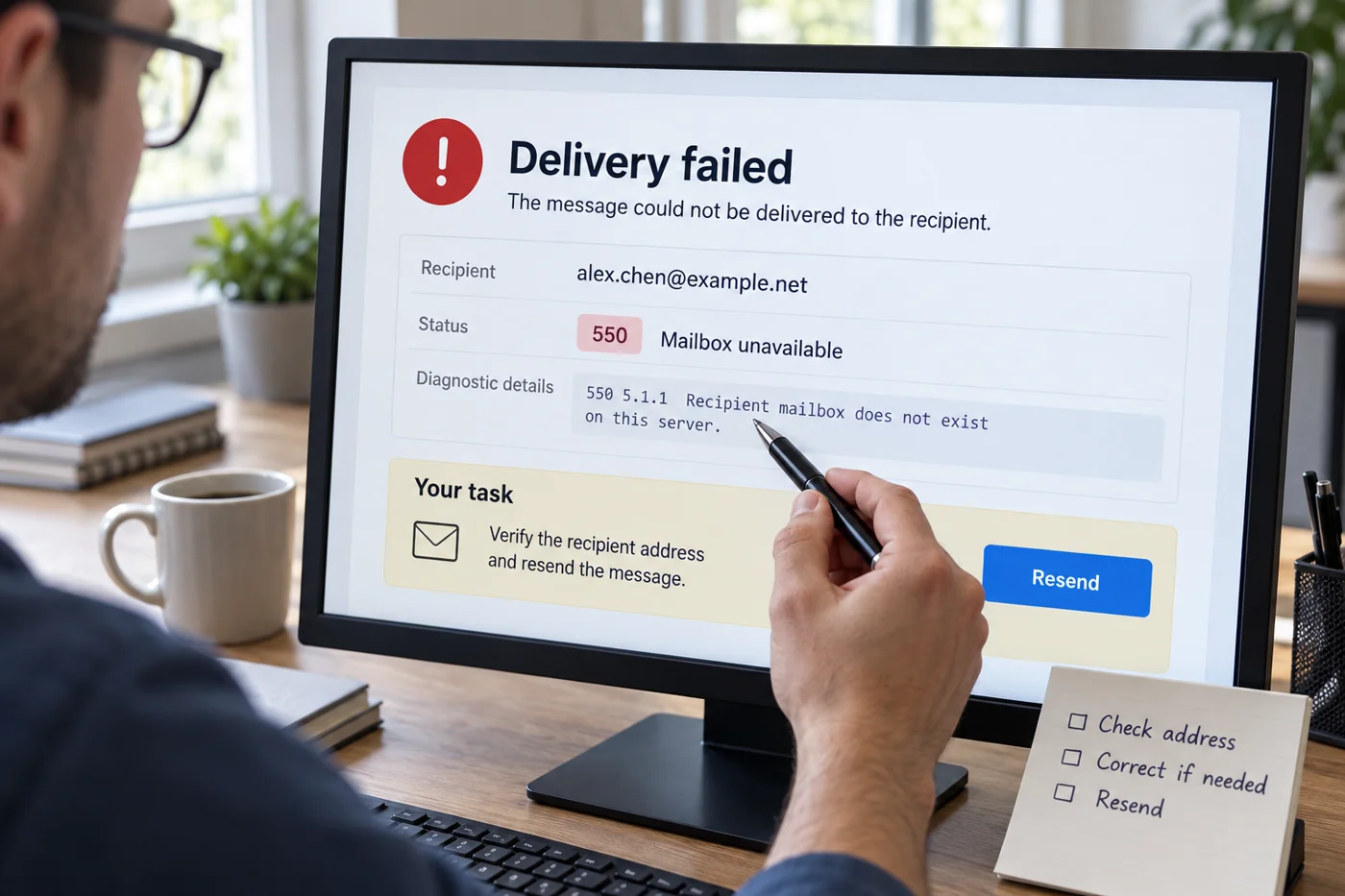
Read a delivery failure notice before sending again
Read article →
Email & domains
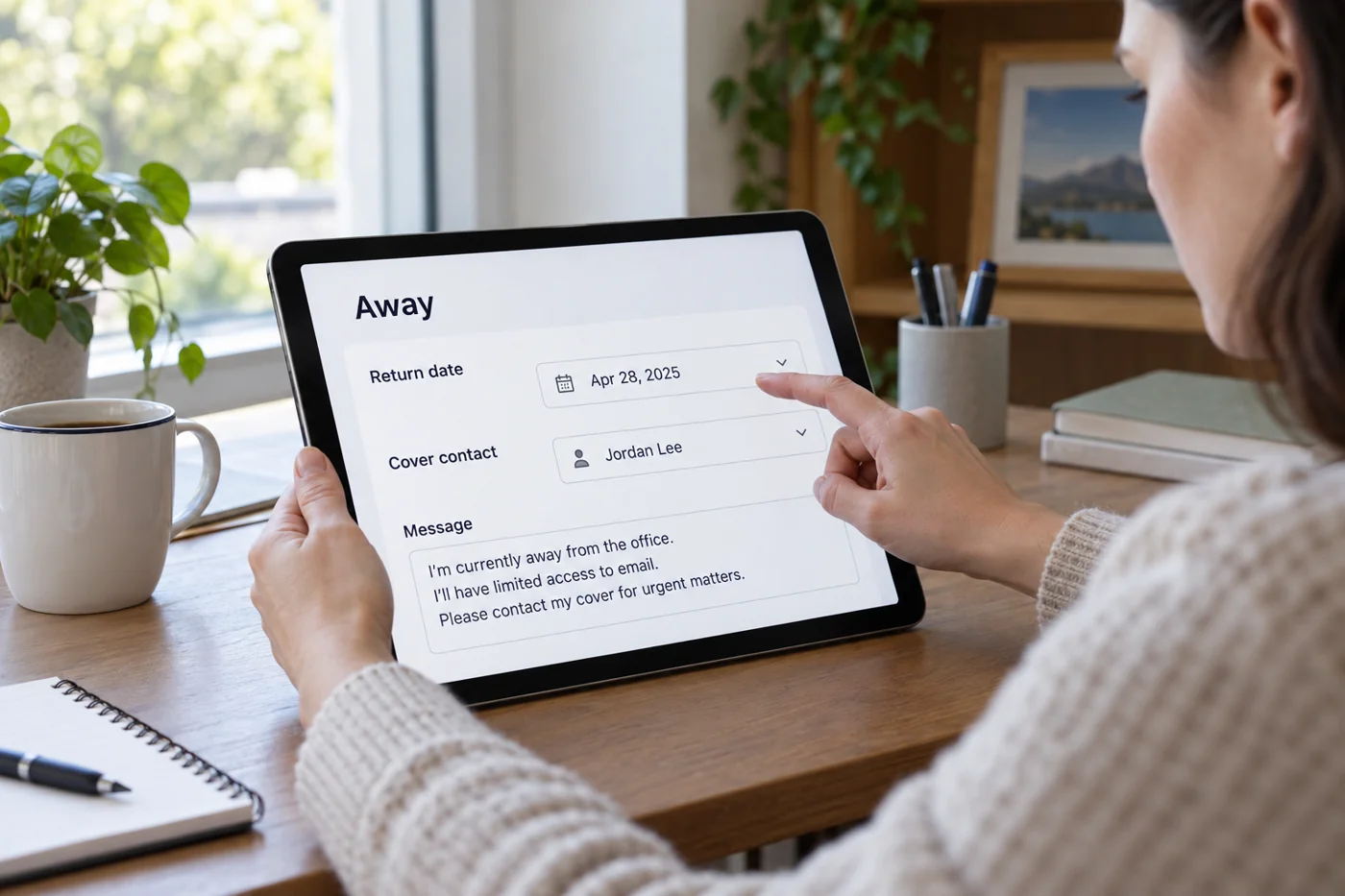
Prepare an out-of-office reply with cover and an end date
Read article →
Email & domains
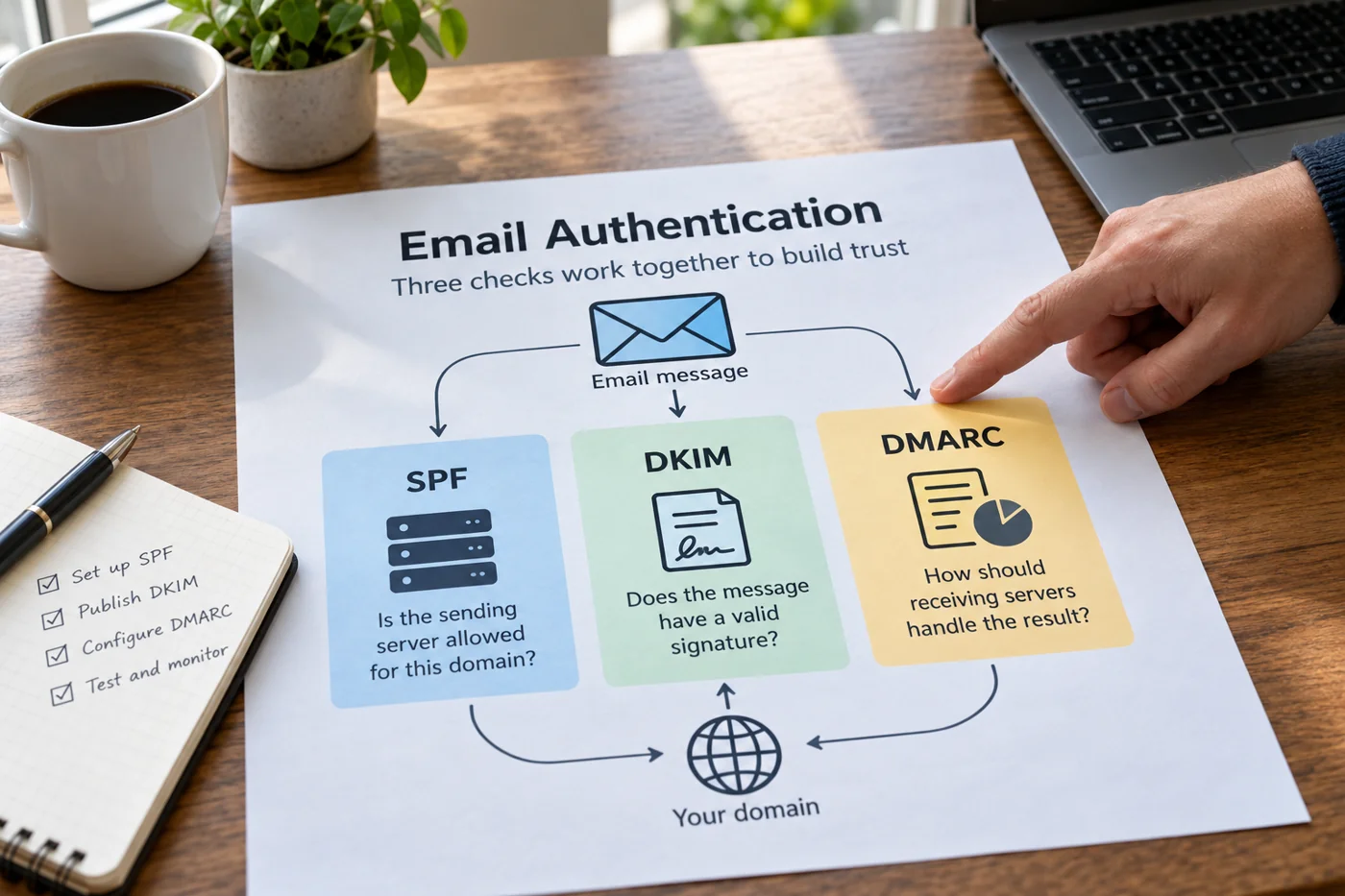
Consider SPF, DKIM and DMARC together for a domain
Read article →
Email & domains
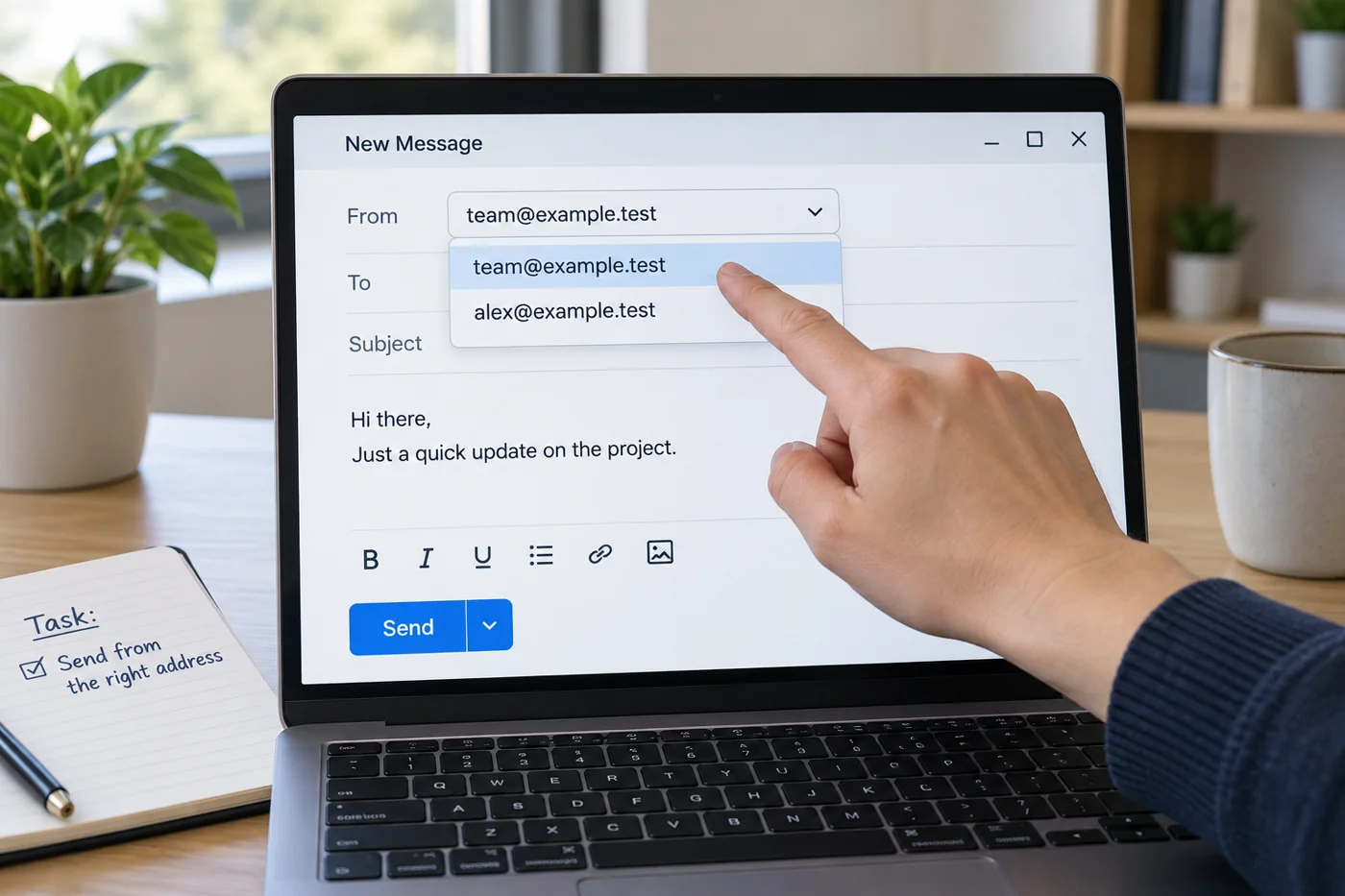
Check the sender address when using several email accounts
Read article →
Email & domains
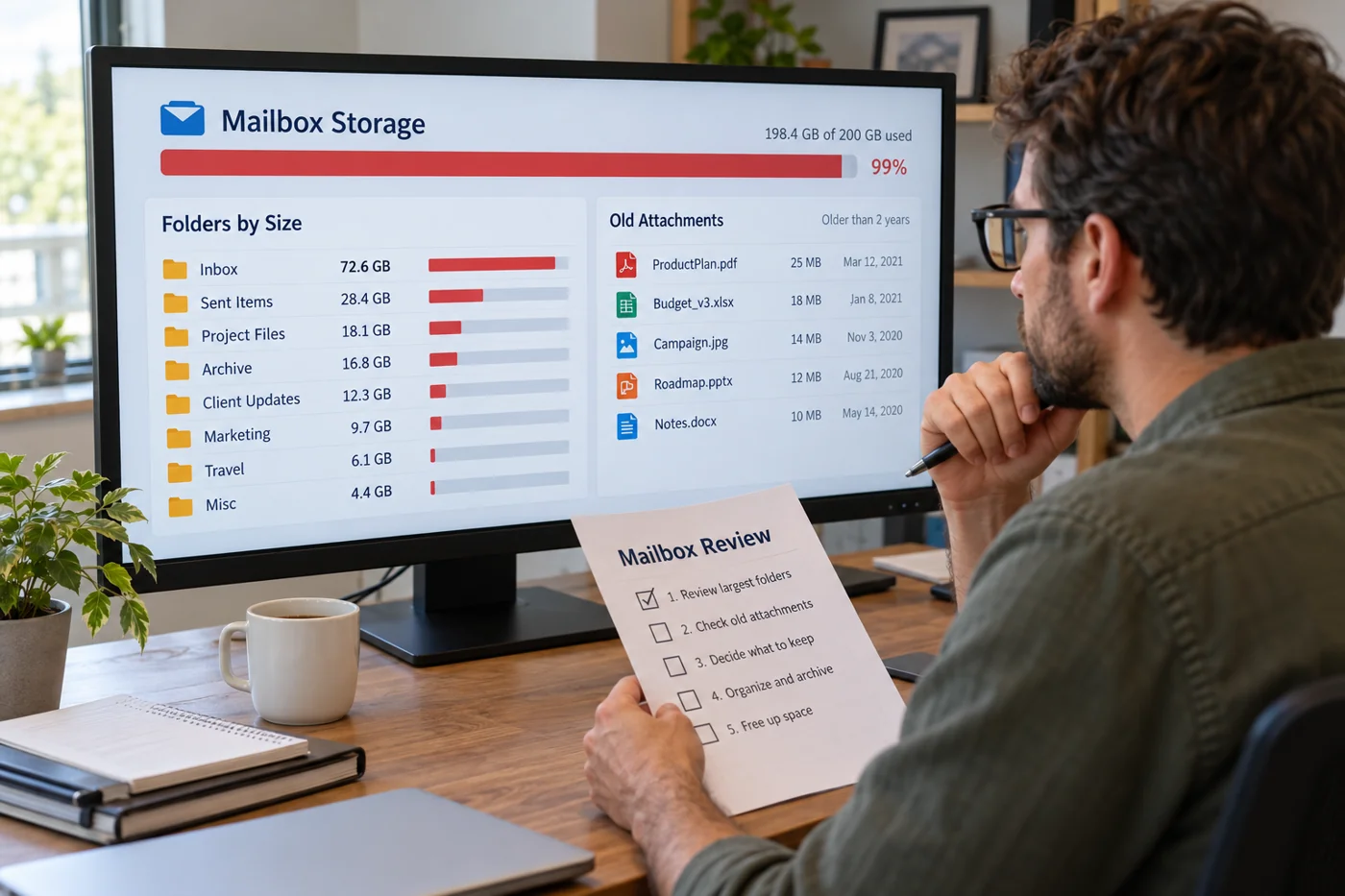
Review a full mailbox before deleting messages
Read article →
Email & domains
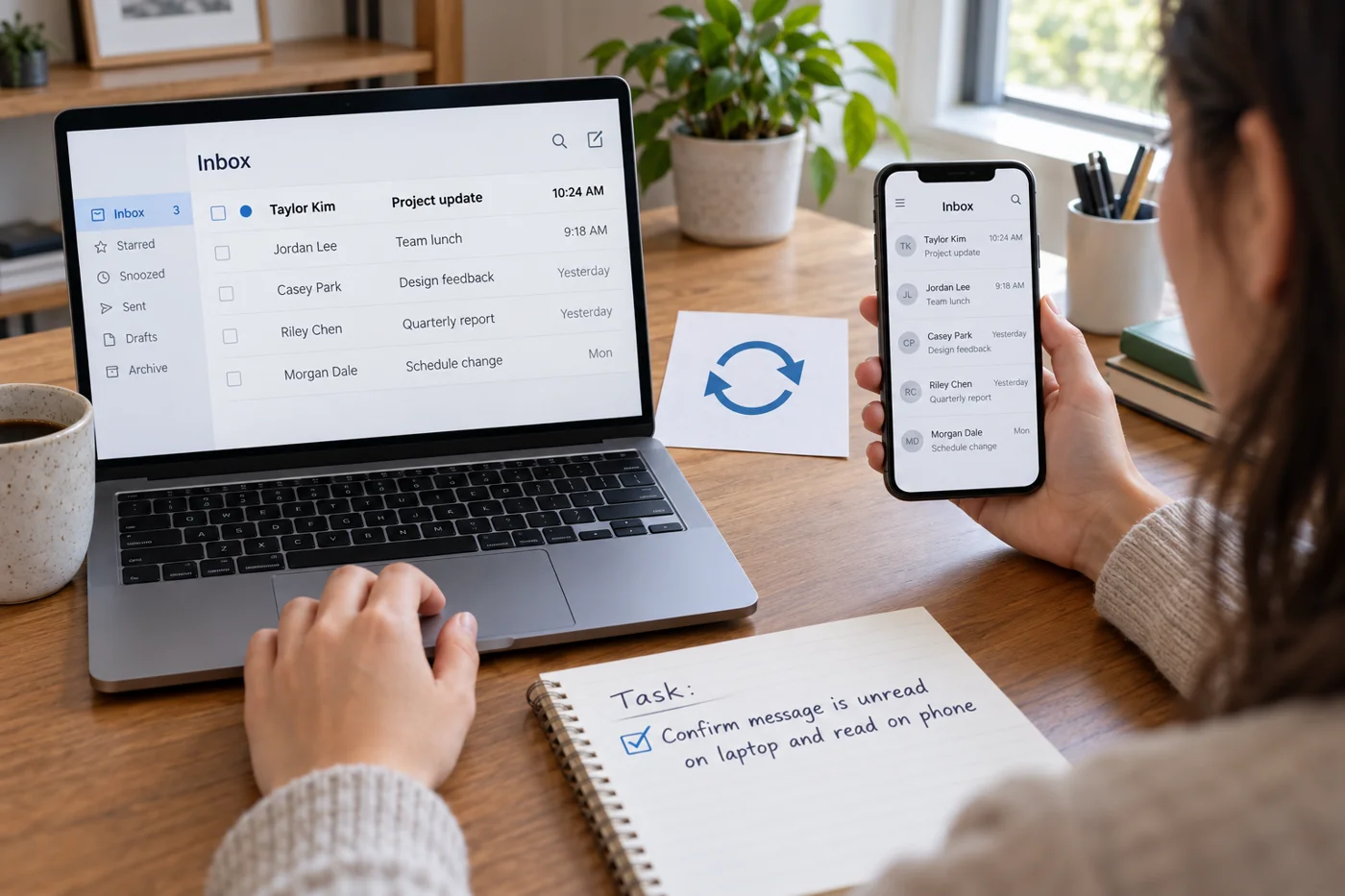
Investigate different message states across email clients
Read article →
Email & domains
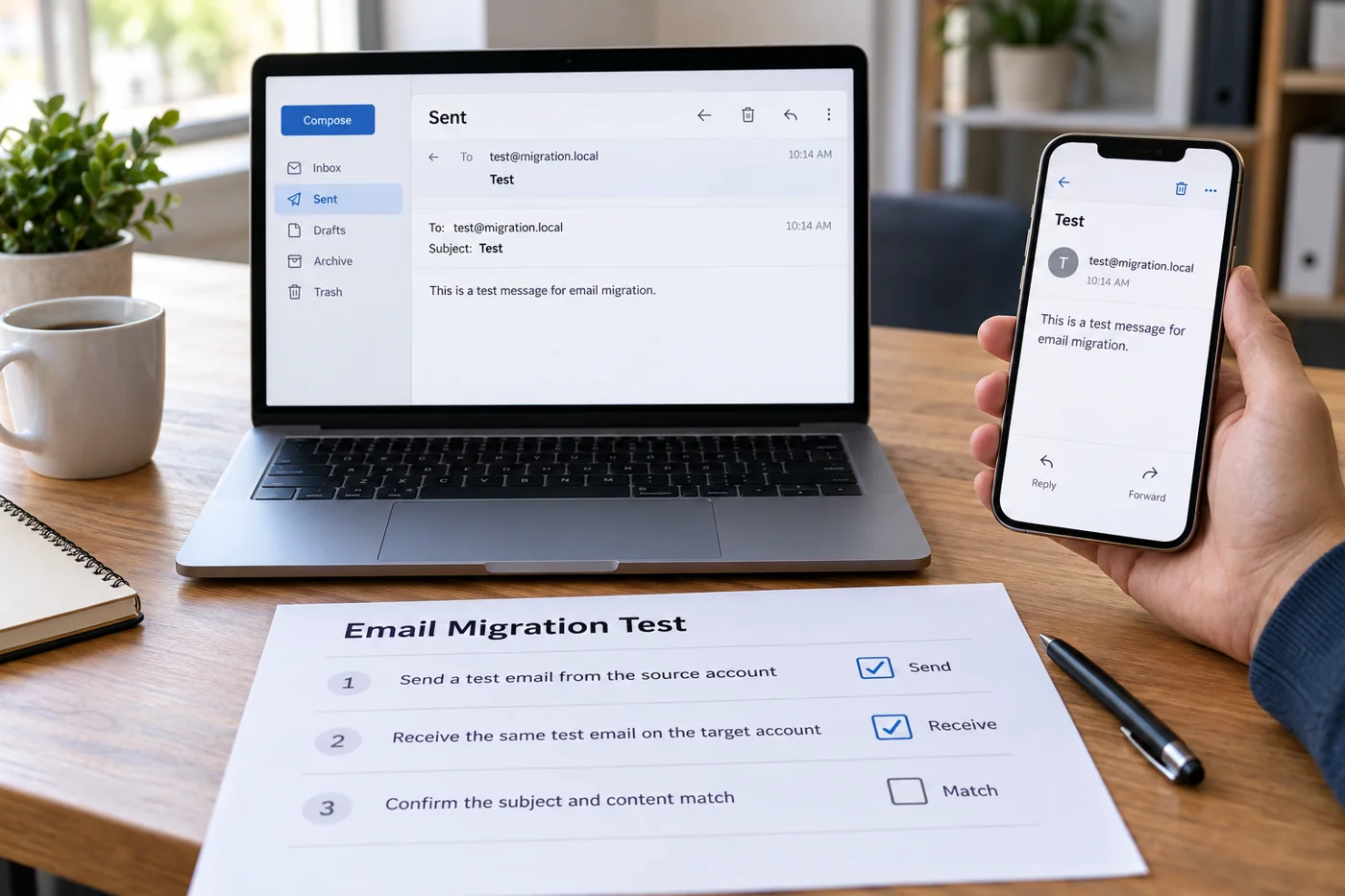
Test email after a domain or provider change
Read article →
Customer communication
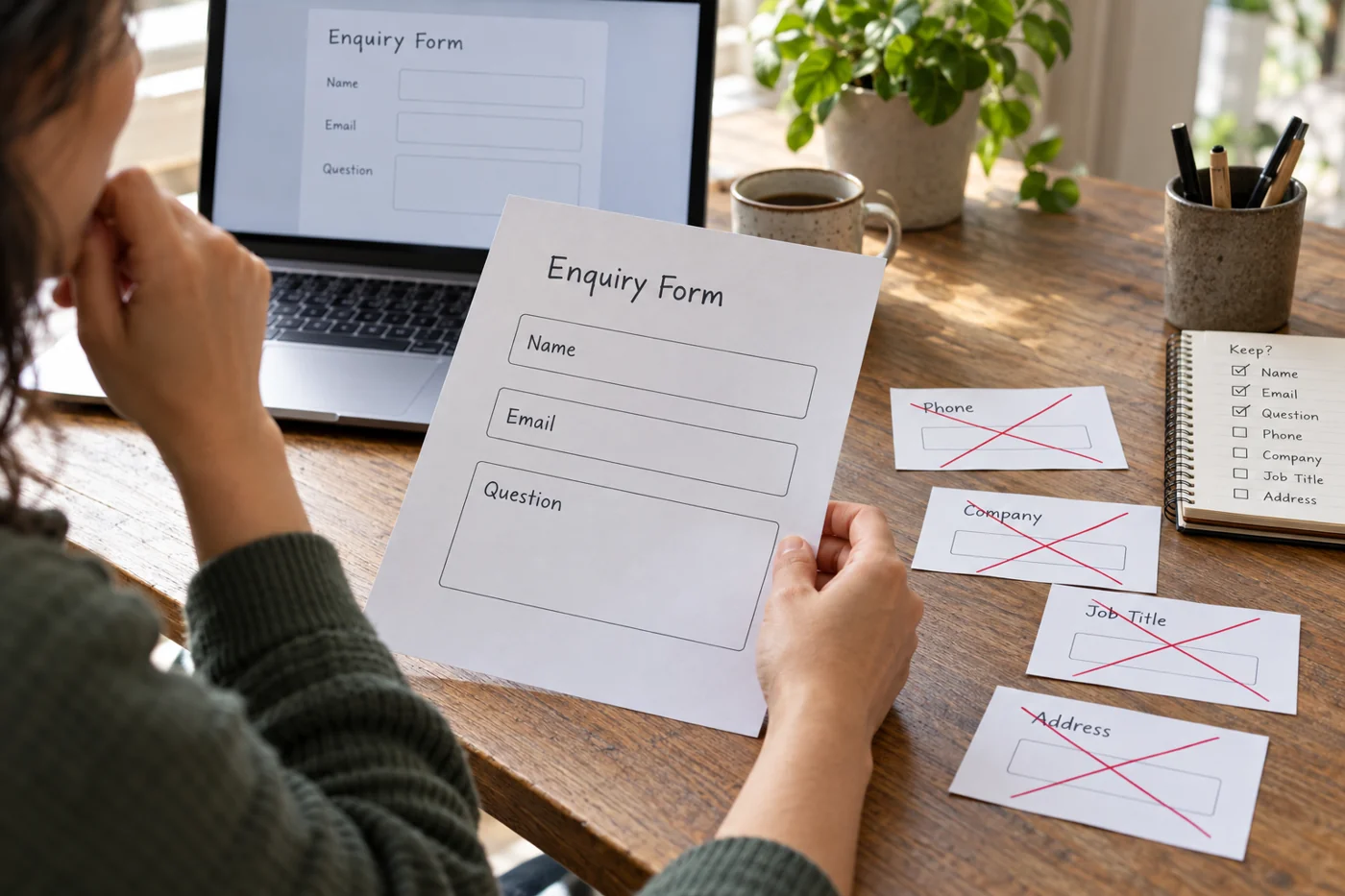
Keep inquiry forms focused on necessary information
Read article →
Customer communication
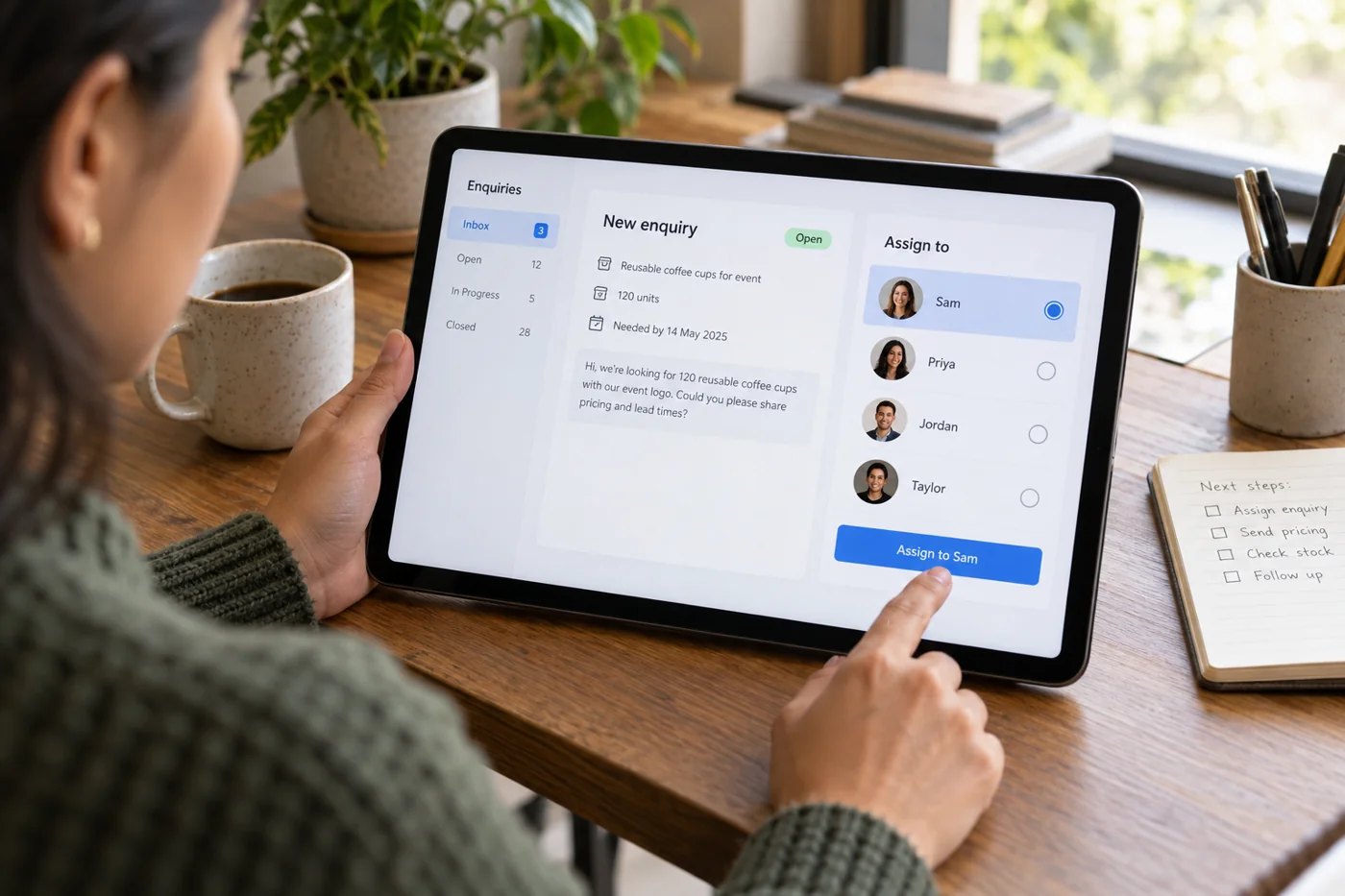
Assign incoming inquiries to an owner
Read article →
Customer communication
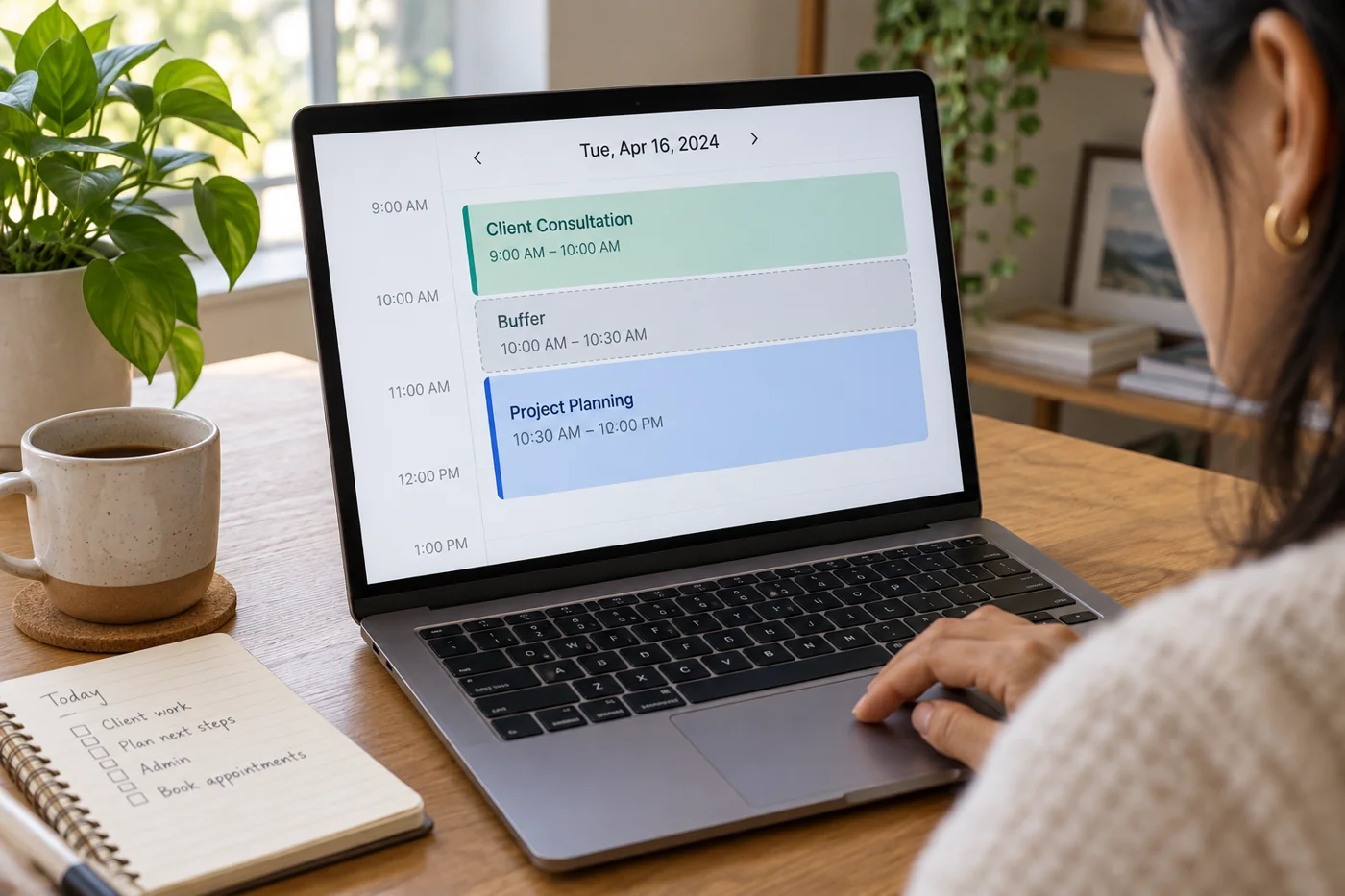
Add buffers between online appointments
Read article →
Customer communication
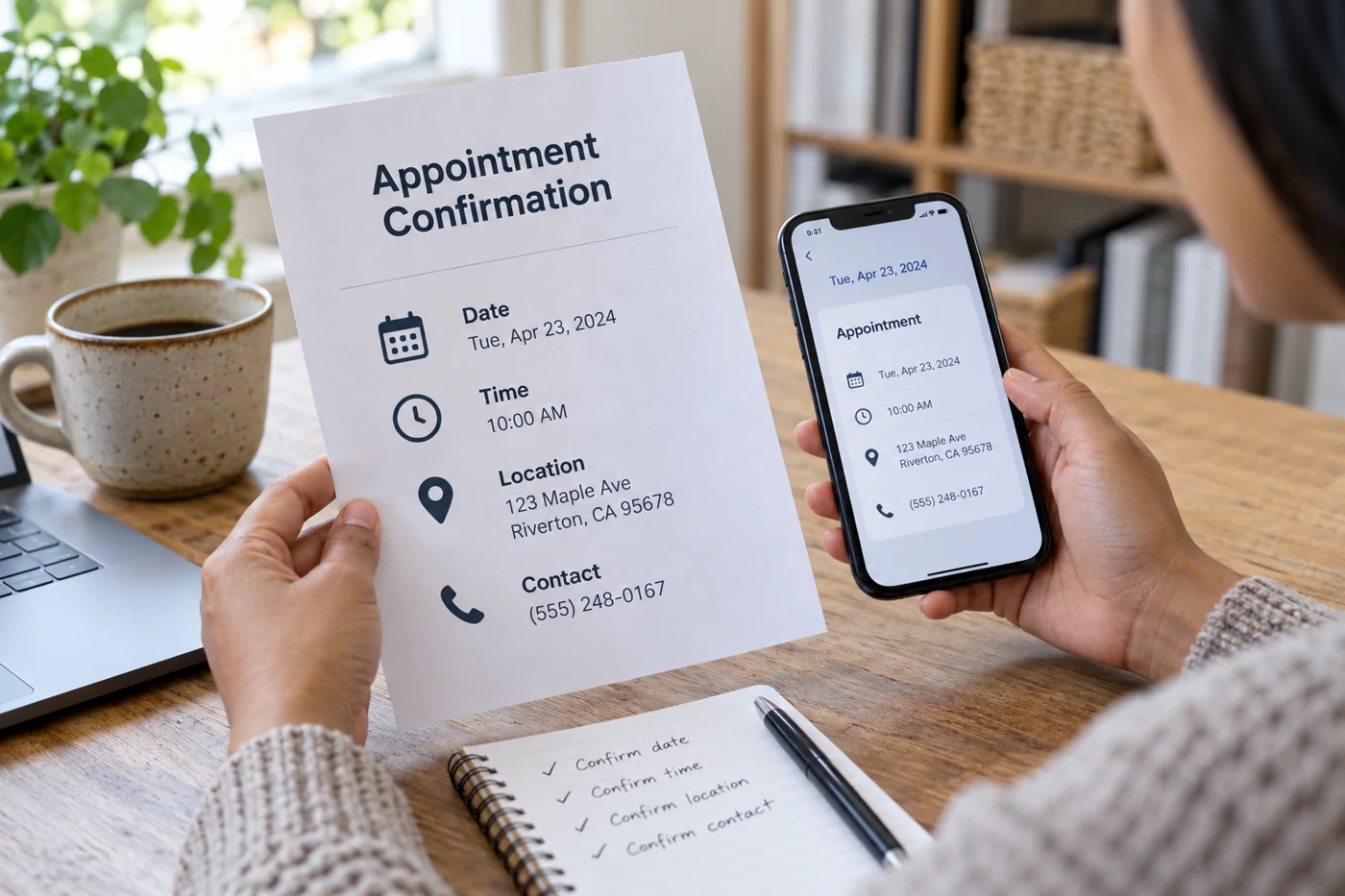
Write appointment confirmations with useful details
Read article →
Customer communication
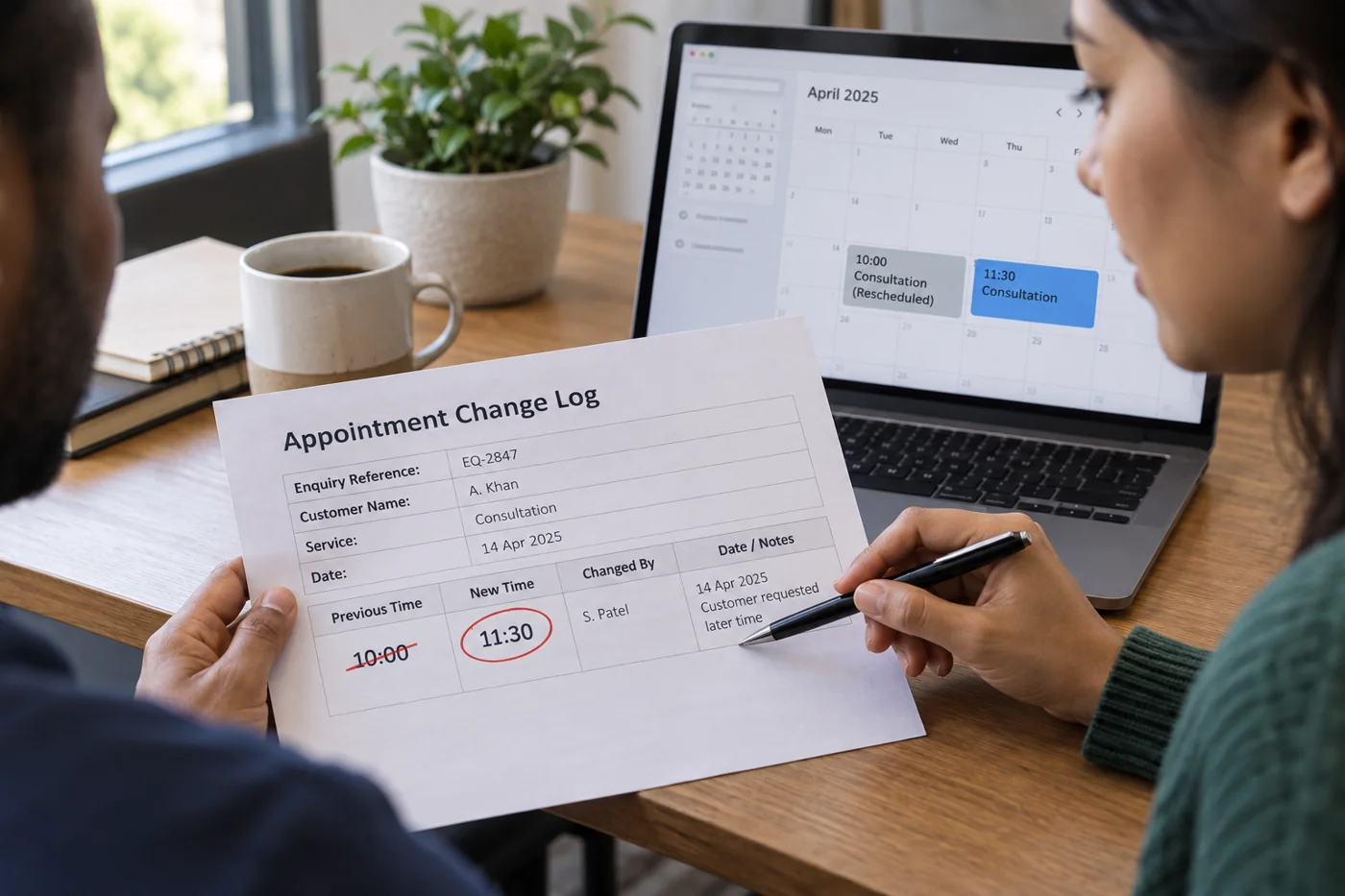
Organize appointment changes without losing context
Read article →
Customer communication
Prepare a short brief before a client conversation
Read article →
Customer communication
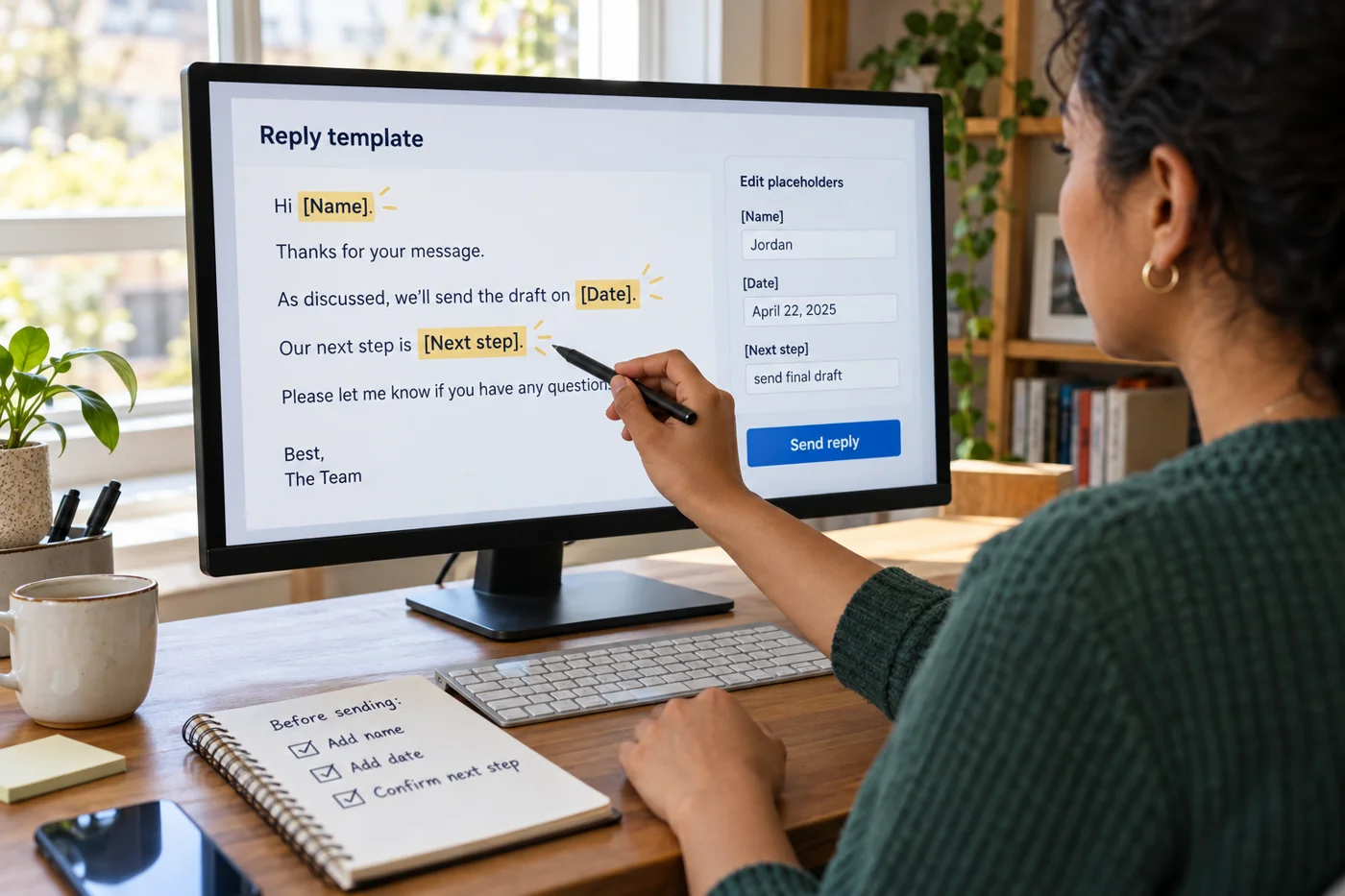
Maintain reply templates with editable details
Read article →
Customer communication
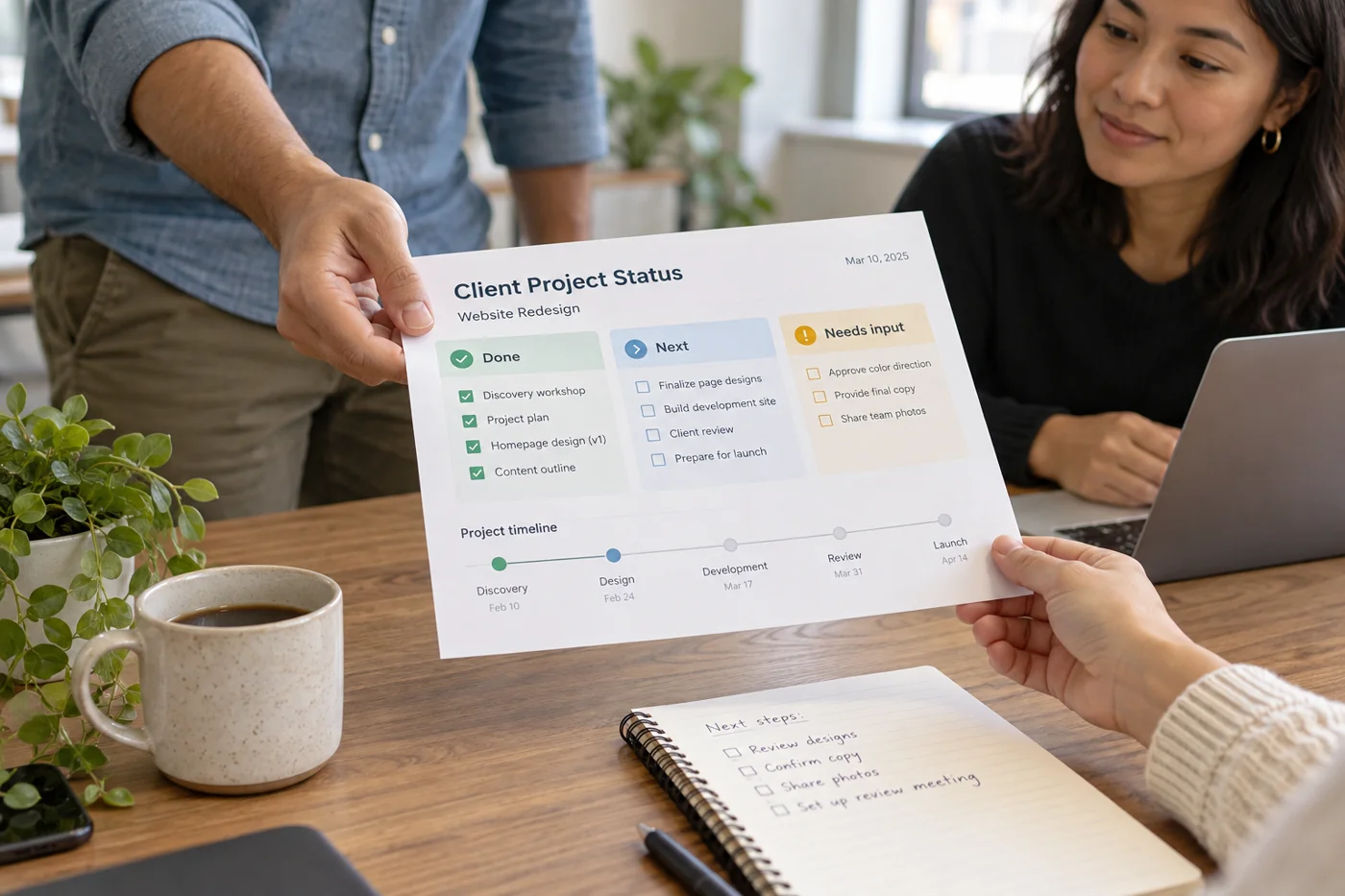
Summarize project status for clients
Read article →
Customer communication
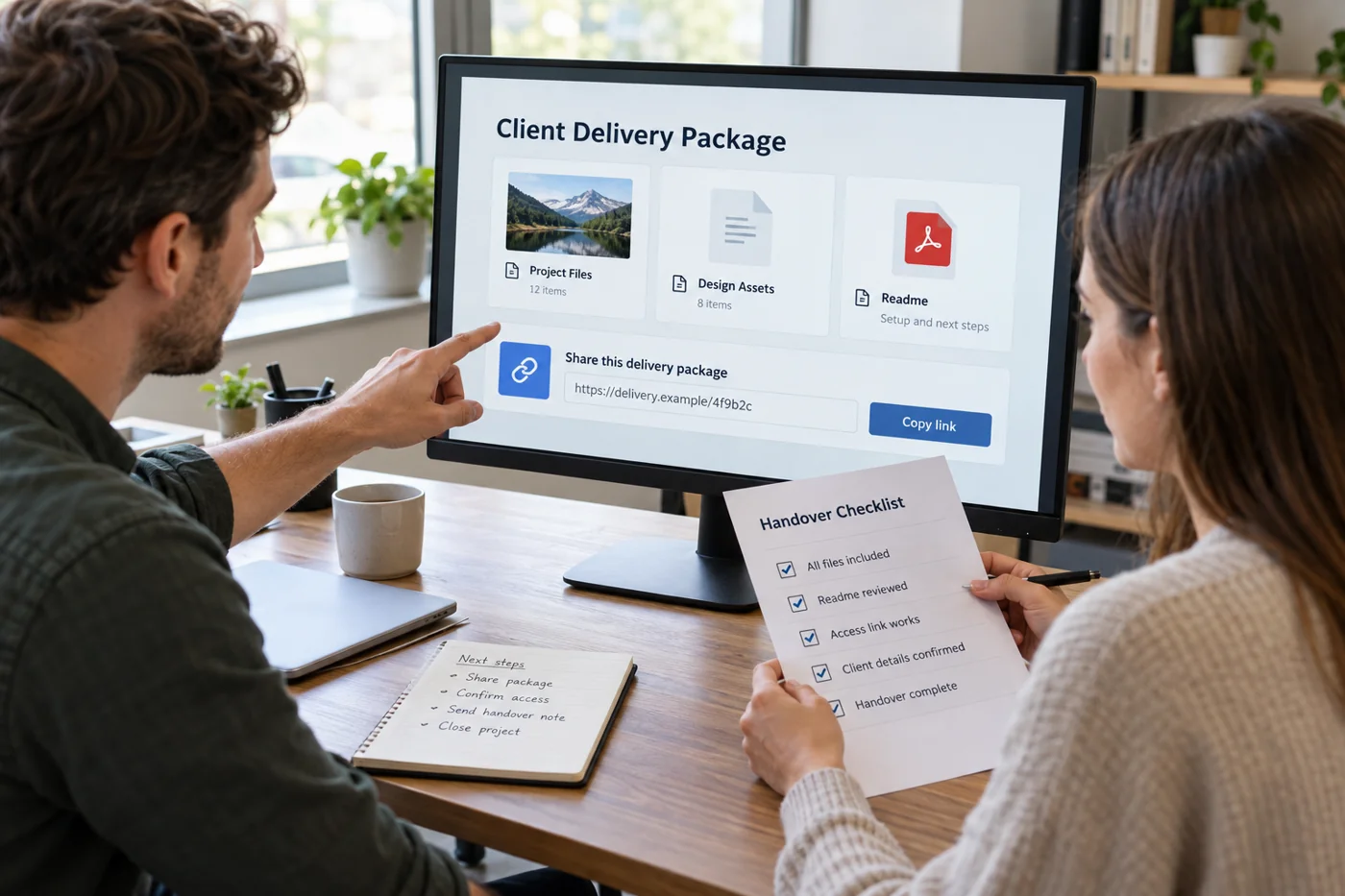
Hand over digital deliverables to a client
Read article →
Customer communication
Collect client feedback on a single version
Read article →
Customer communication
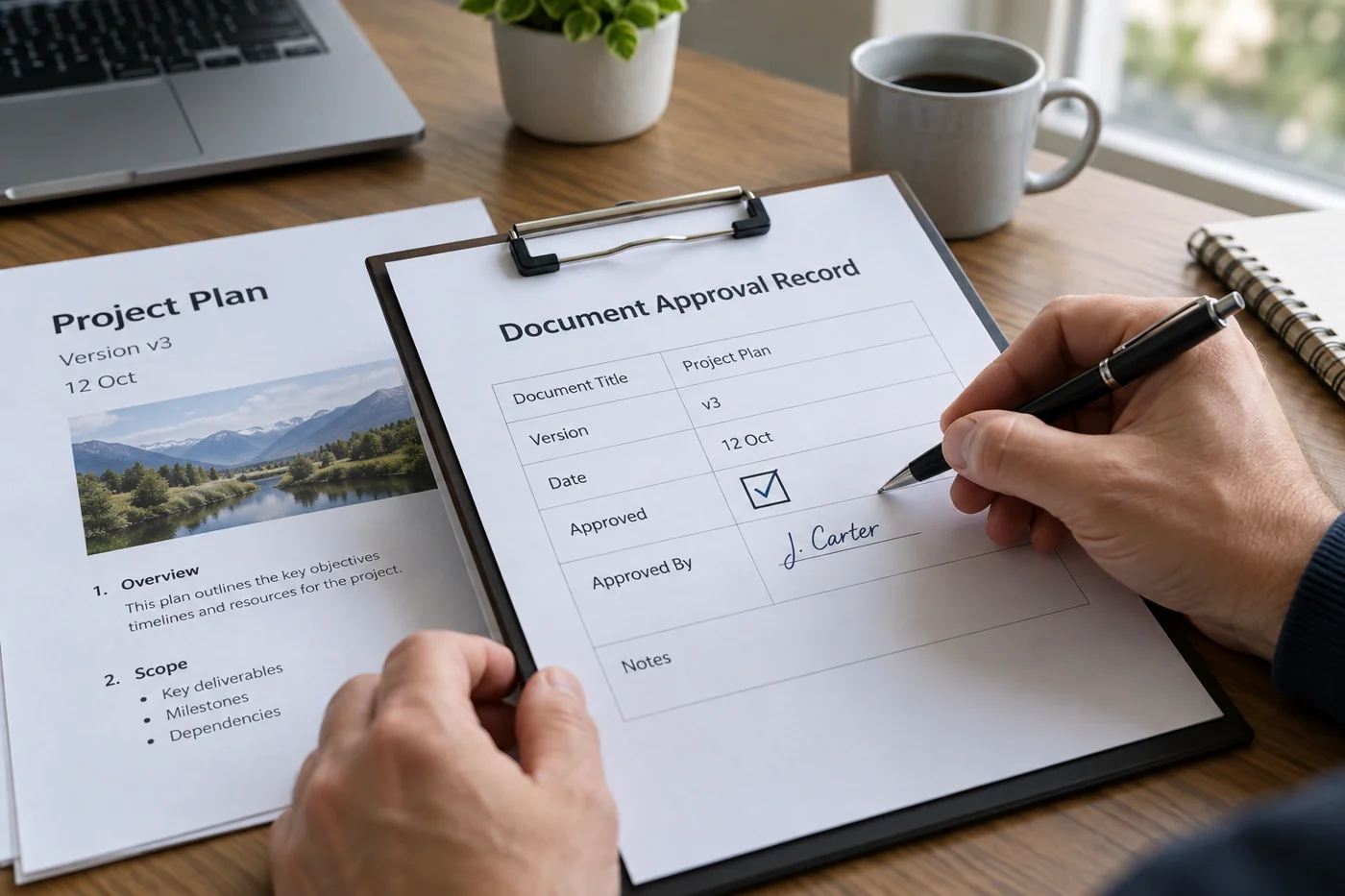
Record approvals with a version and date
Read article →
Customer communication
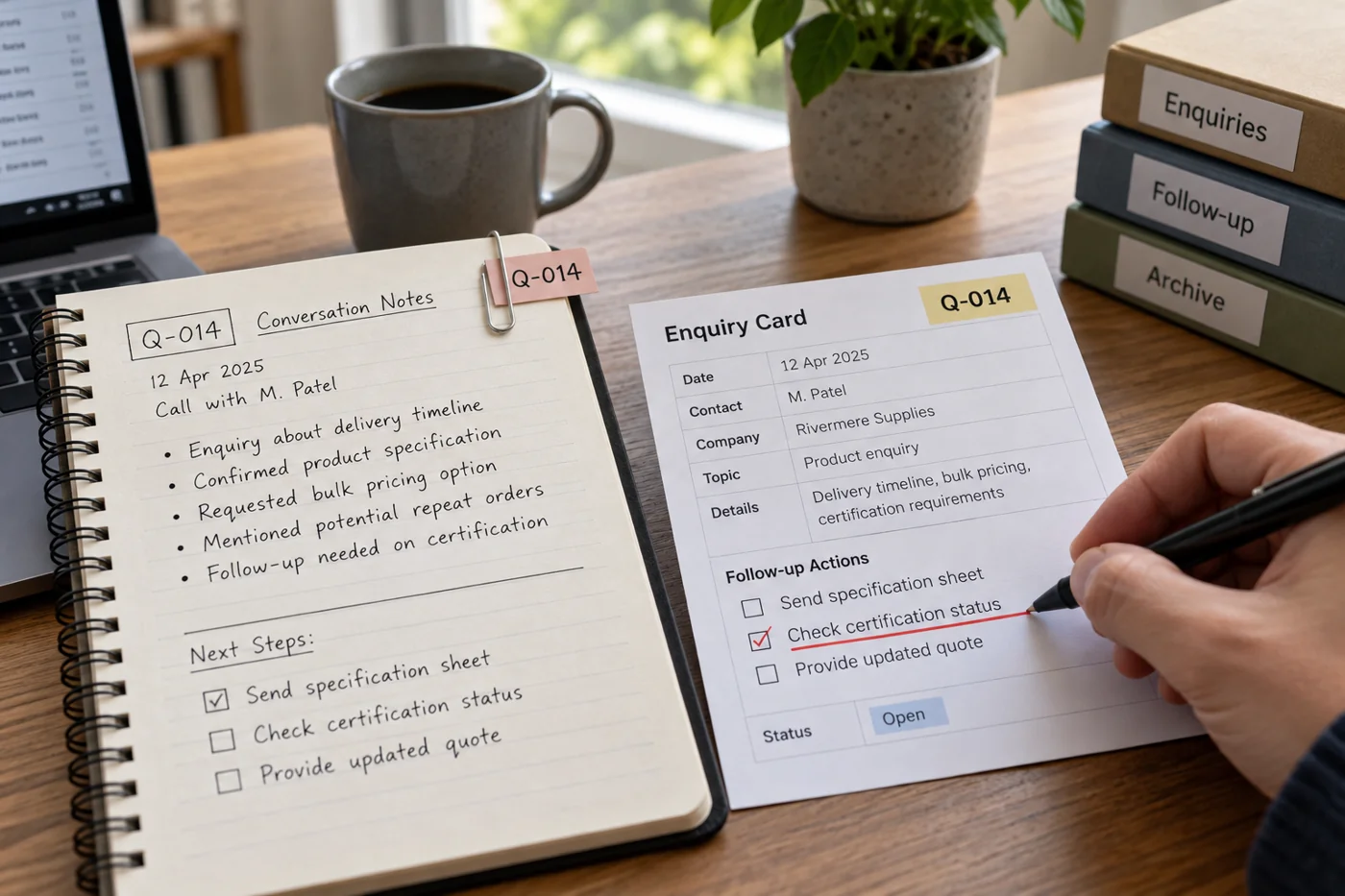
Connect conversation notes to a client inquiry
Read article →
Customer communication
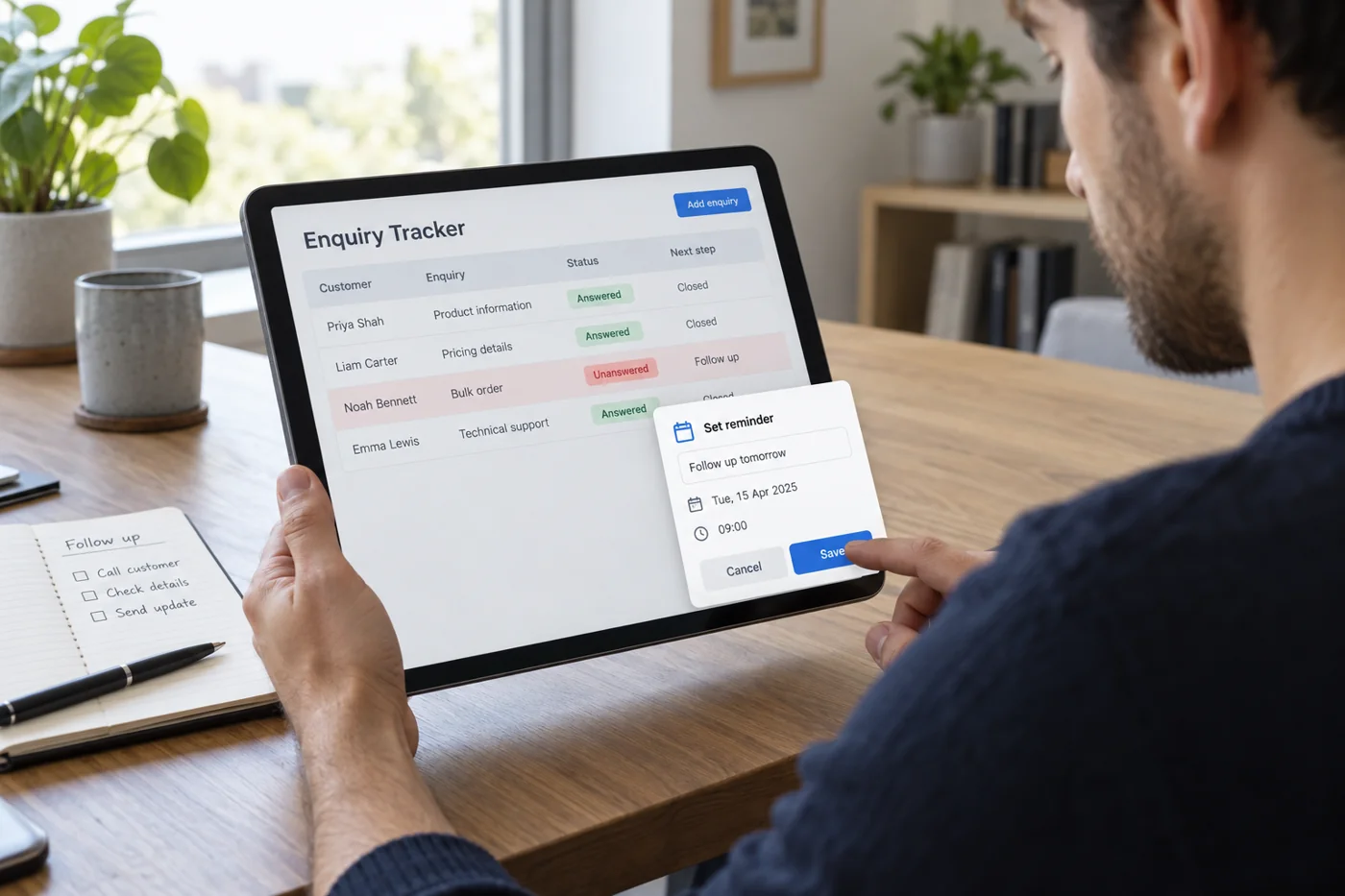
Set follow-up reminders for unanswered inquiries
Read article →
Customer communication
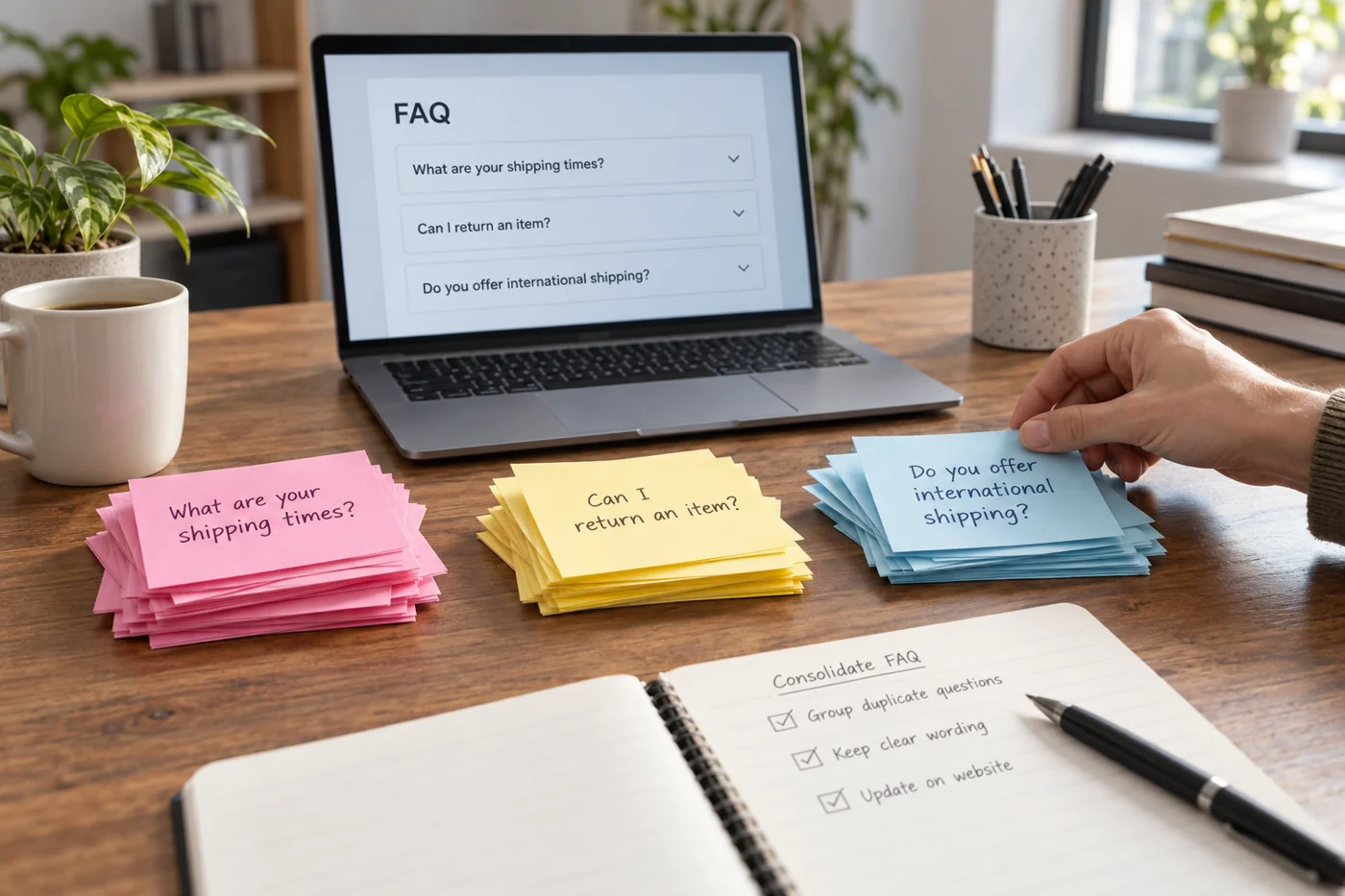
Build an FAQ from recurring customer questions
Read article →
Customer communication
Choose email, a call or video for the conversation
Read article →
Customer communication
Clarify the scope of work before a project begins
Read article →
Customer communication
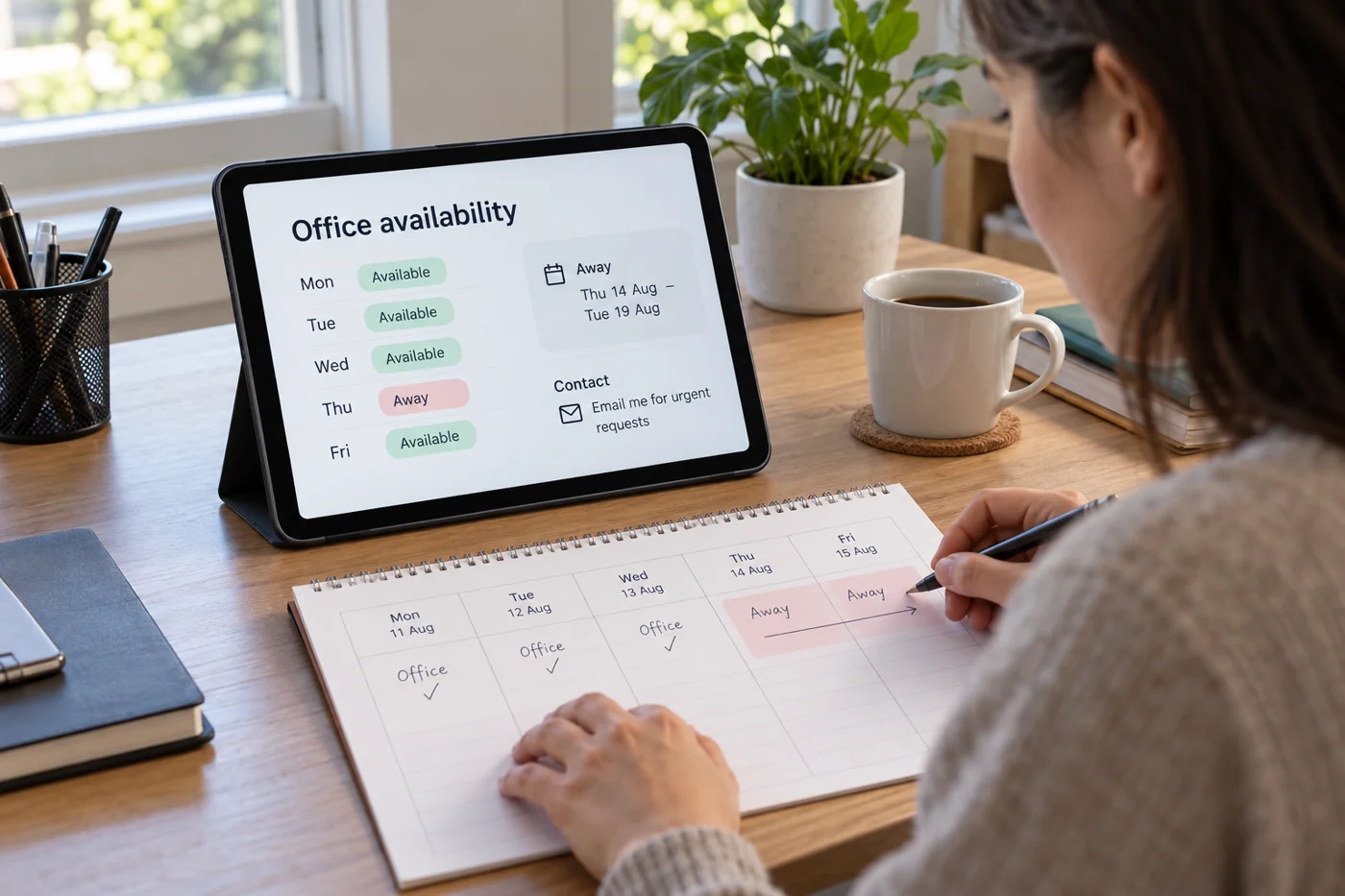
Explain absence and availability clearly
Read article →
Customer communication
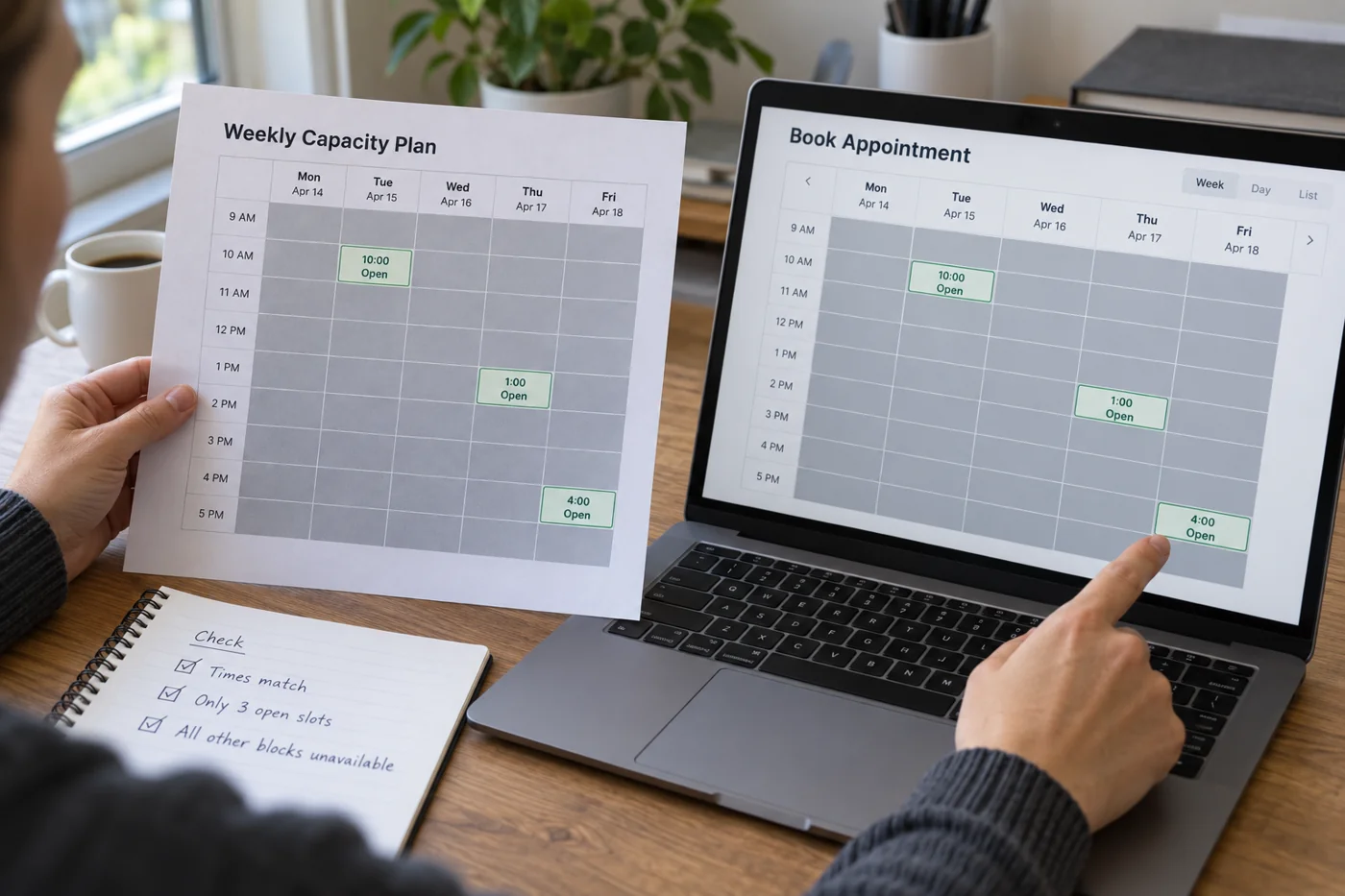
Match bookable appointments to real capacity
Read article →
Customer communication
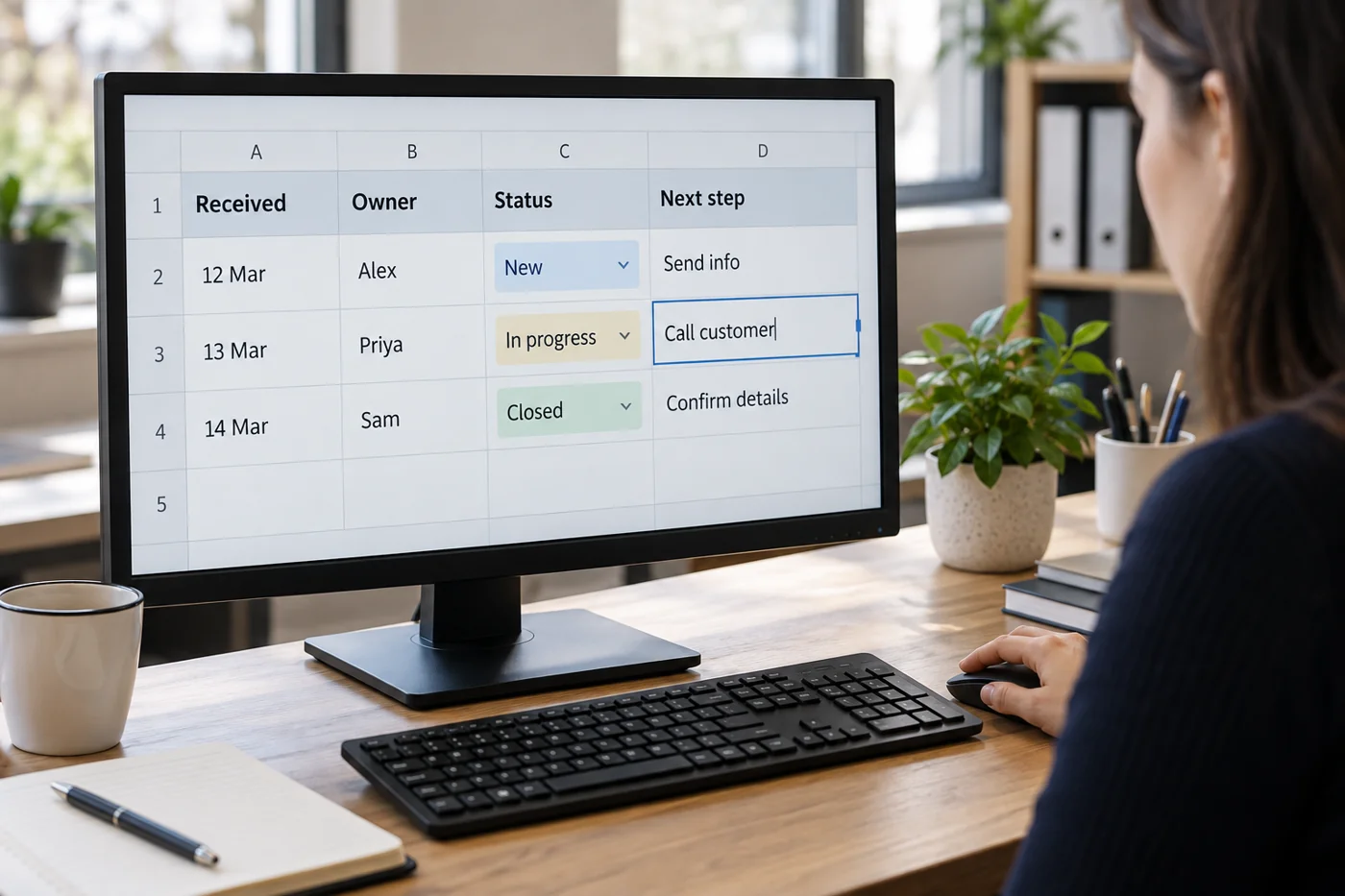
Build a simple inquiry tracker
Read article →
Customer communication
Close a client project in an orderly way
Read article →
Software & migration
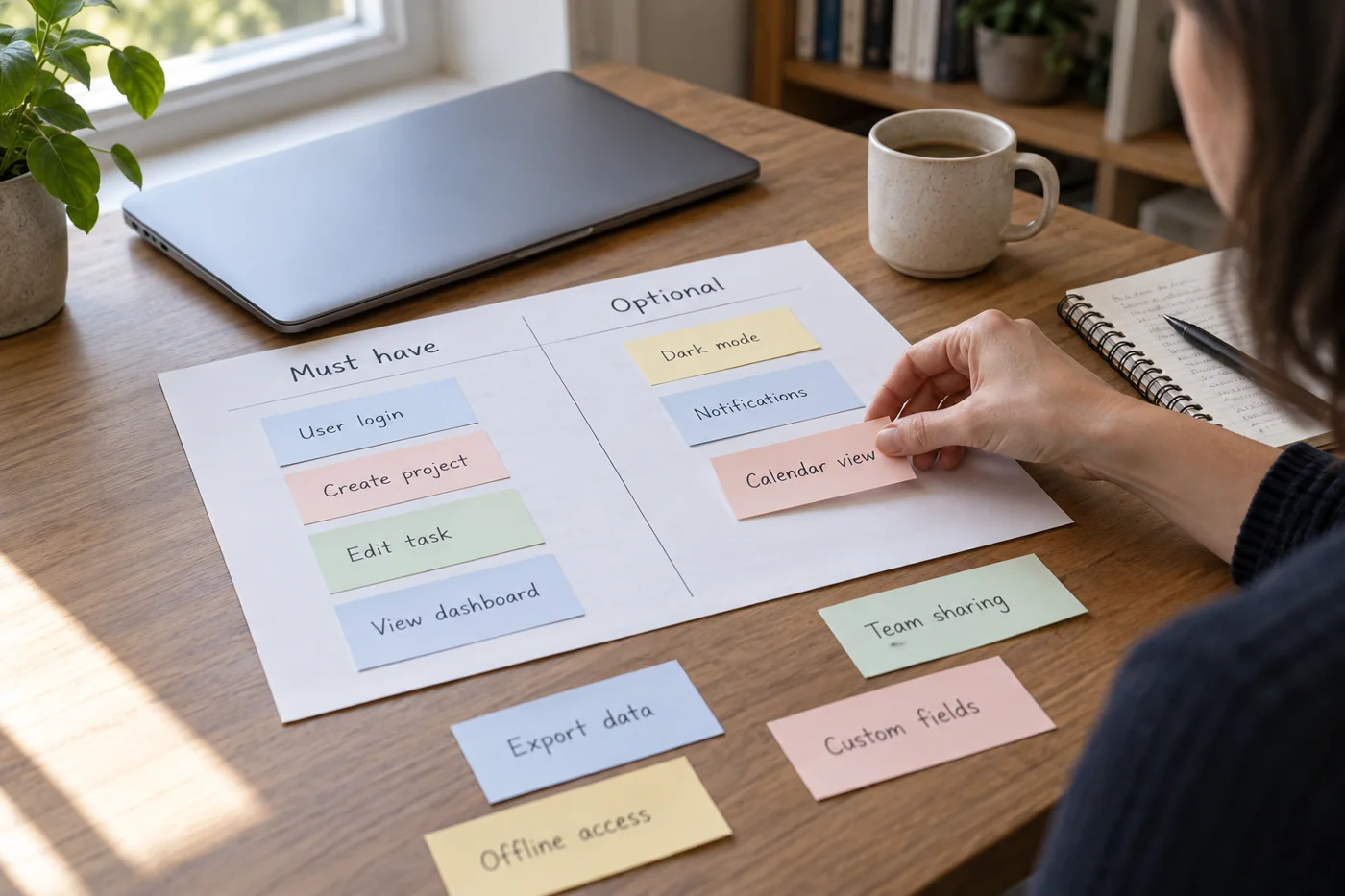
Write software requirements before searching for products
Read article →
Software & migration
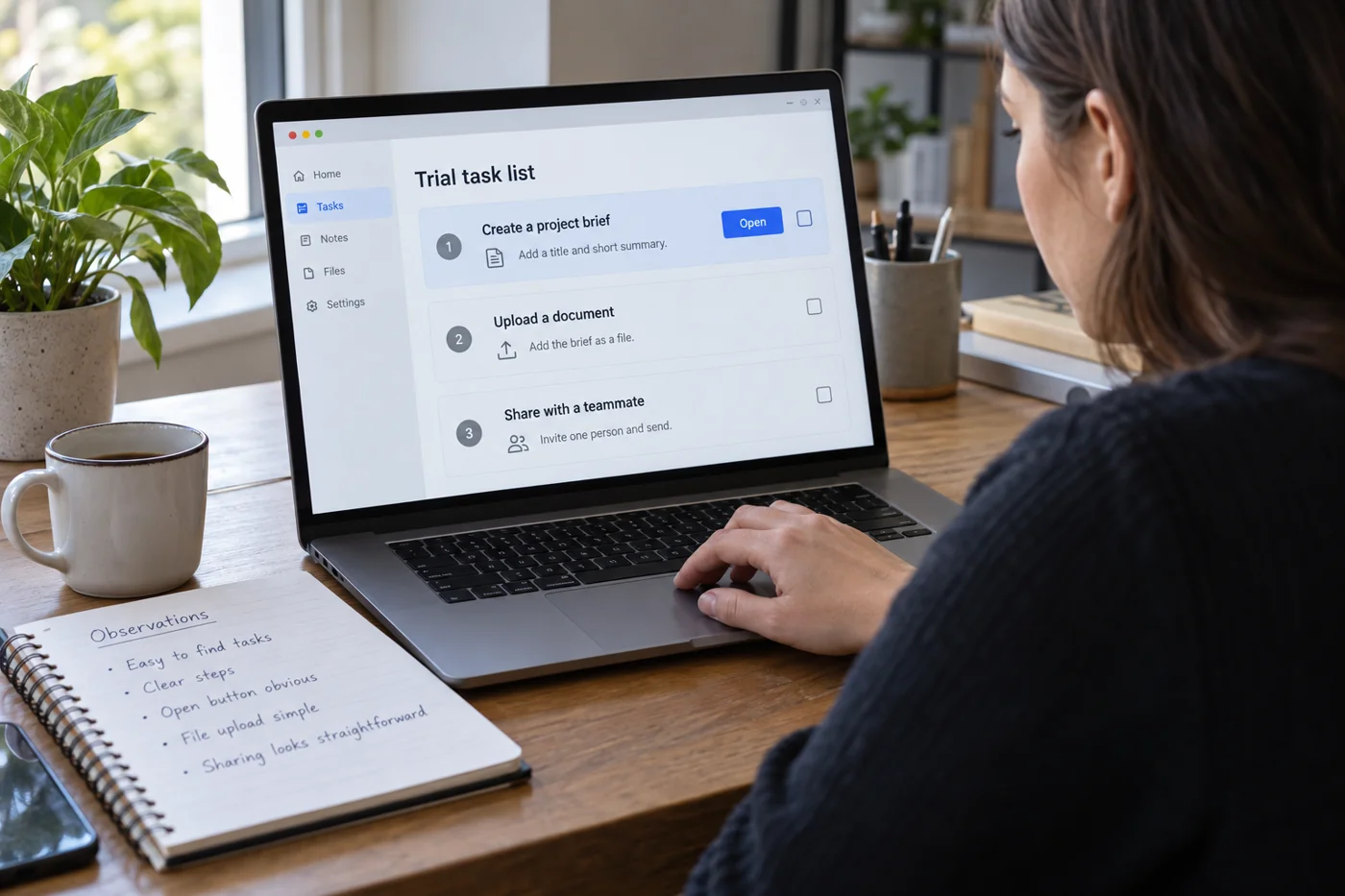
Plan a software trial around real tasks
Read article →
Software & migration
Inventory software subscriptions and their owners
Read article →
Software & migration
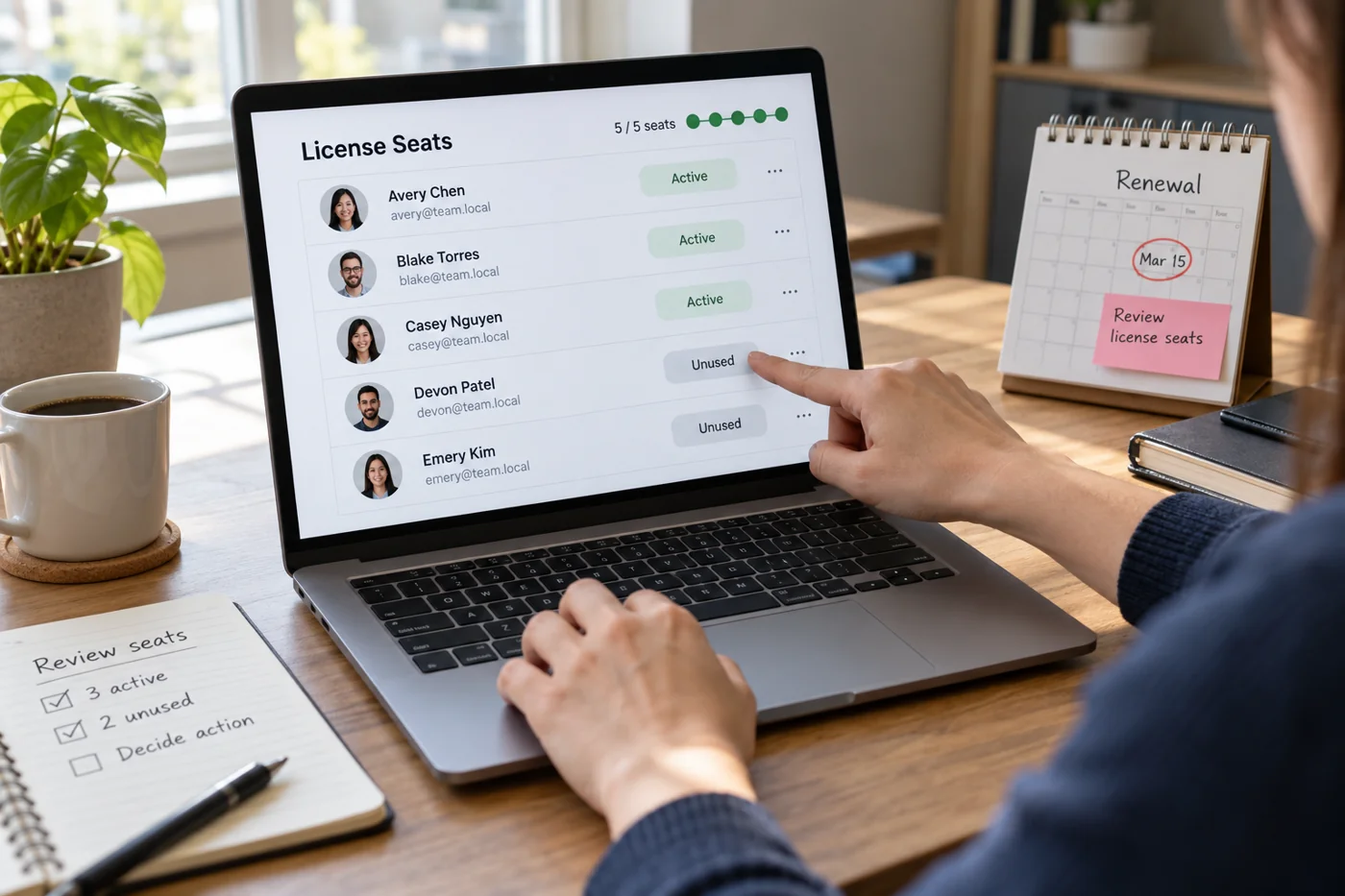
Review software seats before renewal
Read article →
Software & migration
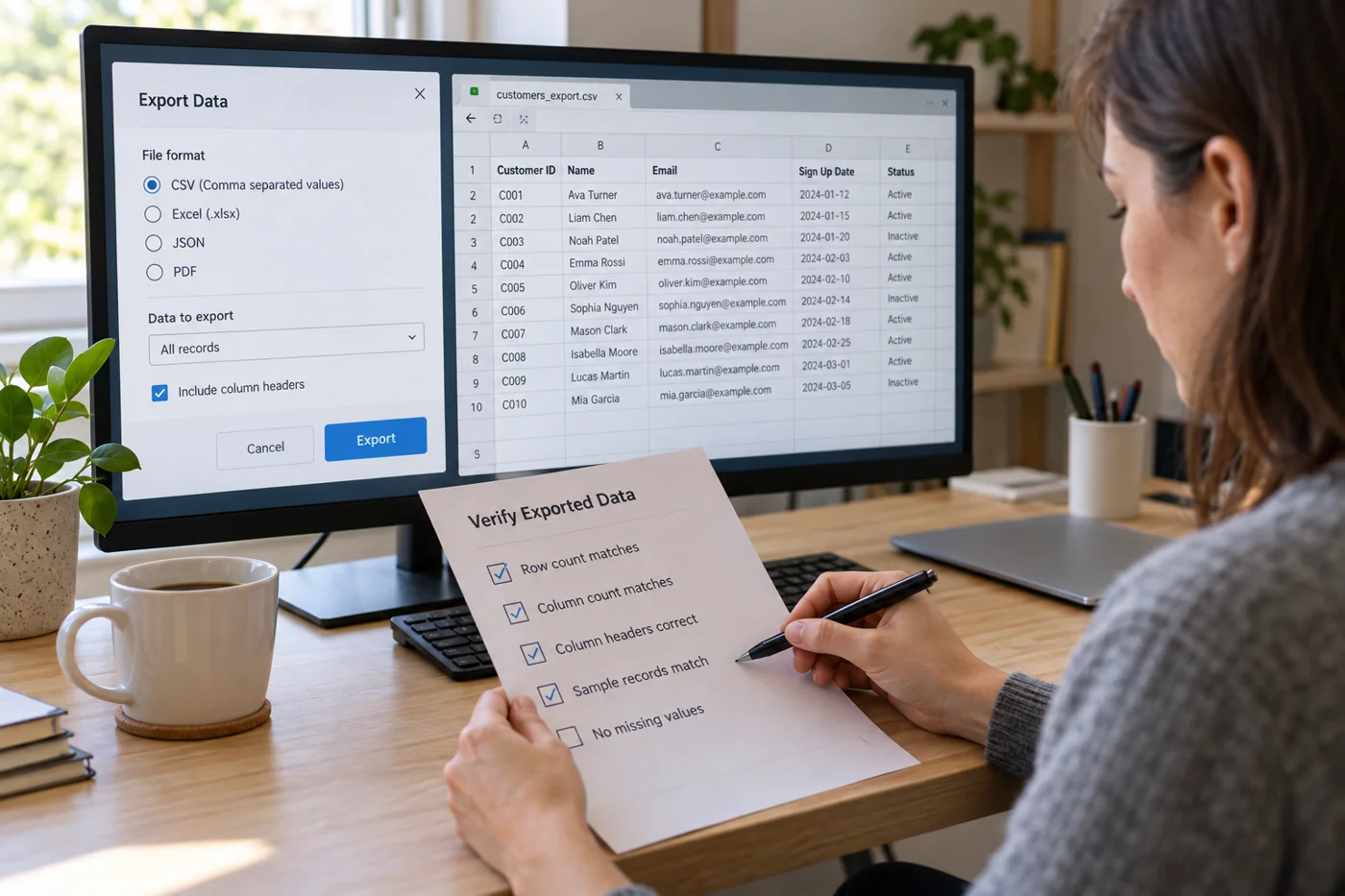
Test data export before choosing software
Read article →
Software & migration
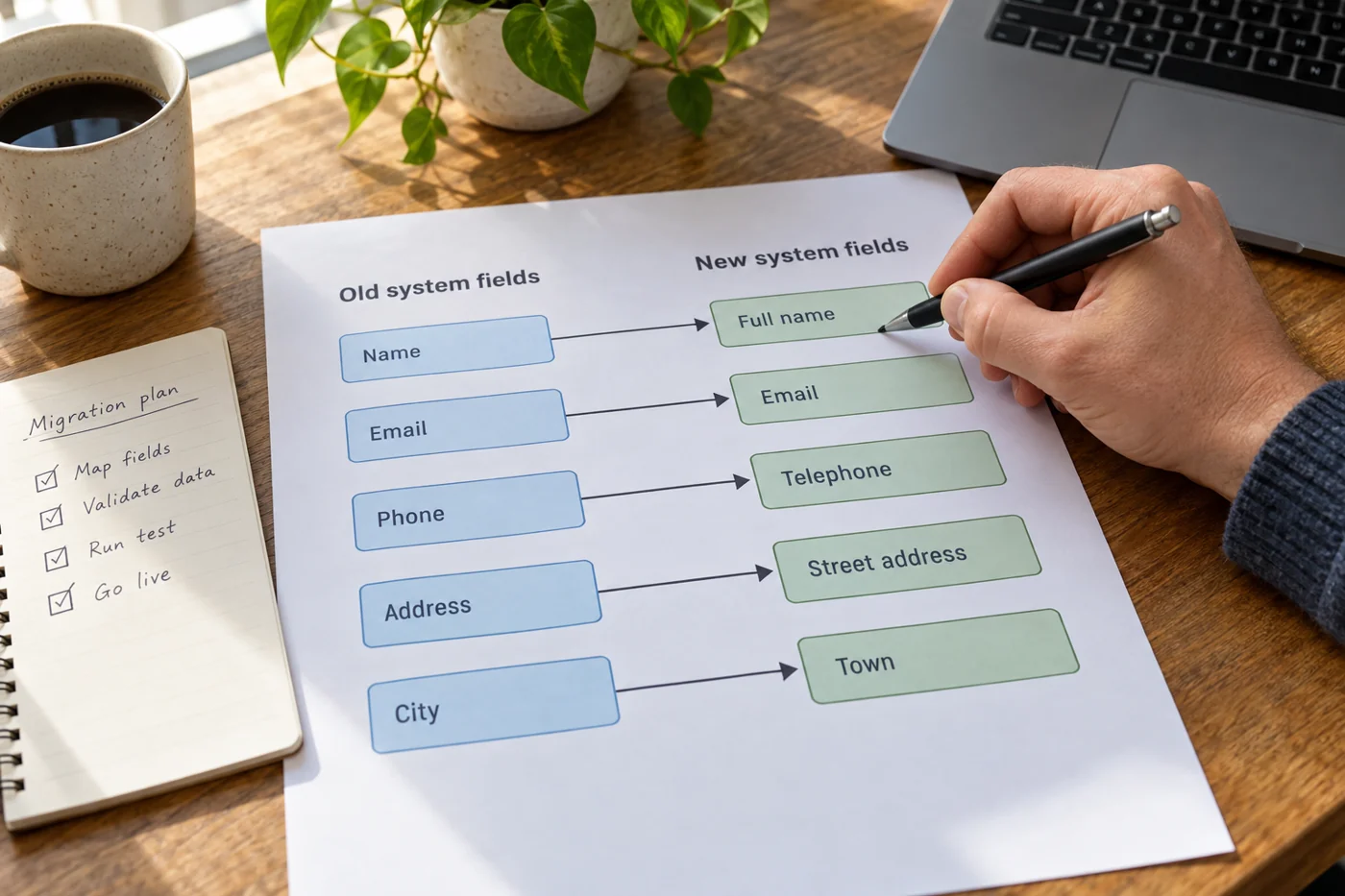
Map old and new data fields during a migration
Read article →
Software & migration
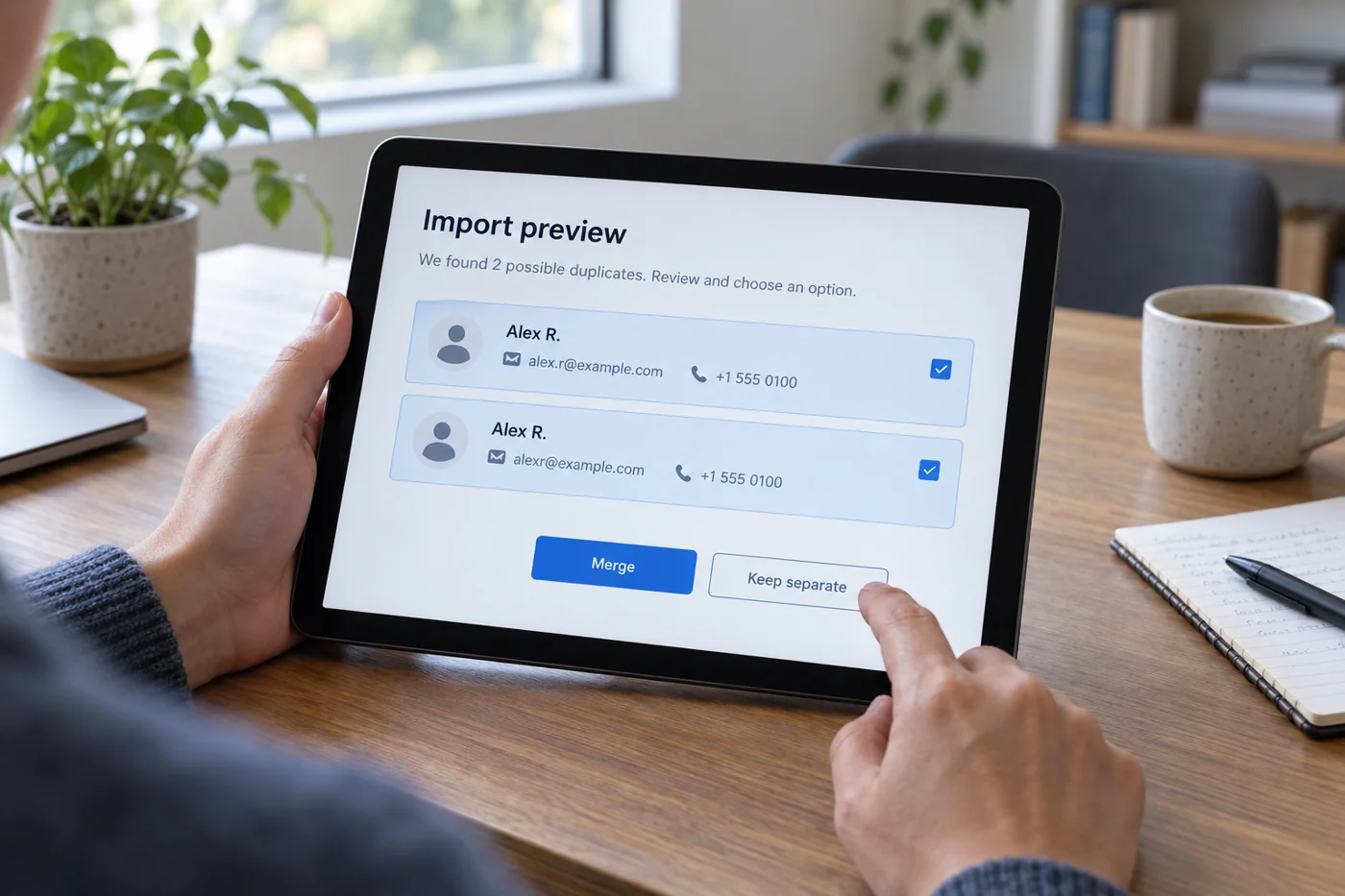
Review duplicate records before an import
Read article →
Software & migration
Pilot a software change with a small group
Read article →
Software & migration
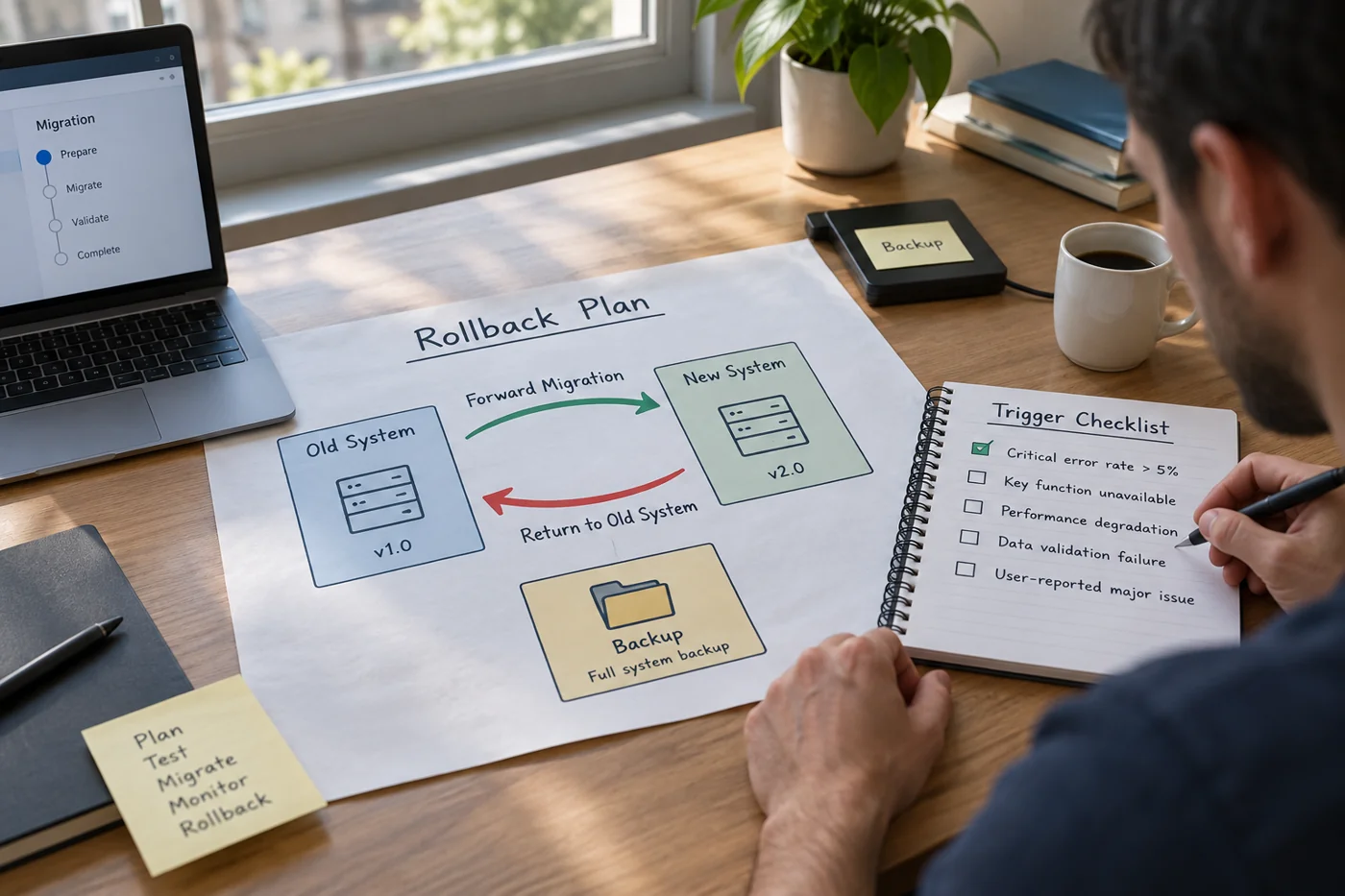
Prepare a rollback plan for a software change
Read article →
Software & migration
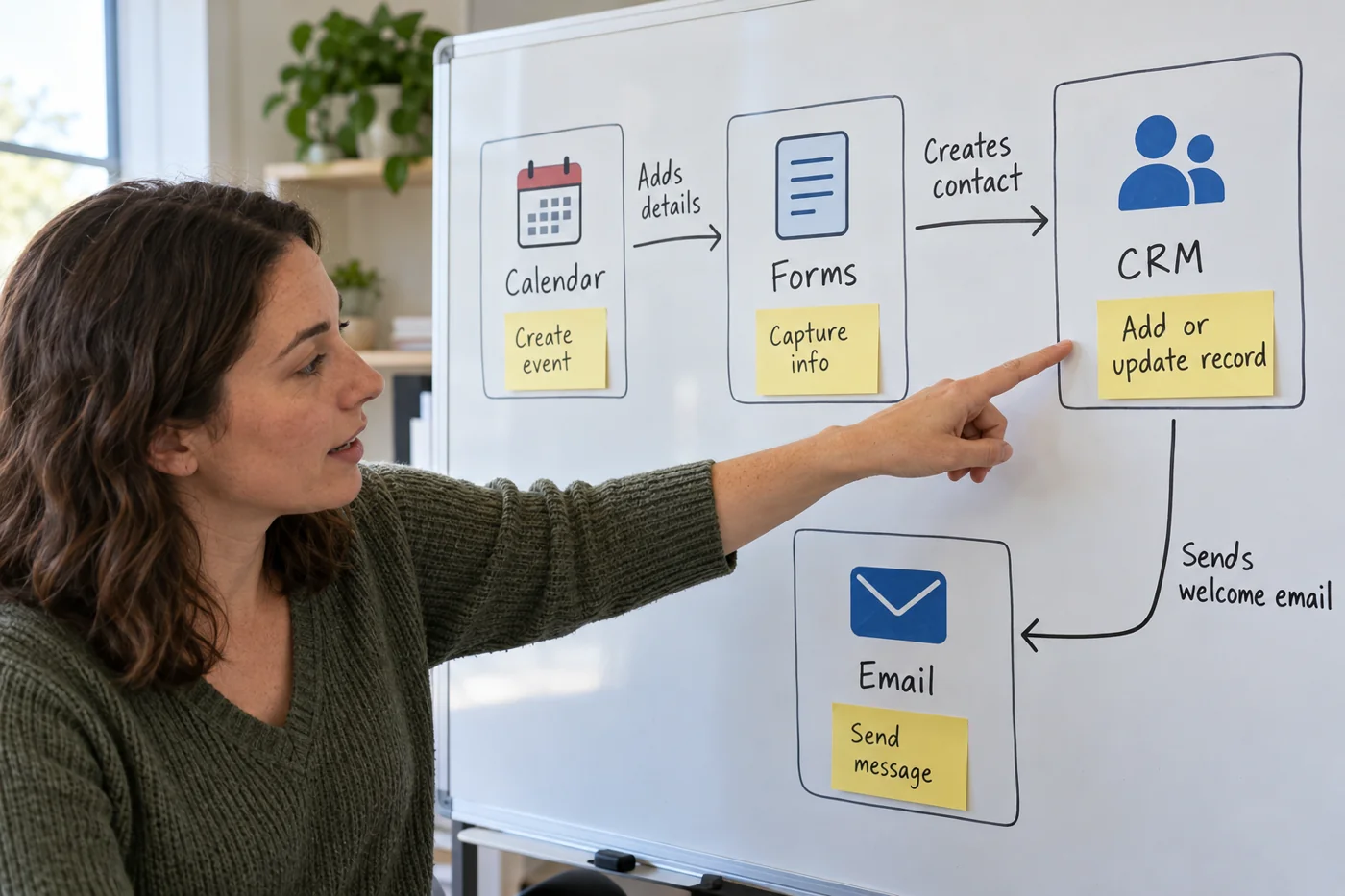
Map dependencies between connected applications
Read article →
Software & migration
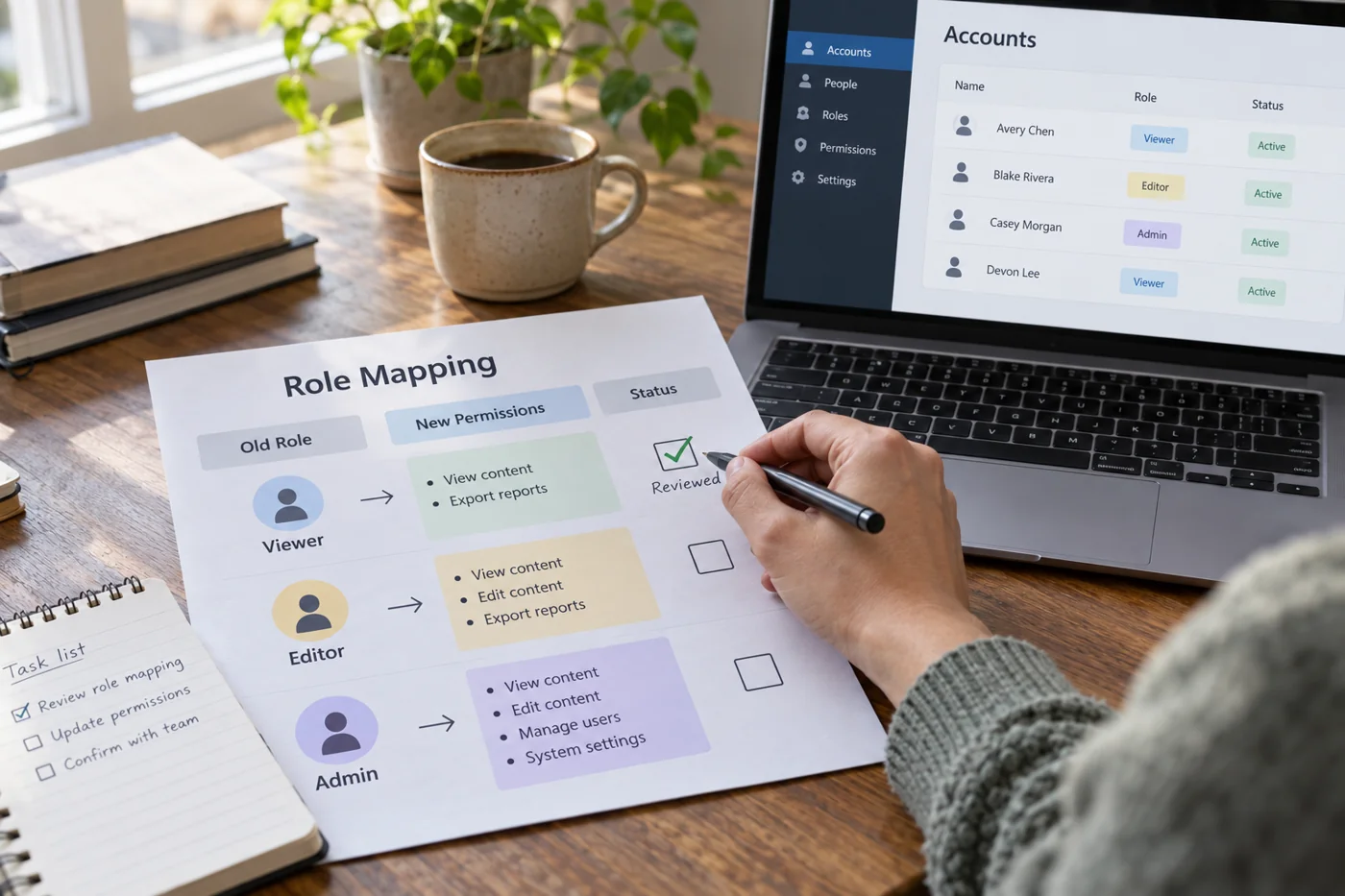
Reassign access roles when changing tools
Read article →
Software & migration
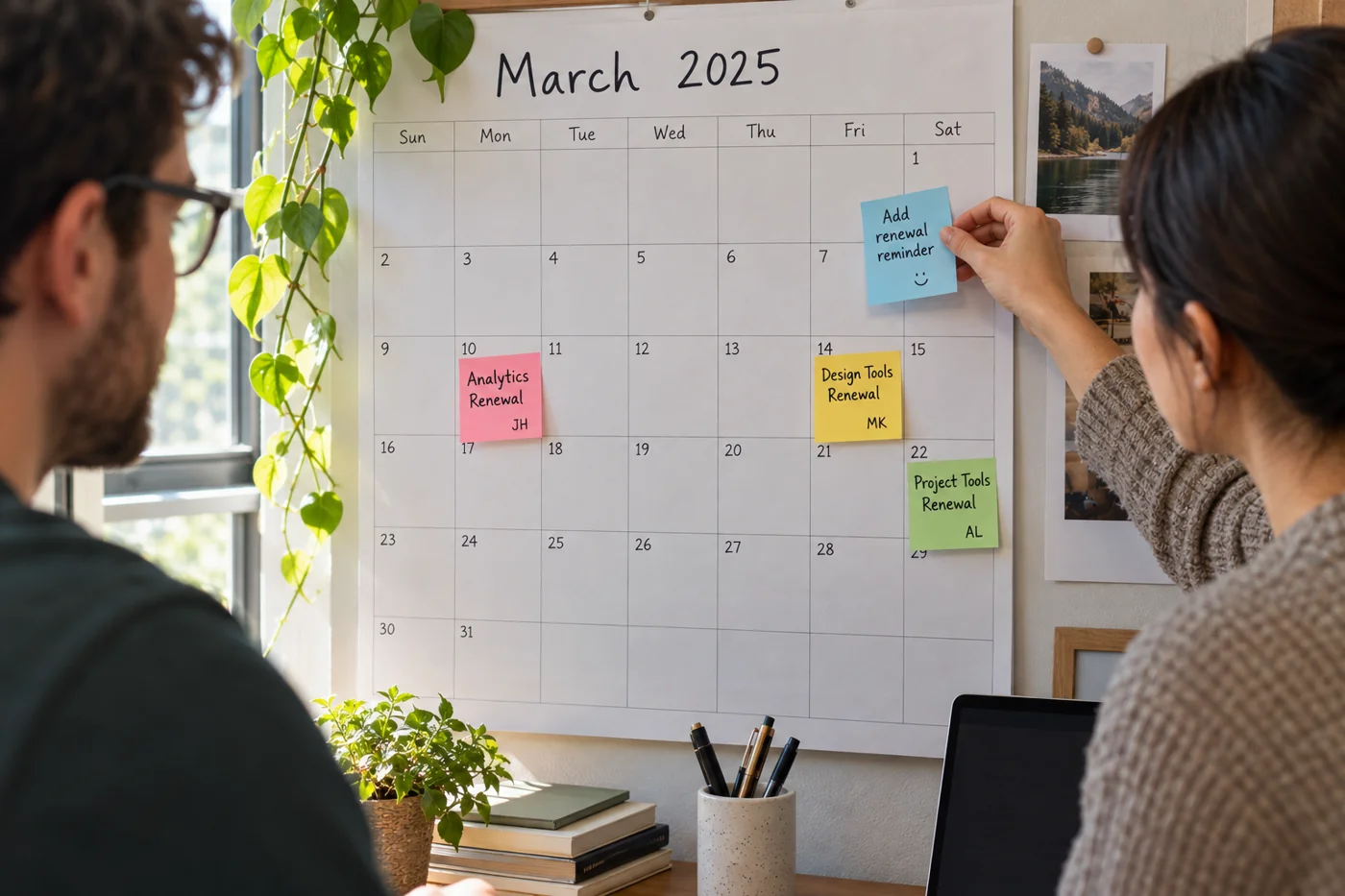
Keep renewal dates in a shared calendar
Read article →
Software & migration
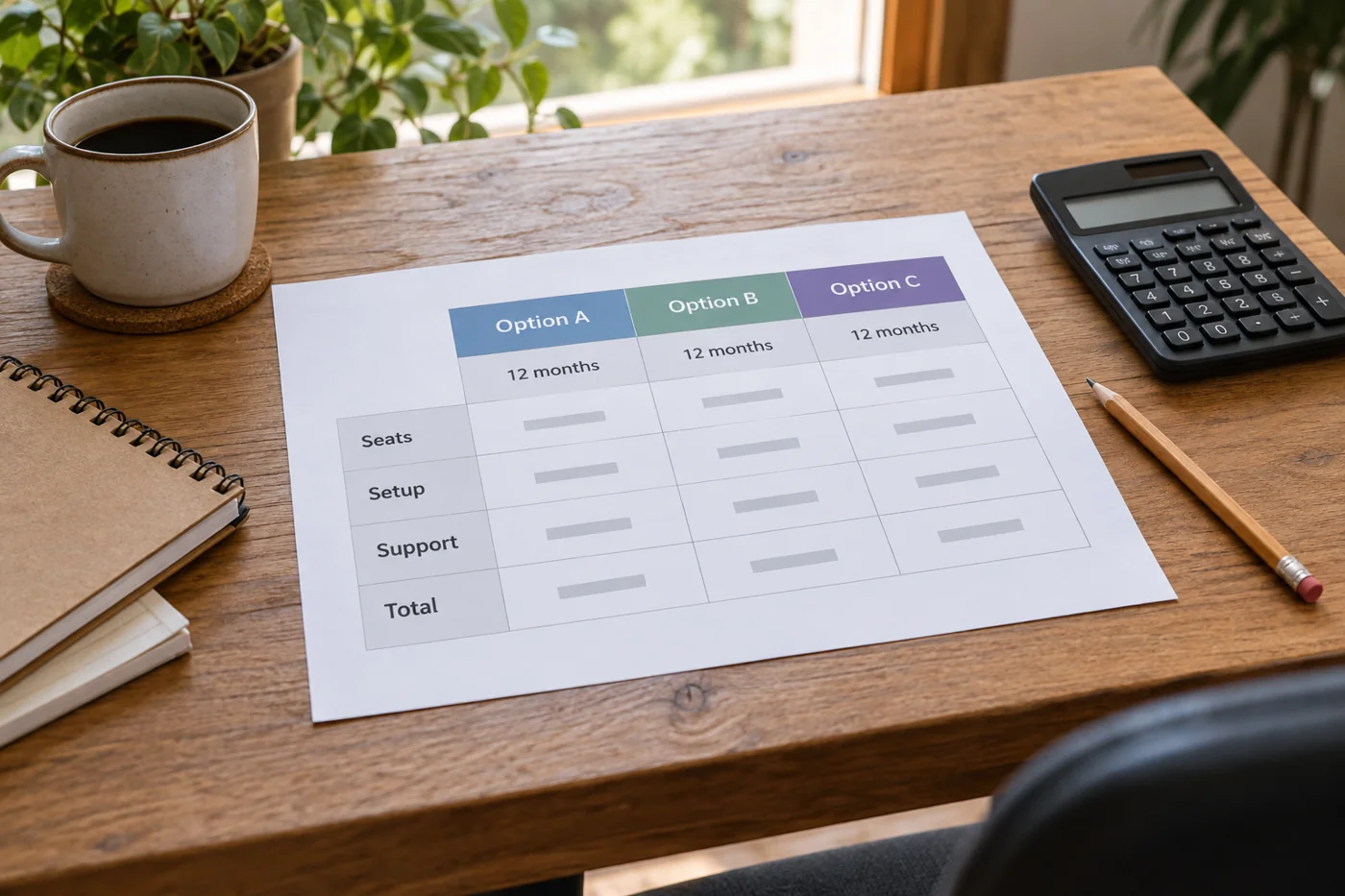
Compare software costs over the same period
Read article →
Software & migration
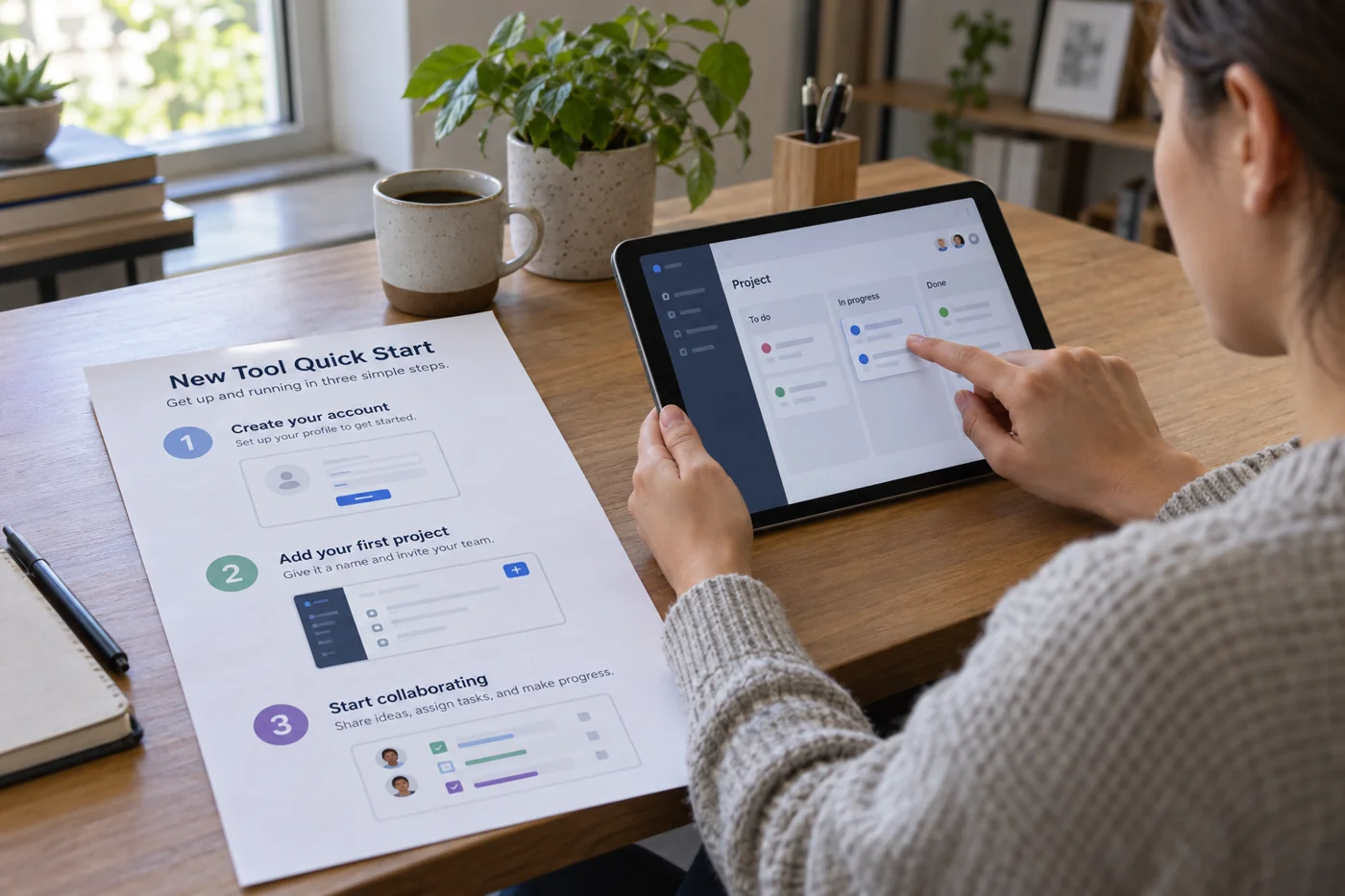
Write a short introduction to a new tool
Read article →
Software & migration
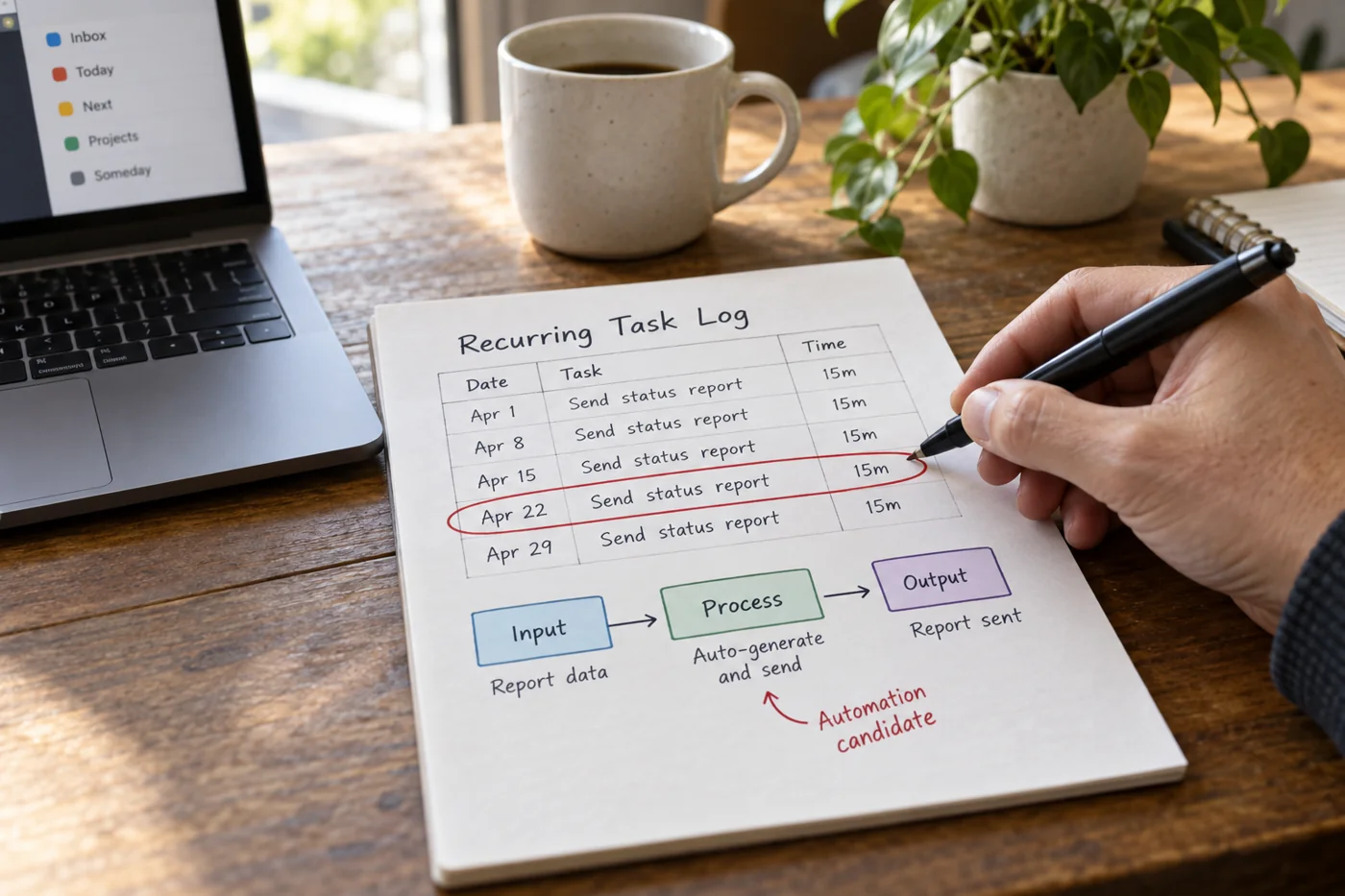
Choose a recurring task to automate
Read article →
Software & migration
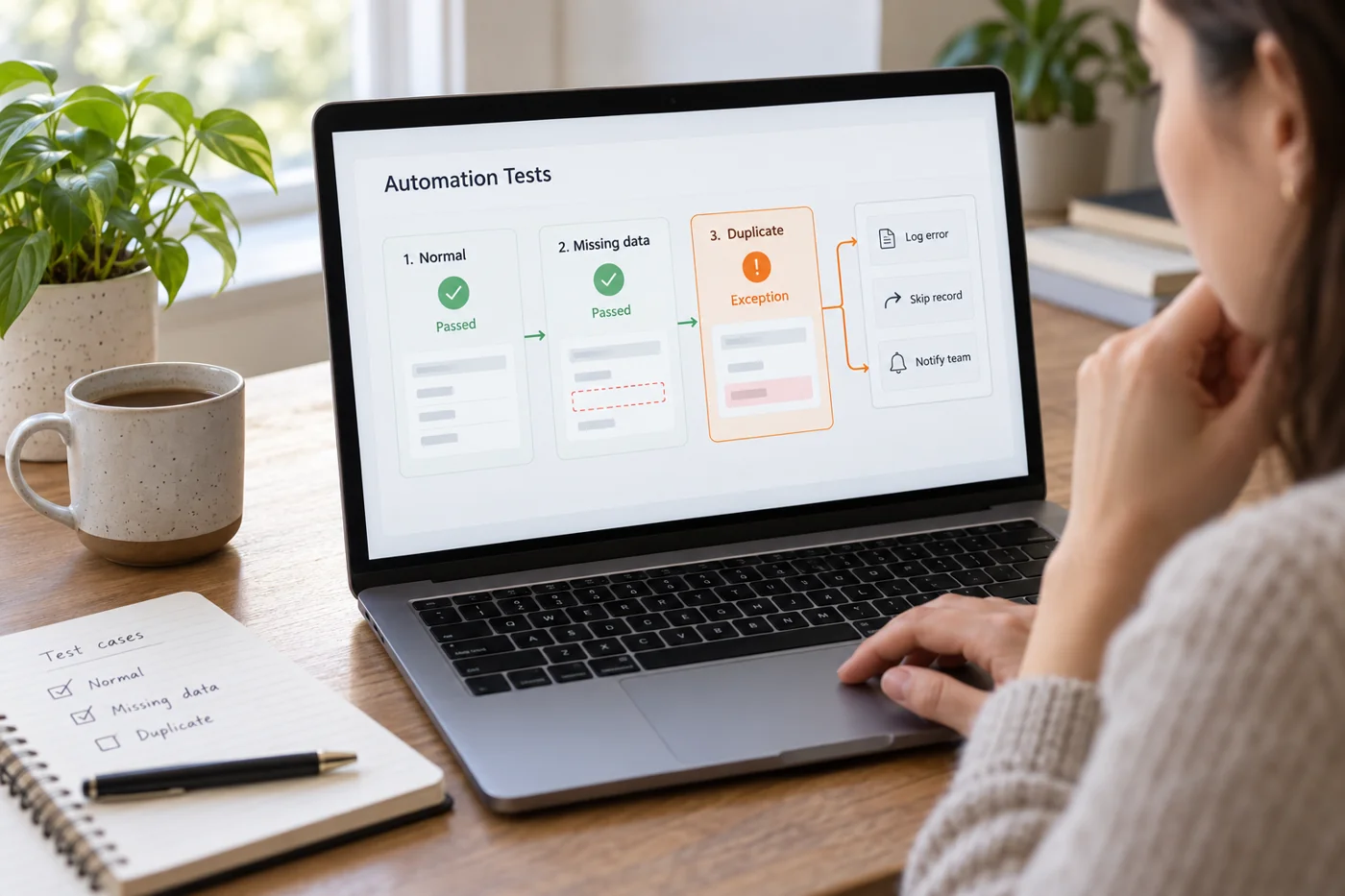
Test an automation against exception cases
Read article →
Software & migration
Announce a tool change to your team
Read article →
Software & migration
Archive data from an old tool in readable form
Read article →
Software & migration
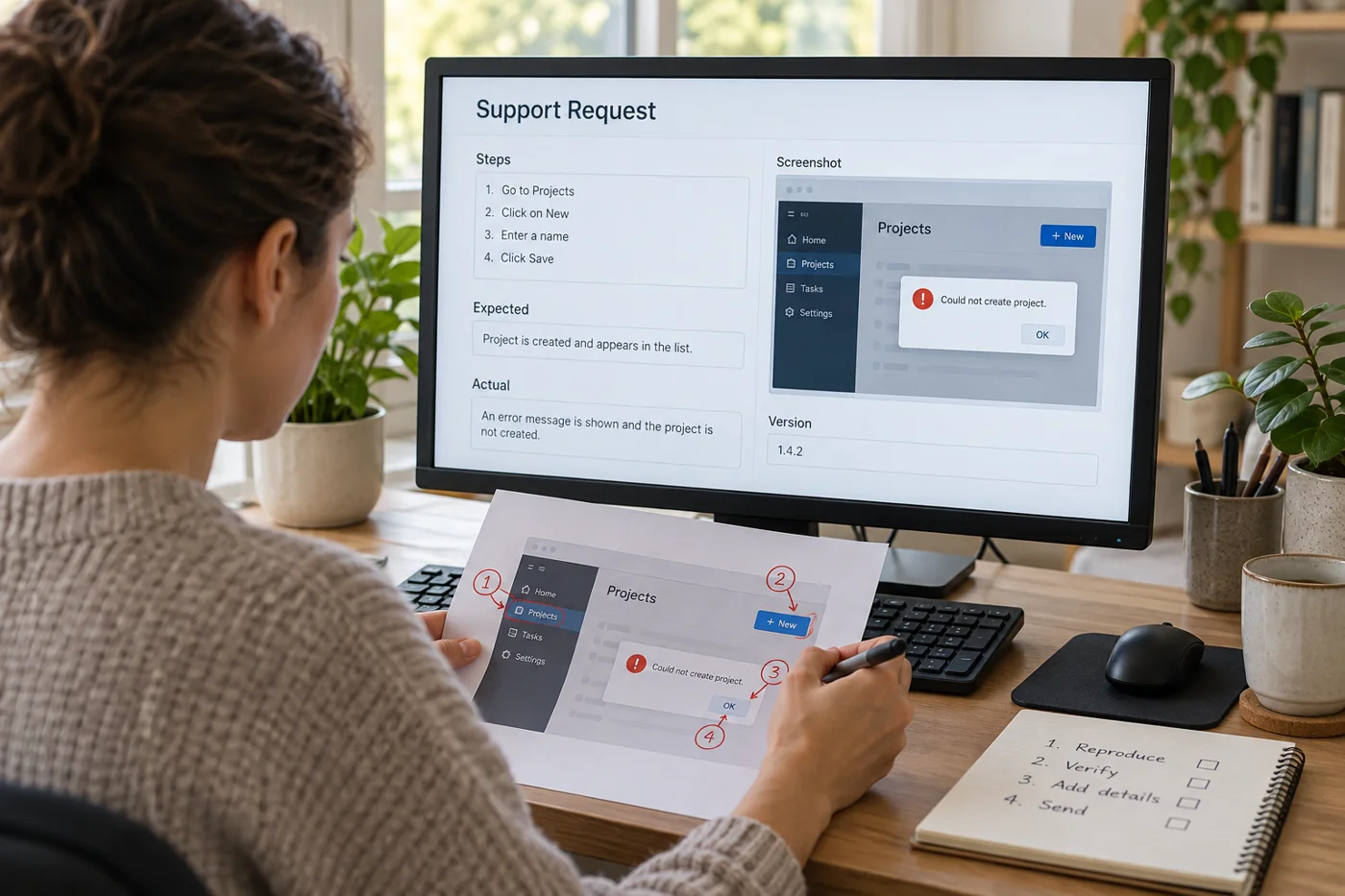
Write a reproducible software support request
Read article →
Software & migration
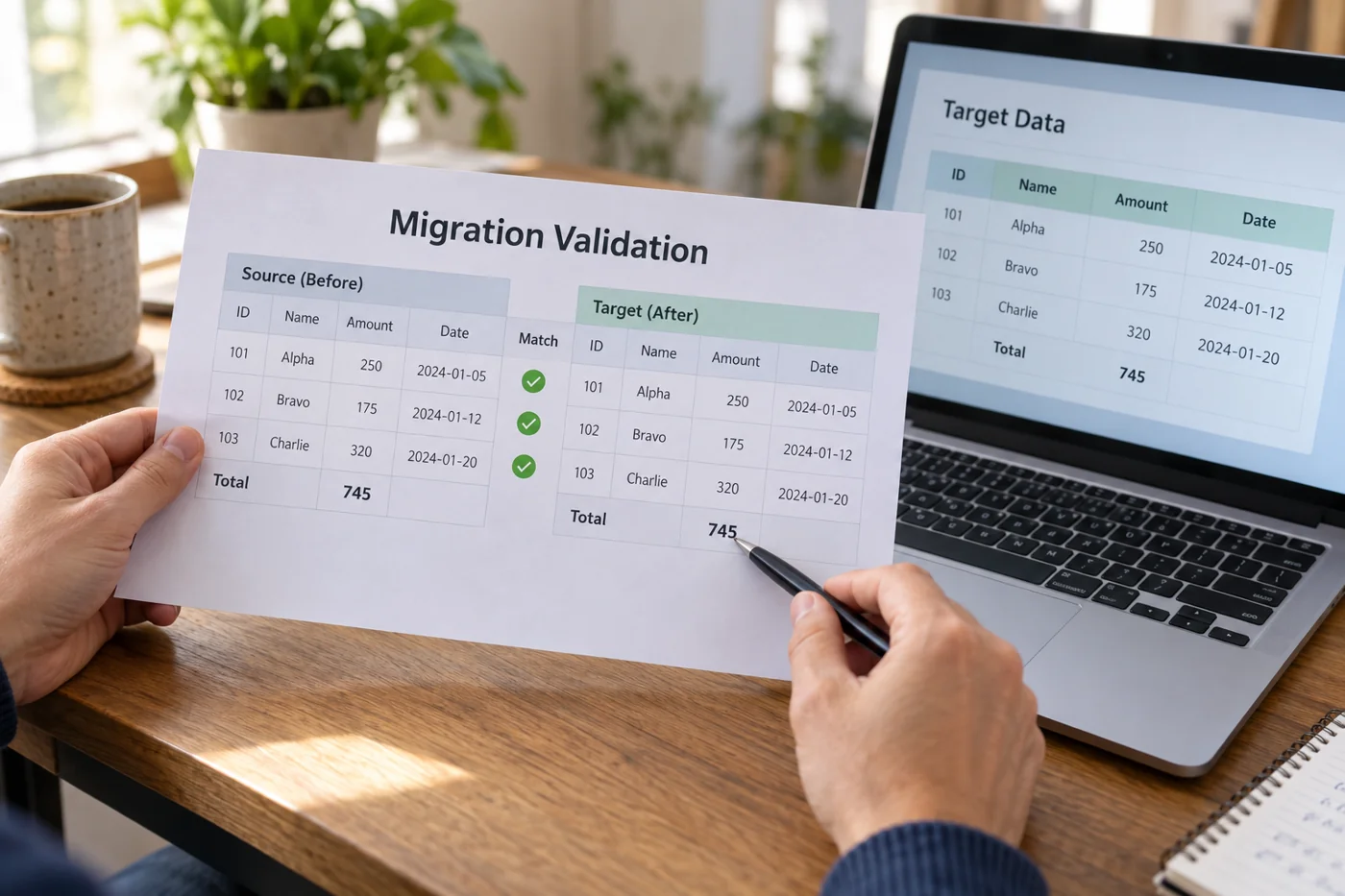
Compare results after a software migration
Read article →
No matching articles. Try different search words or another work area.
← Previous
Next →