Describe the intended use
Give each template a short explanation of what it supports, when it is unsuitable and which details must be changed before use. A model for internal project handover should not accidentally become an external commitment. The title alone rarely prevents this kind of confusion.
Use unmistakable example data in samples. Before adding a document to the library, check for personal information, internal comments and previous project names. A frequently copied template can distribute those remnants across many new cases.
Keep maintenance manageable
Assign a responsible role and a reason for review. This might be a process change, a recurring review date or a reported error. A date without ownership often reveals only how long nobody has checked the document.
Publish replacements in an agreed location and identify superseded versions. For significant changes, explain briefly what changed and which active cases are affected. Not every older working copy needs to be recreated; the reason for the change should determine the response.
Bring feedback back into the collection
Provide a clear route for reporting confusing fields or missing examples. Ask about the actual use case. A special requirement from one project may belong in that project's documents rather than the general template.
Occasionally review which entries are used and which merely appear to be alternatives. Understand their differences before merging duplicates. Two forms can look similar yet require different approvals or information.
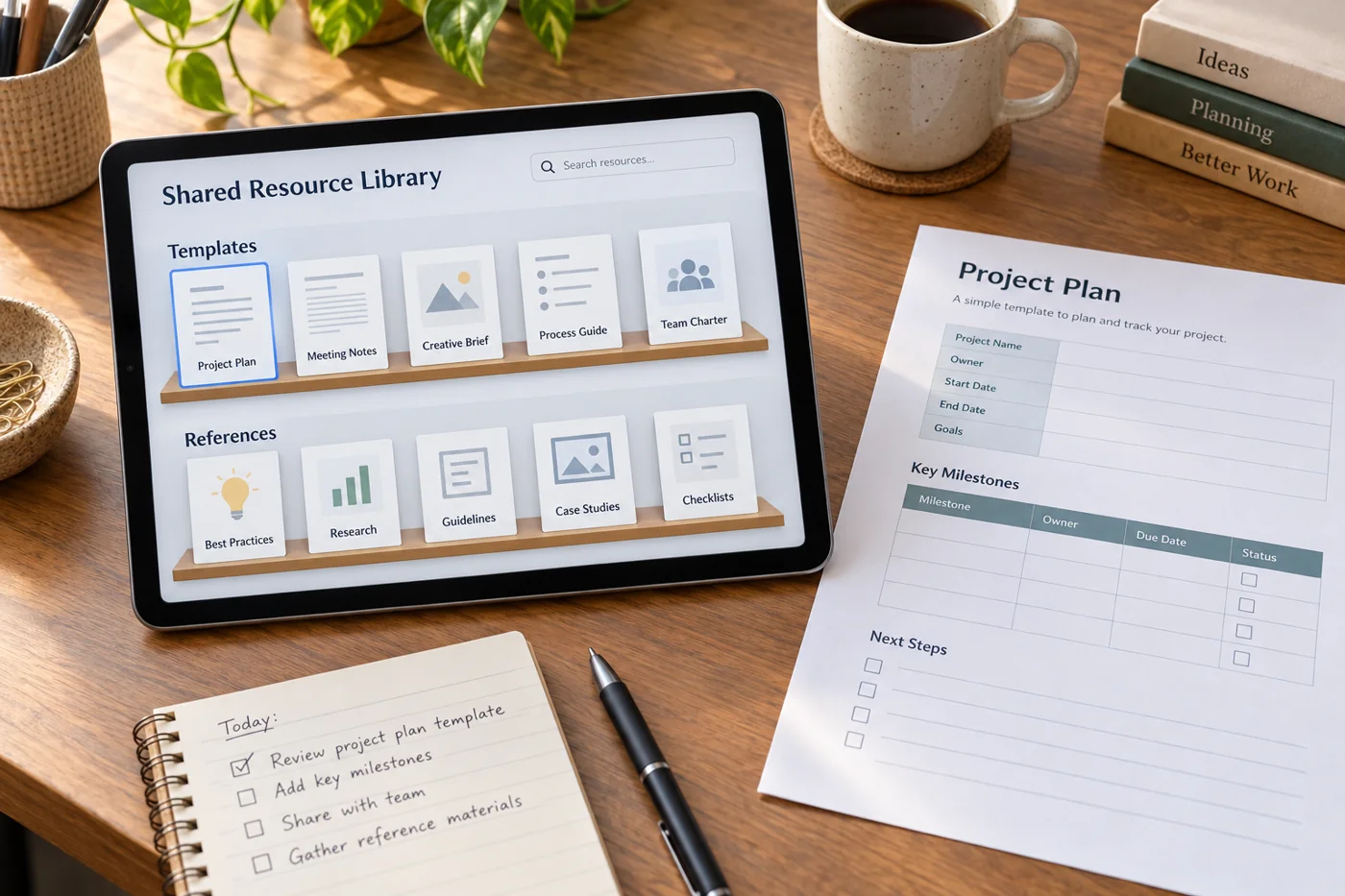
Link from working instructions to the central template instead of attaching separate copies. This keeps the collection discoverable and avoids updating several locations whenever a model changes. The arrangement is especially valuable for documents started frequently by different people. A new colleague should be able to identify the right starting point without relying on somebody remembering which file was last considered acceptable.