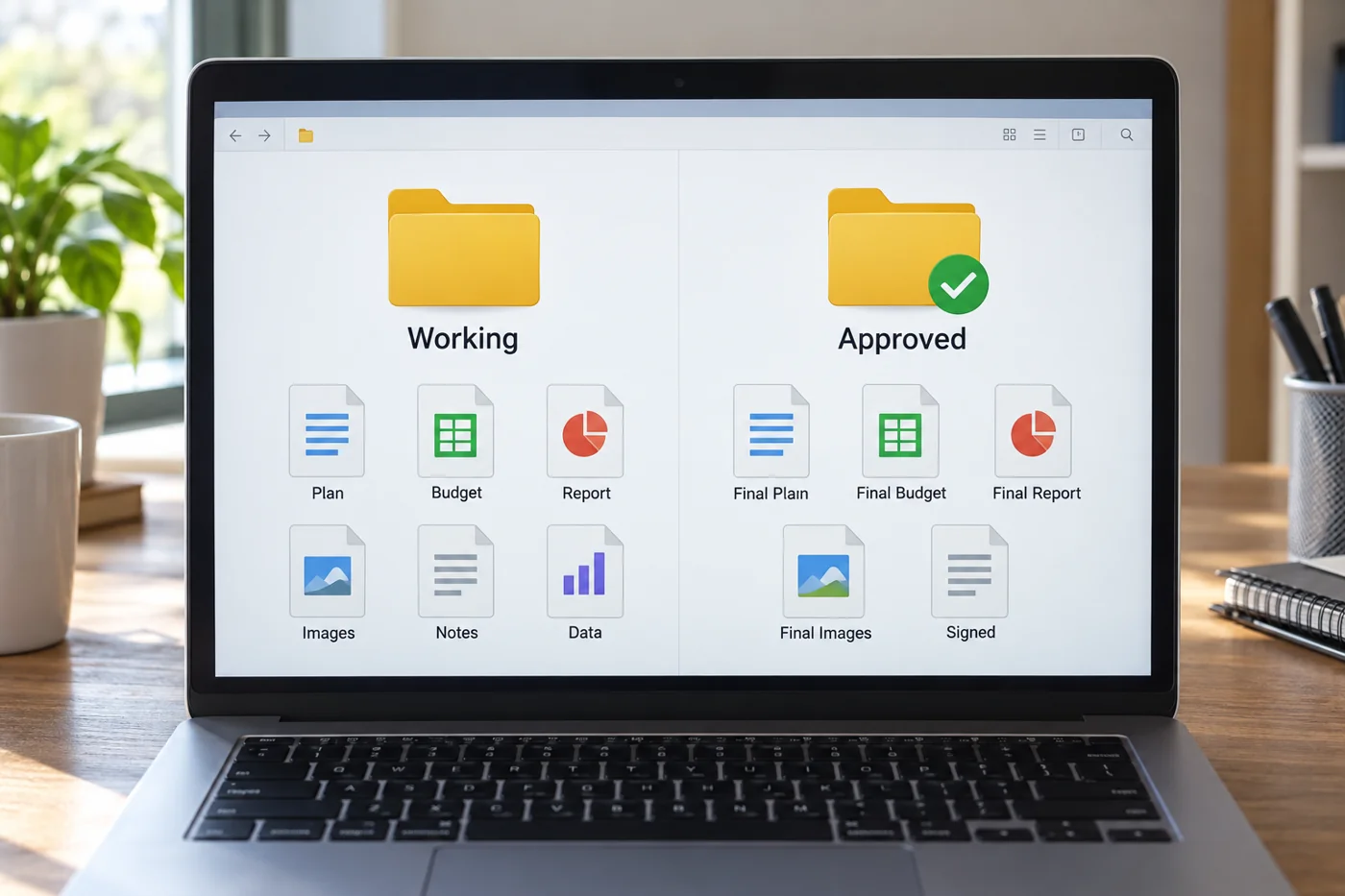
Record what approval covers
State the permitted purpose of the confirmed version. Internal agreement does not automatically authorise publication or onward sharing. Record the responsible person and date under internal rules. Without that context, a folder called “Approved” says little.
Check whether attachments or linked data form part of the version. A document may stay unchanged while a connected spreadsheet updates. Decide which components need joint review and delivery so the confirmed statement remains traceable.
Identify working copies
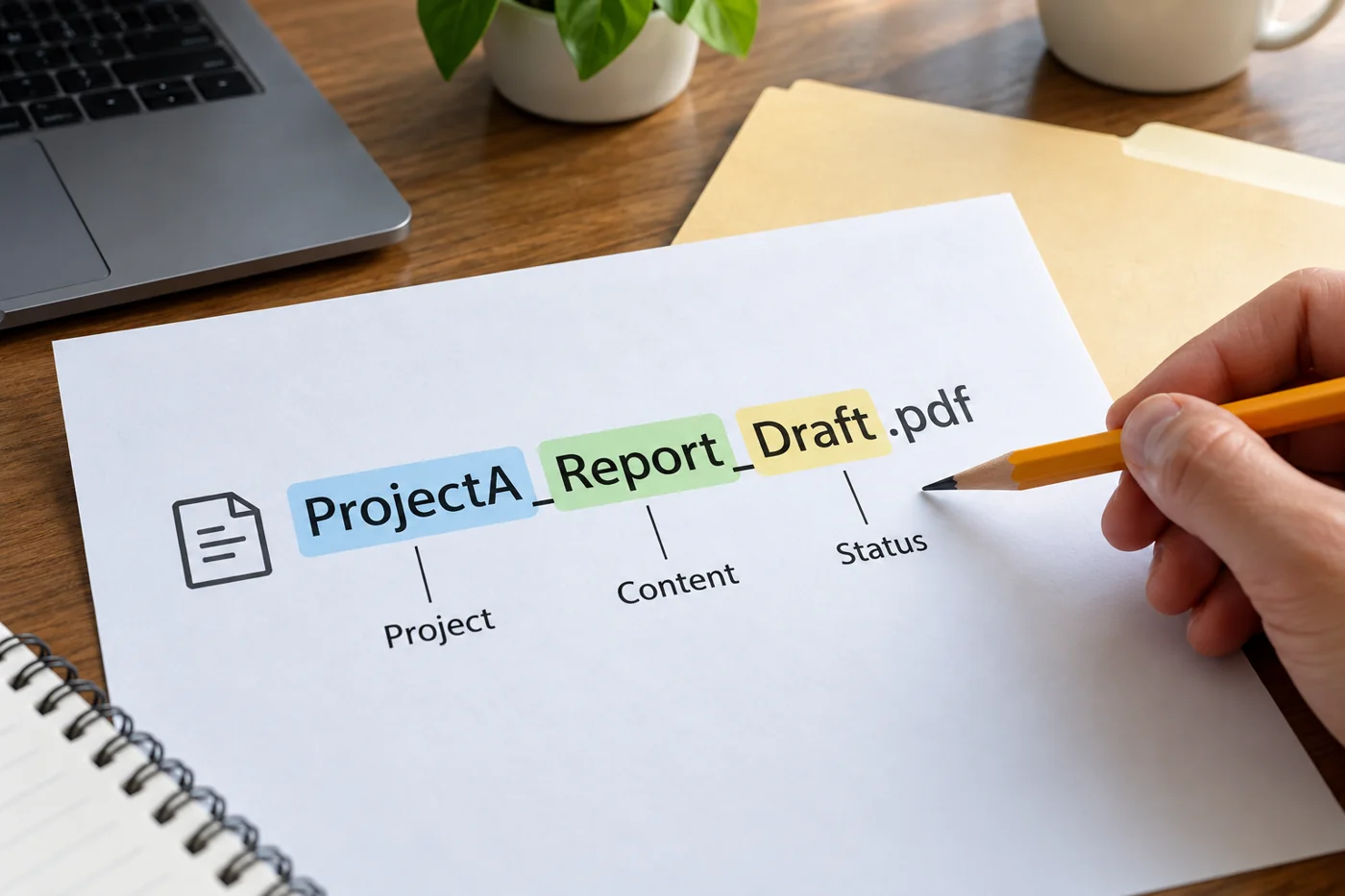
When new work begins from an approved version, mark it as a draft. Refer to the starting version and record why it is changing. Participants can then see that the new file does not yet carry the same confirmation.
Avoid several equally authoritative drafts without ownership. Where separate editing is necessary, agree who combines the results. A collection of differently named files does not automatically coordinate that work.
Use technical features deliberately
Some systems provide version history, editing restrictions or approval workflows. Check official information for your application and permissions. Do not rely on a feature available only in another plan or file type.
Settings should support the organisational rule. A read-only file is not automatically substantively approved. Conversely, an approved file may remain editable if no restriction was configured. Make approval traceable independently of a button or visual indicator.
Check subsequent use
During handover, ensure the recipient receives the right version. An old message attachment may continue being used despite a correct folder. Where needed, identify which earlier version is replaced and what work changes as a result.
When a new version is approved, handle the old one according to retention rules. Do not delete it merely for visual tidiness. Clear status and an orderly history help explain which basis was used at each point in time, including when someone later asks why an earlier result differs from the current document.
Identify a specific approved state
Suppose a room plan is approved internally while new alternatives are then developed for another location. Those changes should not silently alter the approved plan. Record which file or version the decision concerns and distinguish subsequent drafting from it. Whether this uses a clearly named output file or an available version marker depends on the system in use.
Version history may provide access to earlier working states. Microsoft, for example, documents restoring previous file versions in OneDrive. That does not mean every saved state received substantive approval. Technical change history and business approval answer different questions. Record the approval against the actual version concerned.
When a later change is proposed, identify what it affects. A new room name may alter references elsewhere, while a changed floor area may affect the original decision. Tell the responsible person specifically what changed rather than submitting an entire file again without explanation.
Handle copies already distributed
If an approved version has already been distributed, replacing only the central file may be insufficient. Establish which recipients need the correction and which earlier version it supersedes. Explain the reason and affected content. Someone who has already used the old file can then judge whether further work is necessary.
Avoid a chain of names such as “final”, “final_new” and “really_final”. These express an intention rather than a stable sequence. Use the agreed naming scheme and an unambiguous reference to the current approved state. If the history cannot be reconstructed, ask rather than automatically treating the newest file as approved. Keep unresolved uncertainty visible until the responsible person confirms which material can safely be used as the basis for further work.
If an approved file changes accidentally, first record the observed difference. Agree restoration or correction with the responsible person. Reverting it unilaterally may remove valid changes made by other contributors in the meantime. The appropriate technical action should follow the agreed business intention, with affected colleagues informed about the resulting version.