Compare the same account and message
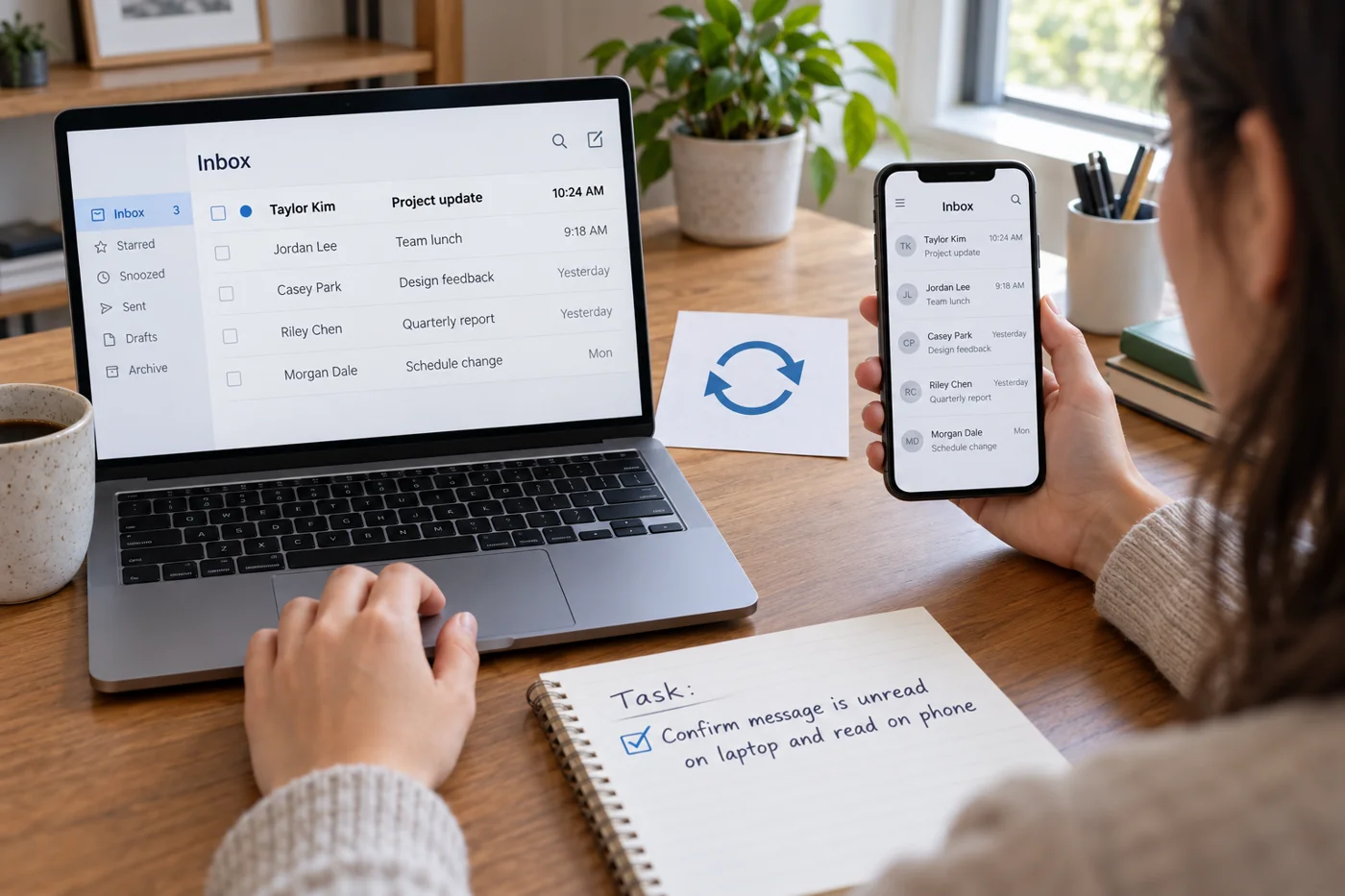
Display the full account address on both devices. Matching display names are insufficient. Then compare sender, subject and time to confirm that you are viewing the same message. A conversation may contain several similar replies that are easy to confuse in a grouped view.
Compare the selected views too. An unread-only display may hide a message already read without the message being missing. A different folder or sort order can have a similar effect. Record the difference before changing settings: “Present in webmail, not visible in the desktop inbox” is a testable starting point.
Use webmail as another comparison
If the service offers webmail, inspect it using the correct account. This additional view helps separate the state at the service from the display in a local application. It does not, however, replace checking folders stored exclusively on a particular device.
Find a distinctly identifiable message and note its folder. If it appears online and on the phone but not on the computer, focus the next investigation on the computer's setup. If only an old local archive contains the message, account for that special case before changing the account. Record it rather than expecting it to appear automatically everywhere.
Establish the account type
Check which connection is actually configured. Microsoft distinguishes POP retrieval from IMAP synchronisation of a server-based mailbox. A POP account therefore does not automatically behave like a mailbox coordinated across several devices. Server retention also depends on the particular settings in use.
Do not casually change the account type in an existing profile. First establish which messages and sent items exist only locally and how they will be preserved. A new account may connect successfully without showing the previous local archive. For a conversion, prepare a traceable transfer and checking process instead of assuming that connection success proves all content is present.
Inspect connection and synchronisation scope
Look for visible indications of offline operation, sign-in problems or a failed update. Record the wording and time. Using current documentation, check whether a restricted period or folder selection is configured. Available controls differ between services and applications, so an option from another product may not apply.
Begin with a small observation: does a new test message arrive? Does a status change appear after the intended update? Use harmless, labeled test messages. Do not experimentally delete genuine working records to see whether deletion spreads to other devices. A controlled test collection is enough to narrow the issue without putting needed information at risk.
Review sent items separately
If only replies are missing, examine where sent messages are stored. Different applications may use different folders or local locations. Send an identifiable test from each device and then look for its copy in the other views. Record where it actually lives rather than guessing from a folder's familiar name.
Do not confuse the stored copy with delivery at the recipient. A message visible in Sent answers a different question from its arrival. A complete sending investigation therefore also needs an agreed reception test. Keep the synchronisation review focused initially on visible message collections and status information so the two questions do not become mixed.
Continue with a specific finding
Give the responsible support contact the account type, affected devices, views checked and an example message. Identify whether the problem concerns new mail, historical collections, folders or only status changes. That scope supports a targeted correction and avoids indiscriminately rebuilding every device.
After a change, repeat the same comparison. Also confirm that known local material remains accessible. Restored incoming mail is not a sufficient finish if the earlier archive disappeared unnoticed. Document any remaining difference when a particular collection is deliberately available on only one device. The final record should distinguish that intended limitation from a fault still awaiting repair.