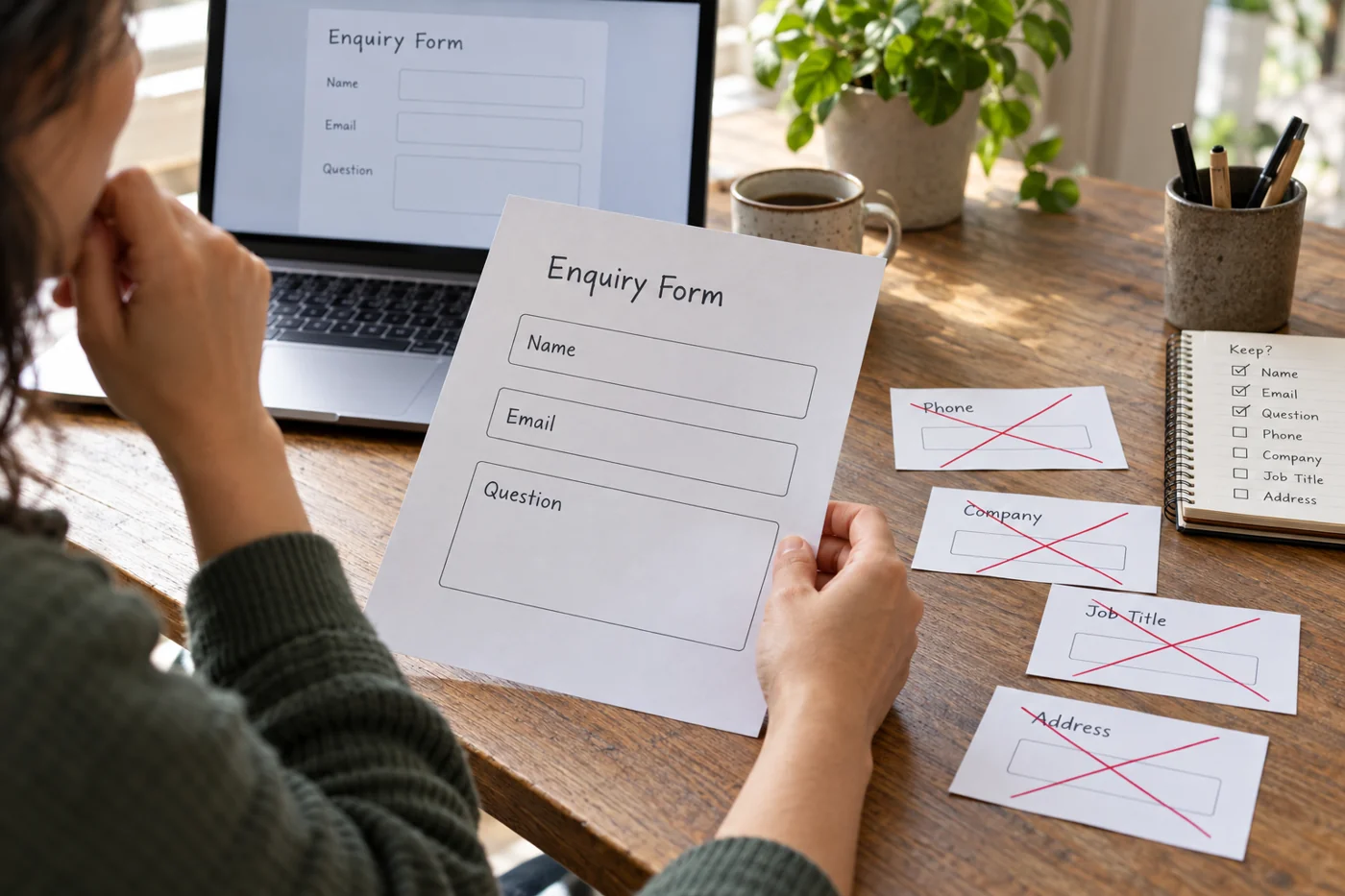
Start with a few fields
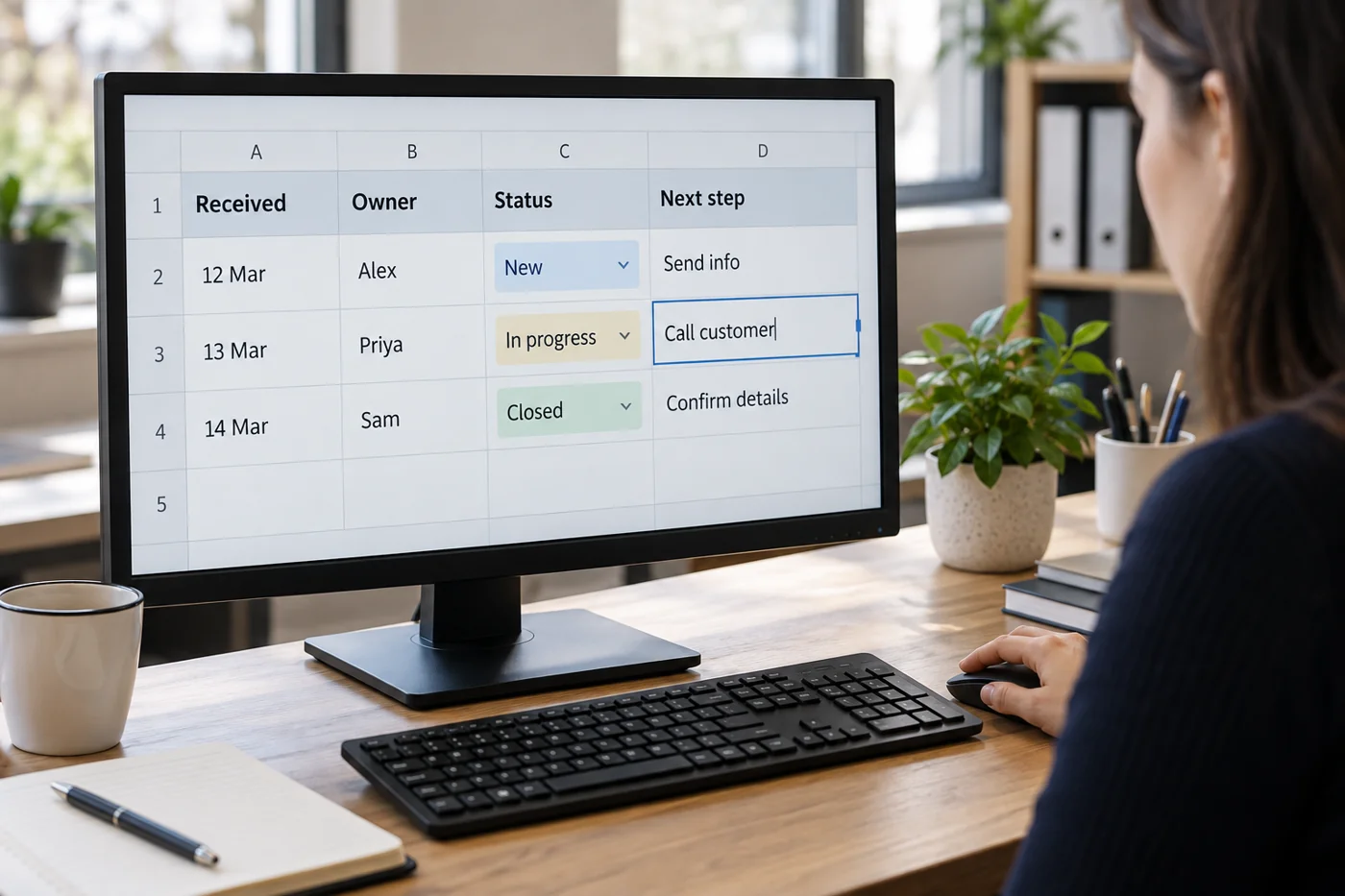
Assign a unique reference and record arrival date, issue, owner, state and next action. Add a review date when the inquiry cannot be closed immediately. The contact route can be a reference to the original message.
Define what one row represents. One row per inquiry differs from one row per client. Several issues from the same person need separate records when they are handled independently. Otherwise dates and ownership become mixed together.
Define states through actions
A state such as waiting is incomplete unless it is clear who and what is being awaited. Add a next action. New should mean that assignment has not yet happened; closed needs an understandable basis, such as an answered question or confirmed handover.
Use a limited selection for recurring states where your spreadsheet supports it. Freely typed variants such as done, finished and closed can create different filter groups even when they mean the same thing.
Work through a typical week
Enter several current inquiries first and use the list in the real process. Check daily for entries without an owner or with a due review date. A list updated only retrospectively at the end of the week cannot reveal forgotten steps in time.
Avoid maintaining extensive content twice. The tracker does not need to reproduce every email. A short factual state and an accessible reference are often sufficient. Keep only the information needed for this working purpose.
When several people work together, clarify who can close or transfer an entry. Review a few cases jointly at intervals. Compare specialist tools only when specific limitations become visible, such as confusing relationships or missing notifications, rather than because a spreadsheet appears too simple.