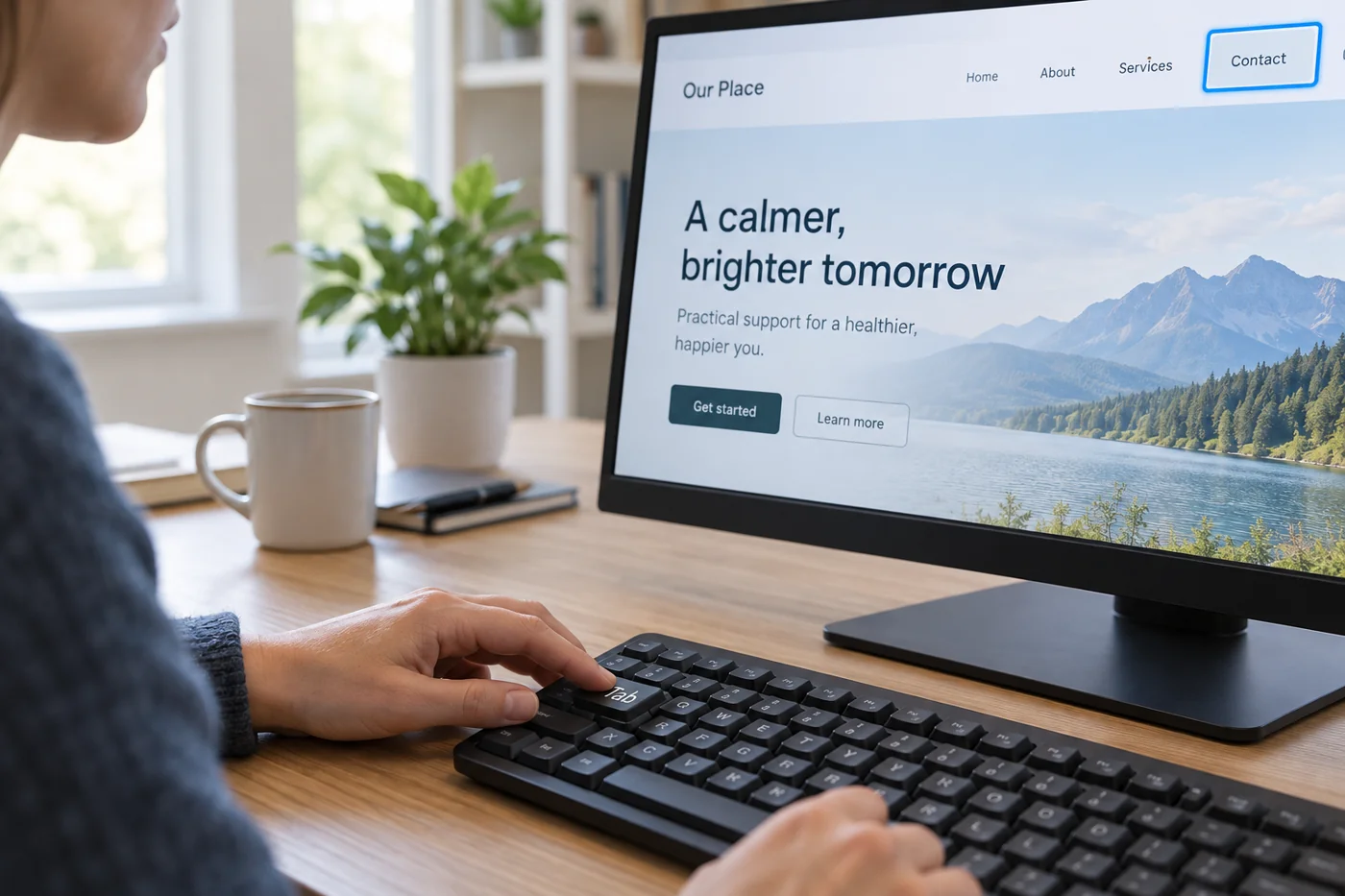
Record the starting state
Open the page fresh and put the mouse aside. Note the browser and any special settings, since behavior can differ. Begin with ordinary browser keyboard operation. Tab typically moves focus forwards and Shift-Tab backwards; specialised controls have their own interaction patterns.
Observe which element has focus at each step. A visible border or other clear indication helps. W3C explicitly identifies visible keyboard focus as an important check. If focus appears to disappear, document where rather than quietly using the mouse to reach the next element.
Treat menus and dialogs as separate states
Reach and open an existing menu using the keyboard. Check whether its destinations then work and whether it can close again. Merely reaching the menu button does not establish a successful navigation route. An open menu may obscure other content or move focus unexpectedly.
When a dialog appears, observe entry, available actions and the way back. A window that cannot close may block the entire task. Record the actual sequence, including keys where needed for reproduction. Do not immediately assume a particular technical cause when only the visible behavior is known.
Treat a collapsed menu as a separate case
Start with collapsed navigation and try opening it using only the keyboard. Move through its entries, then close it again. Record whether visible focus remains understandable and you can continue sensibly afterwards. A menu that opens has not been fully checked if closing or leaving it remains unclear.
Repeat after a layout change. A visual rearrangement can leave the keyboard sequence out of step with the apparent order. Describe the specific confusion, such as a jump between distant areas, rather than giving only a broad verdict. Include the starting state in your report so another person can reproduce the same sequence.
Complete an input task
Use an existing search or form with suitable test data. Move between fields and trigger the intended action. Also inspect an ordinary error case, such as an empty required field. Can you still tell what needs correction and where to continue?
The sequence should make sense for the task. Jumping from the first field to the footer and back can hinder use even when every element is eventually reachable. Record the observed route and distinguish uncertainty from a complete blockage.
Repeat the journey after changes
After a correction, restart from the original entry. Do not test only the isolated repaired element. New focus handling can have unexpected effects at the next step. Check completion and any return to the starting page as well.
Report scope precisely: browser, pages, tasks and unresolved findings. “Contact route reachable by keyboard” is an understandable statement. “Website accessible” would not be established by this limited test. The documented observations can then support a more extensive review in a targeted way.