Read the first view without prior knowledge
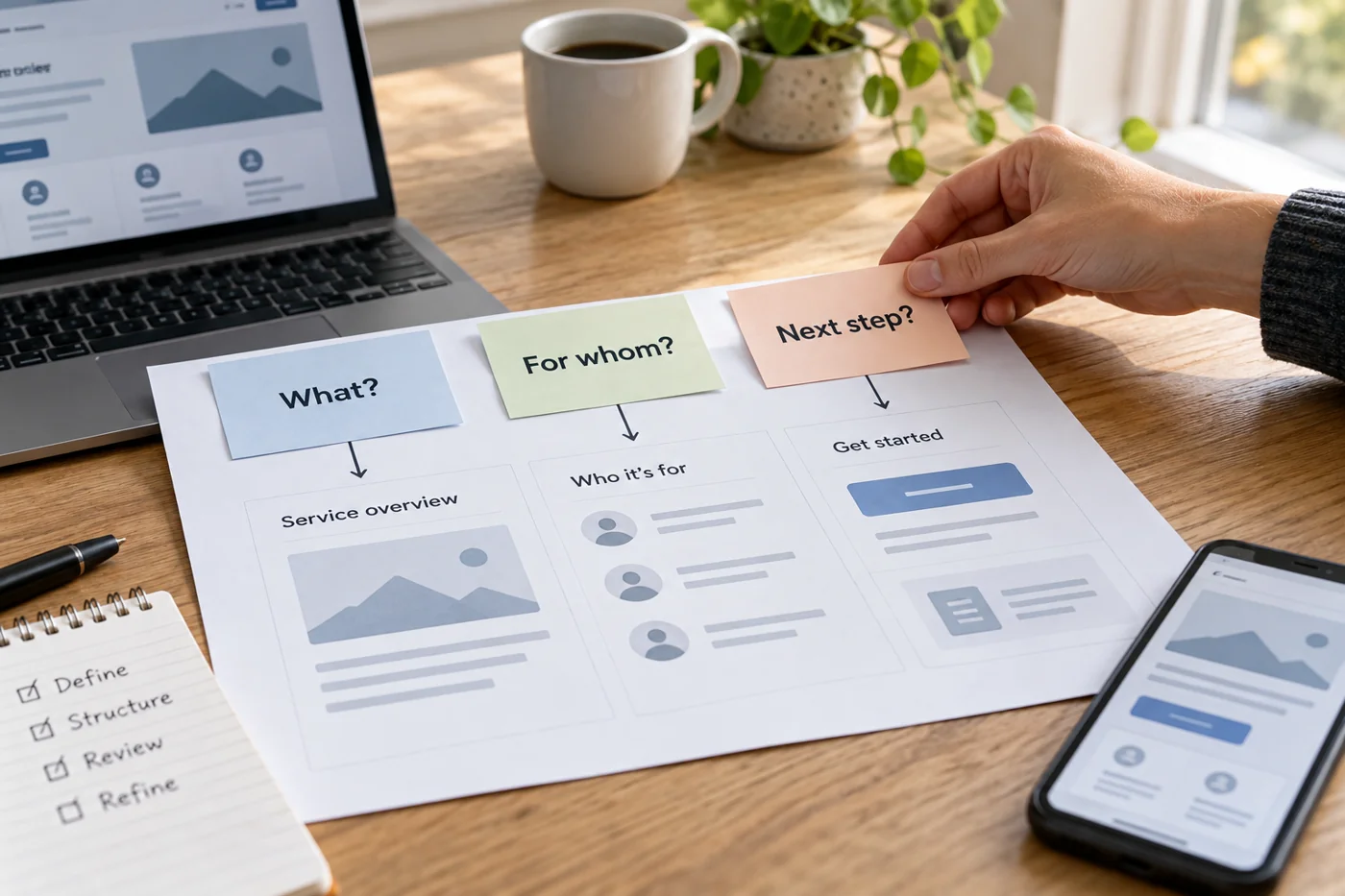
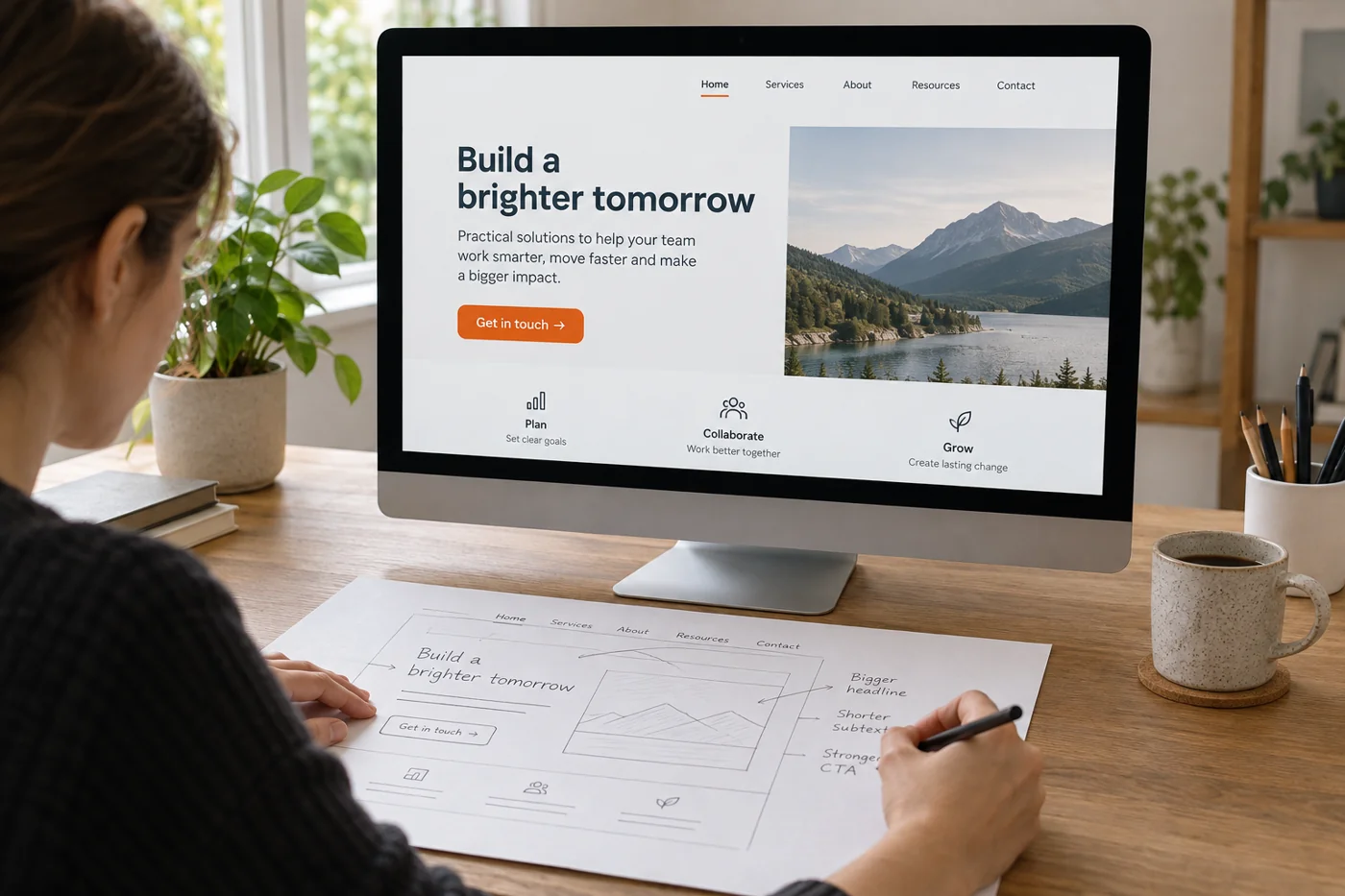
Open the page in an ordinary browser window and on a small screen. Read only the initially visible content. Does it name a specific activity, or mainly make general claims about quality and innovation? Someone unfamiliar with the business should learn more than a positive self-assessment.
Mark terms understandable only internally. A product name may be clear to regular customers but explain nothing to newcomers. Add the necessary context in visible text rather than assuming the image communicates every missing detail. The same image may also be cropped differently on a narrow screen.
Offer an appropriate next step
Decide what follows usefully from that introduction. For a service needing explanation, the next step may be a detailed service page; for a clear inquiry, a contact route. Link wording should name the real destination. A button saying “Book an appointment” should not end on a general page without a booking option.
Several equally prominent buttons can mix different tasks. Consider whether one main route and a quieter supporting link are enough. Do not remove necessary orientation merely to create a calmer picture, however. What matters is whether the arrangement understandably supports visitors' tasks.
Review the complete entry after changing it
Reload the page and check that image, heading and link still belong together on small screens. A large title may push the next step downwards. That is not automatically an error, but deserves a conscious decision rather than approval of the desktop view alone.
Follow the offered route to its destination. Does the heading there match the expectation created at the start? Record a specific task and its outcome. The revision becomes meaningful when a previously unclear activity is explained better or a misleading next step is corrected. A newer-looking background image alone does not demonstrate that benefit.