Write three tasks without internal terminology
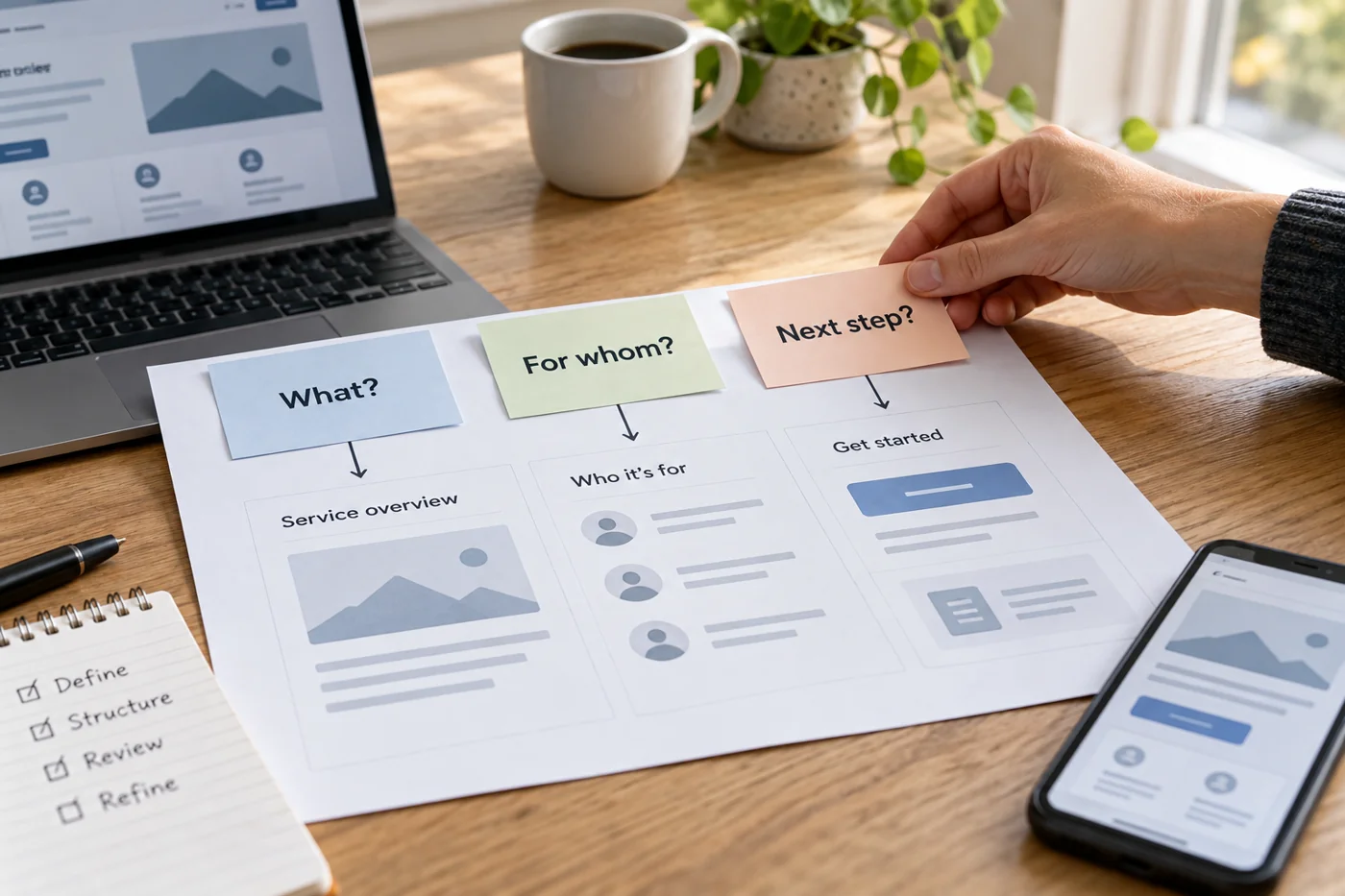
Examples might be: “I want to know whether this service covers my situation”, “I want to ask a question” and “I need the current preparation checklist for an appointment”. Do not include menu names as clues. “Click Service” tests whether a known word can be found, not whether its meaning is understandable.
Choose tasks connected to existing content. If an important answer is entirely absent, that is initially a content gap. Another menu item alone will not fix it. Record those cases separately from information that exists but is difficult to find.
Follow the journey from a real entry page
Open the homepage first and try the initial task without relying on project knowledge. Record the first link chosen, the destination reached and places where you had to go back. There is no need to impose an artificial maximum click count. An understandable additional step can be more useful than a short route concealed behind an unclear label.
Repeat the attempt from an inner page. Visitors do not necessarily begin at the homepage. A service page should provide enough orientation to reach related information or contact details. Check whether the current section remains recognisable and a route to the homepage is available.
Where possible, ask someone with little project knowledge to perform the same tasks. Do not explain the menu terminology beforehand. Afterwards, ask what answer they expected behind a chosen link. That observation is more informative than a general question about whether they like the website.
Correct labels and destinations together
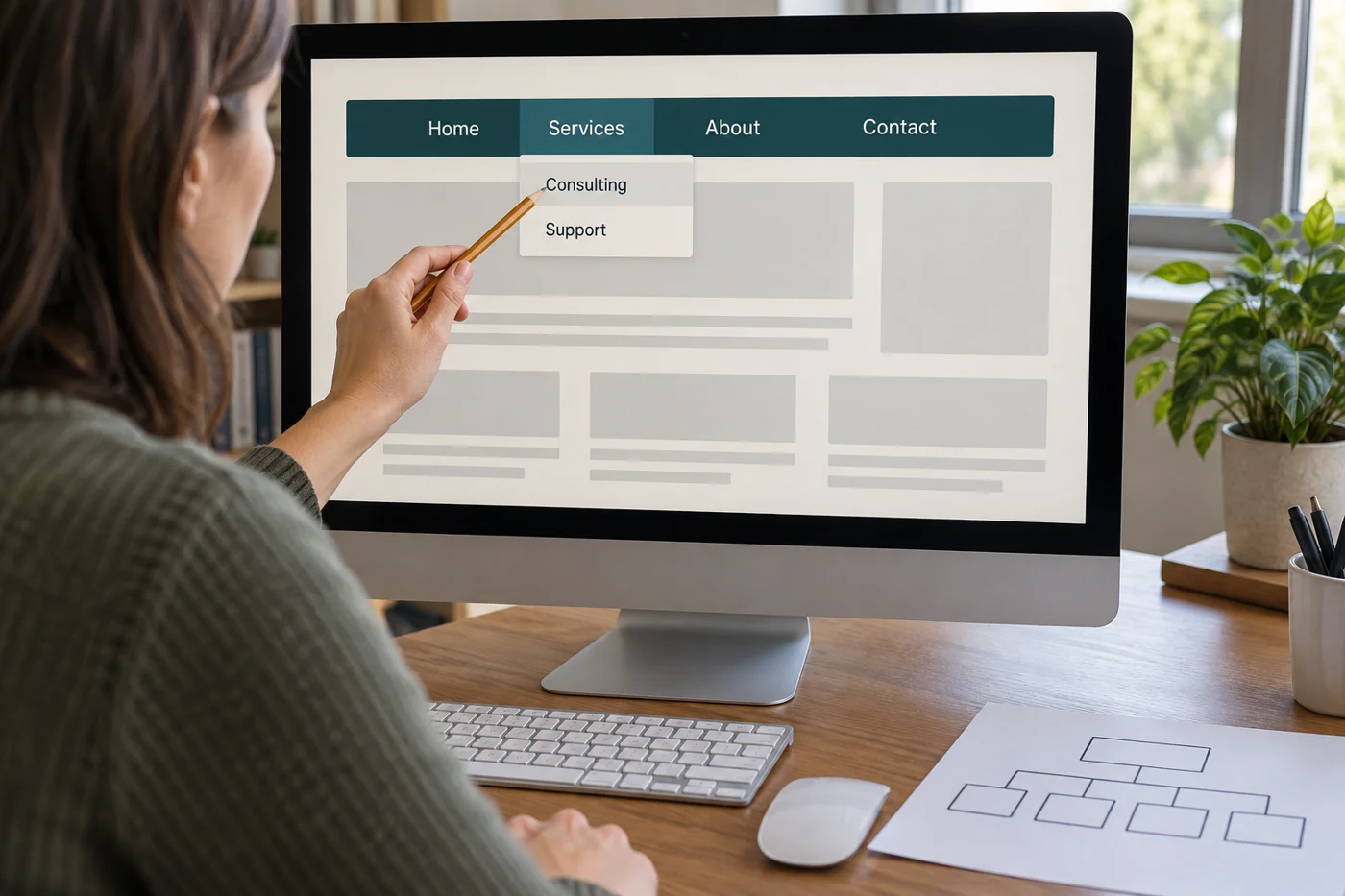
A menu item such as “More” can create several different expectations. Consider whether a more specific label describes the contents better. However, do not name a whole section after one document when it contains several other things. The new term should make sense of both the existing pages and the tested journey.
Compare the navigation on a small screen. W3C recommends maintaining a consistent structure across screen sizes: visible entries should retain the same order, wording and destination. A collapsed mobile menu can change the presentation without offering a different site organization for no apparent reason.
Retest a small change with the same tasks
First alter the problematic label, grouping or link, then repeat the original tasks. If all content and menus change simultaneously, it becomes difficult to identify which adjustment helped. After renaming, also inspect the mobile layout, inner pages and any second language version.
Keep a brief record: task, previous difficulty, change made and new route. Include unresolved content questions too. The review then remains repeatable when more pages are added later. A successful result does not mean every visitor immediately finds everything. It means the tested tasks could be completed through understandable labels and reachable destinations.