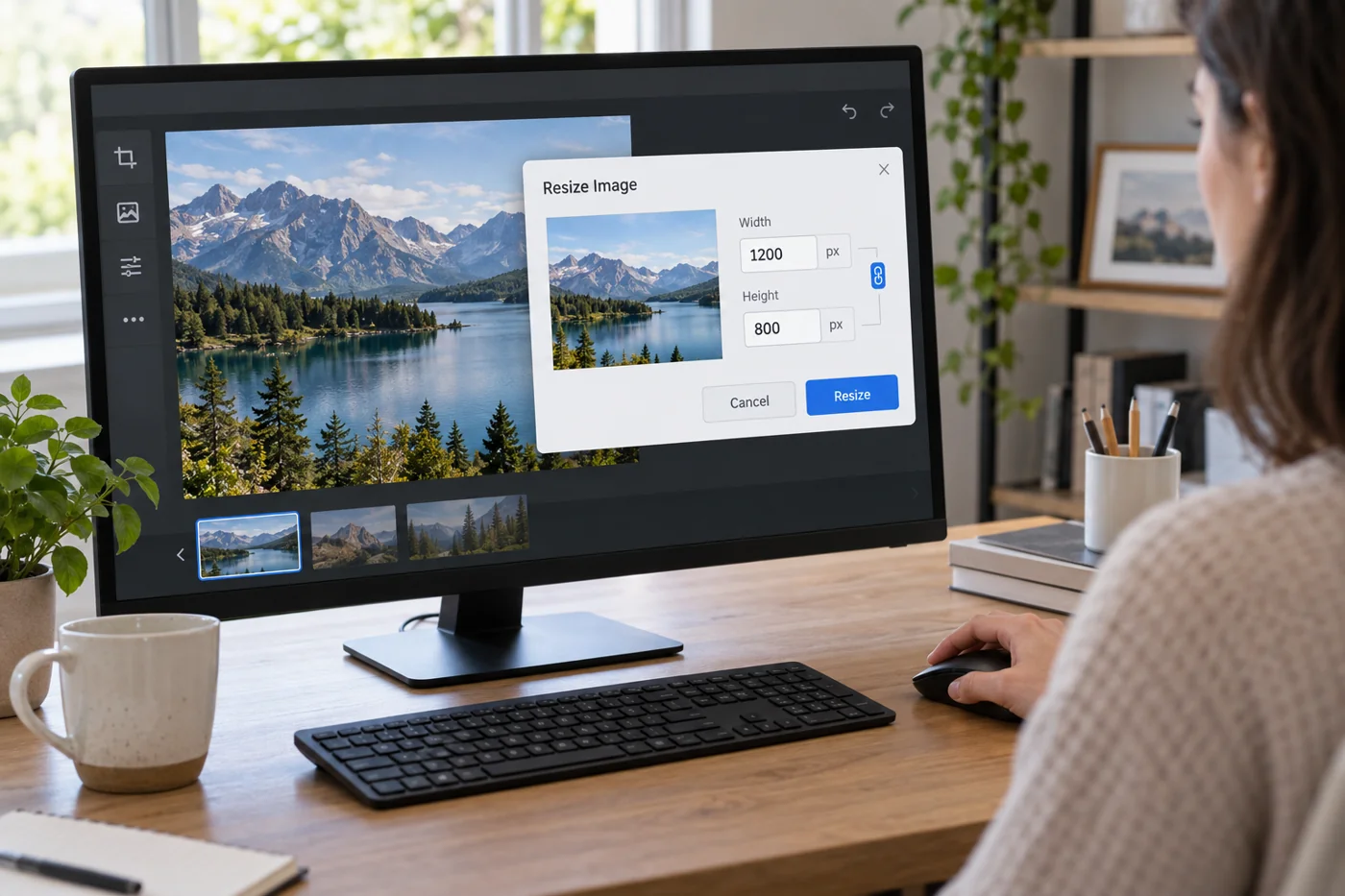
Establish display size and content
Inspect the image's actual location on the page. A narrow list position needs different preparation from a large lead image. Consider desktop and small screens. A wide crop may lose important details when the layout places it inside a narrow area.
Choose the crop around meaning. A device photograph should retain the detail discussed; an automatic crop should not remove the relevant action from a scene with a person. Then choose suitable pixel dimensions. No single size is correct for every position.
Review a diagram differently from a photograph
In a diagram containing process arrows, a few small labels may matter more than an especially small file. Inspect it at the narrowest intended width. If those labels become inherently too small, higher export quality alone will not help. The page may need a different arrangement or the decisive information presented as ordinary text too.
For a photograph, check instead that the crop retains the action discussed in the article. An attractive detail can miss the topic if the required object lies outside the visible area. Choose the subject and crop together with the actual text, and compare the list thumbnail with the larger article image.
Judge format and compression by the result
Export a working copy in a format supported by the site. According to web.dev, WebP and AVIF can provide smaller files than older formats for suitable images, but not as a guarantee for every subject. Compare the actual file and visible quality rather than treating the extension alone as a quality label.
Inspect fine lettering, edges and textured areas at the intended display size. Excessive compression may be especially apparent there. A photograph and a graphic with a few clear colors need not use identical export settings. Transparency is another concrete property to preserve during conversion when the layout needs it.
Use multiple sizes only with appropriate integration
If the system supports image variants, suitable sources can be provided for different display situations. Correct integration is required; several files in a folder do not trigger automatic selection. Where necessary, inspect which variant actually loads through browser tools.
Avoid unnecessary variants with no known purpose. Name files so the subject and use remain understandable. A clean original collection and a few deliberately used exports are easier to maintain than many similarly named copies without clear assignments.
Review the page after uploading
Open the completed page and inspect sharpness, crop and loading behavior. An editor preview may differ from the actual website. Check a list too if the same photograph becomes a thumbnail. It should belong to the relevant content rather than accidentally point to another image.
Record the export version when several people maintain images. Do not repeatedly modify the original for every correction. When a larger use is needed later, return to a suitable source file and inspect the new export in its real context.