Limit the comparison
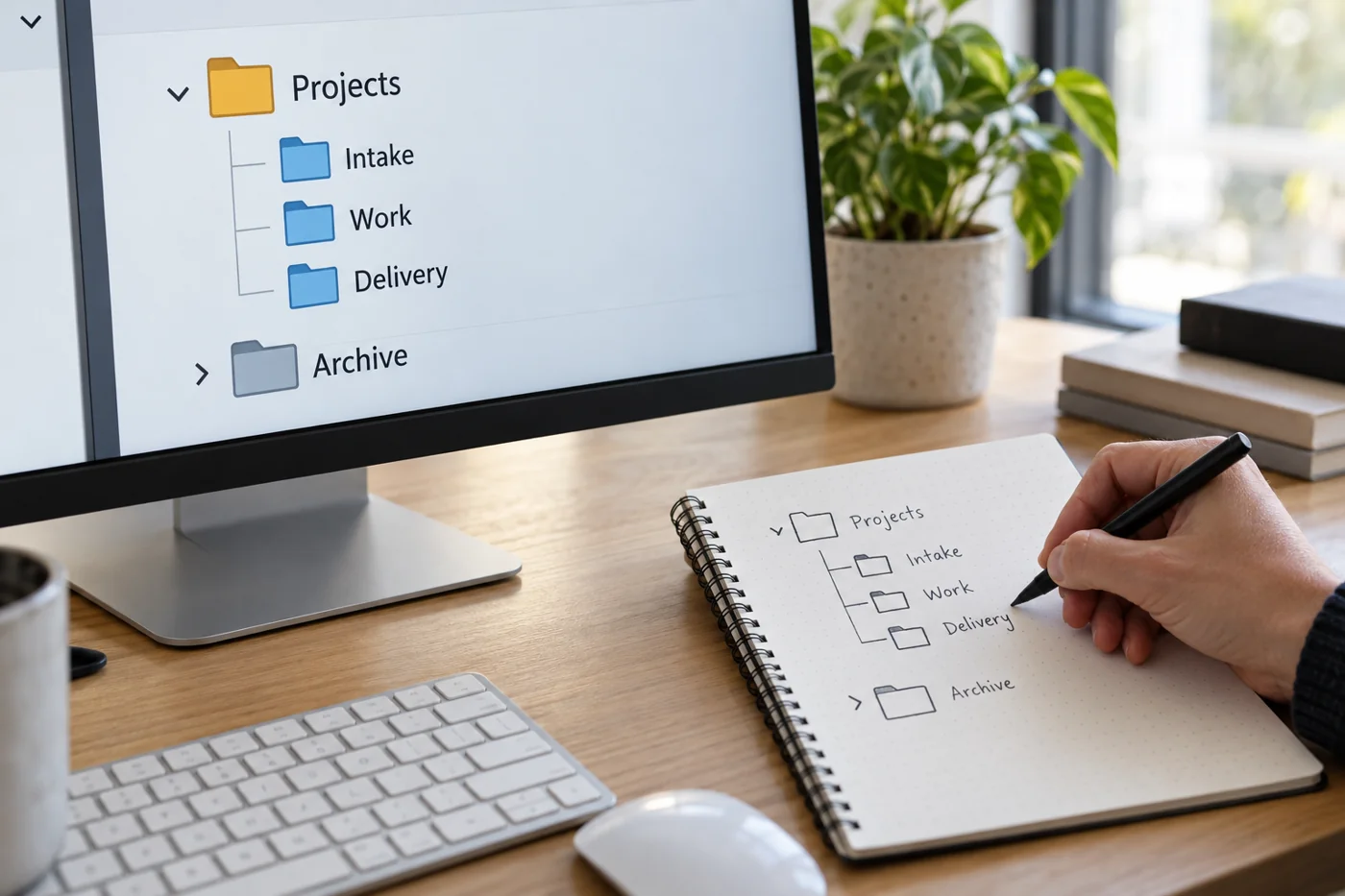
Start with a small, related area. Identify candidates through names, project context and contents without changing the originals immediately. Record their locations. A file in an archive may intentionally match a working copy while serving a different purpose.
Establish who owns the area and whether retention arrangements apply. Consult people responsible for other working versions. “I do not need this” does not establish whether a colleague still uses it as a reference or starting point.
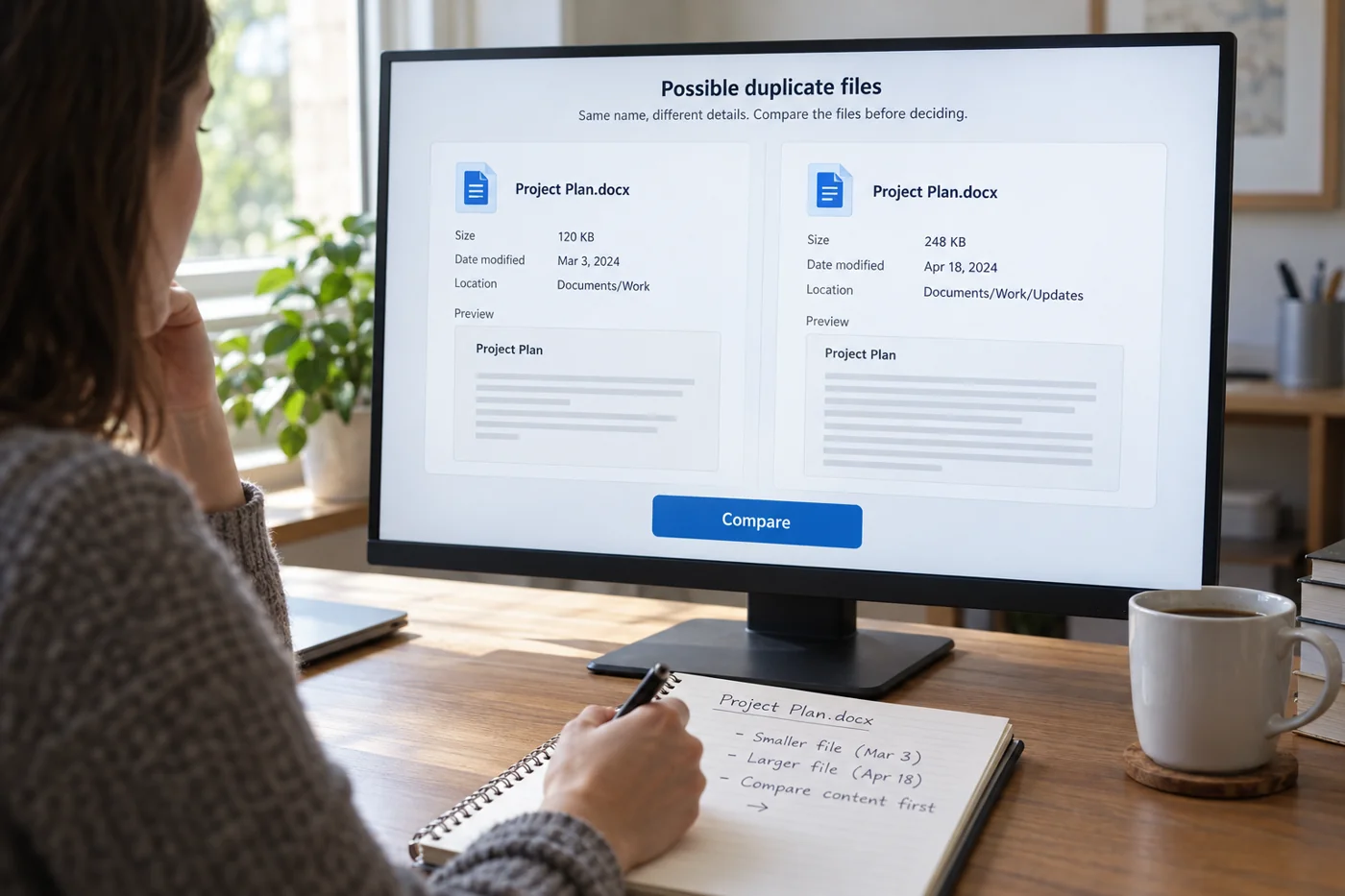
Compare content as well as properties
Check relevant sections, attachments, comments and embedded information. For spreadsheets, this can include formulas and additional sheets; for presentations, relevant speaker notes may matter. A matching first page is not a sufficient comparison.
Available comparison tools may help, but they must suit the file type. Technical equality and business redundancy are different questions. Even an identical copy may record a documented handover. Conversely, different file formats may intentionally provide the same material for different uses.
Carry out a traceable decision
Identify the authoritative version and briefly explain why other candidates can be removed. Check references, active tasks and affected colleagues first. If a shared link leads to a candidate for removal, establish how that link is being used before changing anything.
Only delete under the agreed rules and with the necessary authority. Do not assume that a recycle bin or backup will restore everything. If uncertainty remains, mark the candidates for review and set a date for a decision instead of treating temporary separation as a permanent solution.
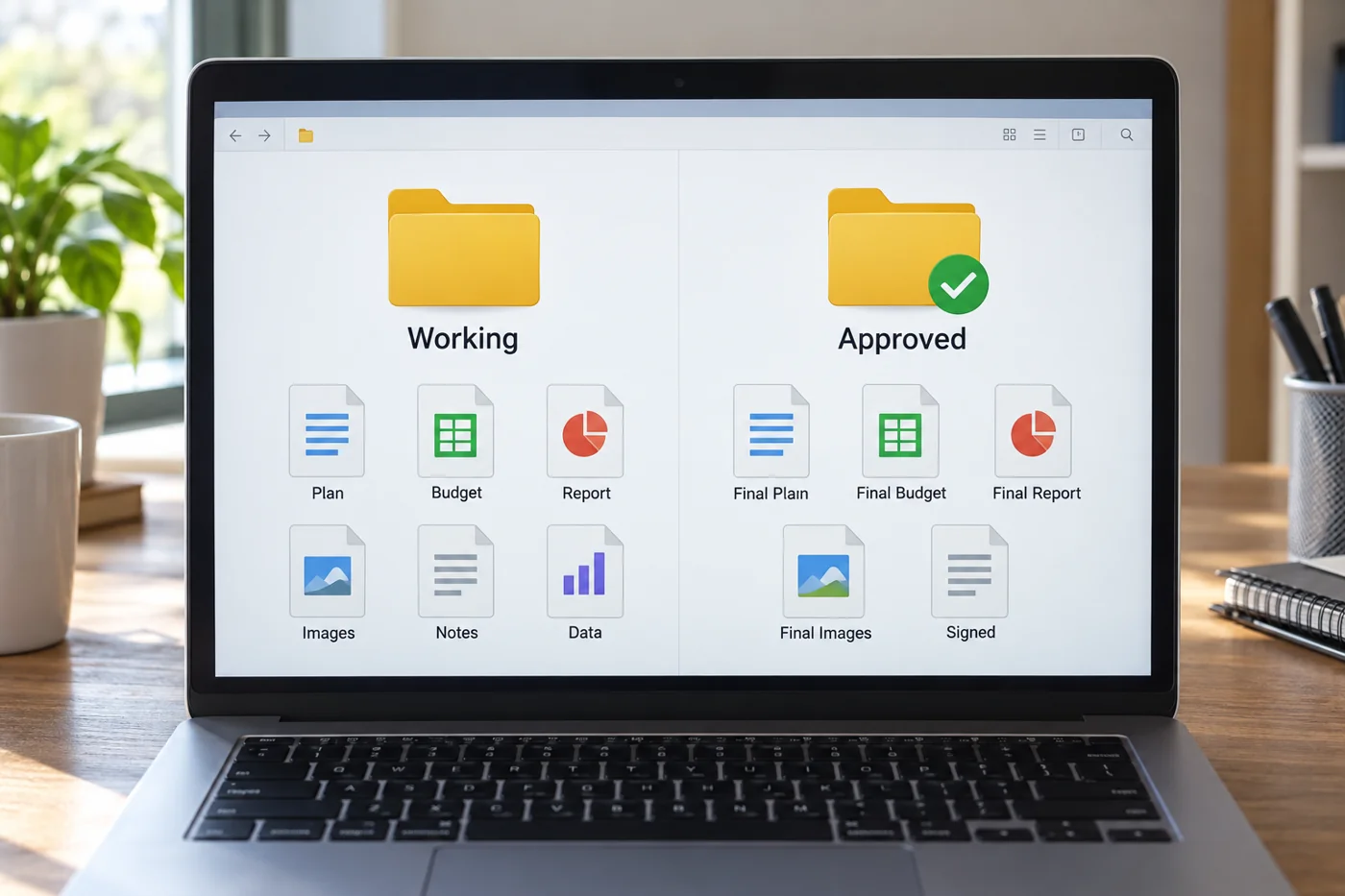
After the cleanup, the area should be easier to understand as well as smaller. State where new work should continue. Otherwise, the next exchange will create several apparently final copies again, leaving a future colleague to repeat the same comparison without knowing what was established this time.
Distinguish three similarly named files
Imagine three versions of an overview: an editable working file, a PDF created from it and a copy containing review annotations. At first they show the same figures, but each serves a different purpose. The PDF may record what was delivered, the working file enables further editing and the annotated copy contains comments not yet incorporated. None is redundant merely because the visible table initially matches.
For two editable copies, establish whether either has developed since the split. Compare not only values but also settings and additions relevant to the case. Where the intended change is unclear, a business decision is needed. A technical comparison can reveal differences without determining what those differences mean.
For larger collections, an automated search may identify candidates. Treat its output as a review list and limit the scope. Deleting everything labeled similar can affect deliberately separate handover or archive records. Anyone using such a tool needs to understand its criteria and be able to check the results.
Address the cause of duplication
If copies repeatedly appear after a particular handover, examine that workflow. Perhaps people edit an attachment despite an existing shared authoritative file. Perhaps they lack access to the intended storage area and create their own temporary arrangements. Cleanup should make that underlying cause visible.
Agree when a copy is wanted and when a reference should be used instead. Documented archive states may properly remain separate, while active collaboration needs a clear connection to the current version. This distinction prevents sensible housekeeping from turning into an indiscriminate ban on copying. Review the arrangement after a few new cases to see whether it actually changes the pattern that produced the duplicates.
Where uncertainty remains, avoid a bulk action that removes many candidates at once. Complete a manageable comparison first and inspect the outcome. The criteria established there can then inform similar cases. When a file serves a different purpose, make a fresh decision rather than applying the earlier conclusion automatically.