Provide an initial route
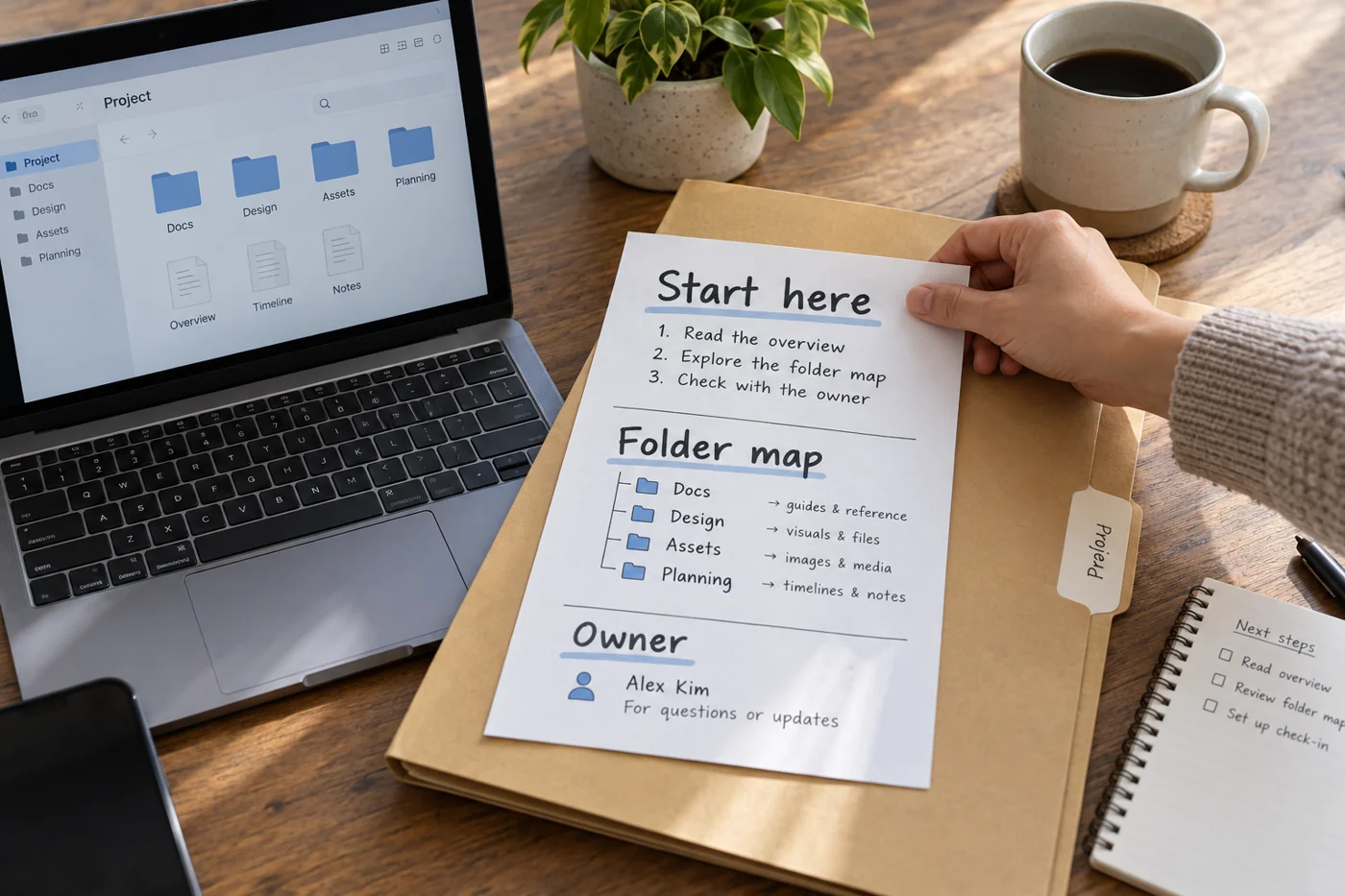
Start with the folder's purpose and project context. Describe the most important areas with one sentence about their use. “Approvals: confirmed outputs, not active drafts” helps more than simply repeating the folder name.
Link to the authoritative working files and explain their roles. If a register contains current status, direct readers there rather than copying the same information into the note. Duplicated status information quickly diverges and makes it difficult to know which version applies.
Include the rules a newcomer needs
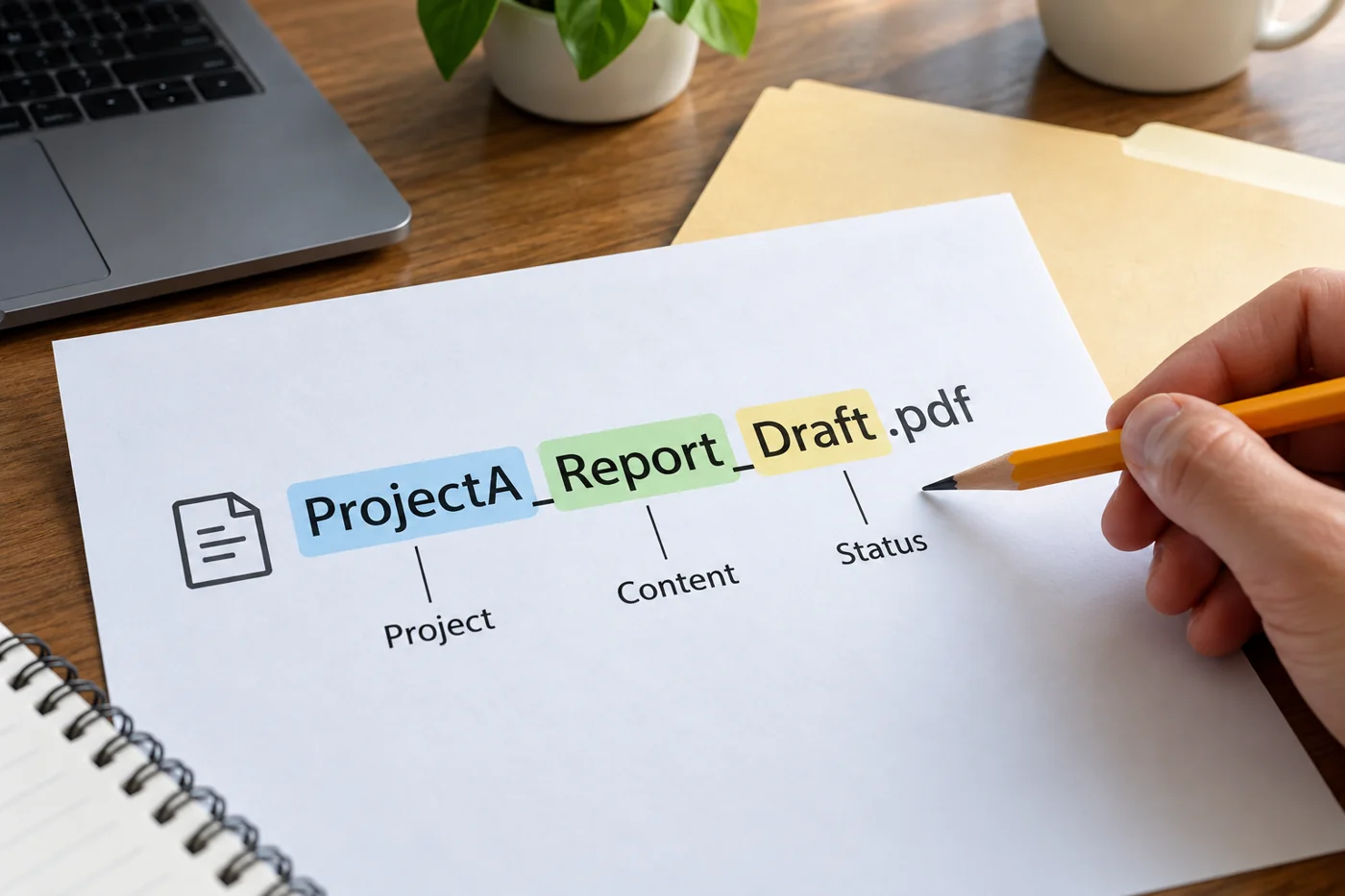
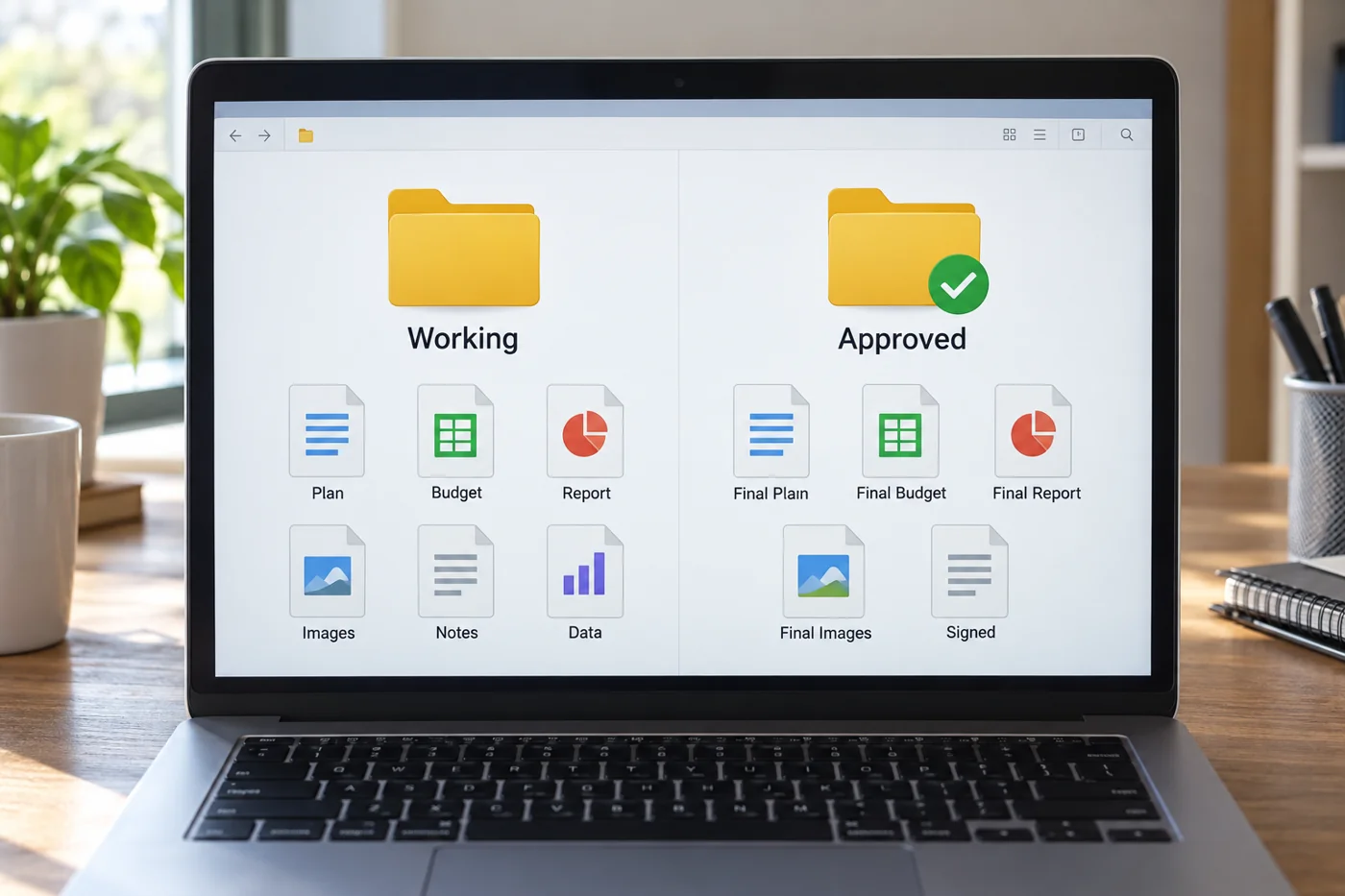
Describe the few agreements that new contributors need to understand: naming, treatment of drafts, location of confirmed results and responsibility for approval. Make the instructions concrete. “Keep things tidy” does not tell someone what to do.
Mention exceptions that are not obvious from the structure. Perhaps one folder contains historical references that should not be copied into new work. Perhaps large source files sit in another approved location. These details prevent common assumptions during the first visit.
Maintain the note
Name a responsible role and give an identifiable review date. Update the note when authoritative files, responsibilities or major storage routes change. An outdated entry point can be more damaging than no explanation because readers initially rely on it.
Test the note with someone unfamiliar with the folder. Ask them to find a particular output and explain the next working step. Their questions reveal terms that only established contributors understand.
Keep the note short enough to be read on arrival. Detailed process descriptions can be linked rather than reproduced. The important outcome is that new contributors find the correct starting point before making their own copies or editing in the wrong area. When a project closes, revise the introduction to explain that status and direct outstanding tasks towards the active location instead.