Identify the existing appointment
First establish which appointment is involved. When several conversations are planned with the same person, a name and weekday may be insufficient. Use the date, subject and any booking reference. This prevents moving a later follow-up instead of the conversation that is about to happen.
Find out who created the appointment and which tool manages invitations. Editing a personal calendar copy does not automatically reach everybody. The authoritative change needs to happen in the intended booking or invitation system.
Agree one new time clearly
While several suggestions remain open, no new appointment has been confirmed. Mark provisional slots accordingly and decide when they will be released. A short sentence such as “Please confirm one of these two options” is clearer than an unexplained list of times.
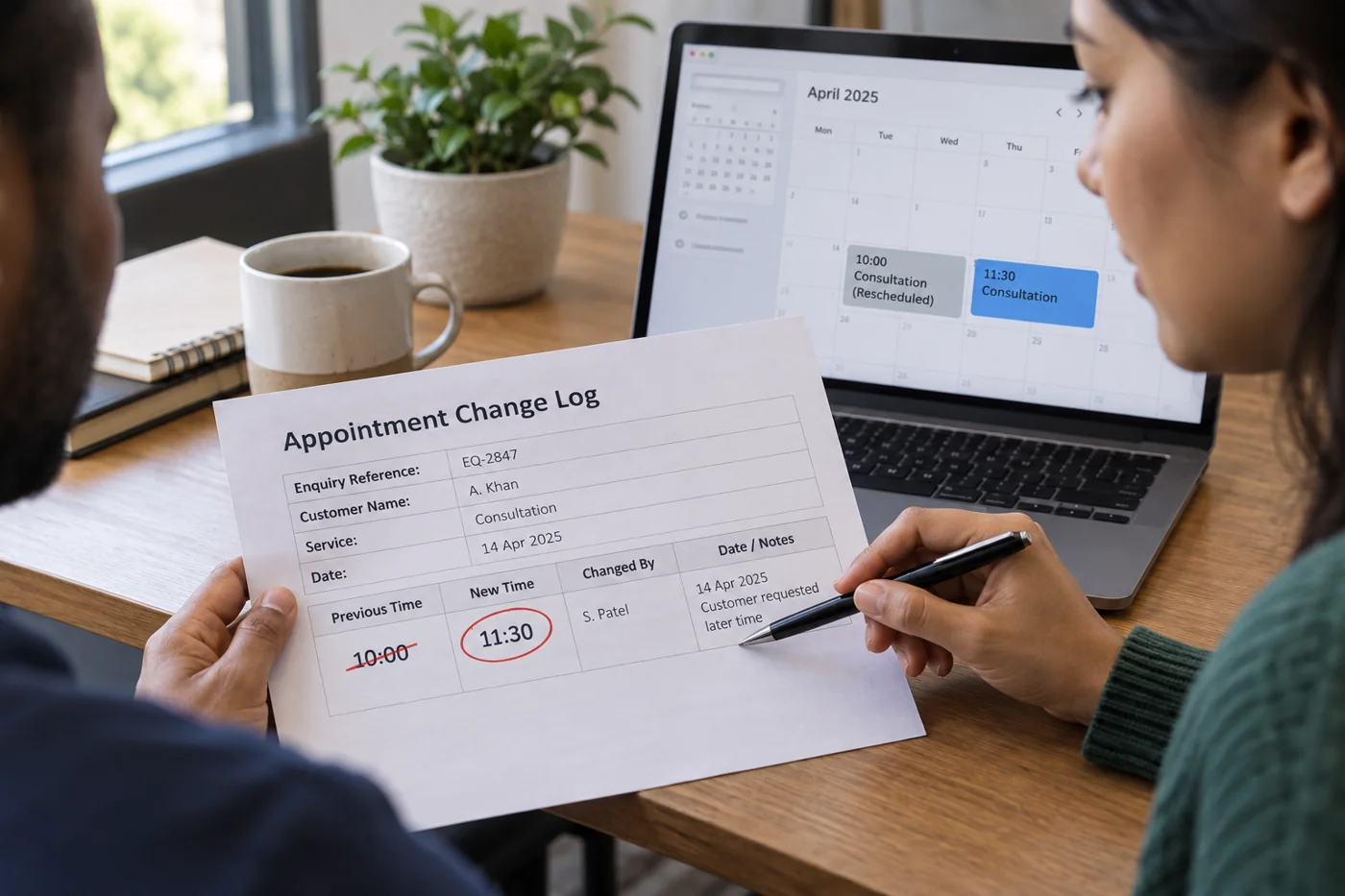
In the confirmation, state the old and new times together. Include the time zone, location or access link and whether the remaining details still apply. If moving the appointment also changes its duration, make that explicit.
Compare the calendar with the message
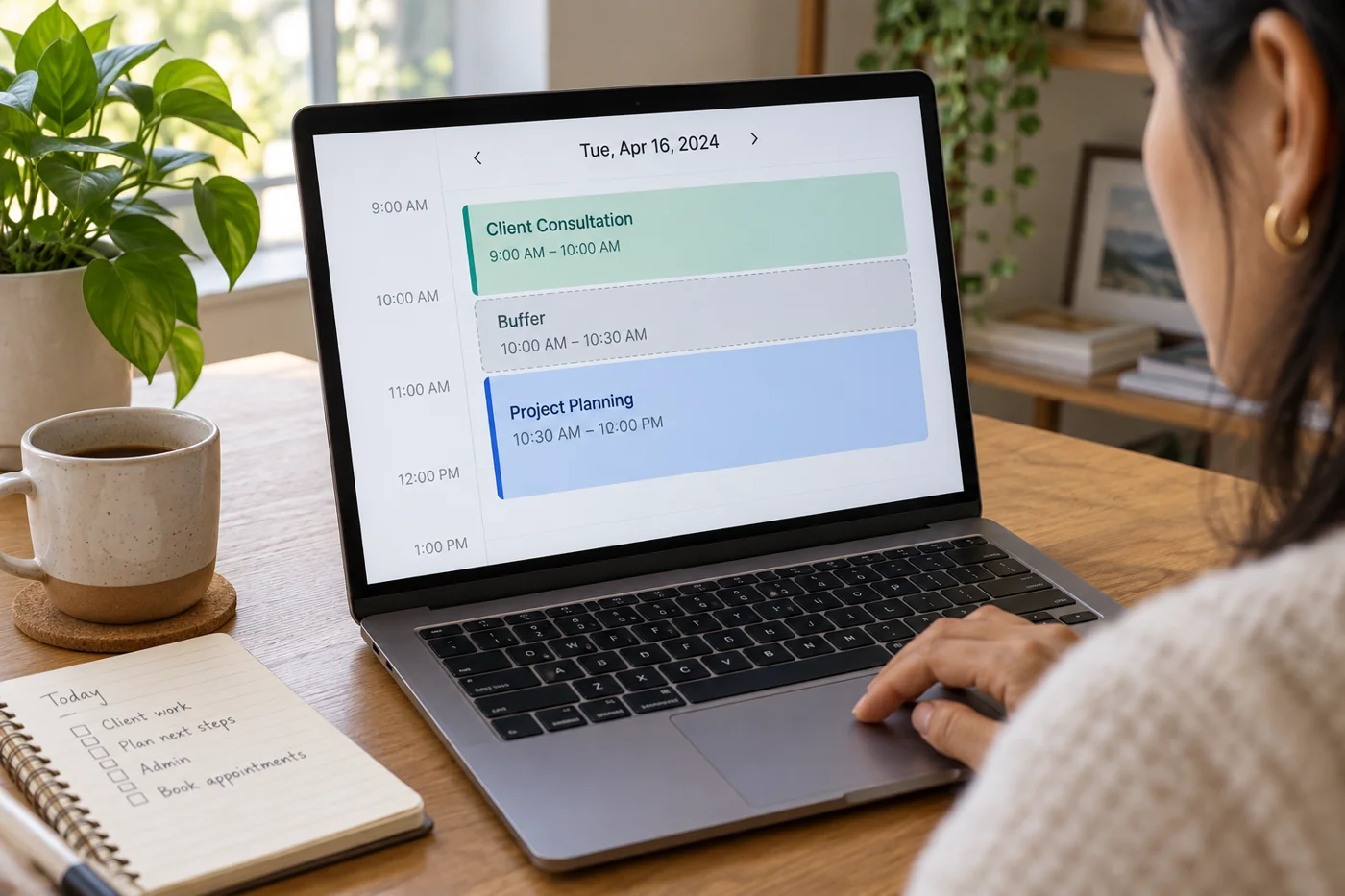
After the change, check that the old appointment has disappeared or is visibly canceled and that the new one appears only once. Where possible, inspect the update from an invited person’s perspective. A correct internal calendar does not prove the external invitation changed too.
Make a brief note in the related inquiry that the move was confirmed and when. Avoid extensive personal explanations when they are unnecessary for the workflow. The organisational connection is enough.
If confirmation does not arrive, use an agreed contact route. An unanswered invitation can have several causes and does not automatically represent agreement. Record the next review date rather than increasing uncertainty with another duplicate calendar invitation.