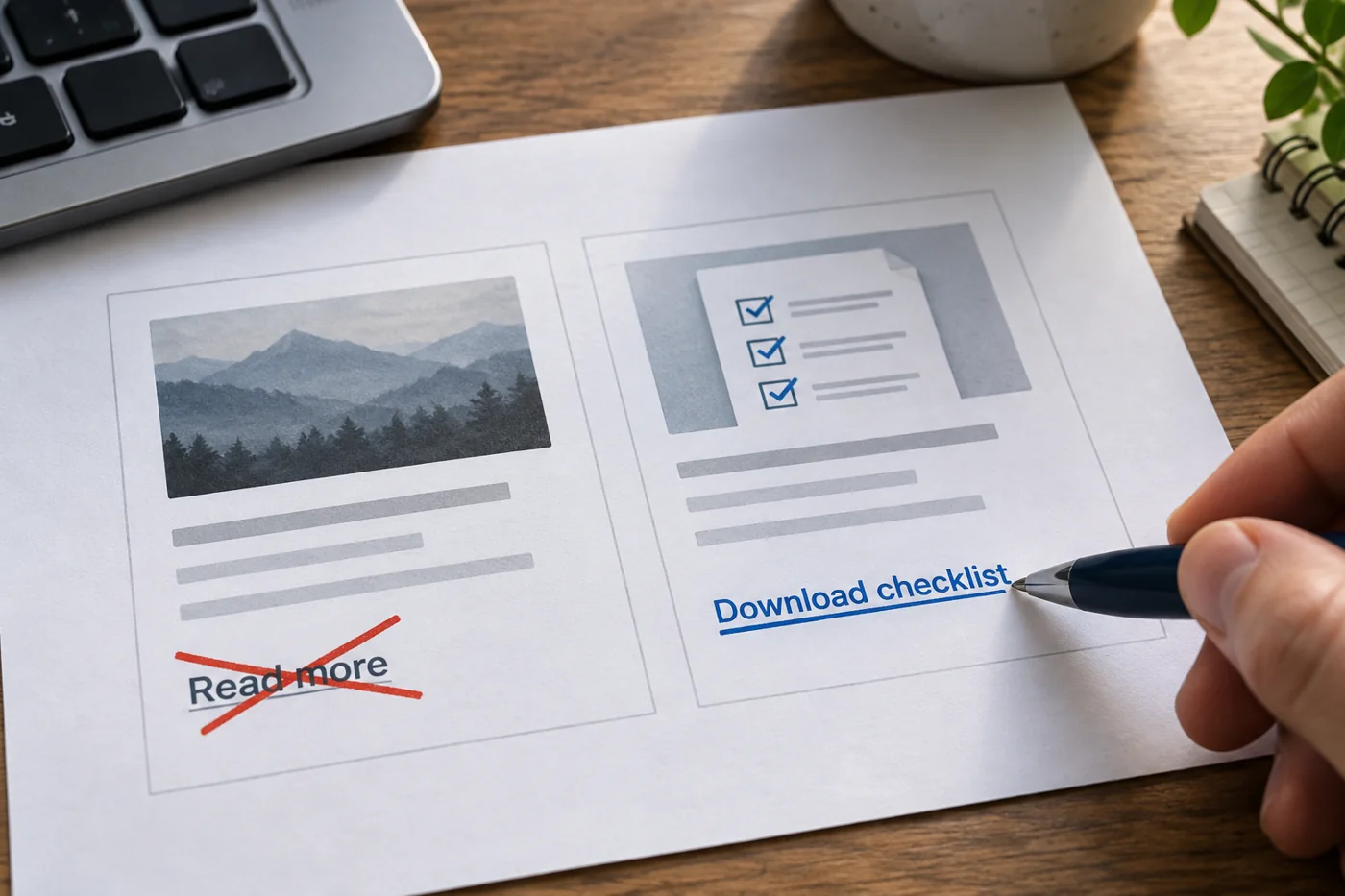
Compare expectation and destination
Read a link and briefly state which page you expect behind it. Then open it. Does “Download the price list” really lead to a file, or initially to a general service page? A more precise label or more direct destination can often resolve that mismatch.
When identical link text leads to different places, examine it more closely. Each service in a list may have its own explanatory context. Even so, “How the on-site review works” is often easier to distinguish than six identical “Learn more” links. Do not invent a claim that the destination fails to fulfil.
Put relevant information in the link
Link the words describing the destination where possible, rather than adding a generic clicking instruction. A sentence can name the current preparation checklist and link that phrase. The remaining text explains when it is needed.
For downloads, a file type or useful file detail may help when it influences the decision. Recheck those details after replacing a file. A well-written link with the wrong version or size creates fresh uncertainty. W3C describes recognisable link purpose as an important principle; technical and visible context need consideration together.
Reread it in the complete layout
Long link text can wrap on small screens. Do not automatically shorten it into ambiguity merely to preserve one line. Also check whether styling distinguishes links from ordinary text and whether keyboard focus remains visible.
First change one typical list or frequently used text block and test its destinations. Then adapt the successful approach to similar areas. The aim is not identical wording everywhere but a dependable relationship between label and destination. Different content still needs different descriptions.