Define and prepare the test
Use an address available to you for testing and put a distinctive identifier in the subject or message. A date and short test number are sufficient. Do not use confidential customer details. If the form creates tasks or notifications automatically, tell the responsible team beforehand so that a test is not handled as a real inquiry.
Record the form address, device and time. Establish whether you are reviewing the public version or a test environment. They may use different sending configurations. Success in a preview therefore does not replace checking the environment actually intended for use.
Send one complete valid case first
Enter the required details as an ordinary inquiry would. Notice whether labels remain understandable after typing. A disappearing placeholder should not have been the only orientation. W3C specifically describes the importance of field labels; this concerns both their visible presentation and their technical association with controls.
Submit once and wait for feedback. Can you tell whether transmission is still in progress, succeeded or failed? An unclear state may encourage another submission. Record the actual message rather than merely noting that something happened.
Then inspect the intended destination. Do the identifier, message and contact details match? Is the reply address usable? If the form also sends confirmation to the sender, inspect that message too. Receipt in the handling system and confirmation to the sender are separate outcomes.
Examine error cases individually
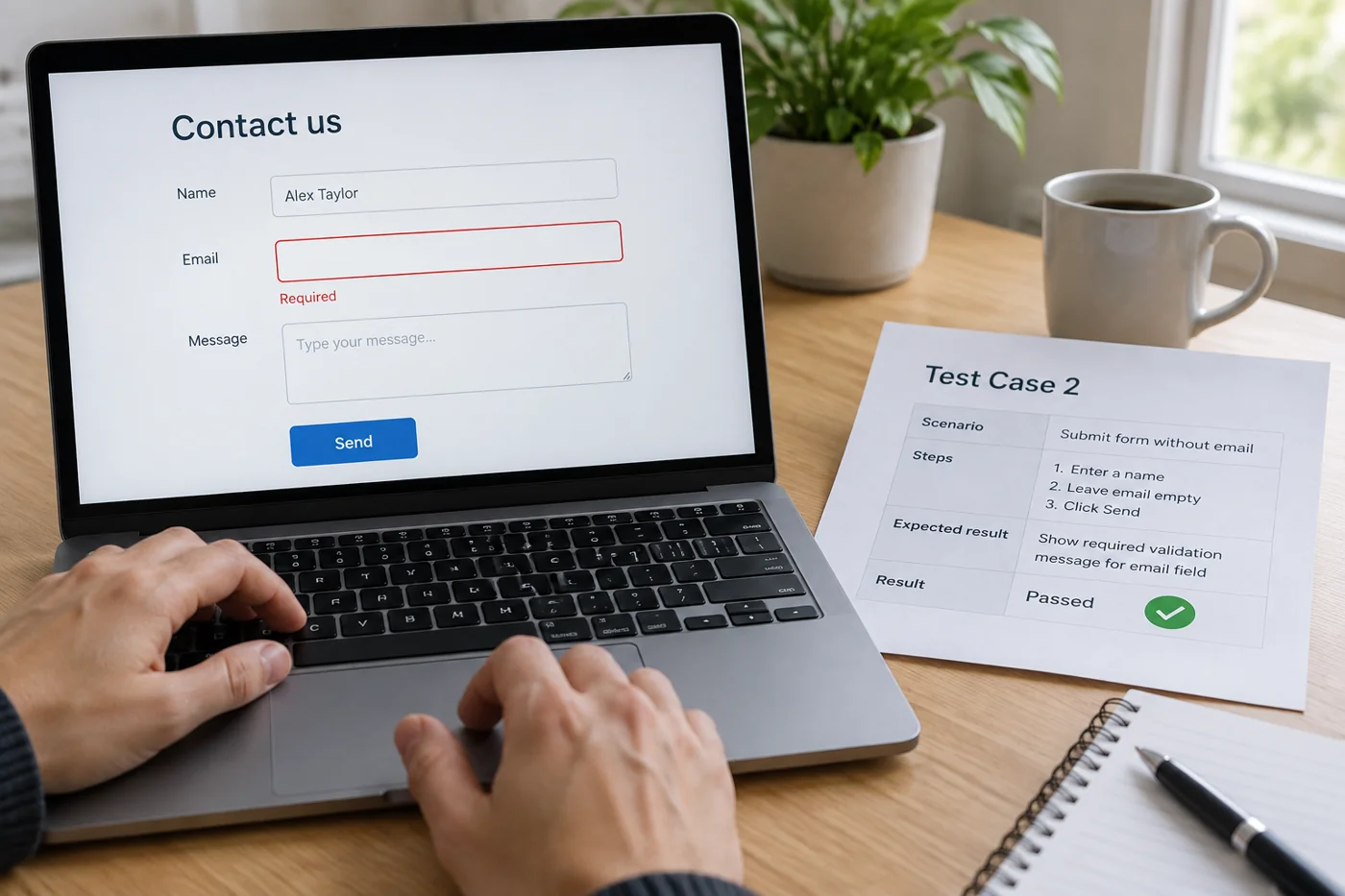
Leave a required field empty and attempt submission. Then test an obviously incomplete email entry. Use a new identifier where a submission actually occurs. Feedback should explain understandably which detail needs correction. A generic “Error” without a connection to the field leaves the person guessing.
Check whether message text remains when another field needs correction. Rewriting a long inquiry may create avoidable work. Also note whether the error location becomes visible on a small screen or remains outside the current view.
Stay with ordinary inputs intended for the form. Load or security testing is a separate assignment and should not be improvised through mass submissions. Functional testing needs a targeted set of reproducible cases covering the offered routes.
Test special features only when present
If attachments are available, test a permitted small sample file and an explicitly disallowed type. Check advertised limits against the actual configuration rather than inventing a universal file size. The recipient should also be able to open the permitted attachment or reach it through the intended route.
With a selection list, verify that different options produce the correct classification. Two visible choices may accidentally submit the same internal value. Compare the received content with the option you actually selected.
Include small screens and keyboard use
Repeat a valid case on a narrow screen. Check whether the on-screen keyboard, fixed bars or displayed notices cover the next input. Also move through fields and submission using a desktop keyboard. Focus should remain understandable; that single check is not a complete accessibility assessment.
Where language versions exist, check labels, error messages and confirmations in every provided language. A translated interface may still trigger an untranslated confirmation message. Record these results separately rather than assuming that one successful language covers all the others.
Finish with results and cleanup
Keep a short record of test case, visible feedback, actual receipt and unresolved issue. This distinguishes whether the interface, sending process or subsequent assignment needs changing. After a correction, repeat the affected case and one normal successful submission.
Remove test entries through the intended workflow afterwards and tell the receiving team the test is finished. Report only the examined scope. “Valid inquiry and two error cases checked including receipt” is more precise than “Form fully tested” when attachments or other offered variants remain untested.