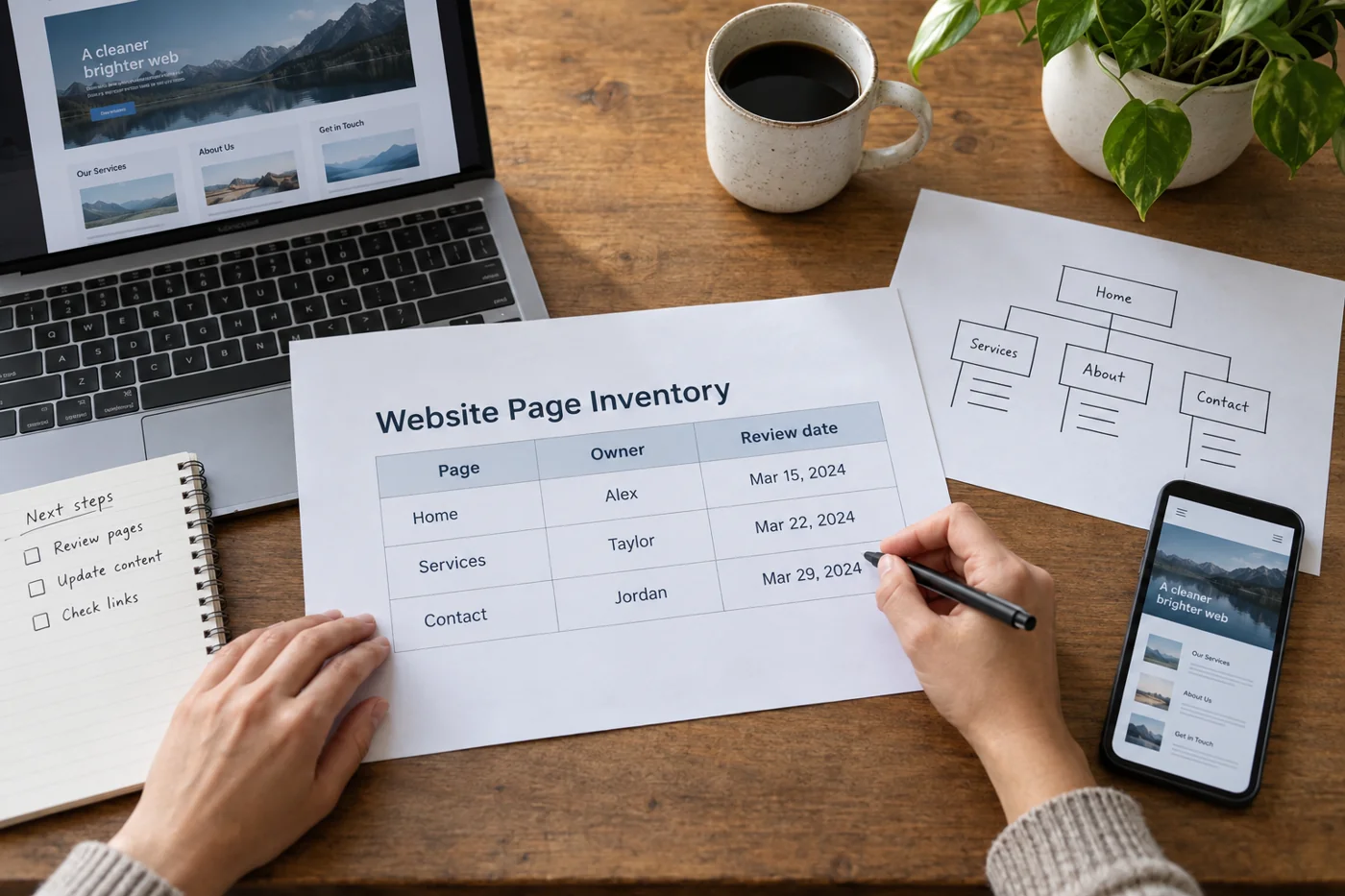
Define a manageable page selection
Include the homepage, a typical content page and one important functional journey initially. Add a representative of each substantially different page type. A short article and a page containing a wide comparison table can behave differently. Record the selection rather than later claiming every page was reviewed.
A real phone shows input and touch under different conditions from a narrowed desktop window. Both can be useful, but answer different questions. Note the device or browser view and approximate screen width so a discovered problem can be reproduced more precisely.
Separate reading from navigation
Read a longer passage without changing anything first. Are lines or words clipped? Must ordinary body text be scrolled sideways? Inspect long email addresses, filenames and compound headings particularly. An image may fit while one long string widens the entire page.
Then open the menu and choose a subsection. Can the menu close again, and does the selected destination remain reachable? Test the return route too. A menu that looks complete may still block a link underneath or enter an unclear state after the device rotates.
Try the actual controls
Complete existing search or form fields with appropriate test data. Watch the page while the keyboard is visible. Can you still locate the label, input and next step? Test error messages too, since they change the space available. A successful ordinary case does not cover that view.
Tap important links and buttons while holding the device normally. If two destinations are easily confused, record the location. “Category selection often opens the neighbouring link when tapped” is more useful for correction than a broad statement that everything is too small on mobile.
Also try enlargement through available browser features. W3C includes zoom in an initial accessibility review. That one step does not confirm complete accessibility, however. Record whether content and functions remained usable at the setting actually checked.
Prioritize problems by their effect
An unreachable contact route matters more urgently than an uneven image edge. Classify findings as blocked tasks, difficult interaction or purely visual issues. For each, describe starting page, action and observed result. A screenshot can supplement those details but cannot replace them.
After a correction, repeat the affected journey and an adjacent ordinary one. A new menu position may solve the first problem while covering a heading. Mobile review ends with an understandable outcome for the tested tasks, not simply the impression that the phone now resembles the desktop version.