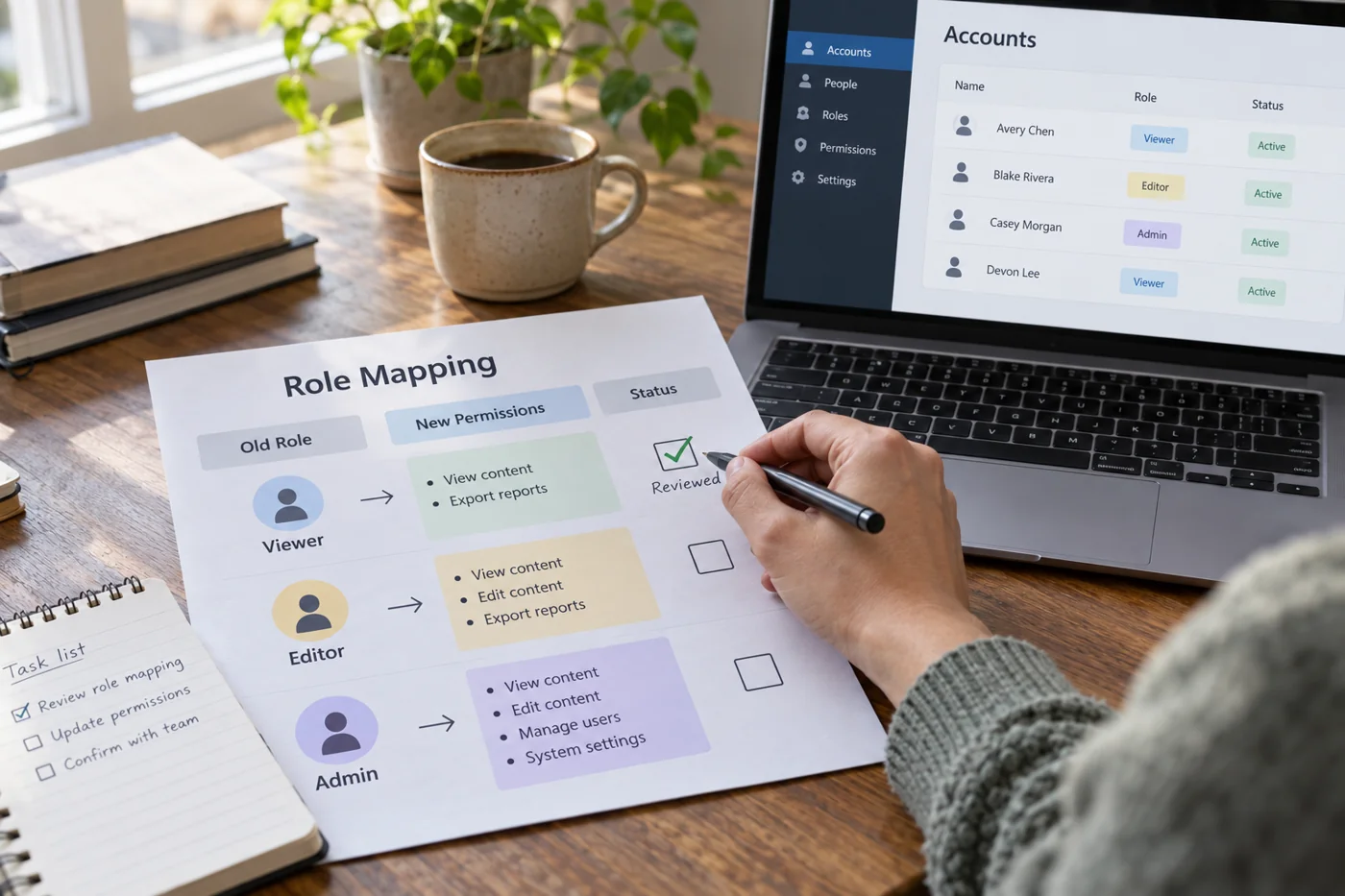
Compare tasks rather than role names
List who needs to read, edit, approve or administer content. Separate these actions by work area. Somebody may need editing rights for their own projects but only reading access to a shared overview. One broad role can conceal that distinction.
Identify external participants and temporary access. Check whether the destination uses different account types or sharing routes for them. Do not automatically carry over every previous permission simply because it already existed.
Create a small role matrix
Put people or working roles in rows and required areas in columns. Record the necessary action and corresponding destination setting. An unclear combination becomes an explicit question for the administrator or provider.
Avoid shared administrator credentials as a convenient substitute for proper assignment. Examine the product’s intended administration options. The matrix itself contains no passwords and should be available only to people who need it for their work.
Test in both directions
Use suitable test accounts to confirm permitted tasks work. Also check that unintended areas remain inaccessible. Testing only allowed actions would miss overly broad rights. An owner view cannot substitute for a restricted role.
Record results and correct the matrix when a setting behaves differently from expectation. After a change, recheck the affected routes, including shared links and embedded files.
Remove old access according to the agreed plan only after a confirmed handover. Record who will handle future role changes. A tidy initial setup achieves little if later arrivals, role changes and departures lack traceable ownership.
Explicitly account for cover arrangements. Somebody taking on extra duties during an absence may need temporary access rather than a permanent role expansion. Record who will review that access when the arrangement ends.